- Test Data Types
 Raw
Raw- Parameter
- Runtime
- Random
- Data Generator
- Phone Number
- Mail Box
- Environment
- Concat Test Data
- Folder Structure for Test Data Profiles
- Create Test Data Profile
- Update Test Data Profile
- Update Value in Test Data Profile
- Import Test Data Profile
- Bulk Deletion of a Test Data Profile
- Create Test Data [Environment]
- data generators
- Default Test Data Generators
- Address Function Type
- ChangeDataType Function Type
- Company Function Type
- DateFunctions Function Type
- DomainFunctions Function Type
- EmailFunctions Function Type
- File Function Type
- Friends Function Type
- IdNumber Function Type
- Internet Function Type
- MailboxAliasFunctions Function Type
- MailboxFunctions Function Type
- Name Function Type
- NameFunctions Function Type
- Number Function Type
- NumberFunctions Function Type
- Phone Number Function Type
- PhoneNumberFunctions Function Type
- Random String Function Type
- RandomText Function Type
- StringFunctions Function Type
- TestDataFromProfile Function Type
DomainFunctions Function Type
Domain Functions design email addresses with specific domains. They create email addresses that align with a particular organization or domain name, ensuring that the generated emails are correctly formatted for that domain.
Prerequisites
Before you begin, ensure that you have referred to:
Selecting DomainFunctions as a Function Type for Data Generator
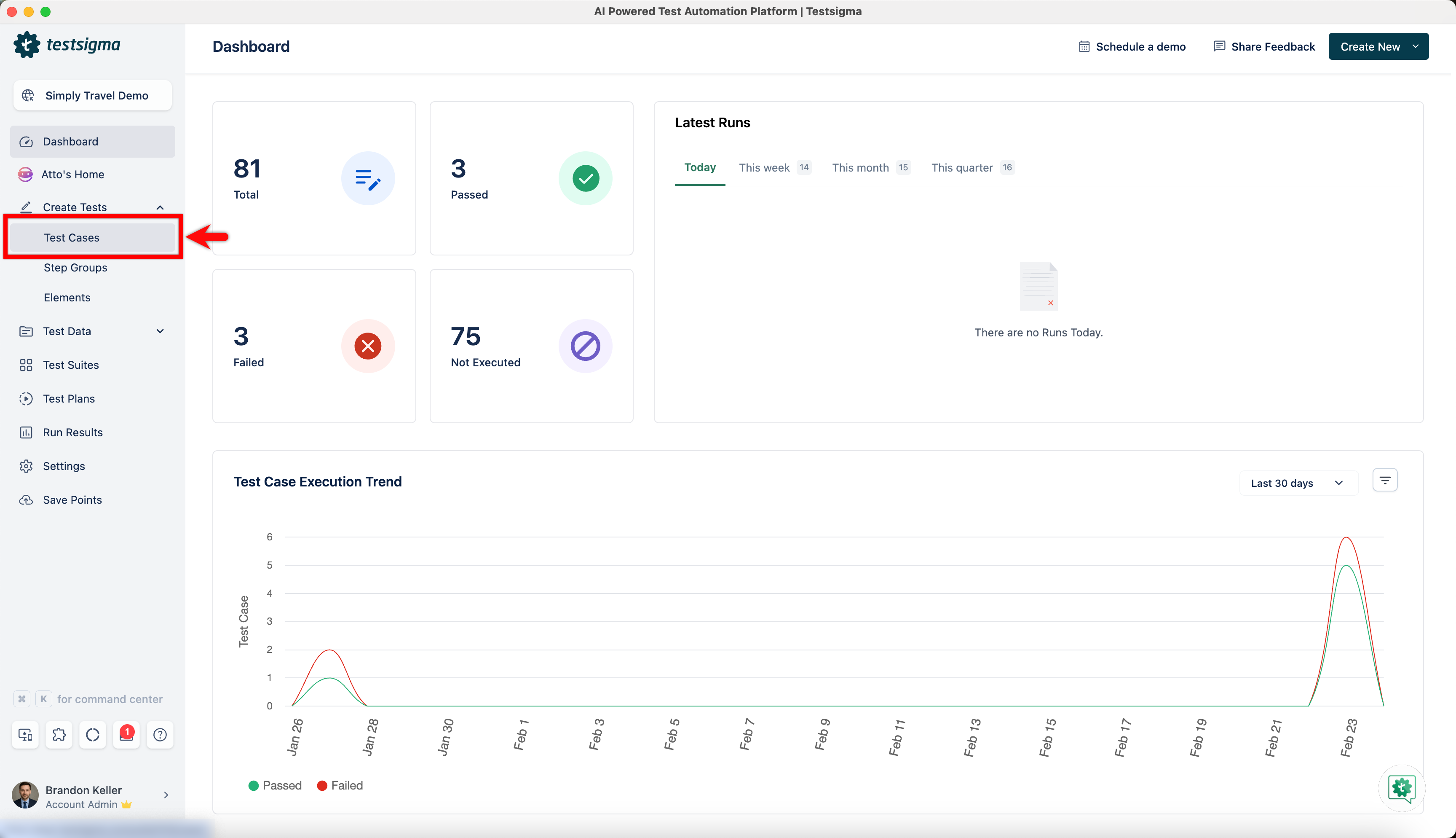
- From the left navigation bar, go to Create Tests > Test Cases and create a new test case.
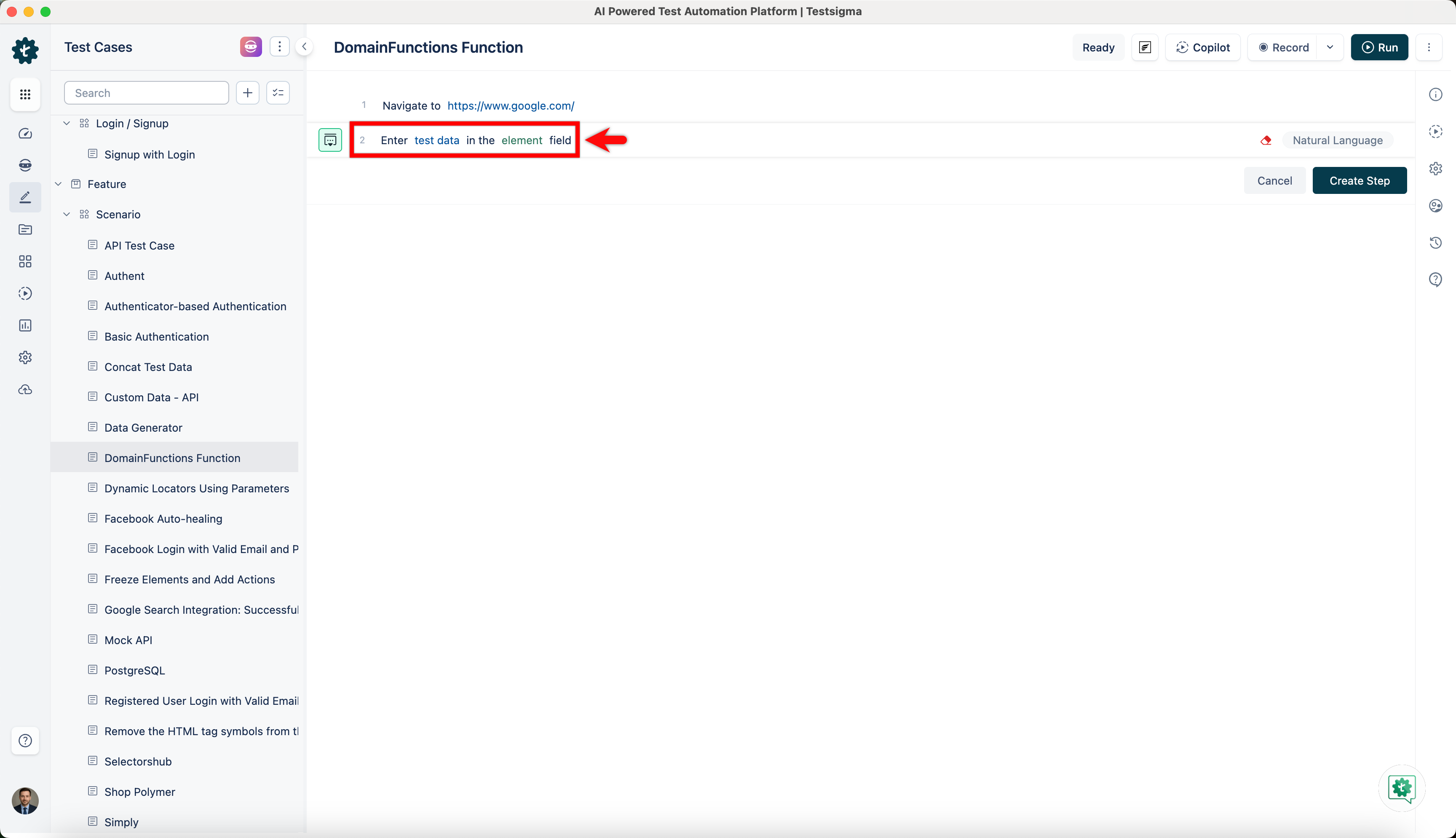
- Use NLP to create a new step in the test case and include a placeholder for test data.
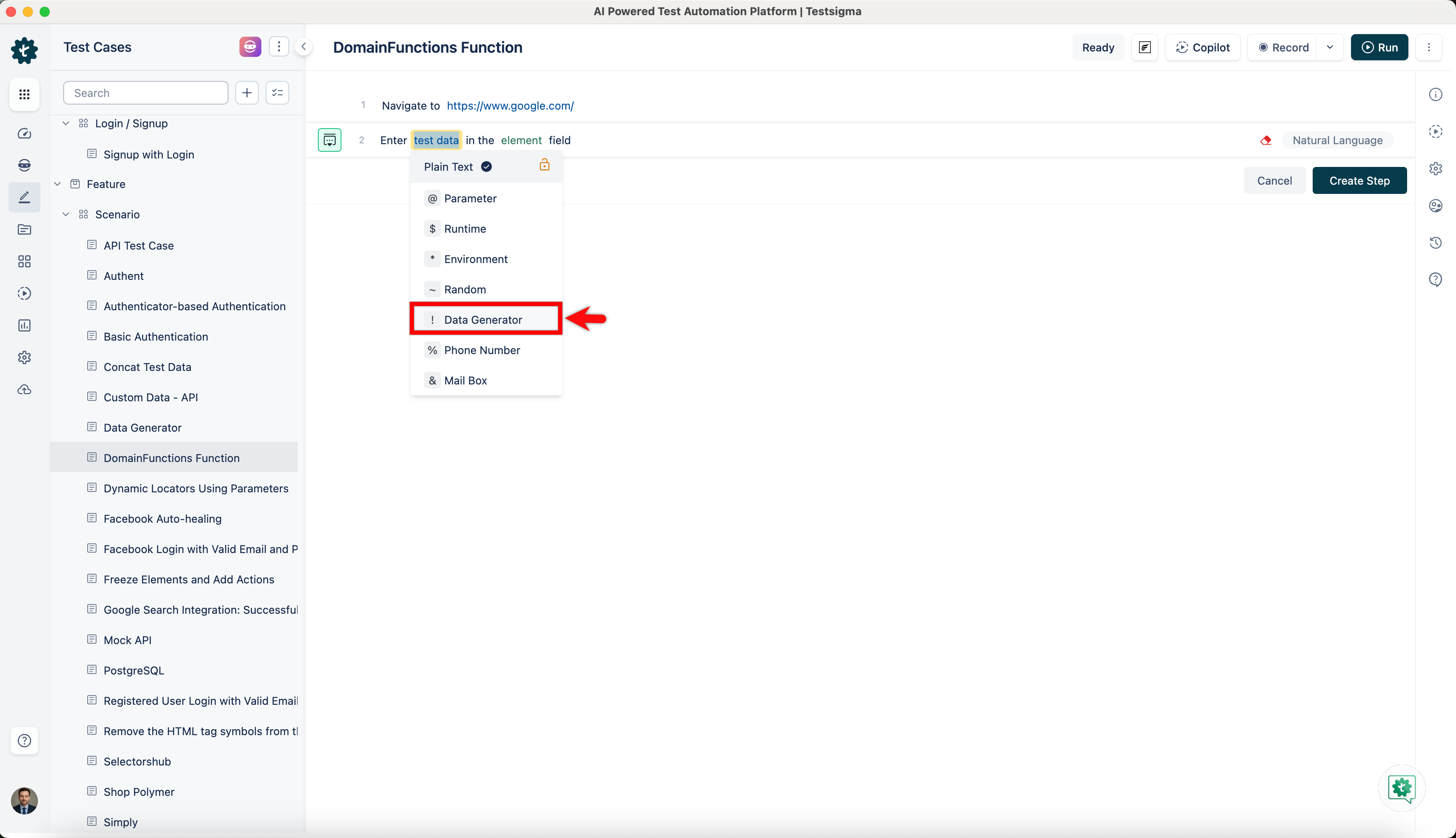
- Click on the test data placeholder. From the Test Data Types dropdown menu, select the ! Data Generator option.
- On the ! Data Generators overlay screen, select the Type to Default. This will enable you to use a collection of built-in test data generators.
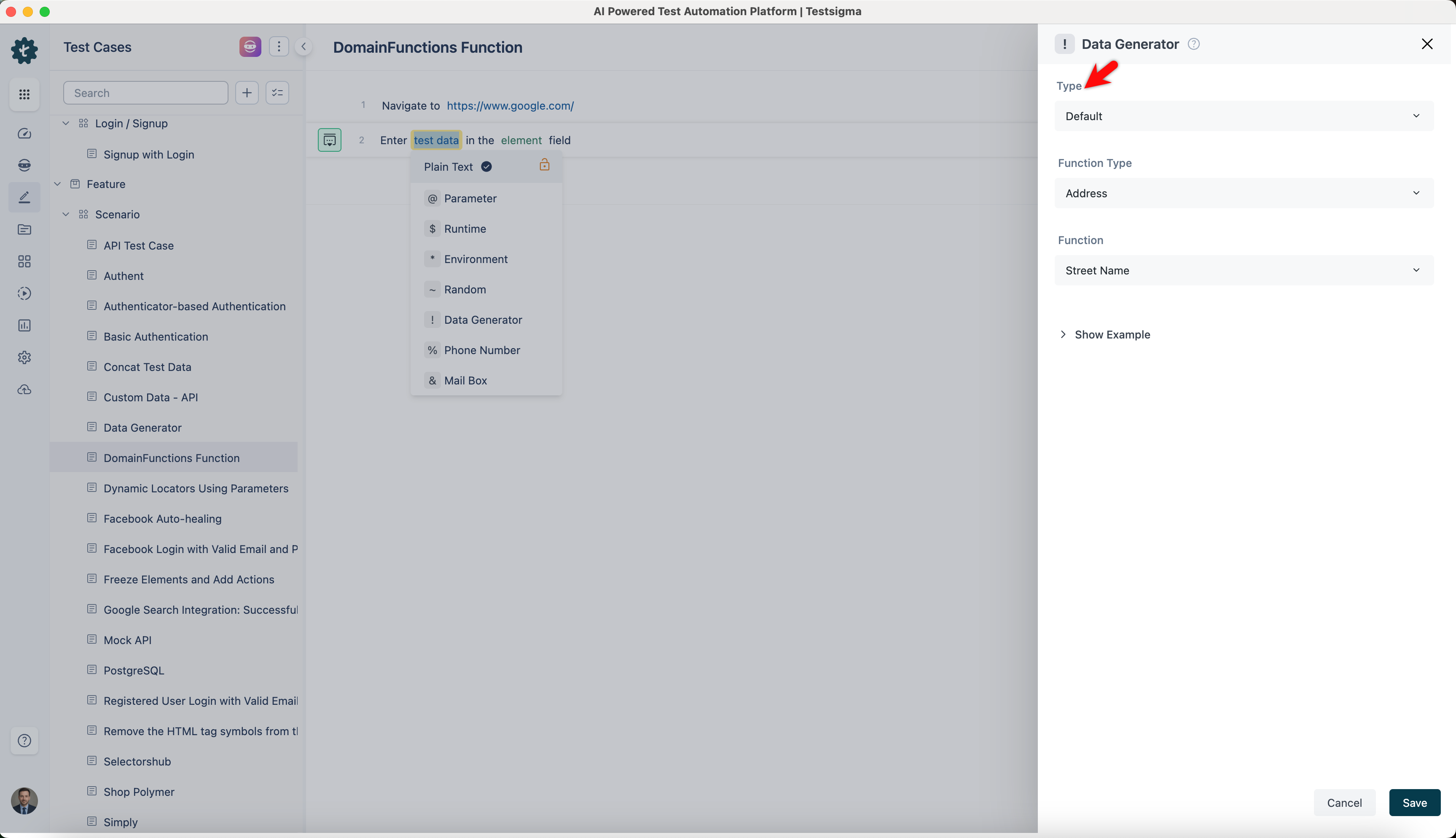
- Select DomainFunctions from the Function Type dropdown list.
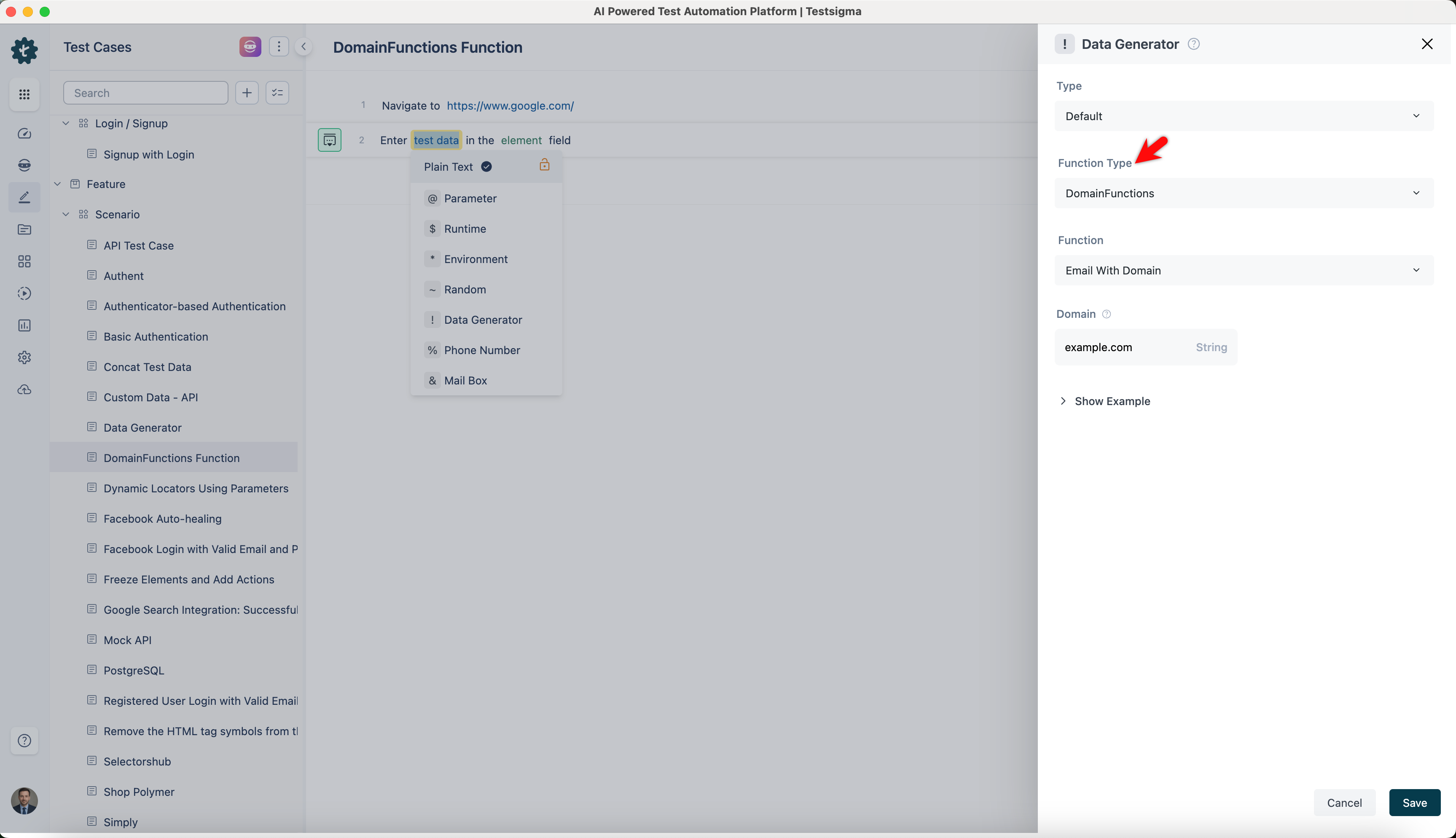
NOTE:
This action will display a list of built-in functions associated with the DomainFunctions function type, enabling you to select the appropriate function based on your requirements.
Email with Domain
- Allows you to generate an email address with a specified domain, ensuring the email format adheres to your inputs.
- It is useful when you create realistic email addresses with domains for testing or in any scenario that requires domain-specific email addresses.
ℹ️Examples:
| Inputs | Outputs |
|---|---|
| domain: example.com | john.doe@example.com |
| domain: mycompany.org | jane.smith@mycompany.org |
| domain: school.edu | robert.brown@school.edu |
| domain: organization.net | emily.jones@organization.net |

Want to contribute or report missing content?