- create test cases
 Organizing Test Cases in Folders
- Test Cases for Web Applications
- Test Cases for Mobile Applications
- Test Cases for Mobile Web Applications
- Manage Test Cases for Web Applications
- Manage Test Cases for Android & iOS Apps
- Manage Test Cases for Mobile Web Applications
- Test Case List Actions
- Importing Postman Collections and Environments
- Custom Fields for Test Cases
- Label Management
- Update Test Case Result in a Test Plan
- Test Case: Advanced Options Guide
- Test Step Types
- Type: Natural Language
- Type: REST API
- Type: Step Group
- Type: For Loop
- Type: While Loop
- Type: Block
- Type: If Condition
- Nested Step Groups
- Image Injection
- Cross-application testing
Authorization
Authorization in RESTful API testing verifies that a user has the necessary permissions to access a particular resource. This is typically done by sending an authorization token with each request. The server then verifies the token to ensure the user has the necessary access permissions. If the token is valid, the server will return the requested resource. If the token is invalid, the server will return an error.
APIs require authentication information, which you can provide in Testsigma. Authentication involves confirming the client's identity & permission to carry out the endpoint operation.
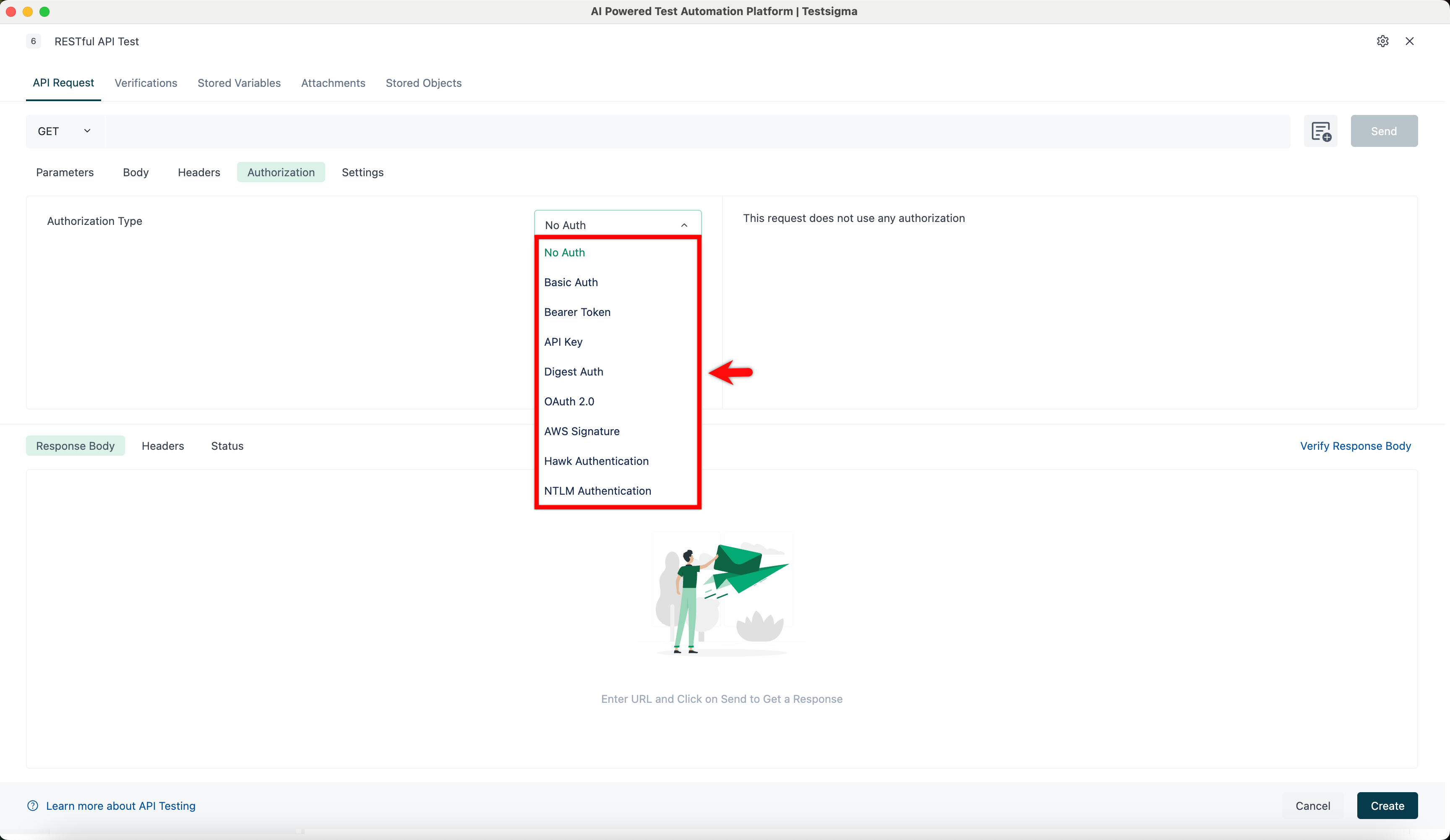
- Open the Authorization tab to configure your access details. By default, it will be No Auth.
- Click the drop-down list and choose which type of authorization is needed.
- Fill in the required fields based on your authorization.

Want to contribute or report missing content?