- test plans
 Add, Edit, Delete Test Machines
- Add, Edit, Delete Test Suites
- Schedule Test Plans
- Run Test Suites In Parallel
- Cross Browser Testing
- Distributed Testing
- End-to-End Testing
- Headless Testing
- Test Lab Types
- Disabling Test Cases in Test Plans
- AfterTest Case
- Post Plan Hook
- AfterTest Suite
- Email Configuration in Test Plan
- Execute Partial Test Plans via API
Test Plan: Cross Browser Testing
Cross Browser Testing is testing web applications across multiple browsers to ensure functionality and performance are consistent and as expected on different browsers. With Testsigma application, you can execute cross-browser testing within a minute by selecting the cross-browser test plan option and adding Test Suites to it.
Prerequisites
Before you begin, ensure that you have referred to:
Steps to Enable Cross Browser Testing
- Navigate to Test Machines & Suites Selection under the Create Test Plan page. For more information on creating a test plan, refer to the documentation on creating test plans.
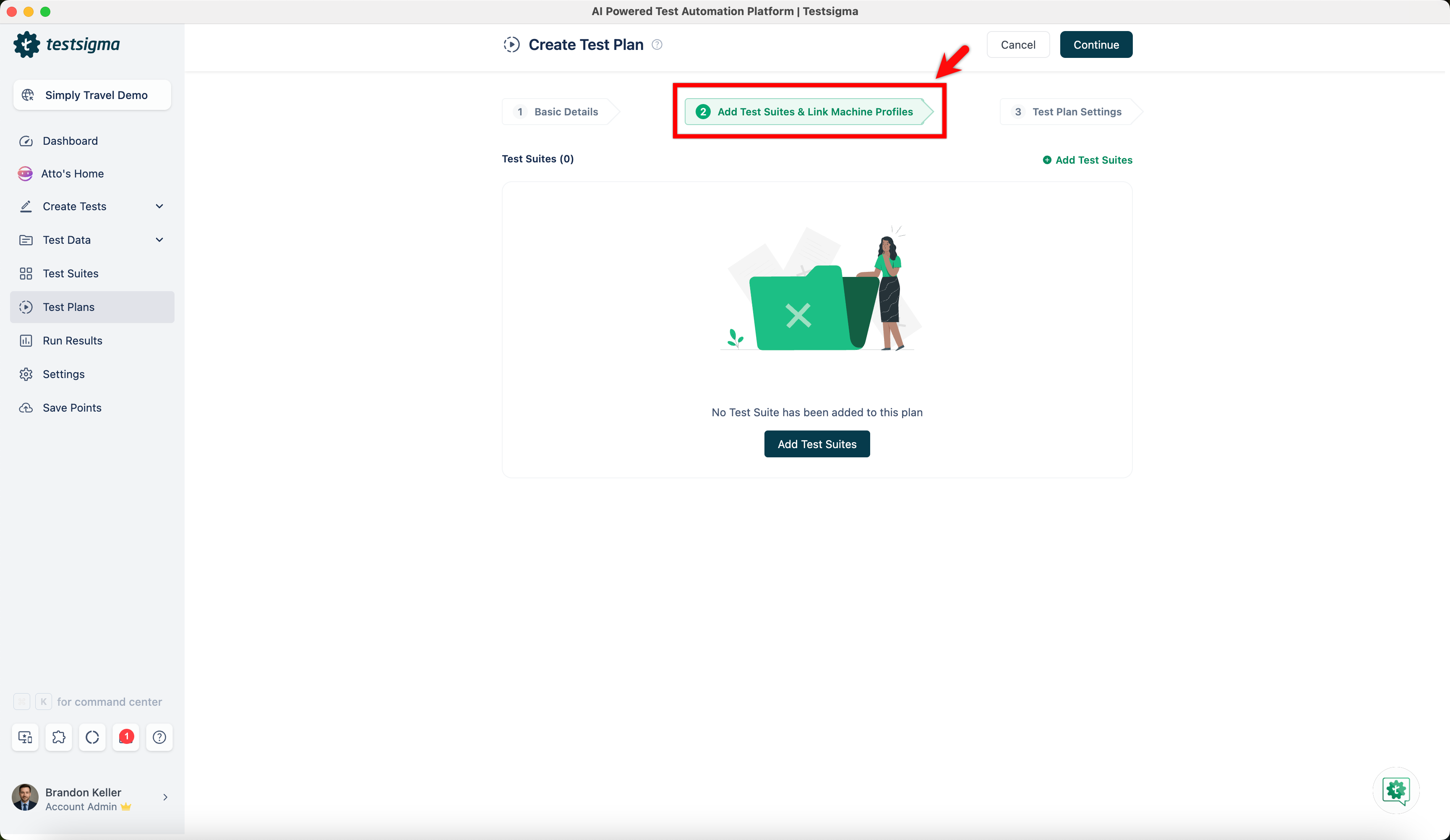
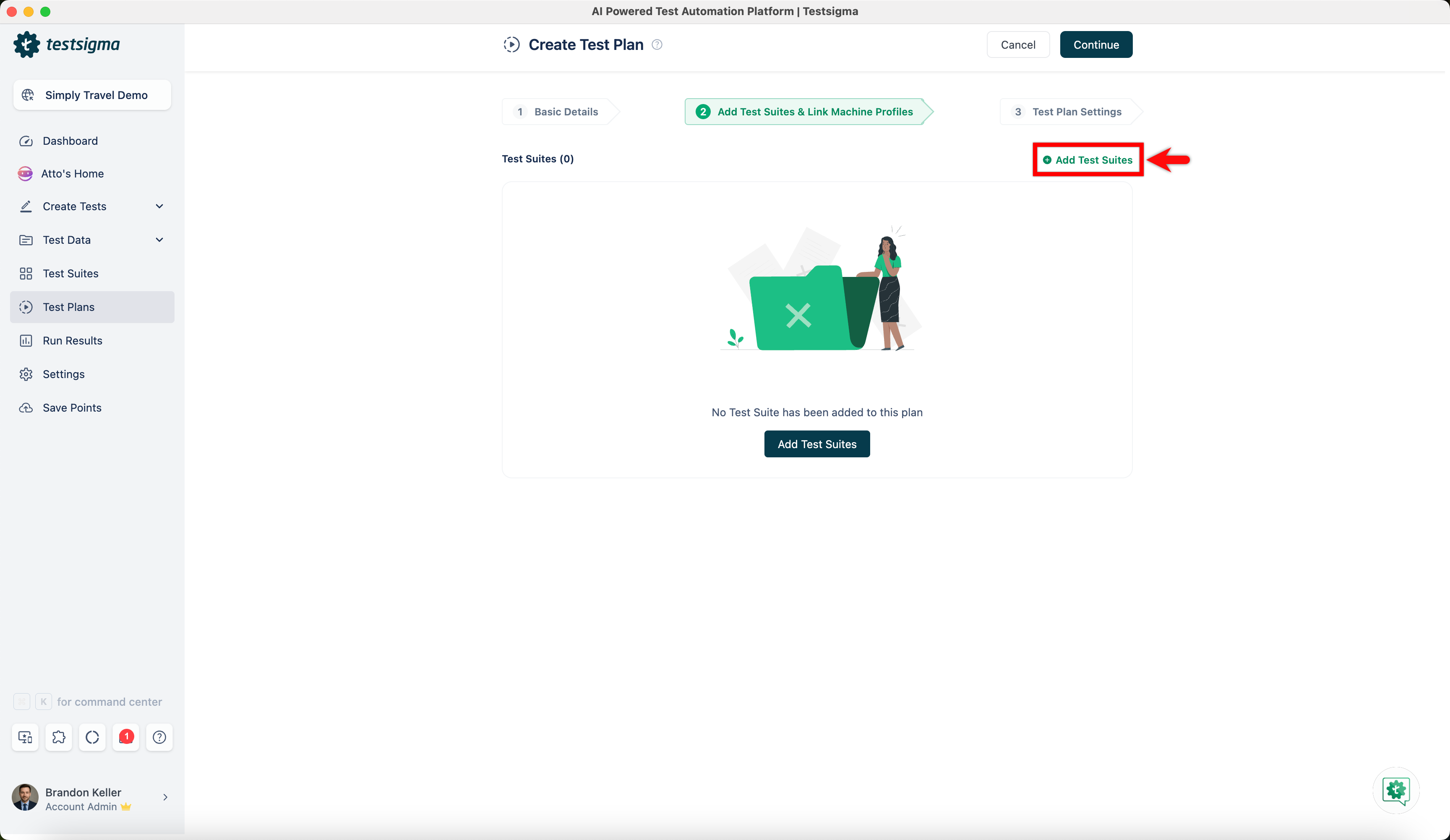
- Under the Test machines & suites selection tab, select the test suite for which you want to add the test machine for test execution. For more information on adding test suites to a test plan, refer to the documentation on adding test suites to a test plan.
- Once you have selected the test suites, select the test machines to run the corresponding test suite. For more information on adding test machines to a test plan, refer to the documentation on adding test machines to a test plan.
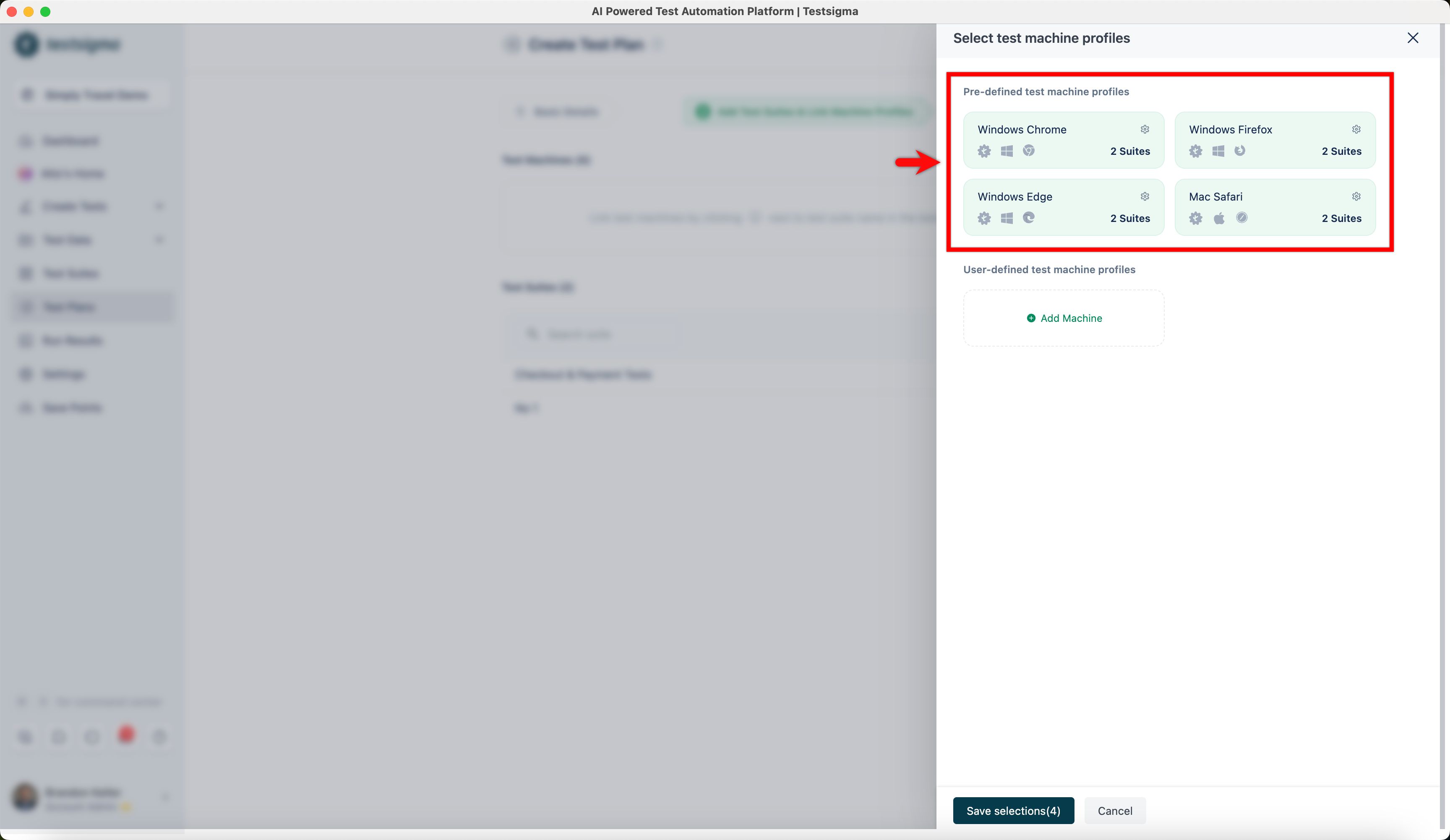
Note that, for Cross Browser Testing, test machines and test suites are selected separately. On execution, all the selected test suites are run on all selected test machines (in parallel or sequentially - depending on your selection).

Want to contribute or report missing content?