- create test cases
 Organizing Test Cases in Folders
- Test Cases for Web Applications
- Test Cases for Mobile Applications
- Test Cases for Mobile Web Applications
- Manage Test Cases for Web Applications
- Manage Test Cases for Android & iOS Apps
- Manage Test Cases for Mobile Web Applications
- Test Case List Actions
- Importing Postman Collections and Environments
- Custom Fields for Test Cases
- Label Management
- Update Test Case Result in a Test Plan
- Test Case: Advanced Options Guide
- Test Step Types
- Type: Natural Language
- Type: REST API
- Type: Step Group
- Type: For Loop
- Type: While Loop
- Type: Block
- Type: If Condition
- Nested Step Groups
- Image Injection
- Cross-application testing
Cross-application testing
One interesting feature of Testsigma is allowing users to create customized NLPs to author tests. This article discusses on how to use NLP's to automate cross-application testing across multiple versions. For more information on how to upload applications, refer to the documentation on uploading android and iOS apps.
Upload a New App Version
- From the left navigation bar, go to Test Data > Uploads.
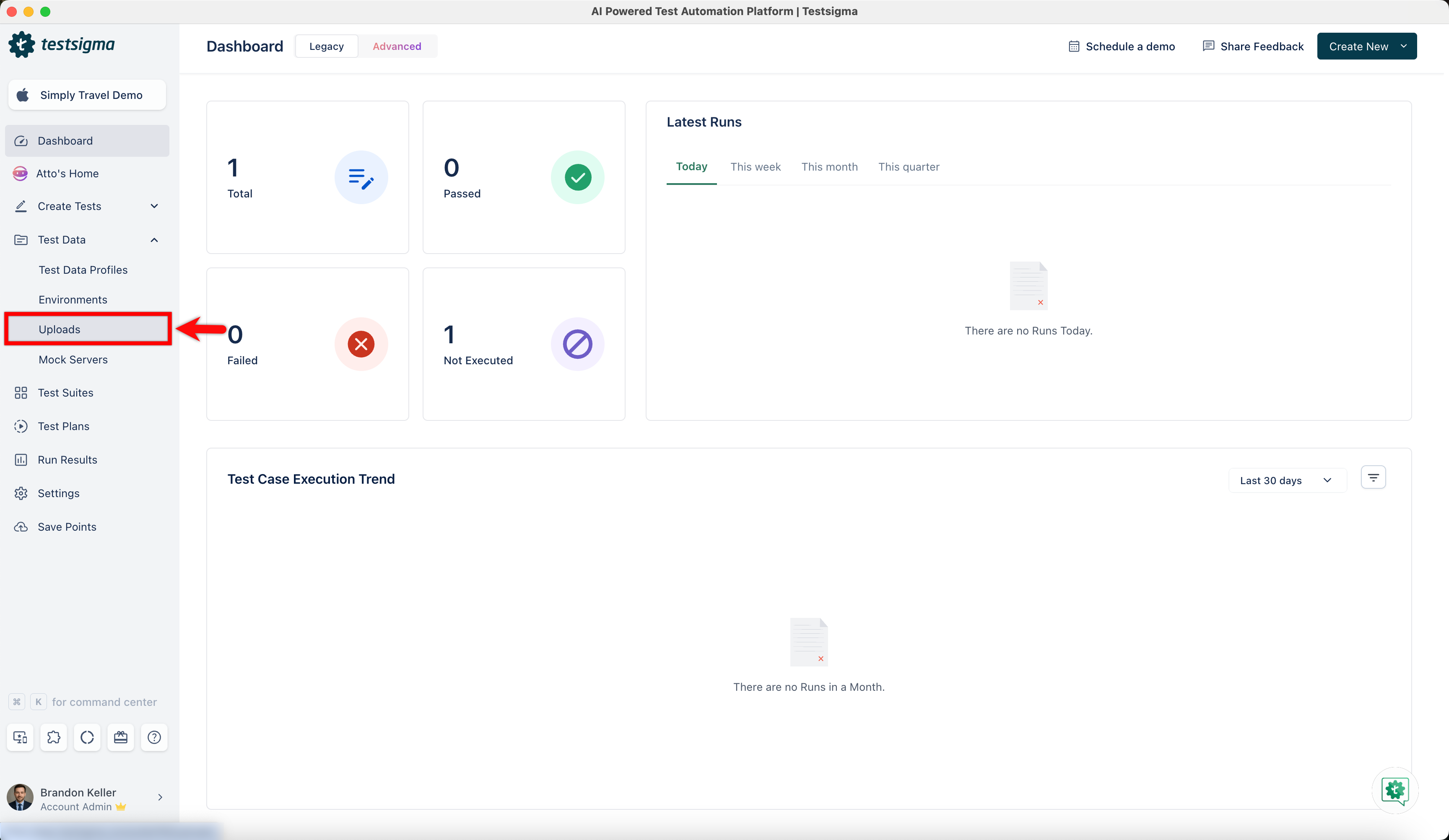
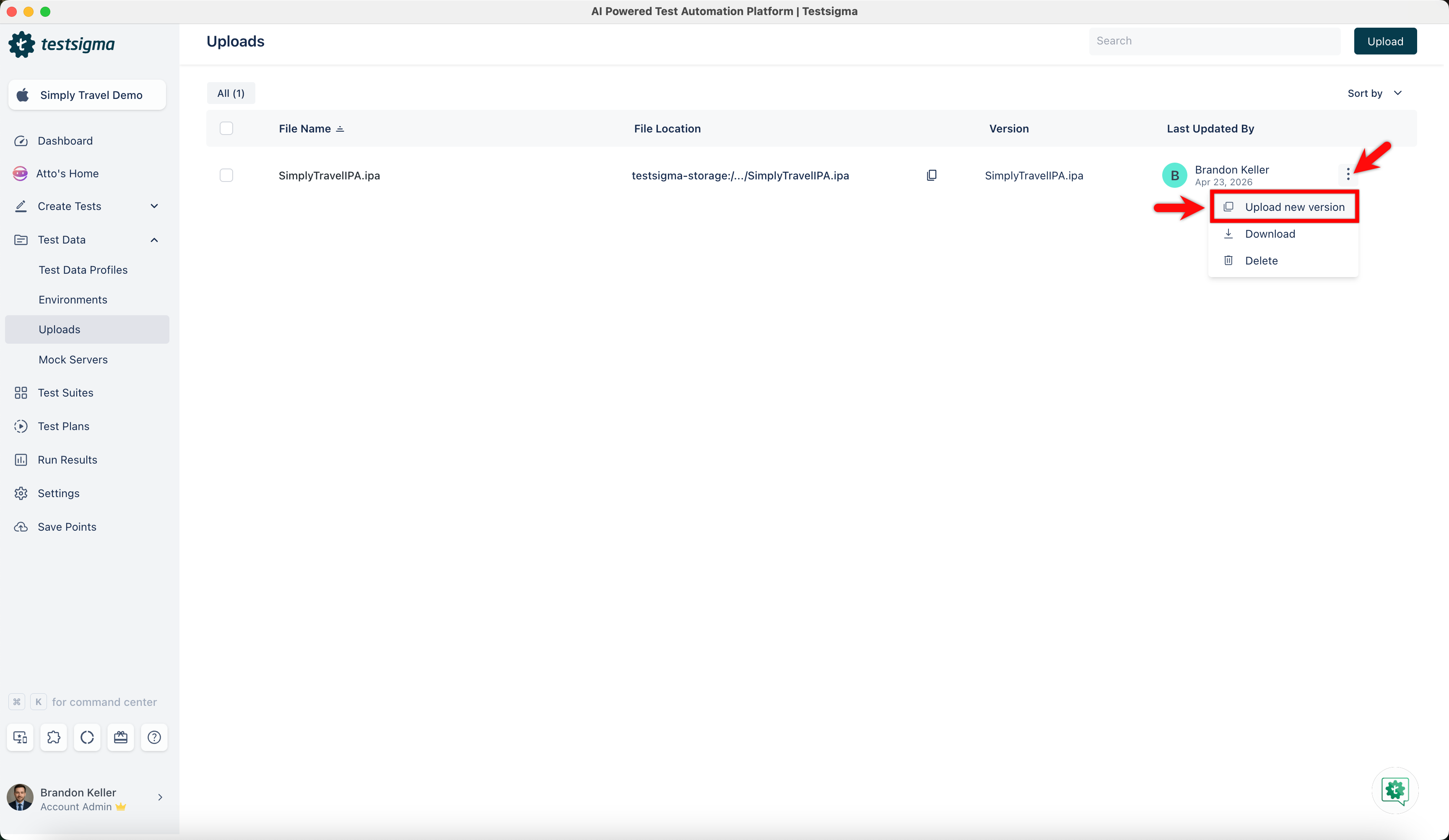
- In the Uploads screen, click the ellipsis icon against an uploaded file and click Upload New Version.
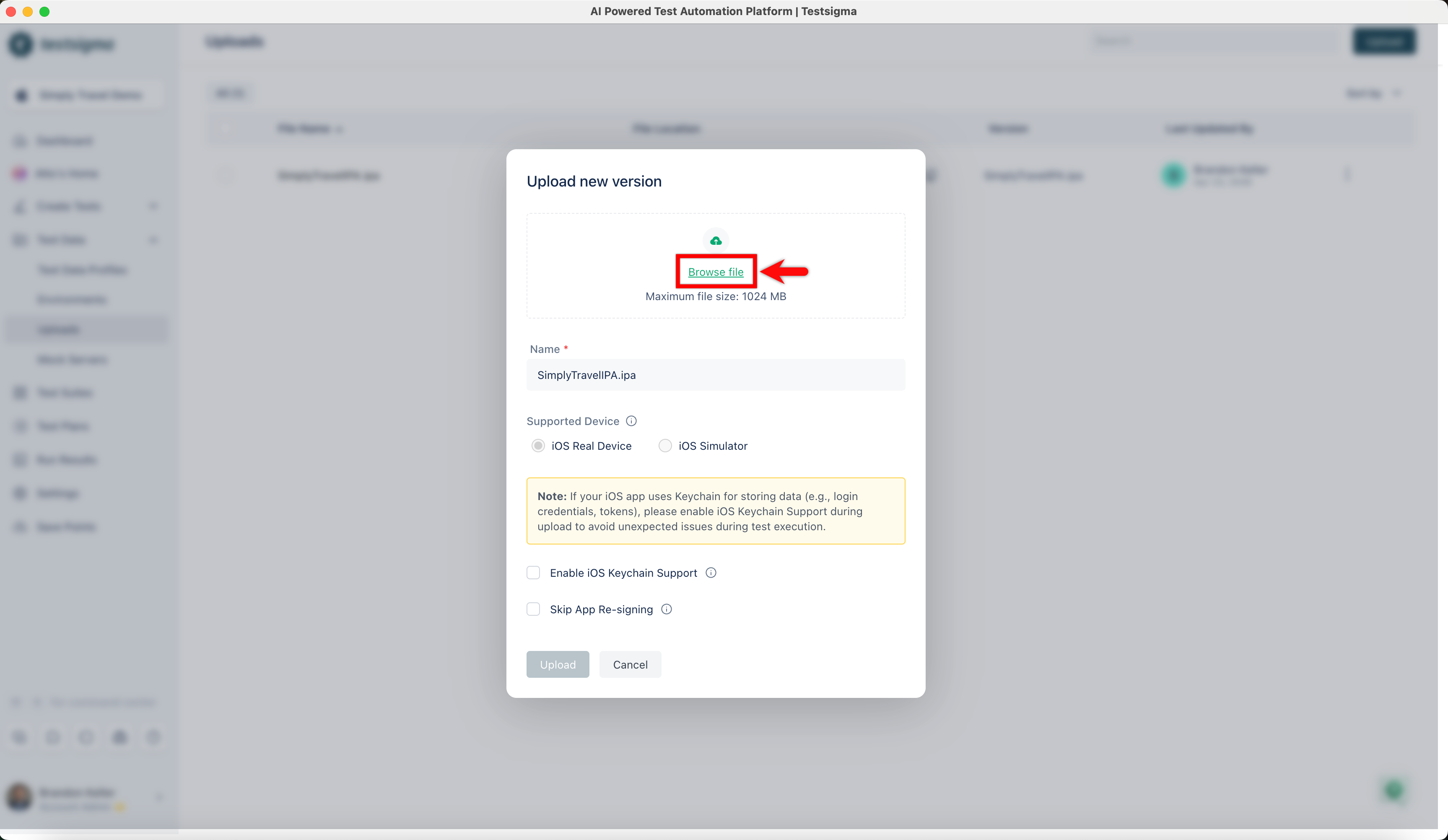
- In the Upload New Version dialog, click Browse File and upload the new version.
- Update the file name and version as required, then select the Enable iOS Keychain Support and Skip App Re-signing checkboxes if applicable.
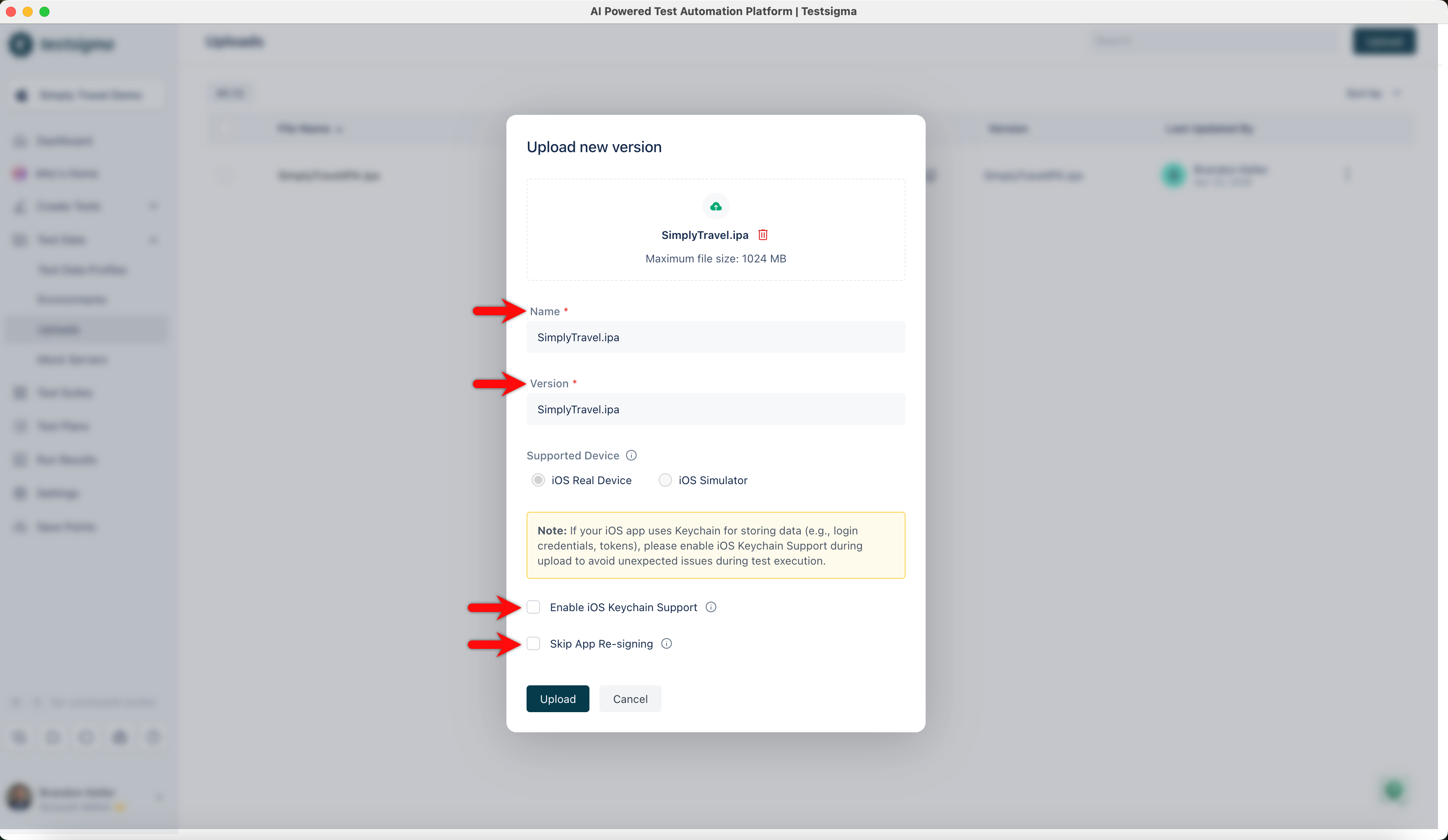
Enable iOS Keychain Support when uploading apps that rely on Keychain for storing sensitive data such as credentials or tokens. Skipping this may cause unexpected failures during test execution.
Use the Updated App in a Test Step
- From the left navigation bar, go to Create Tests > Test Cases.
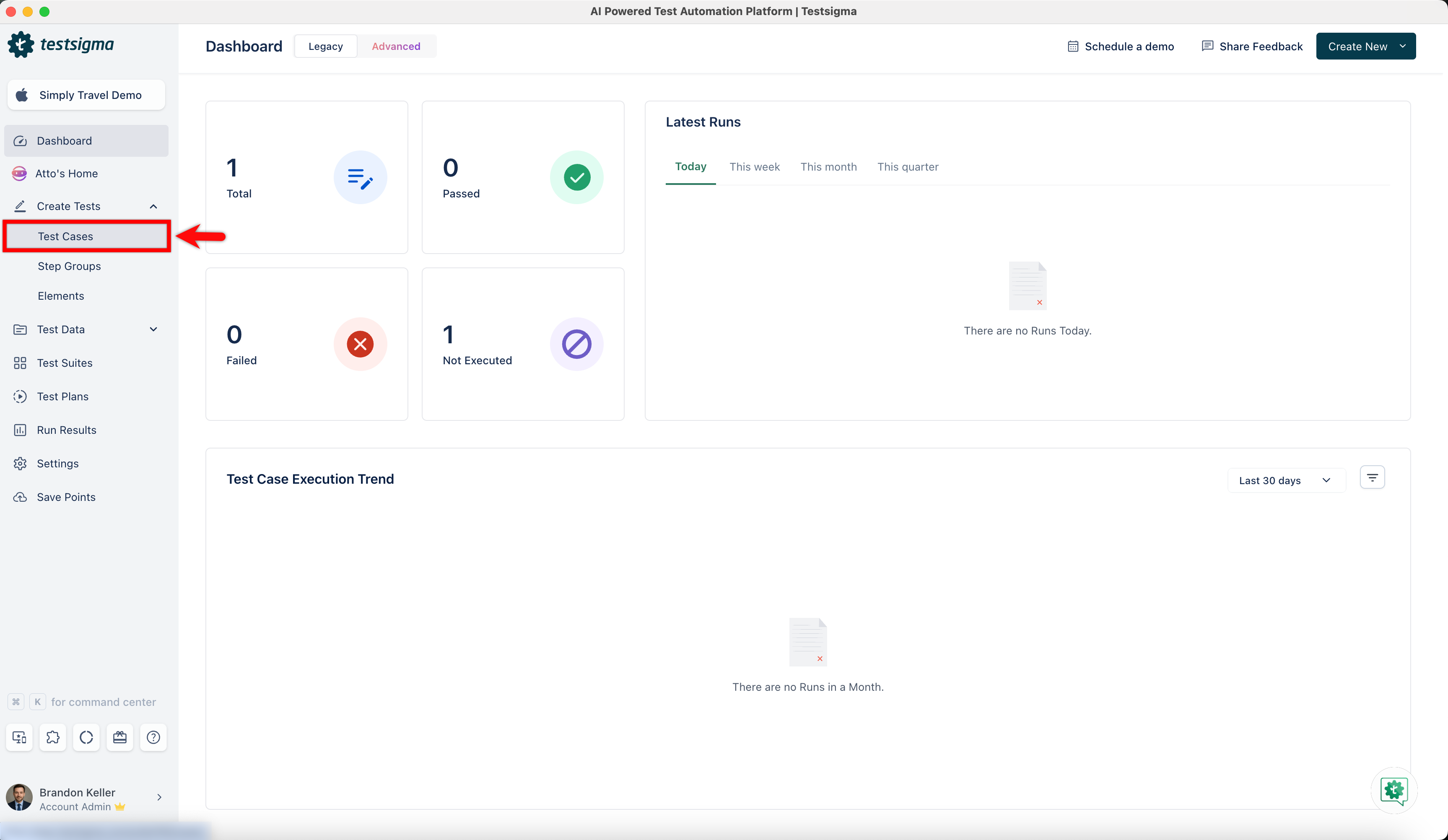
-
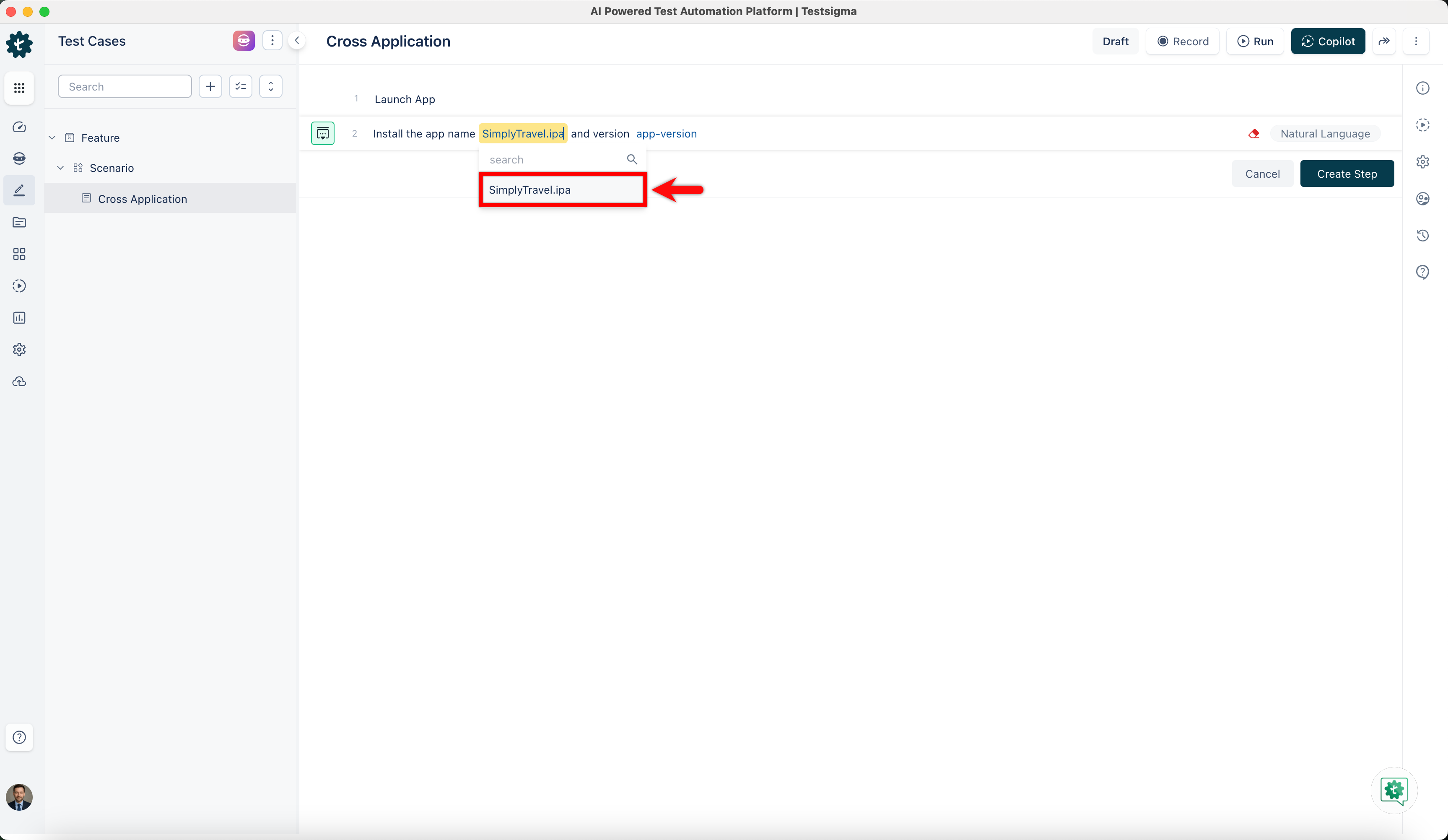
Create a test case and use the Install the app name app-name and version app-version NLP to test your new version.
- Click the app-name and select your APK from the dropdown menu.
- Click the app-version to select the version from the dropdown menu.
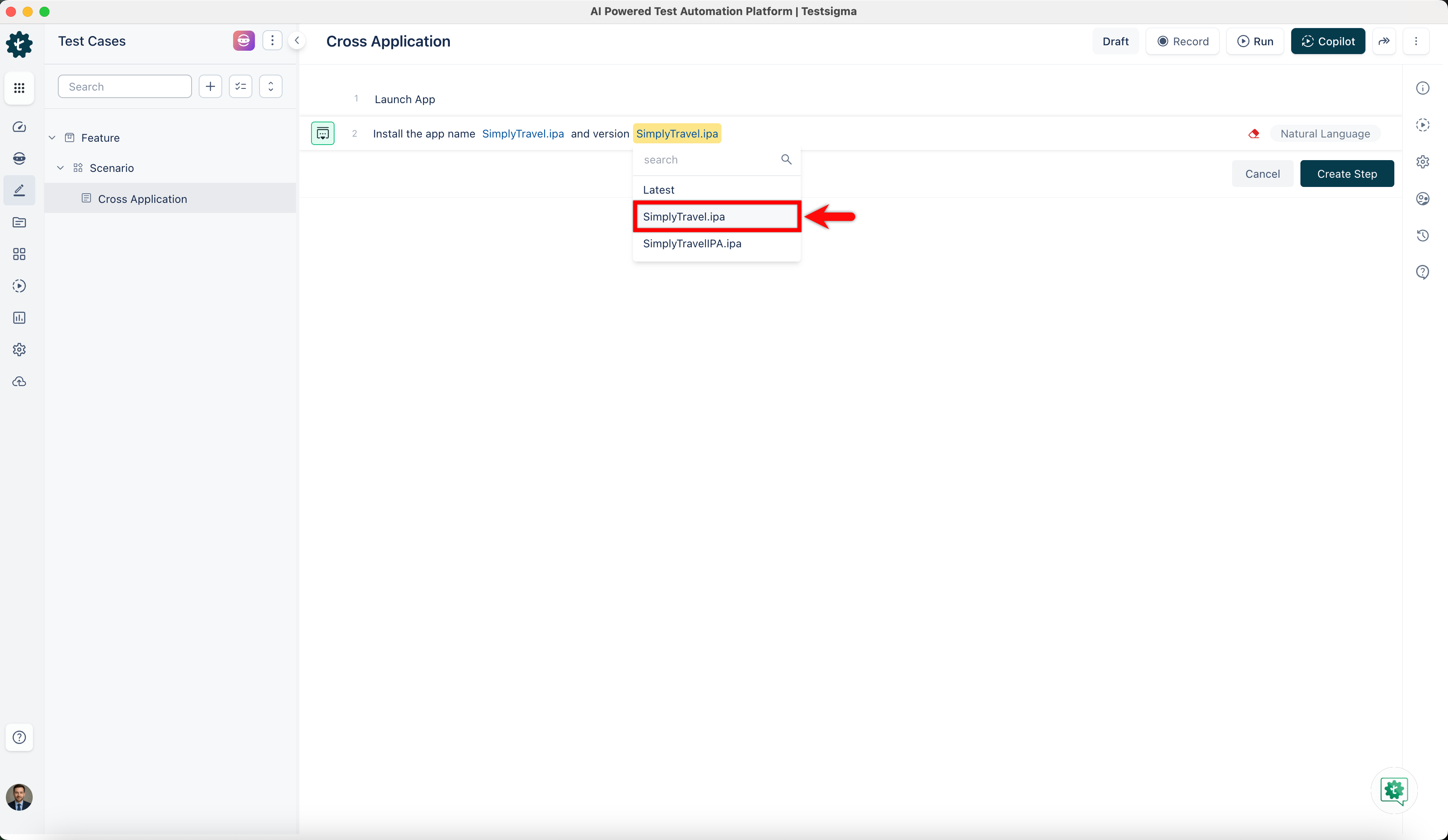
- Click the app-name and select your APK from the dropdown menu.
- Click Create Step.
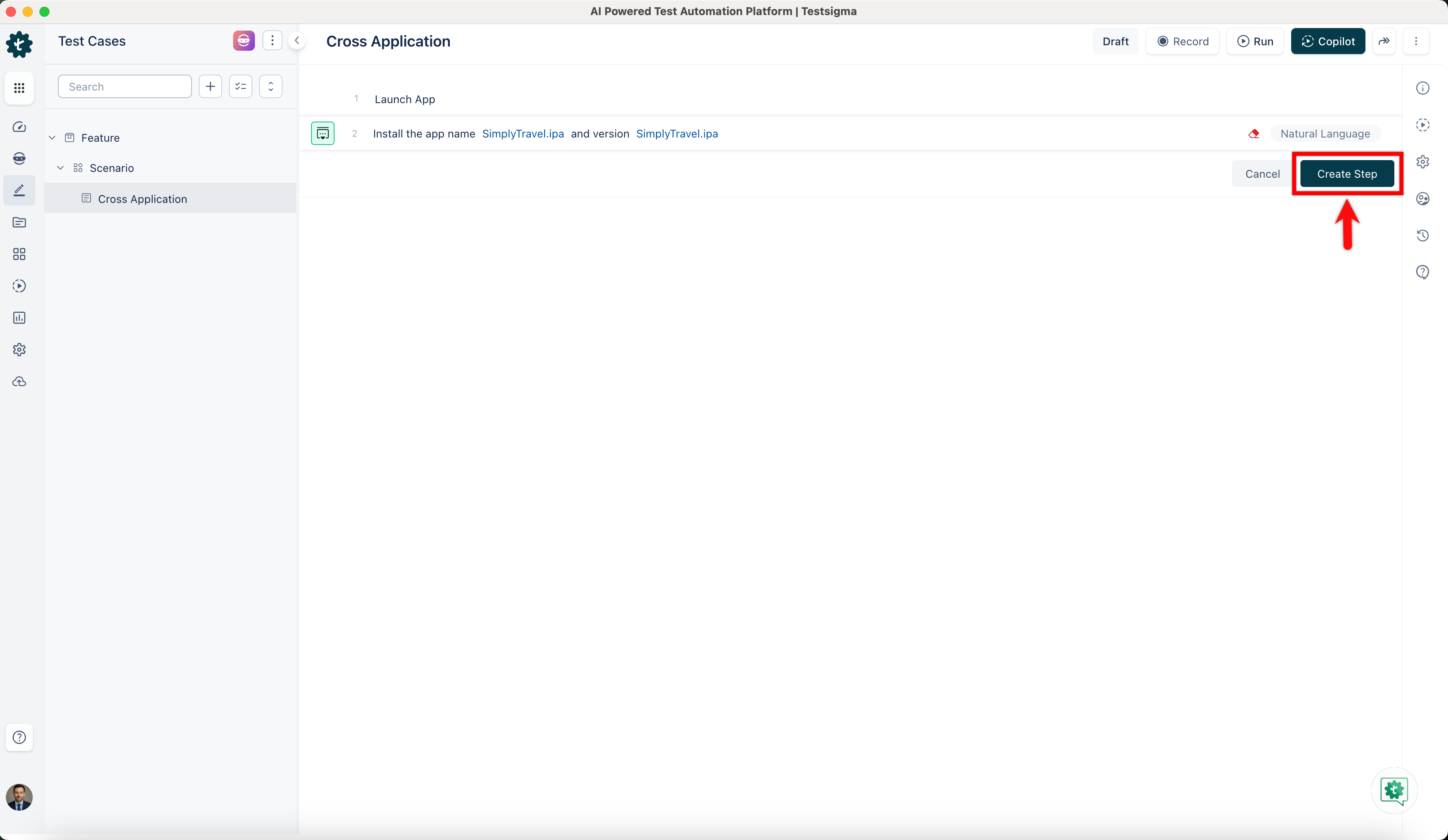
By default, the app-version will be set to the Latest version. Users can select the specific app version to test in the dropdown menu.

Want to contribute or report missing content?