
OpenAI
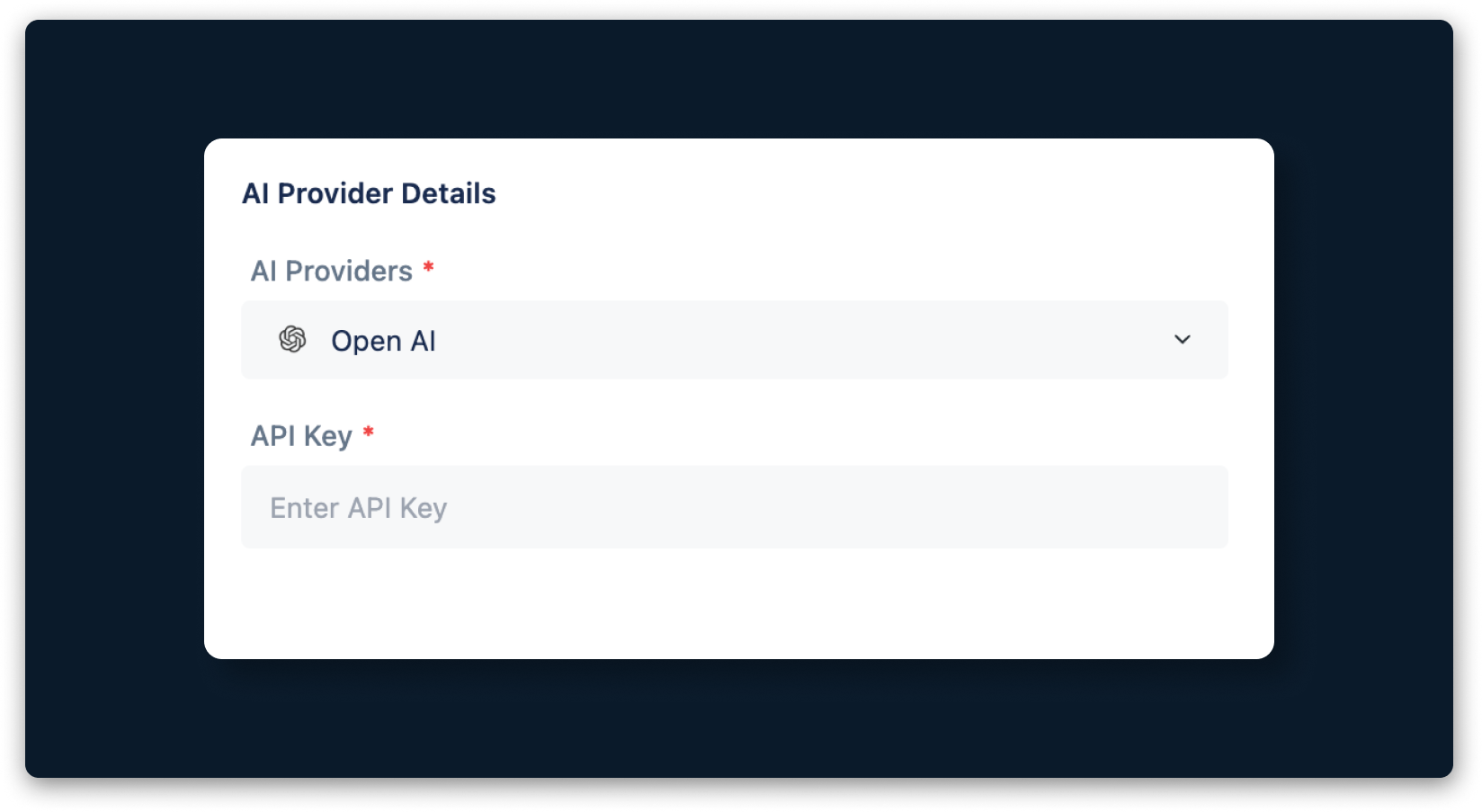
Testsigma supports integration with OpenAI, enabling you to map various features within the application. To set up this integration, you need an API key from the OpenAI platform. This article discusses how to retrieve the API key from OpenAI.
Prerequisites
Before you begin, ensure you have an active OpenAI account.
Steps to Get OpenAI Details
- Navigate to OpenAI Platform > API Keys..
- Click Create New Secret Key in the top-right corner.
- In the Create New Secret Key dialog, enter a Name, select a Project, and click Create Secret Key.
- In the Save Your Key dialog, click Copy to copy the generated API key.
- Use this key in the Testsigma application.

Want to contribute or report missing content?