- GenAI Capabilities
 Testsigma Copilot
- Generate TDP Using Copilot
- Generate Tests from User Actions
- Generate Tests from Requirements (Jira)
- Generate API Test Cases (Swagger)
- Generate Tests from Figma Designs
- Testsigma Copilot for Mobile Apps
- Agentic Test Generation with GitHub
Introduction: BYOK ֎
Testsigma allows you to integrate your preferred LLMs using your own API keys (Bring Your Own Keys), ensuring data sovereignty and privacy compliance while enhancing test generation accuracy. This integration gives you control over data privacy, costs, and enables you to fine-tune AI models with your domain-specific data for improved test outcomes. This article discusses integrating Testsigma with LLMs.
Prerequisites
Before you begin, ensure you have the valid API keys and necessary details for your preferred LLM provider.
Supported LLMs
- Azure OpenAI
- OpenAI
Steps to Create a New Key
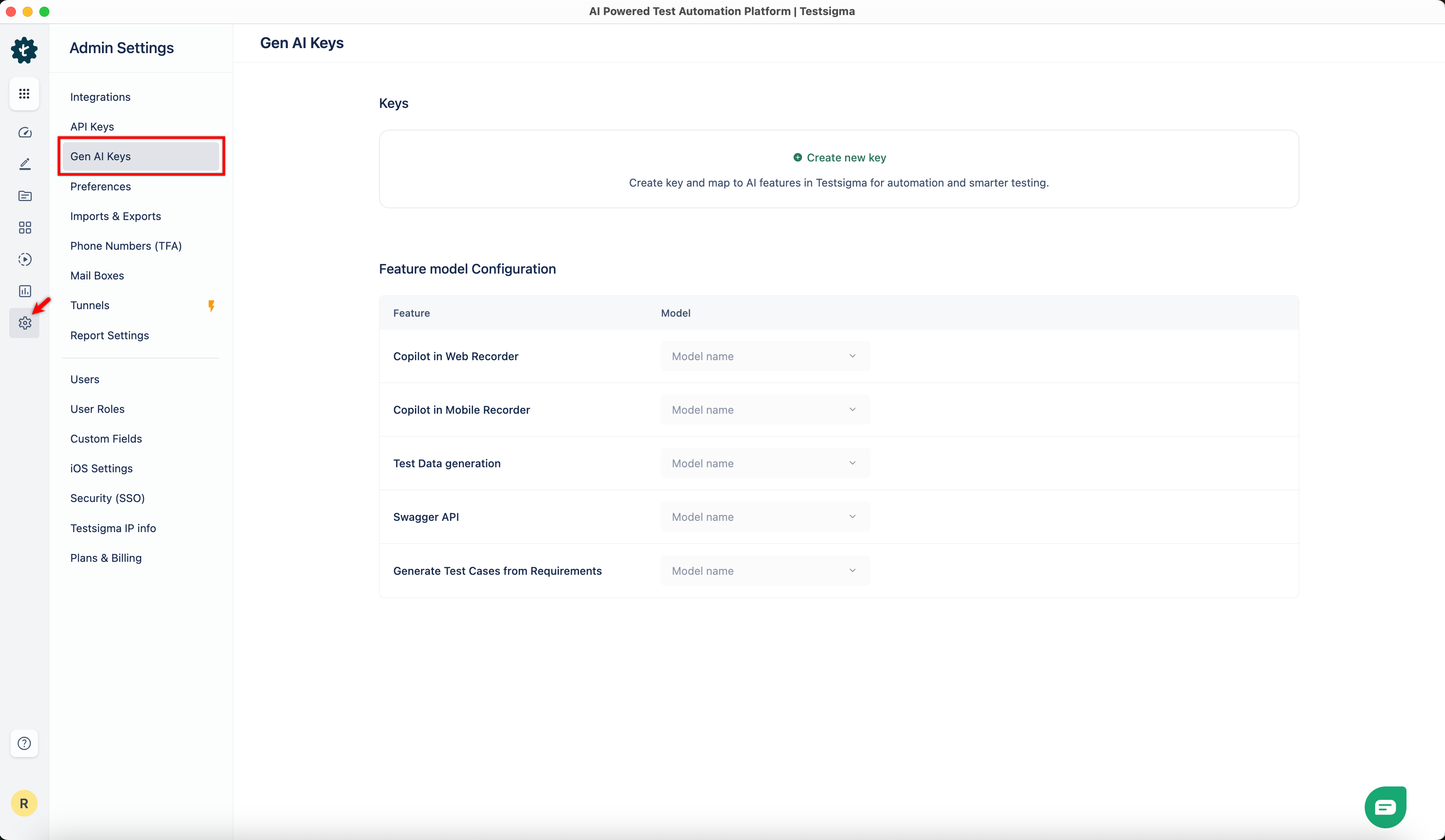
- From the left navigation bar, go to Settings > Gen AI Keys.
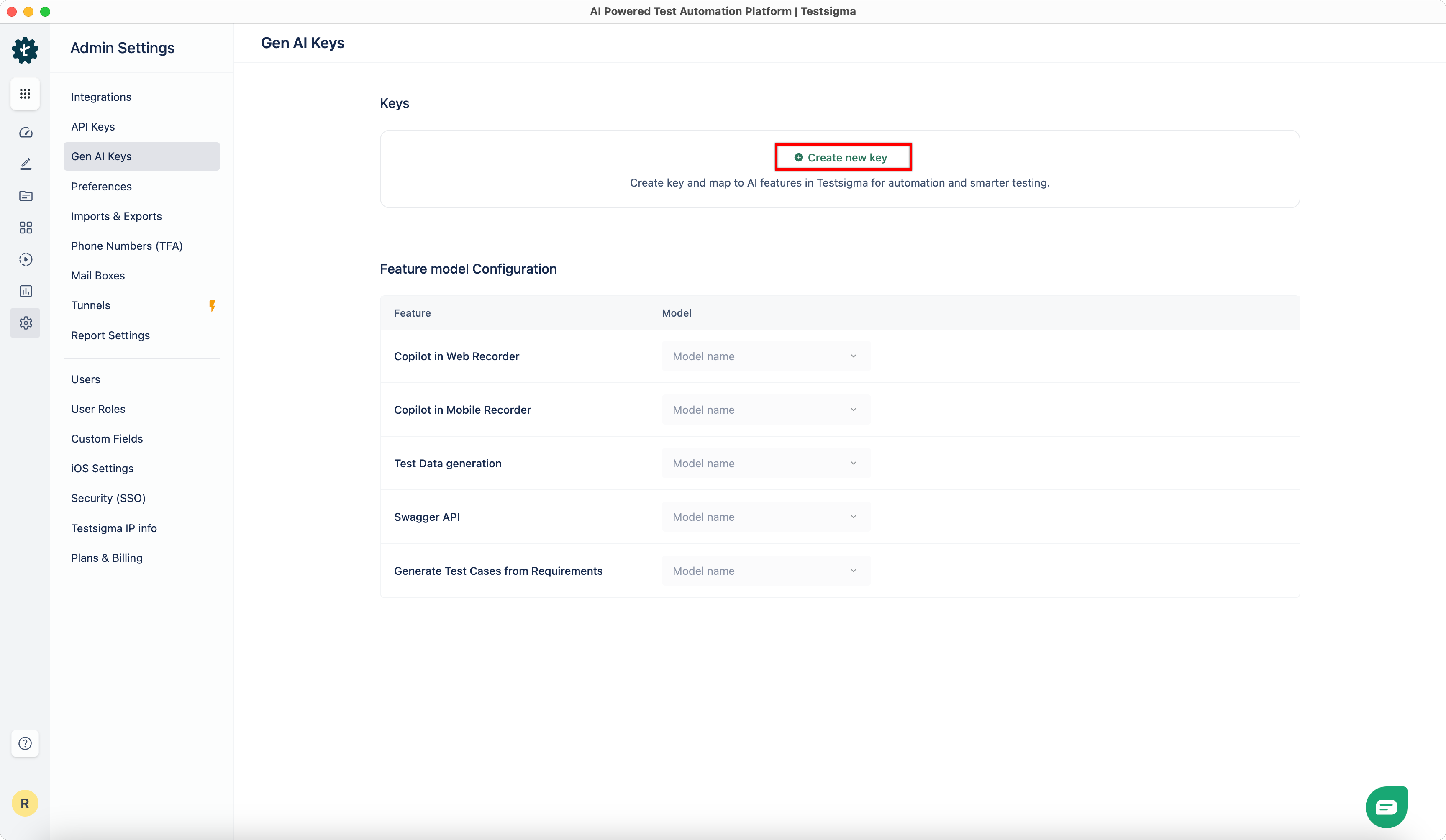
- Click Create New Key in the top right corner.
-
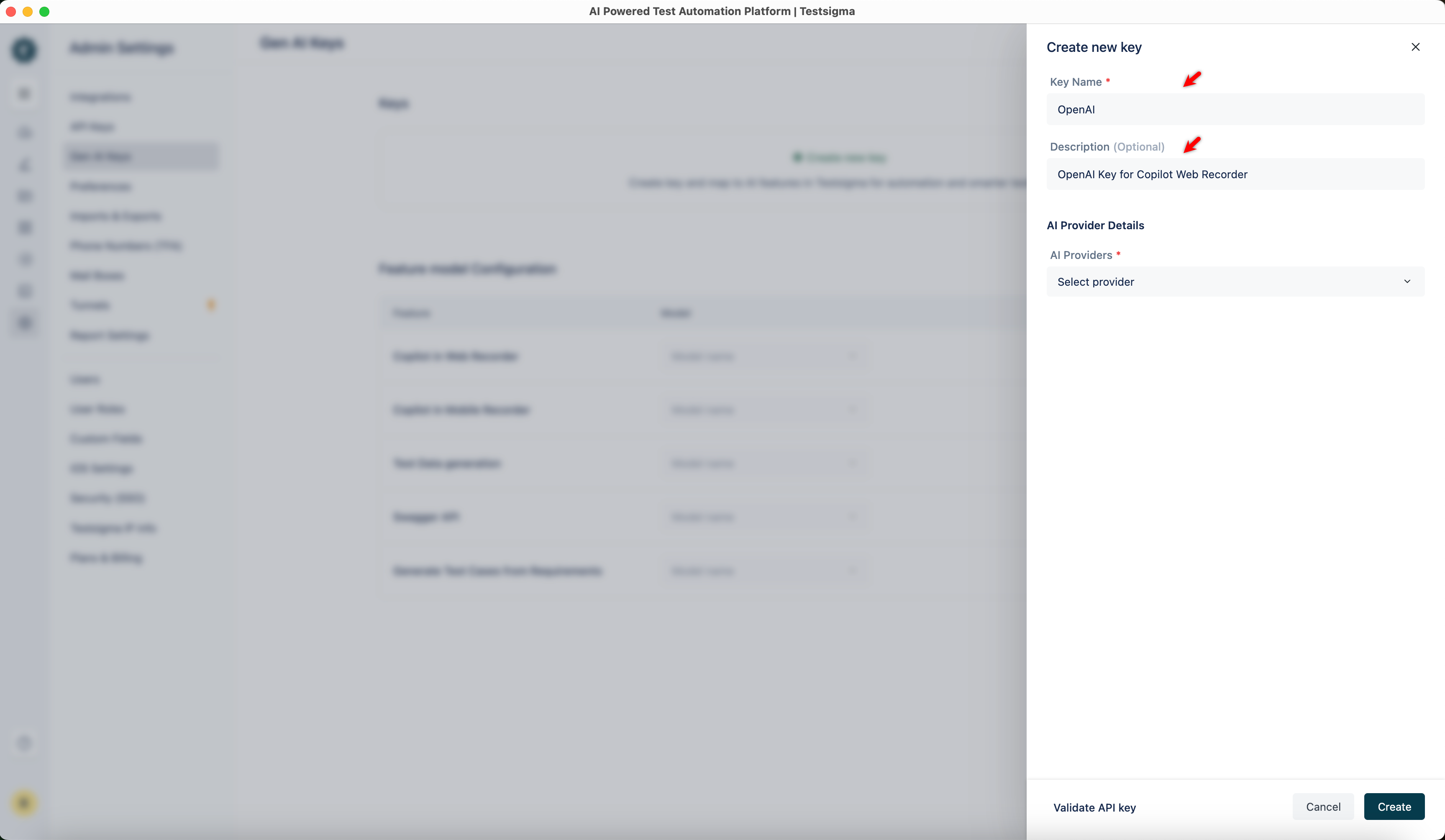
From the Create New Key overlay,
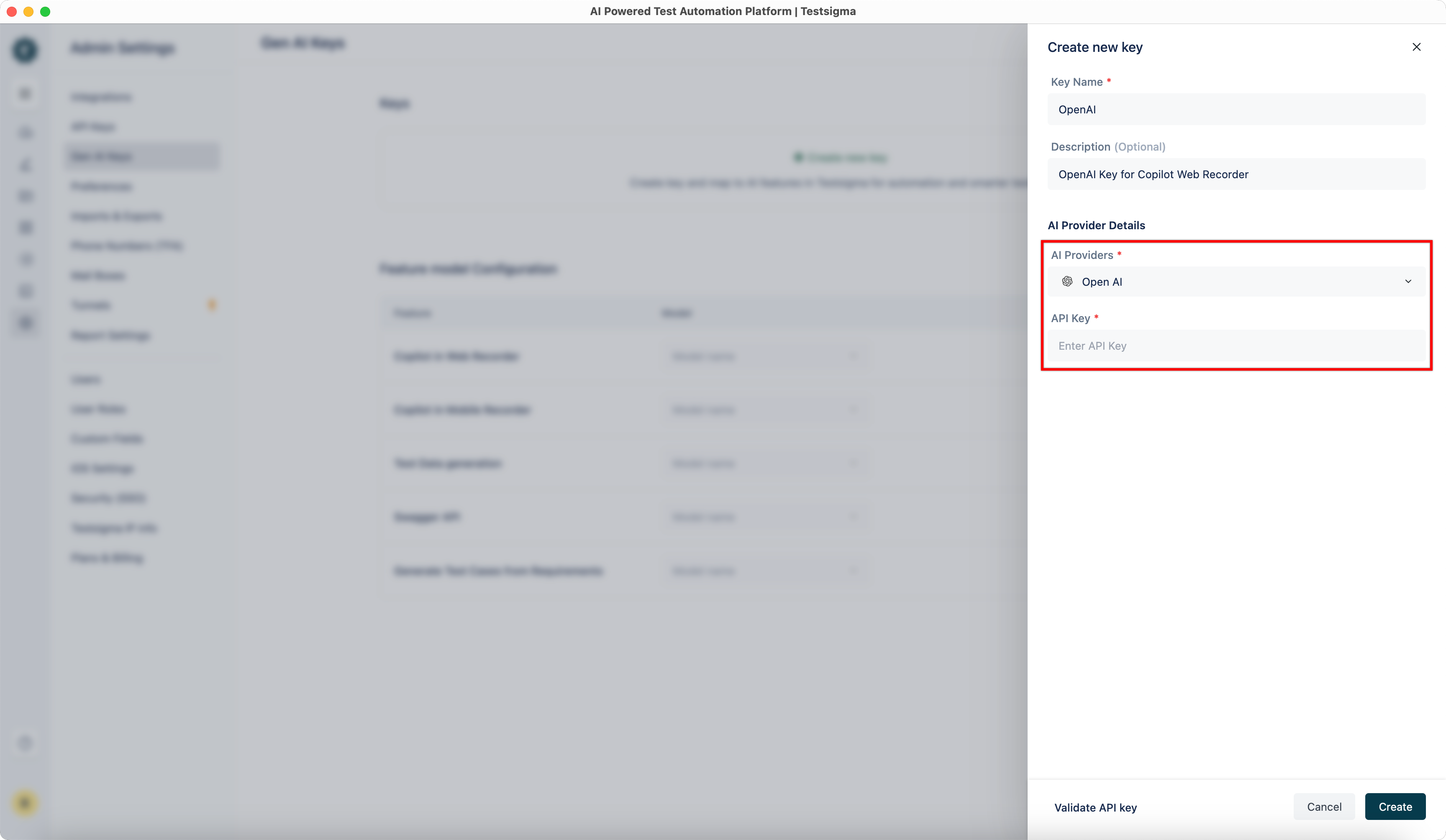
- Enter the Key Name and an optional Description.
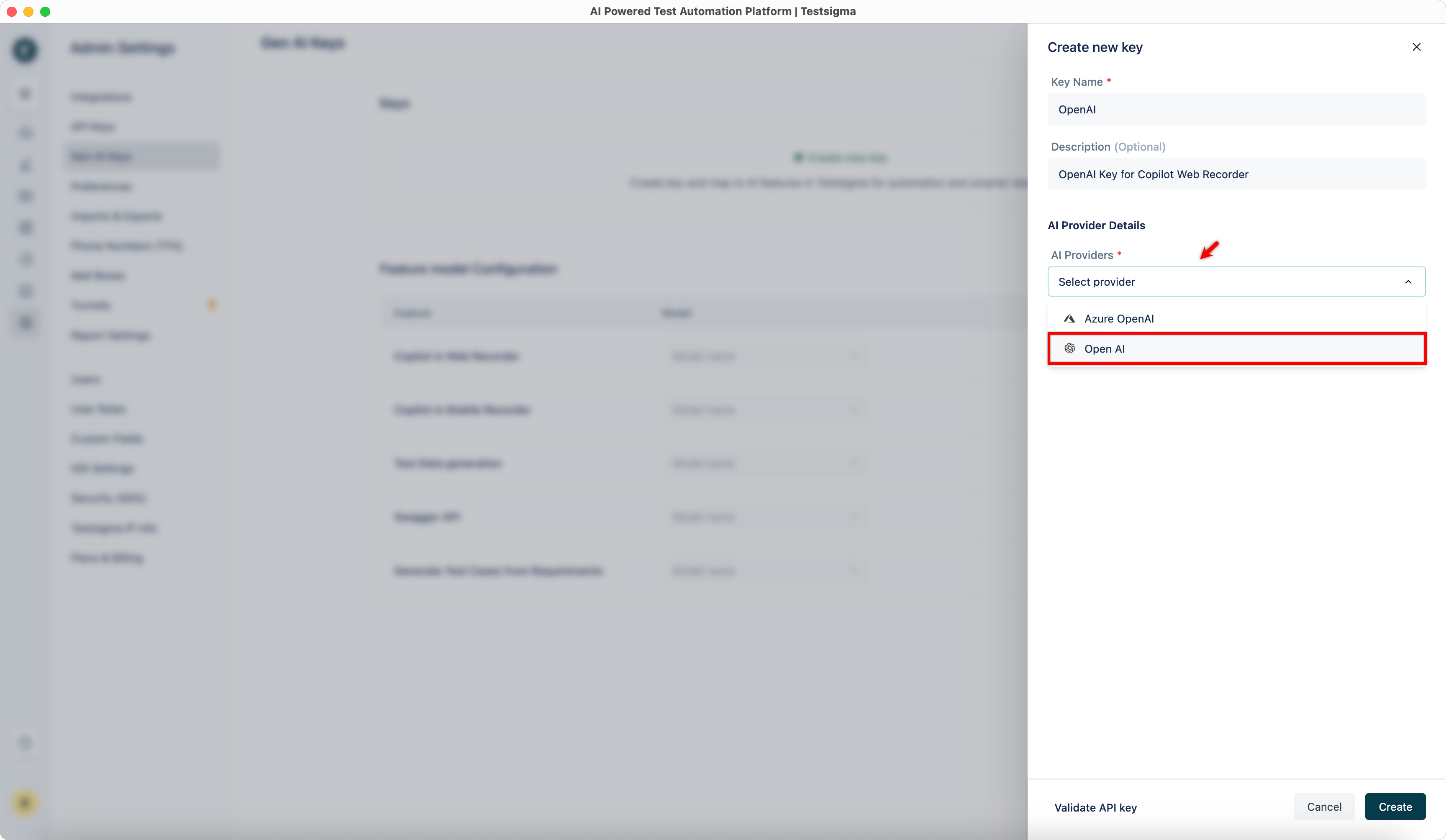
- Select an AI Provider from the dropdown menu.
- Enter the Key Name and an optional Description.
- Enter the details associated with the AI Provider.
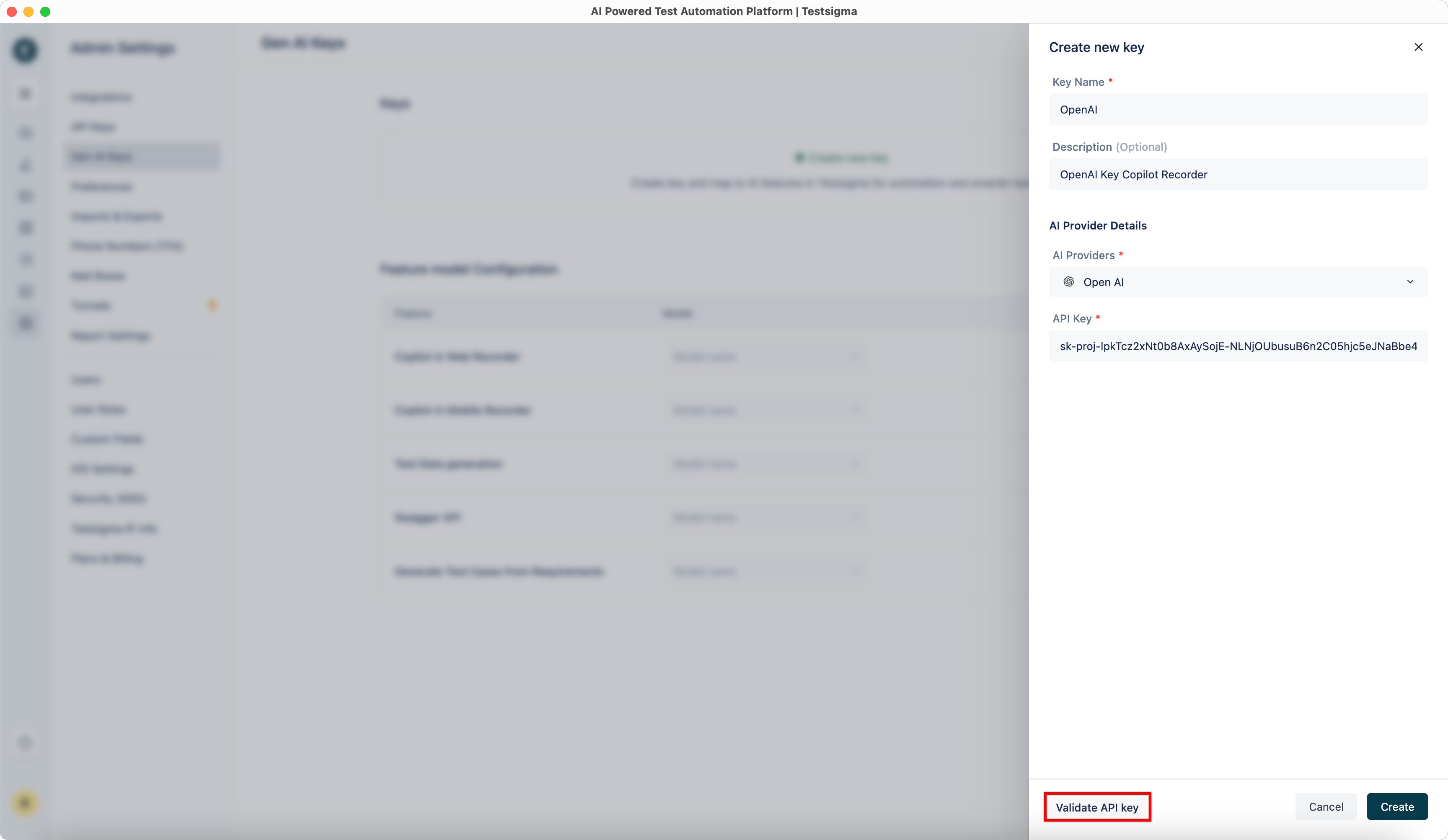
- Click Validate API Key to validate the AI Provider details.
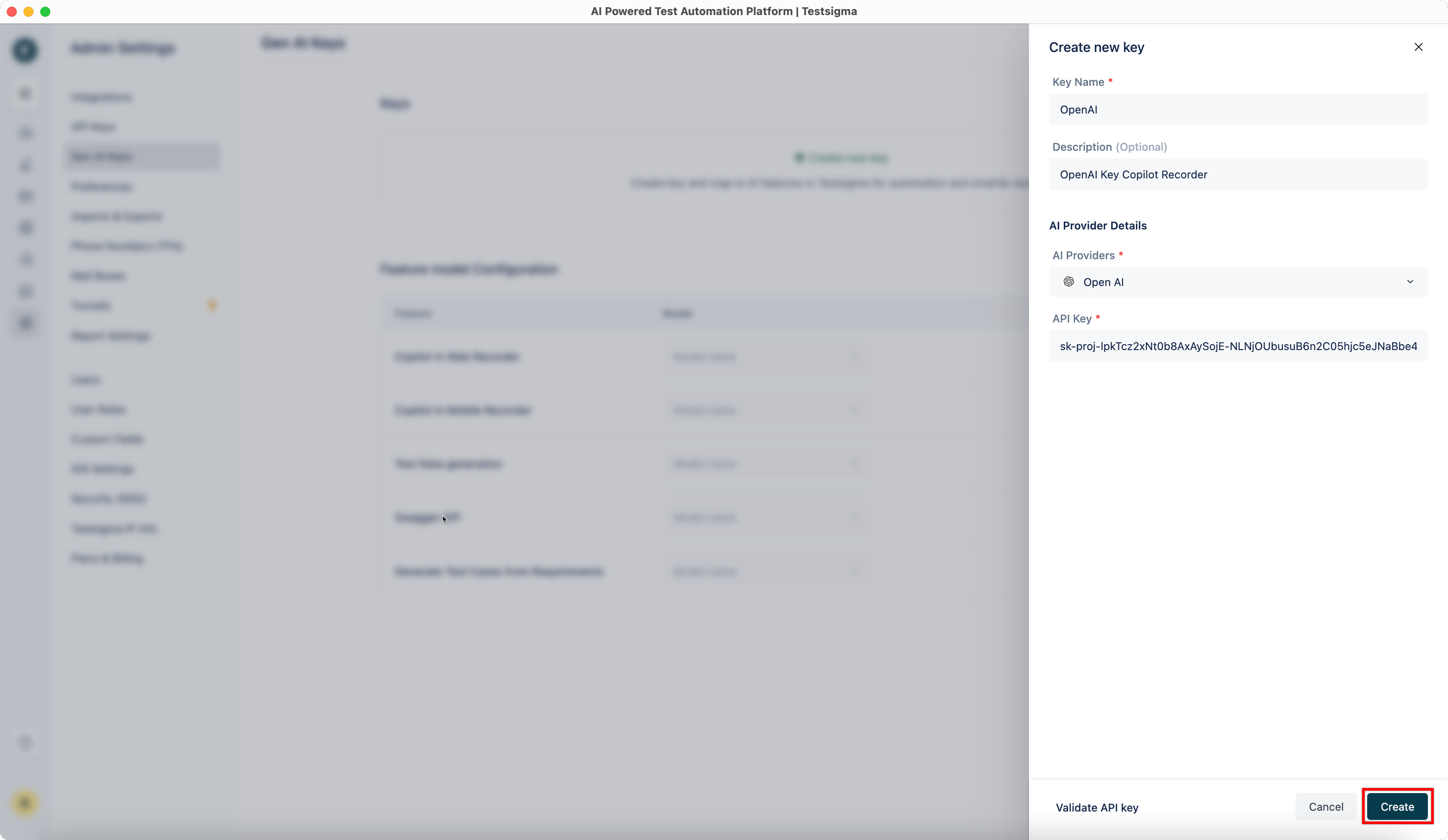
- Click Create to add the API key.
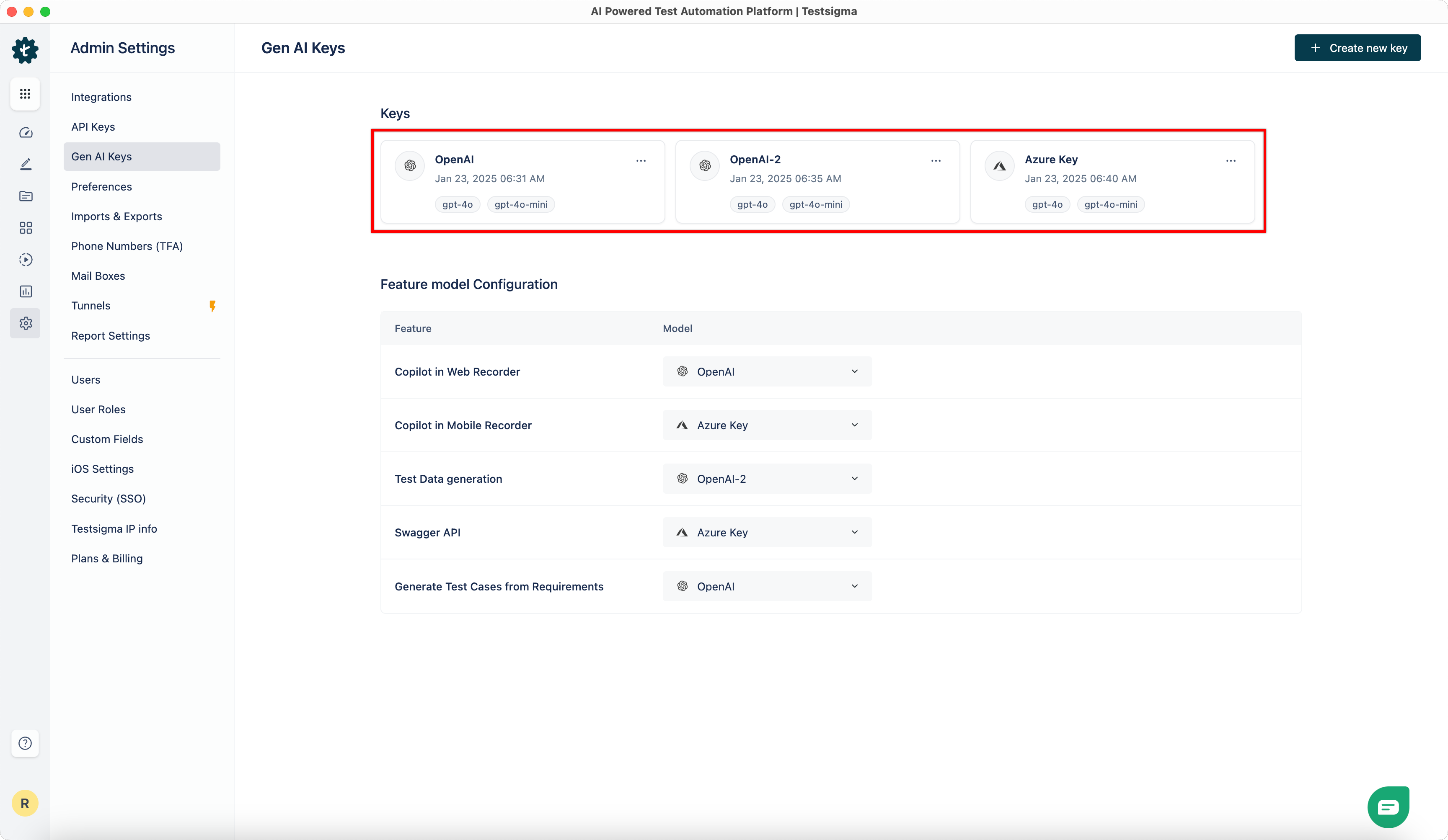
- The added keys will appear in the Keys section.
Mapping Models to Testsigma Features
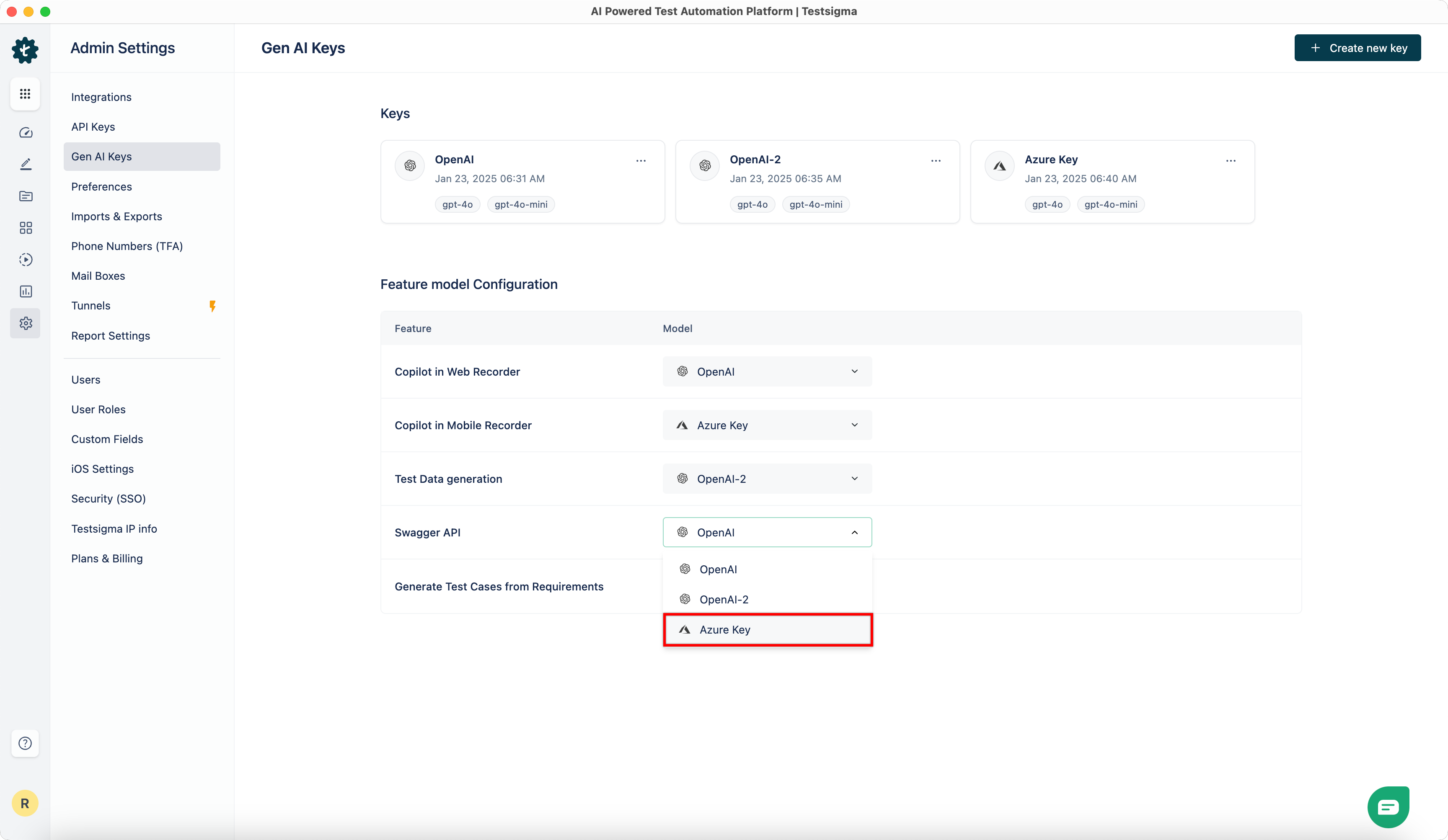
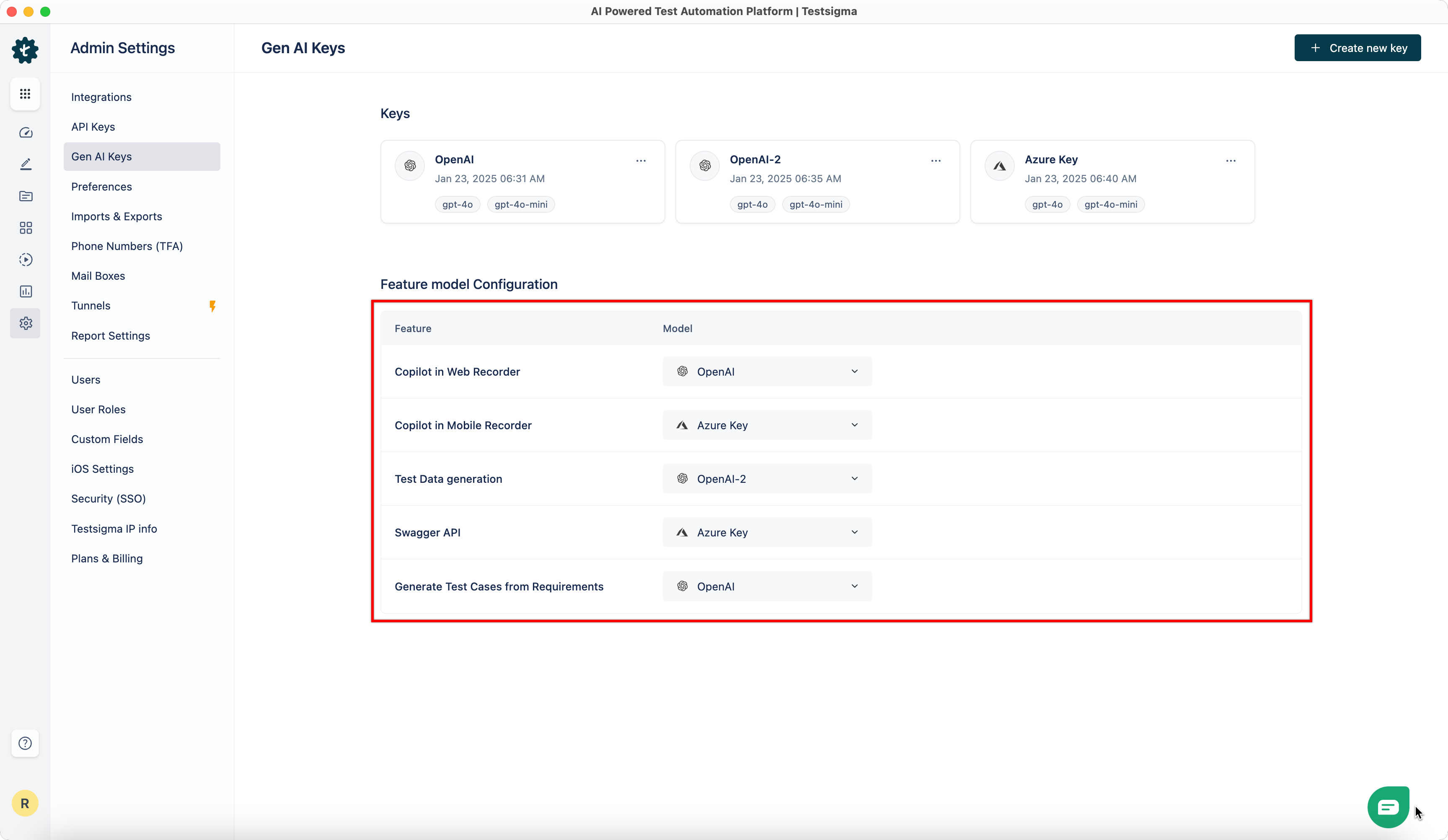
- In the Feature Model Configuration section, map each Feature to the corresponding key from the dropdown menu.
- The features will now use the mapped models.

Want to contribute or report missing content?