
Azure API
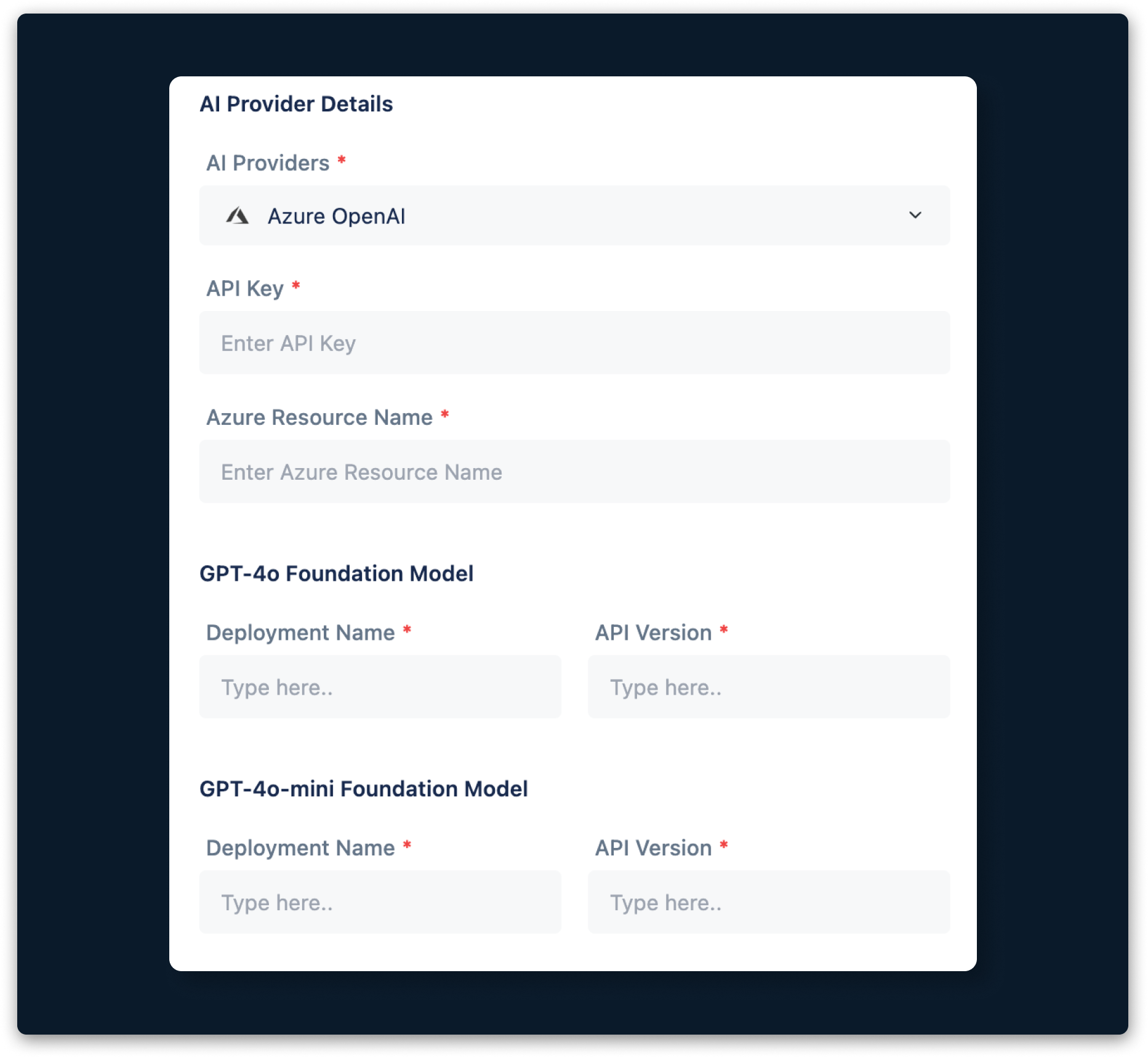
Testsigma supports integration with Azure OpenAI, which allows you to map various features within the application. To set up this integration, you need a resource, model, API key, and version. This article explains how to get these details from Azure OpenAI.
Prerequisites
Before you begin, ensure you have an active Azure account.
Steps to Get Azure OpenAI Details
- Request access to Azure OpenAI here.
- Create a resource in the Azure portal here. This resource will be your Azure Resource Name.
- Deploy a model in Azure OpenAI Studio here. The deployment name will be your Deployment Name.
- Select your Foundation Model from the dropdown menu.
- Open Azure OpenAI Studio and go to any playground, such as Chat or Completions.
- Click View Code.
- Note the API Version and Key, which will be your Azure API Version and API Key.

Want to contribute or report missing content?