- Testsigma Agent
 Pre-requisites
- Setup: Windows, Mac, Linux
- Setup: Kubernetes (Helm)
- Setup: Android Local Devices
- Setting Up iOS Local Devices
- Arguments Usage Details
- Agent Upgrade Guide
- Update Agent Manually
- Update Drivers Manually
- Delete Corrupted Agent
- Delete Agents: Soft & Permanent
- Triggering Tests on Local Devices
- FAQs
- troubleshooting
- How to Fix Agent Startup & Registration Errors?
- How to Configure Agent Logs?
- How to Upgrade Testsigma Agent Automatically?
- How to Add Max Sessions for Agents?
- How to Resolve Access Blocked Errors When Downloading the Agent?
- Why is Testsigma Agent Not Detecting My Installed Browser?
- How do I Configure Proxy Settings for the Testsigma Agent?
Triggering Tests on Local Devices
With Testsigma, you can execute the tests on local devices from another device using the same Testsigma account. This article discusses how to trigger tests on the same local agent from different machines.
Prerequisites
Before you begin, ensure that:
- You have referred to the documentation on installing Testsigma Agent on the target machine.
- You have referred to the documentation on starting the Testsigma Agent on the target machine.
- You have integrated Testsigma commands to trigger test plans for CI/CD pipelines.
Steps to Trigger Tests on Local Devices
- Install and register Testsigma Agent on the target machine.
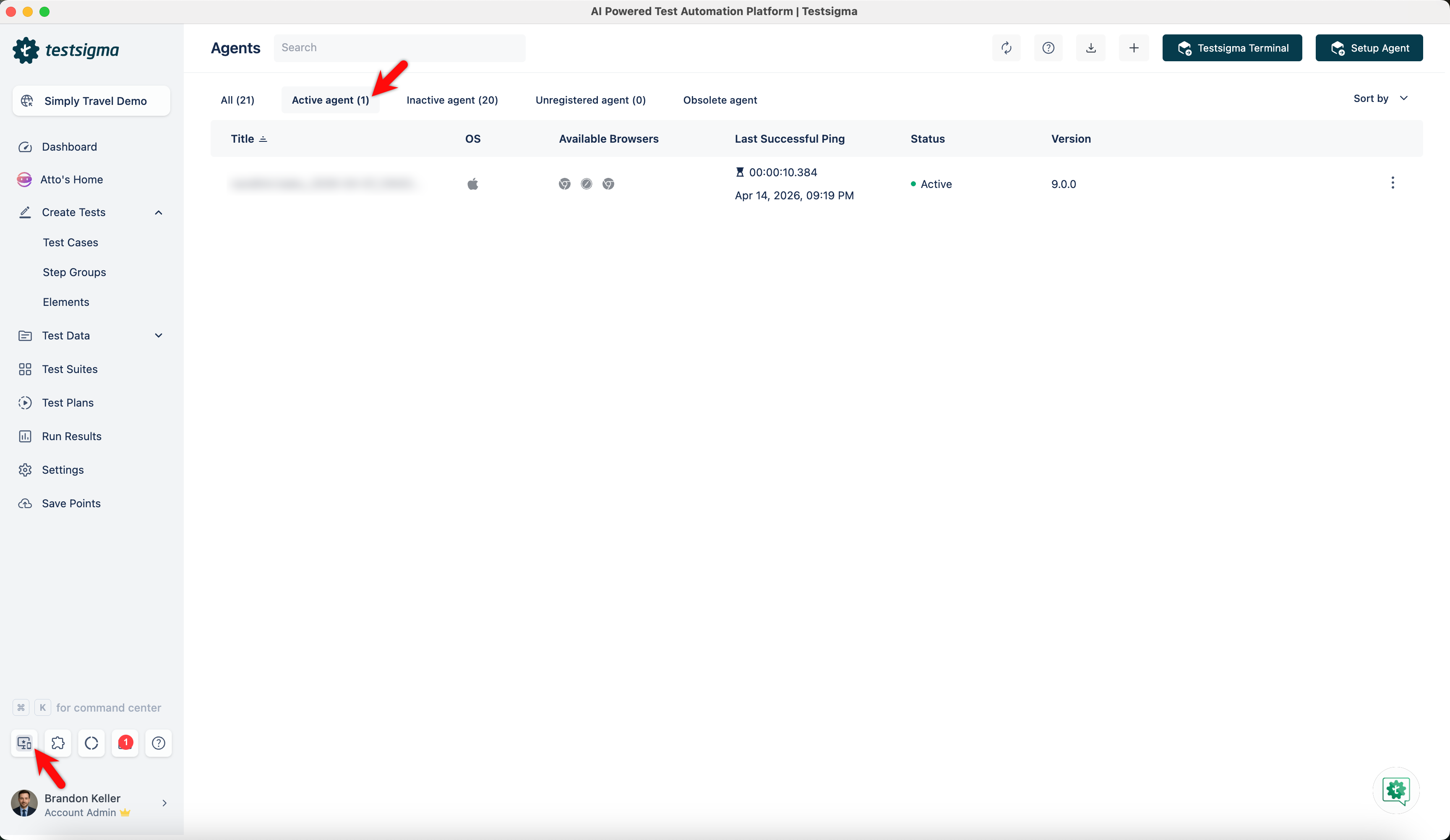
- Navigate to Test Plans from the Dashboard and select the Test Plan where you want to add local machines.
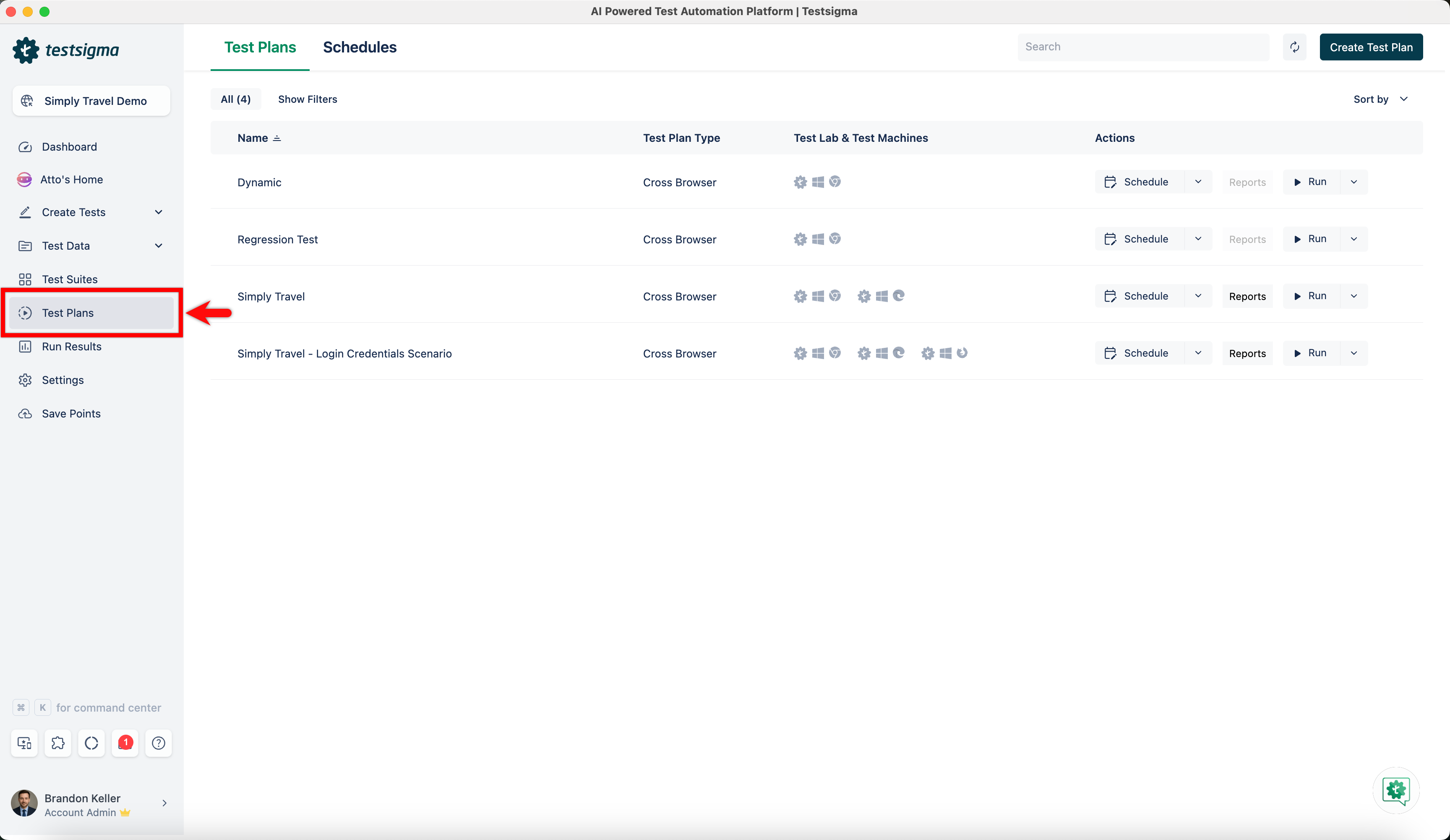
- Click on Edit.
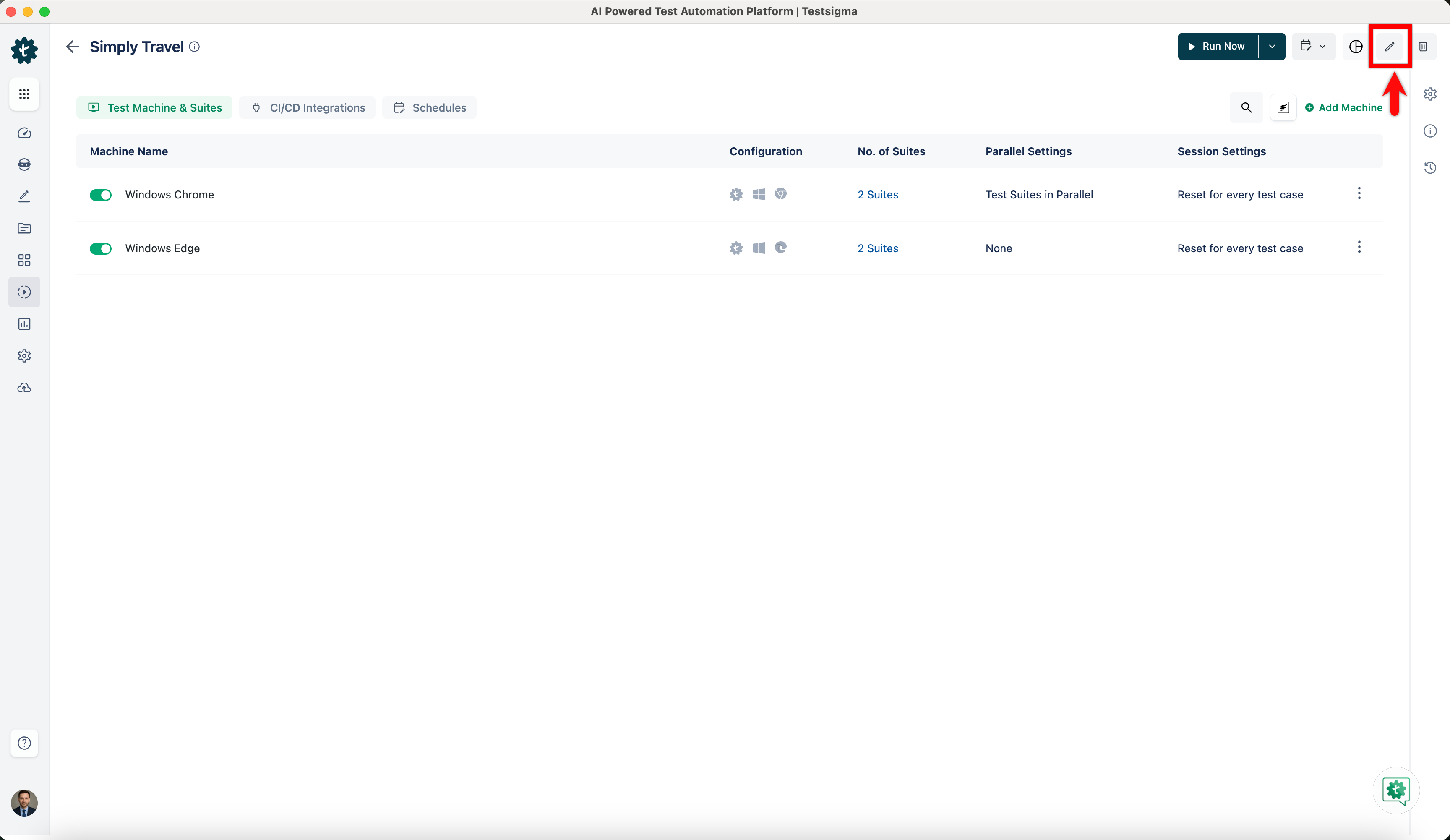
- On the Add Test Suites & Link Machine Profiles sections, click on Link Test Machine.
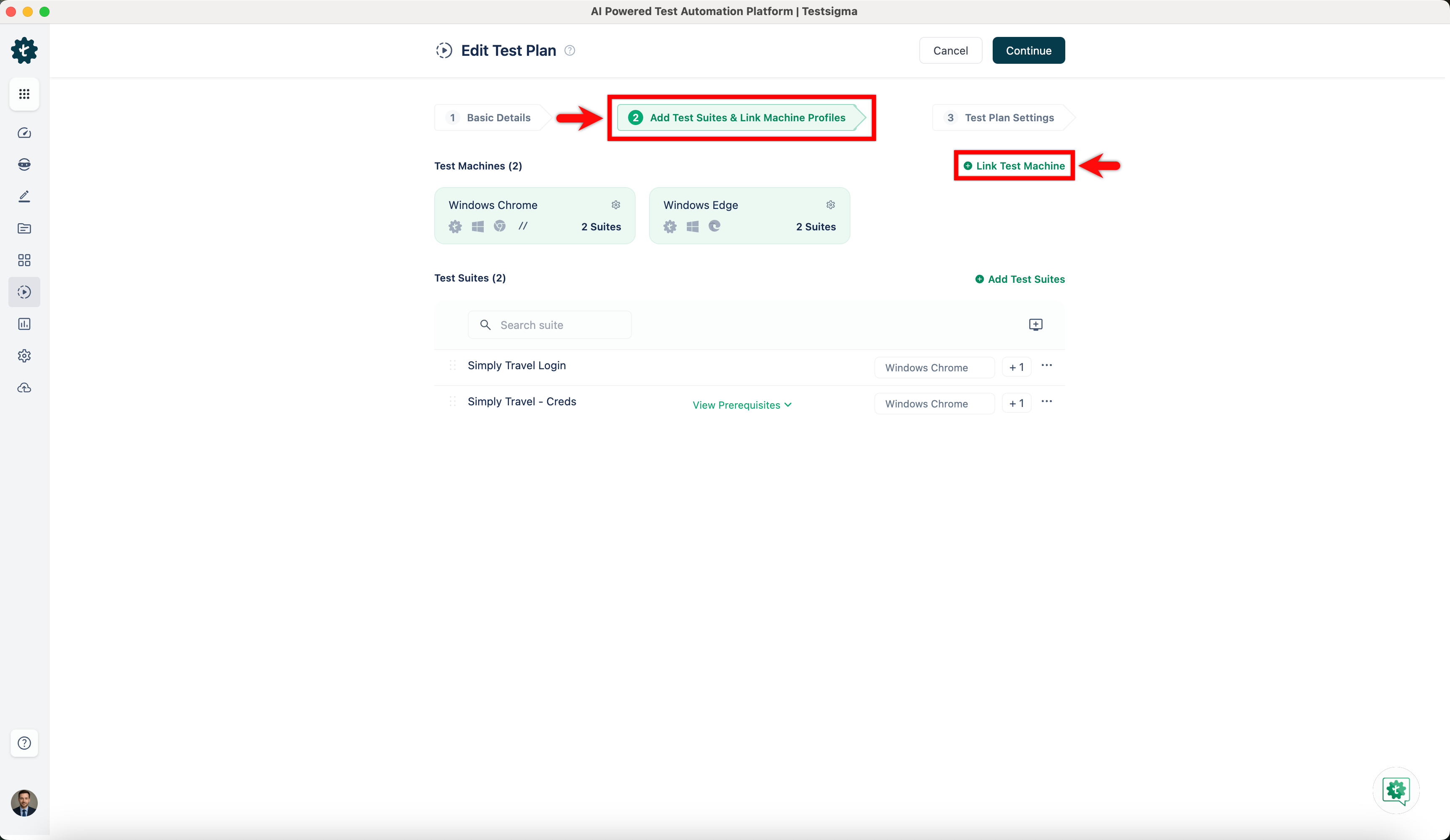
- On Select test machine profiles overlay, click on Add Machine.
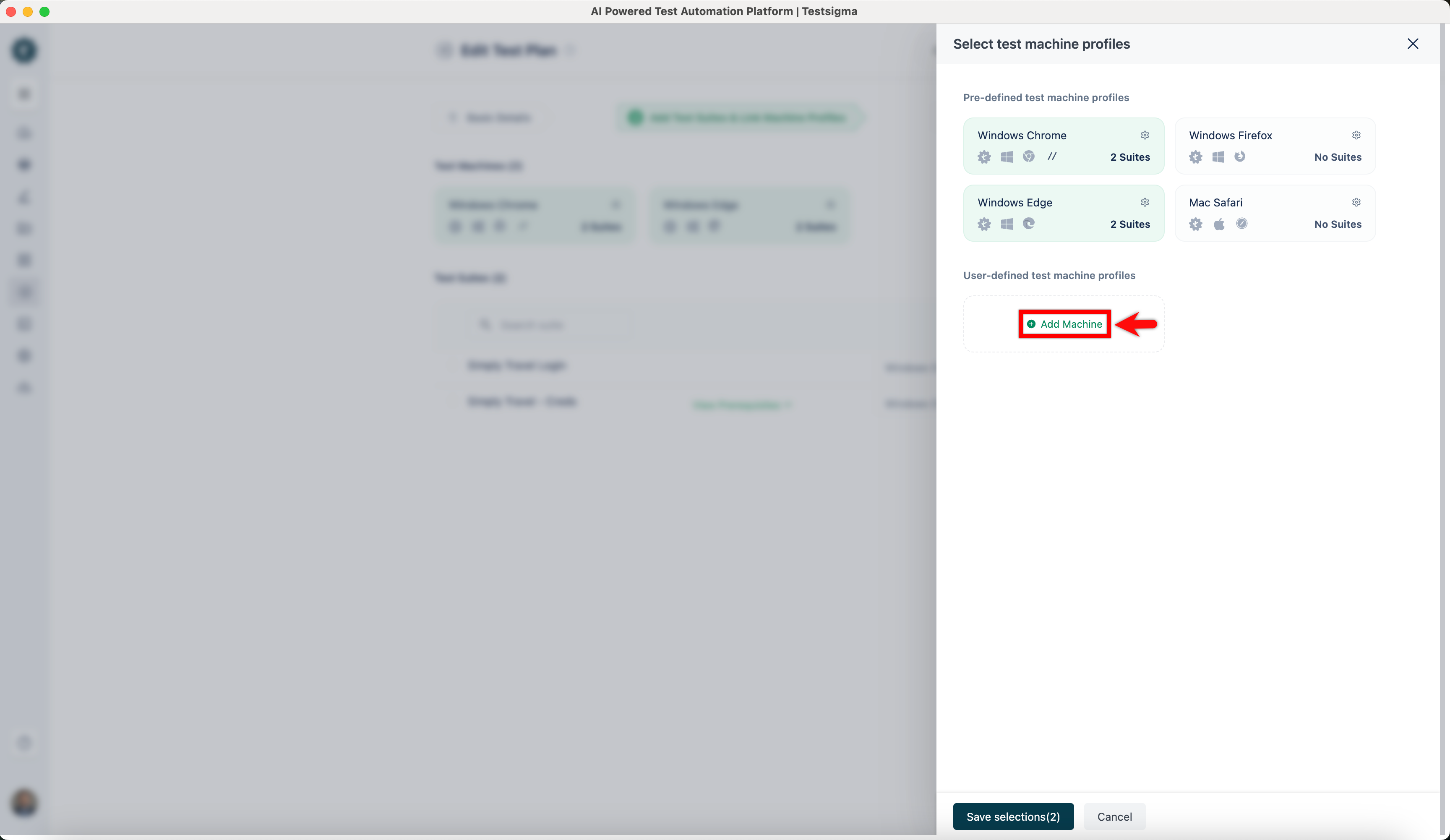
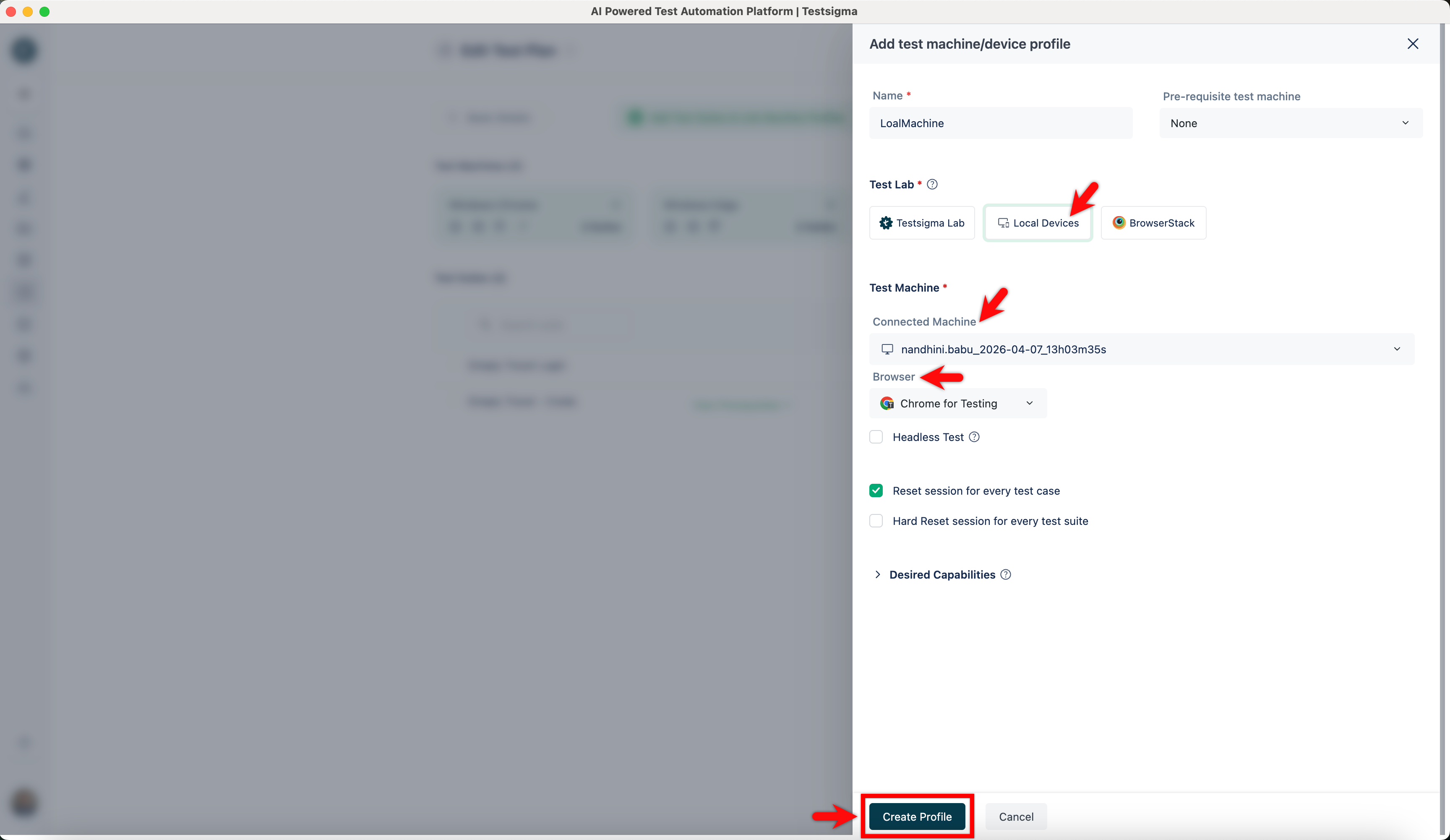
- On Add test machine/device profile overlay, add Name, select Local Devices, active agent on Connected Machine dropdown, and Browser. Click on Create Profile.
- Click on Save Selection.
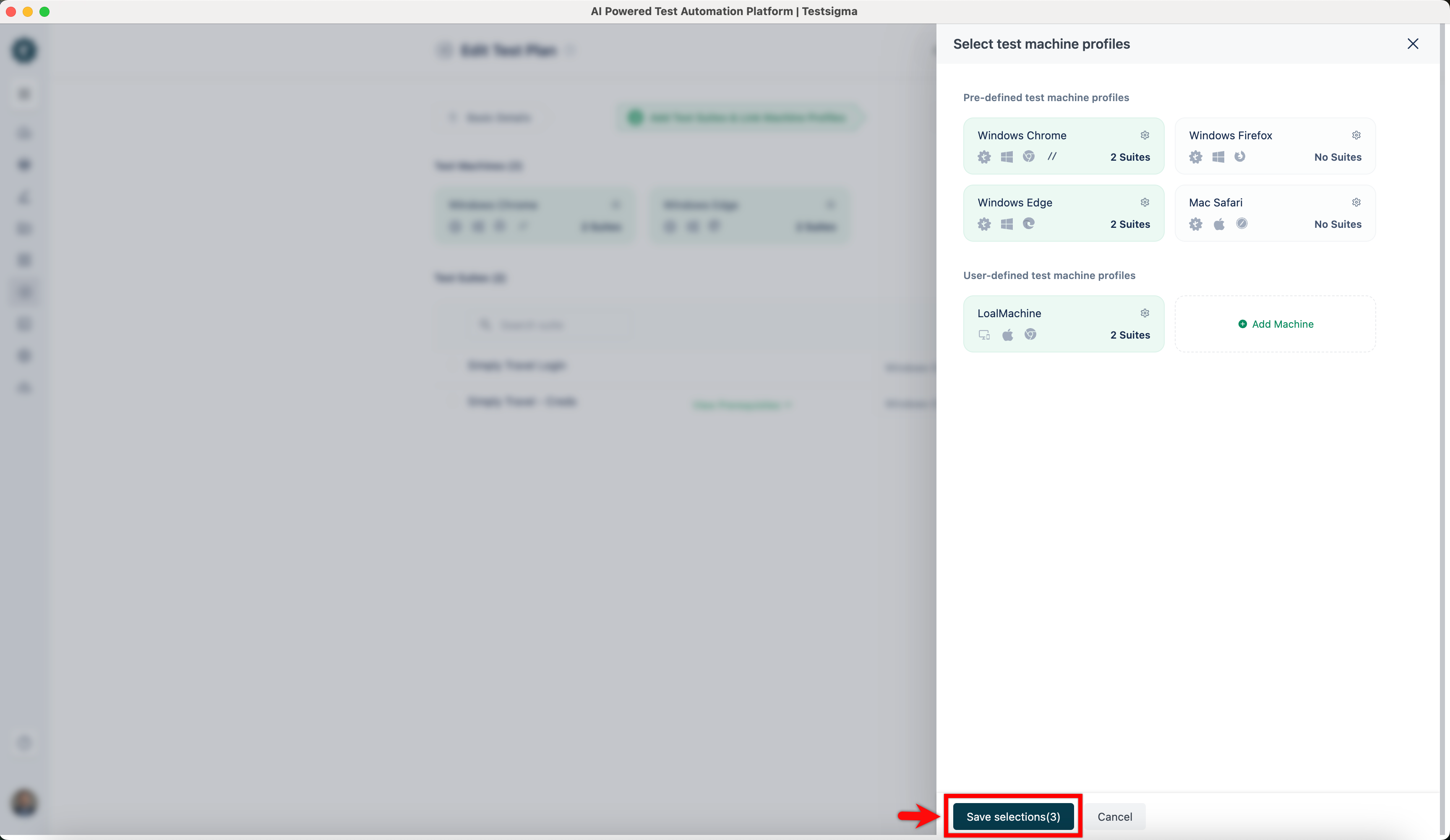
Now, your test plan is ready for execution from any machine.
NOTE:
You can edit & add the local machines to test suites from any device, provided you have the agent active in the target machine.
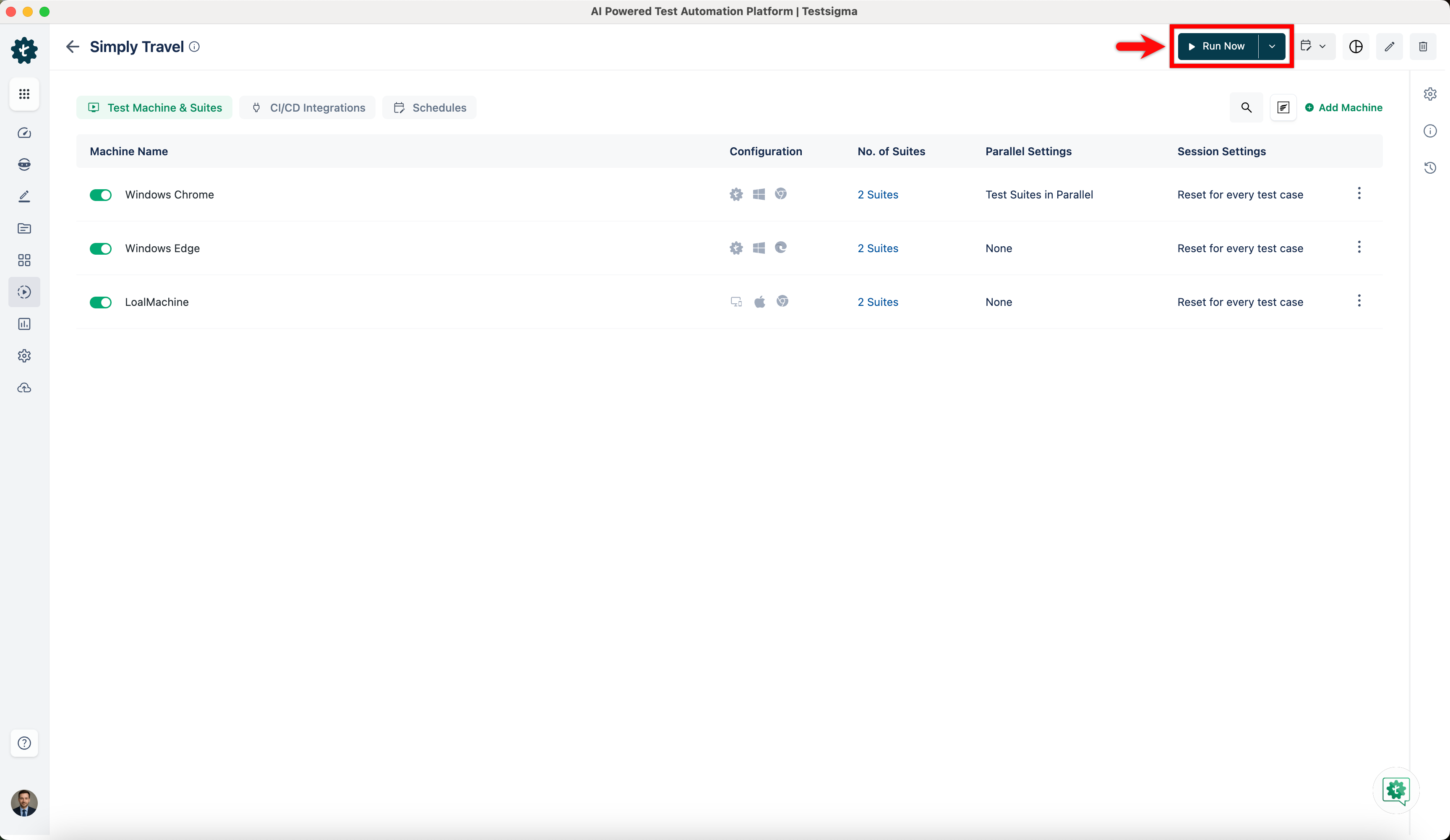
- Navigate to the same test plan from any machine with the same account and click on Run Now to execute the Test Plan.

Want to contribute or report missing content?