- desired capabilities
 Most Common Desired Capabilities
- Browser Console Debug Logs
- Geolocation Emulation
- Bypass Unsafe Download Prompt
- Geolocation for Chrome & Firefox
- Custom User Profile in Chrome
- Emulate Mobile Devices (Chrome)
- Add Chrome Extension
- Network Throttling
- Network Logs
- Biometric Authentication
- Enable App Resigning in iOS
- Enable Capturing Screenshots (Android & iOS)
- Configure Android WebViews
- Incognito/Private mode
- Set Google Play Store Credentials
- Basic Authentication [Safari]
Network Throttling
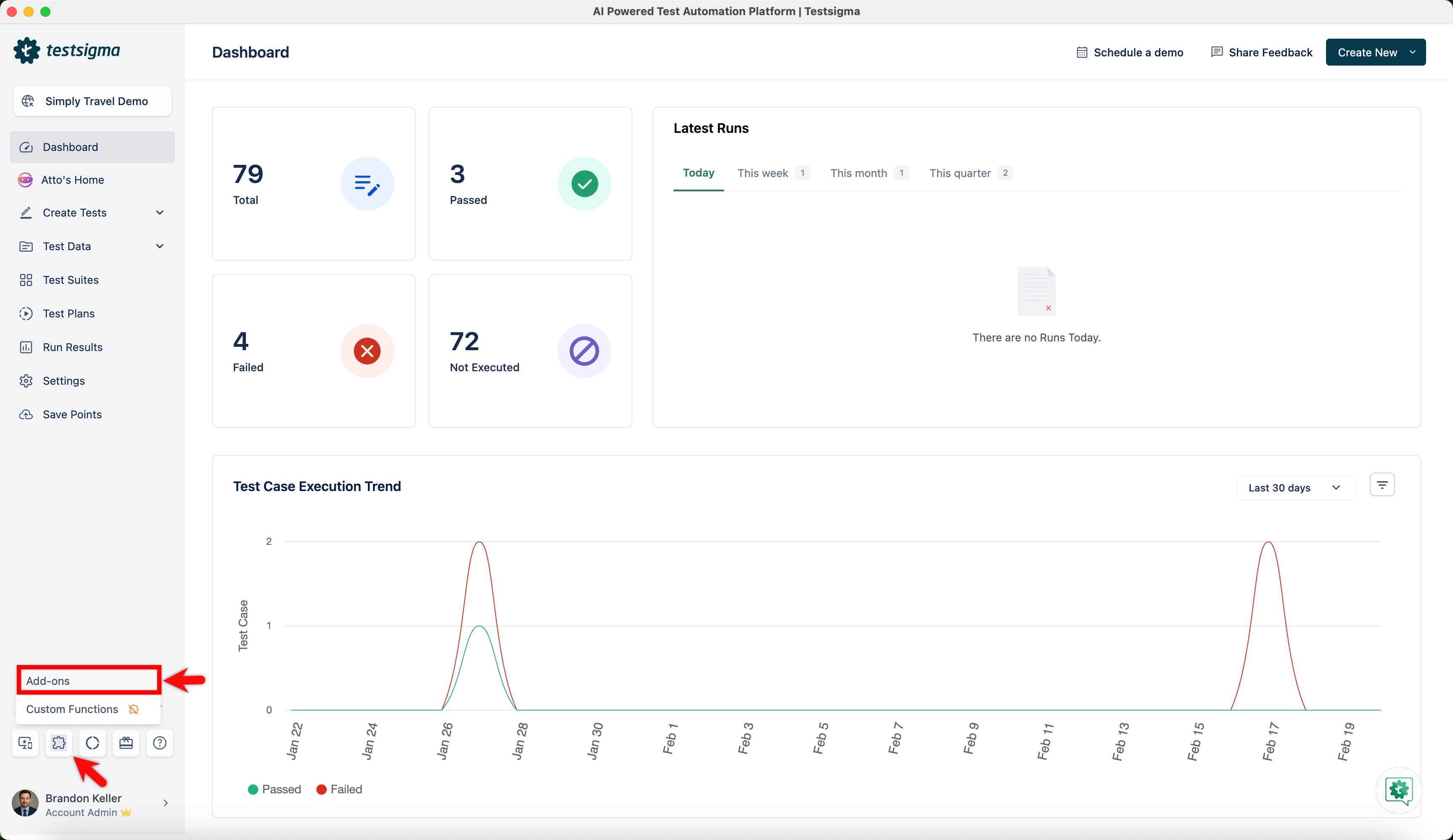
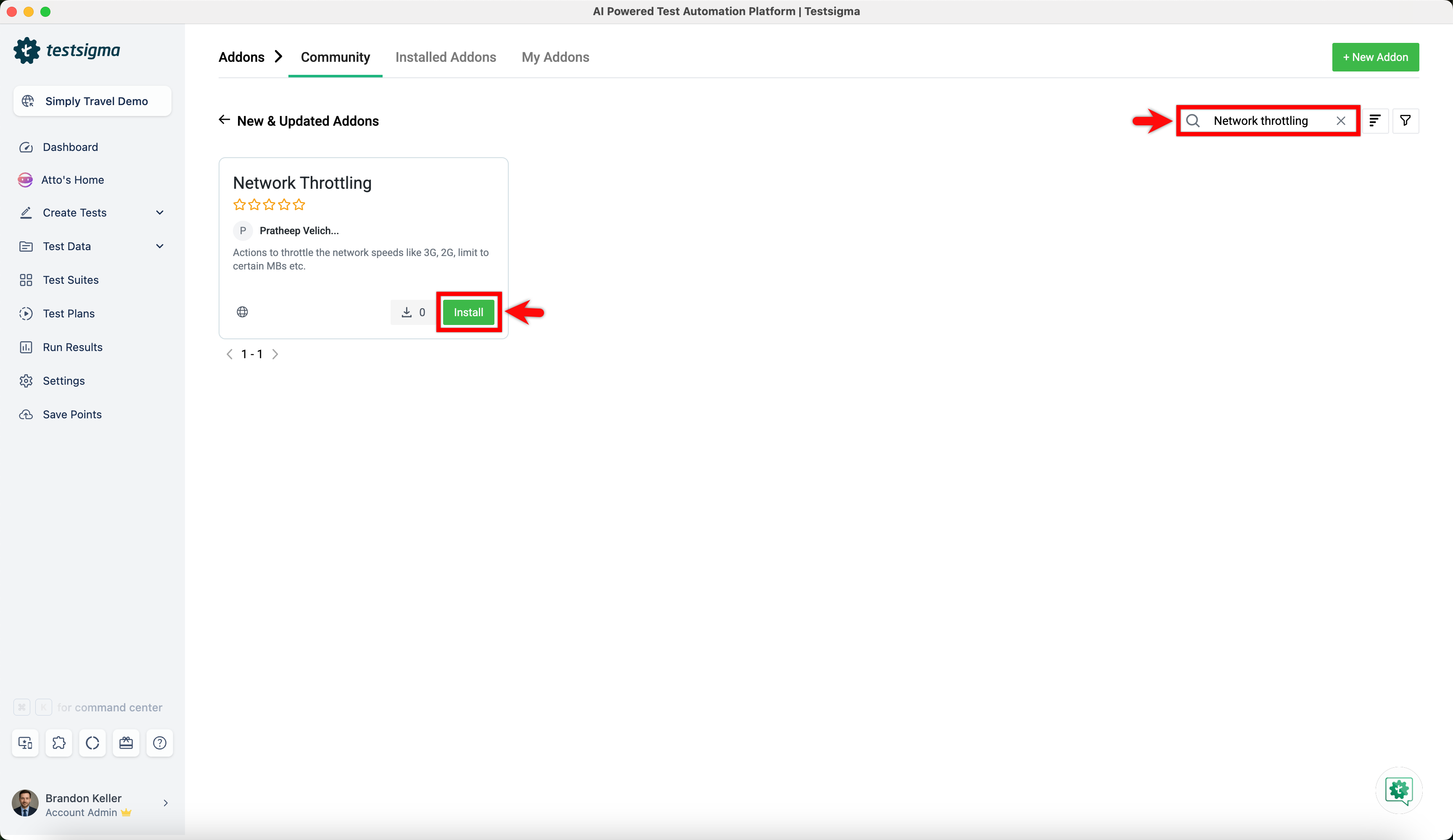
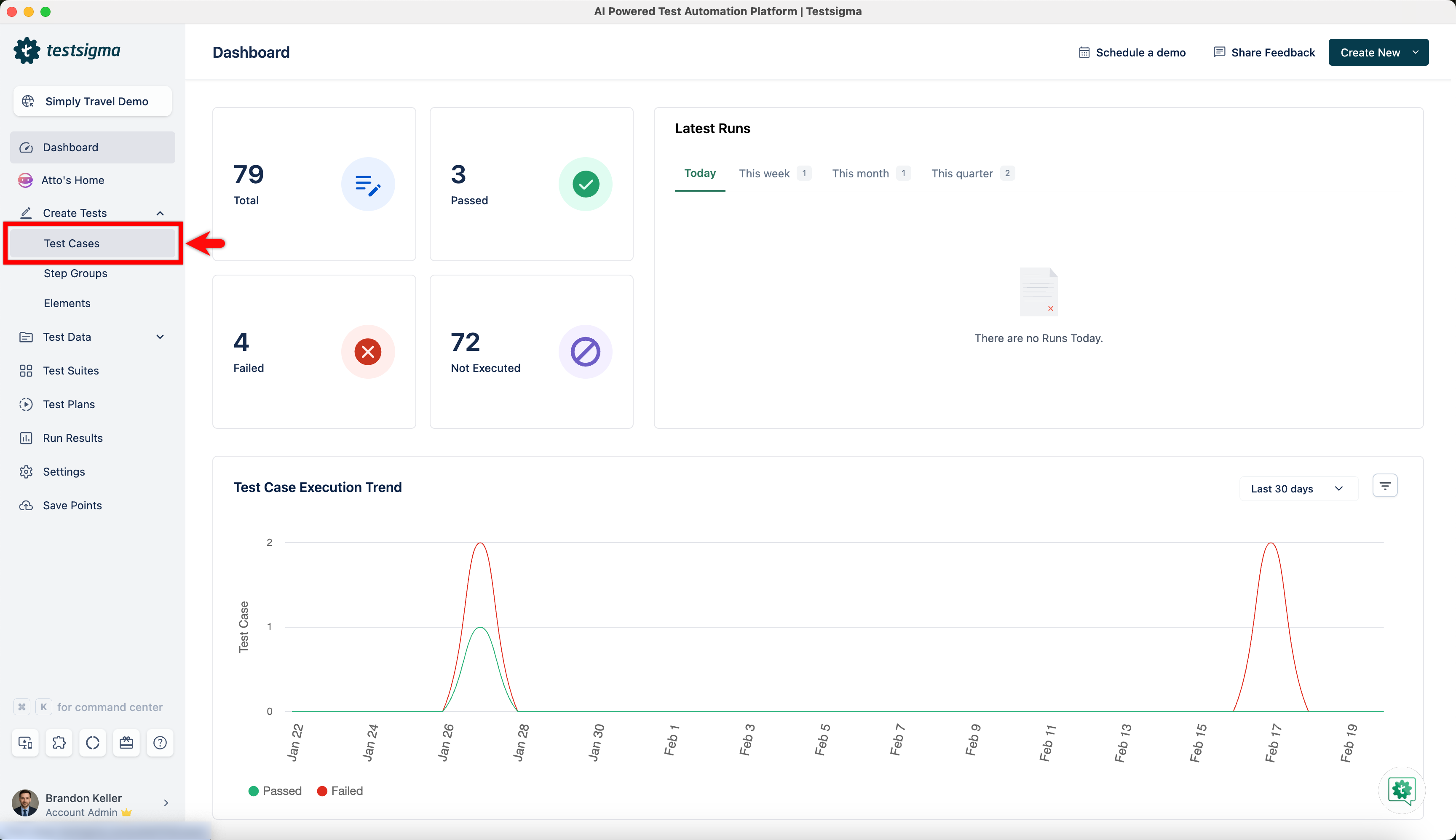
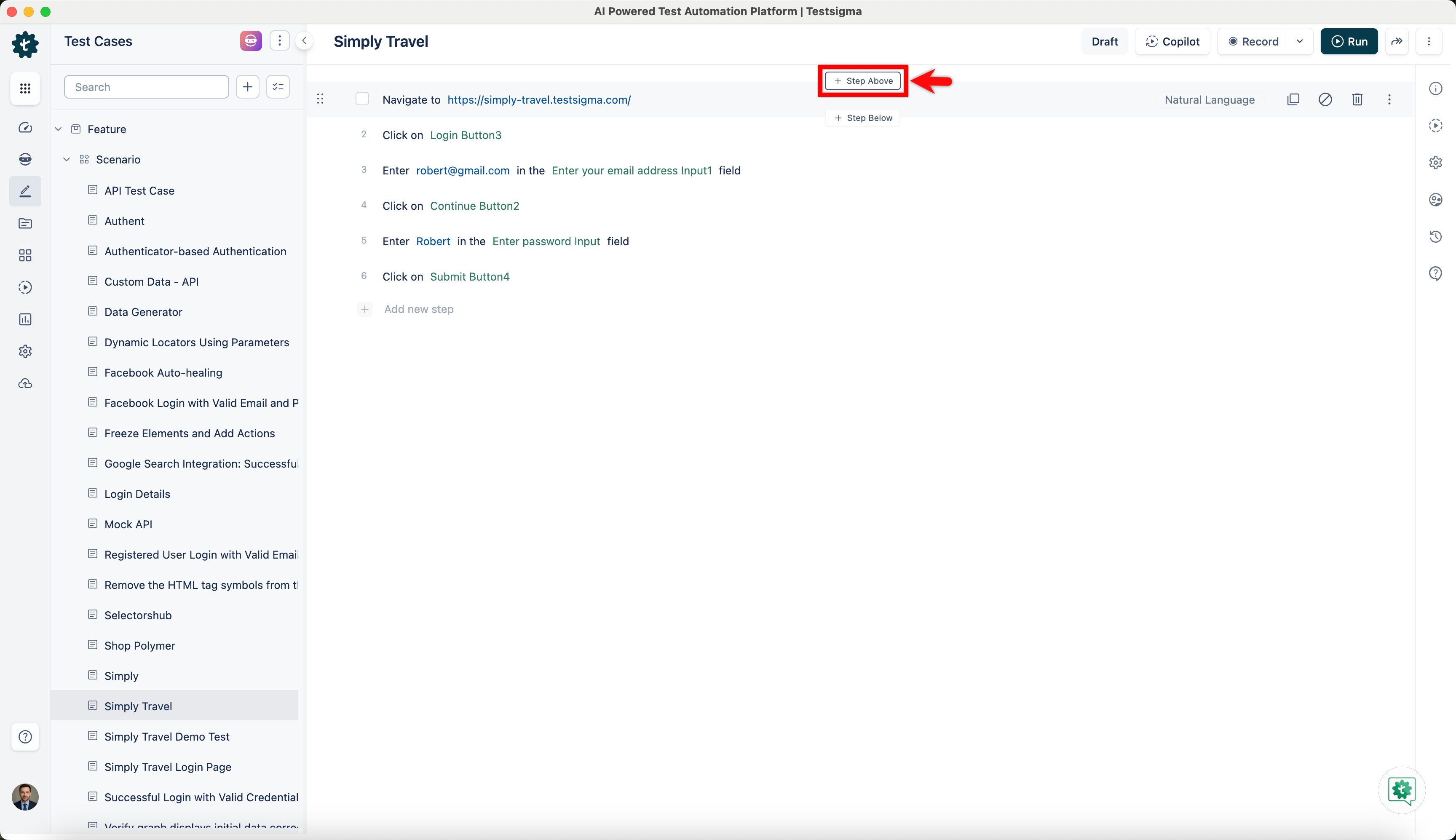
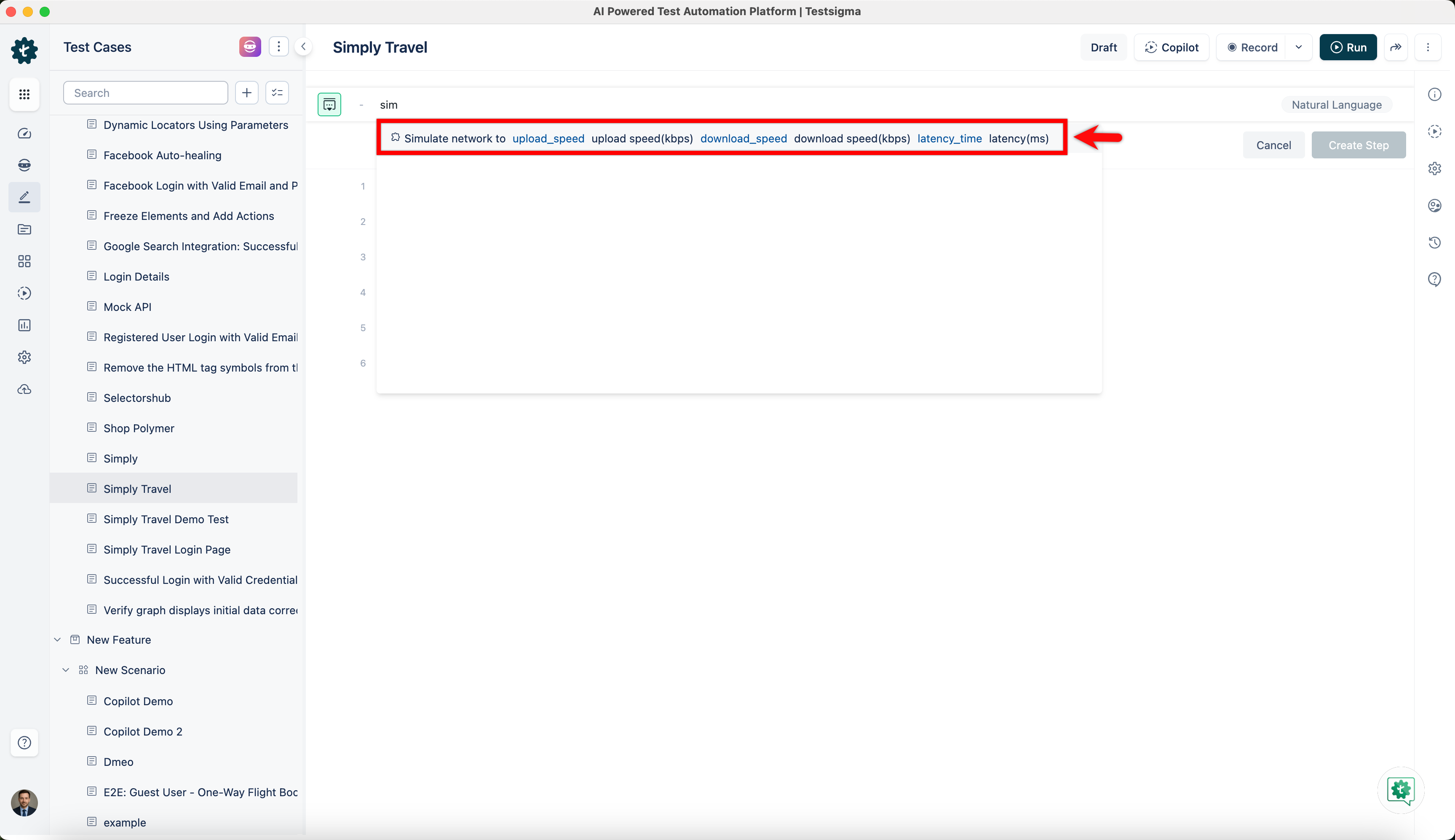
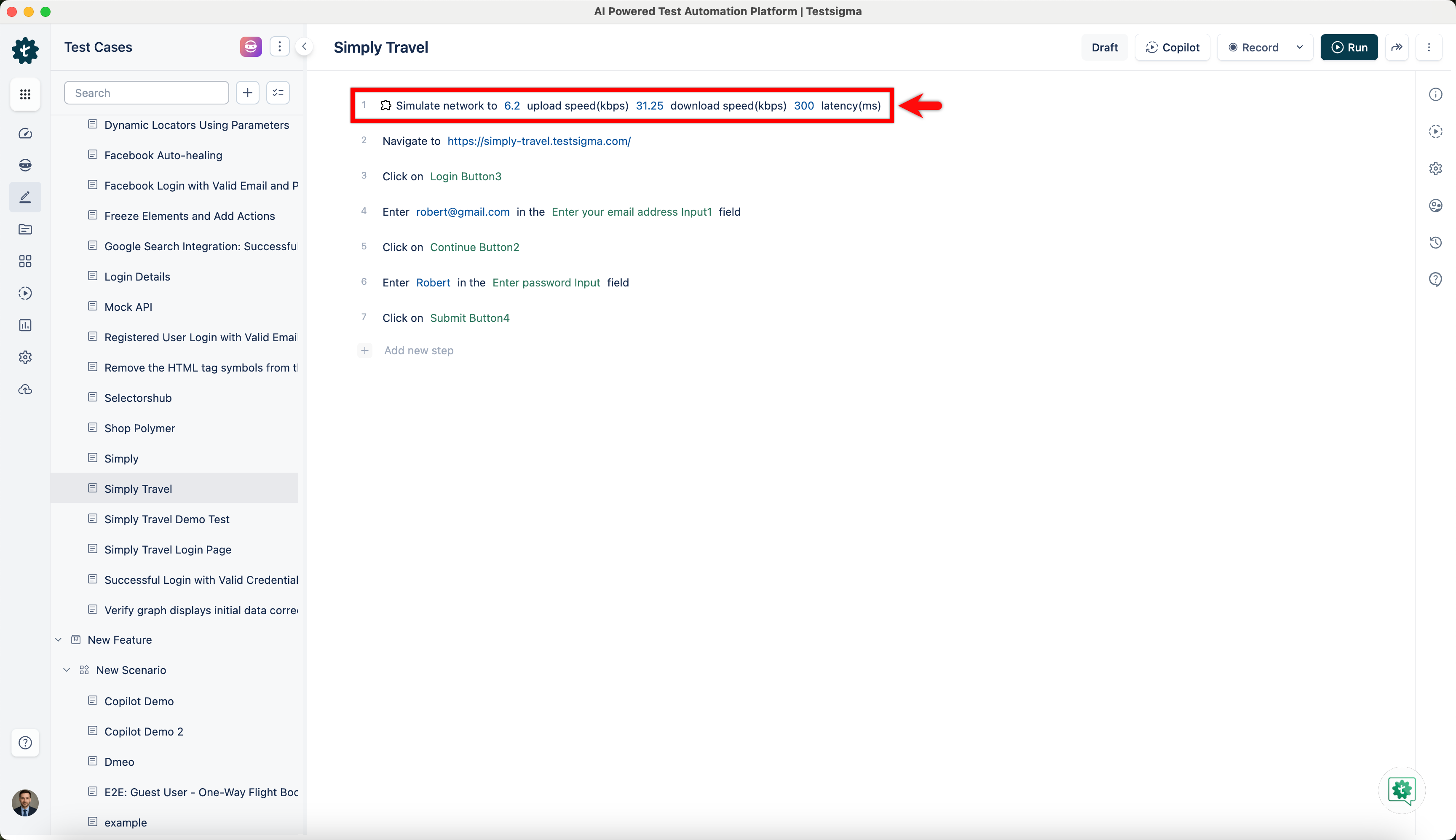
Network throttling is an intentional slowing down of internet speed. It is used to simulate user experience under low bandwidth conditions. It also helps you understand how the website loads and functions when accessed from different network environments, especially environments wherein poor network speed is experienced. This article discusses how to enable the network throttling feature in Testsigma.
Prerequisites
Before you begin, ensure that you have referred to:
Available Network Conditions
The following profile options can be used to simulate various network conditions for your test:
| Profile | Upload speed | Download speed | Latency |
|---|---|---|---|
| Regular 2G | 6.25 kbps | 31.25 kbps | 300ms |
| Good 2G | 18.75 kbps | 56.25 kbps | 150ms |
| Regular 3G | 31.25 kbps | 93.75 kbps | 100ms |
| Good 3G | 93.75 kbps | 192.00 kbps | 40ms |
| Regular 4G(default) | 384.00 kbps | 512.00 kbps | 20ms |