- Test Data Types
 Raw
Raw- Parameter
- Runtime
- Random
- Data Generator
- Phone Number
- Mail Box
- Environment
- Concat Test Data
- Folder Structure for Test Data Profiles
- Create Test Data Profile
- Update Test Data Profile
- Update Value in Test Data Profile
- Import Test Data Profile
- Bulk Deletion of a Test Data Profile
- Create Test Data [Environment]
- data generators
- Default Test Data Generators
- Address Function Type
- ChangeDataType Function Type
- Company Function Type
- DateFunctions Function Type
- DomainFunctions Function Type
- EmailFunctions Function Type
- File Function Type
- Friends Function Type
- IdNumber Function Type
- Internet Function Type
- MailboxAliasFunctions Function Type
- MailboxFunctions Function Type
- Name Function Type
- NameFunctions Function Type
- Number Function Type
- NumberFunctions Function Type
- Phone Number Function Type
- PhoneNumberFunctions Function Type
- Random String Function Type
- RandomText Function Type
- StringFunctions Function Type
- TestDataFromProfile Function Type
Create Environment Test Data
Create environment test data in Testsigma to ensure effective and accurate testing of your applications. Test data will allow you to simulate real-world scenarios by providing necessary input for your tests. Use different test data for each environment if you have multiple testing environments. For example, if your test runs in both staging and QA environments use two separate test data sets for each environment.
Prerequisites
Before you begin, ensure that you have referred to:
Steps to Create Environment Test Data
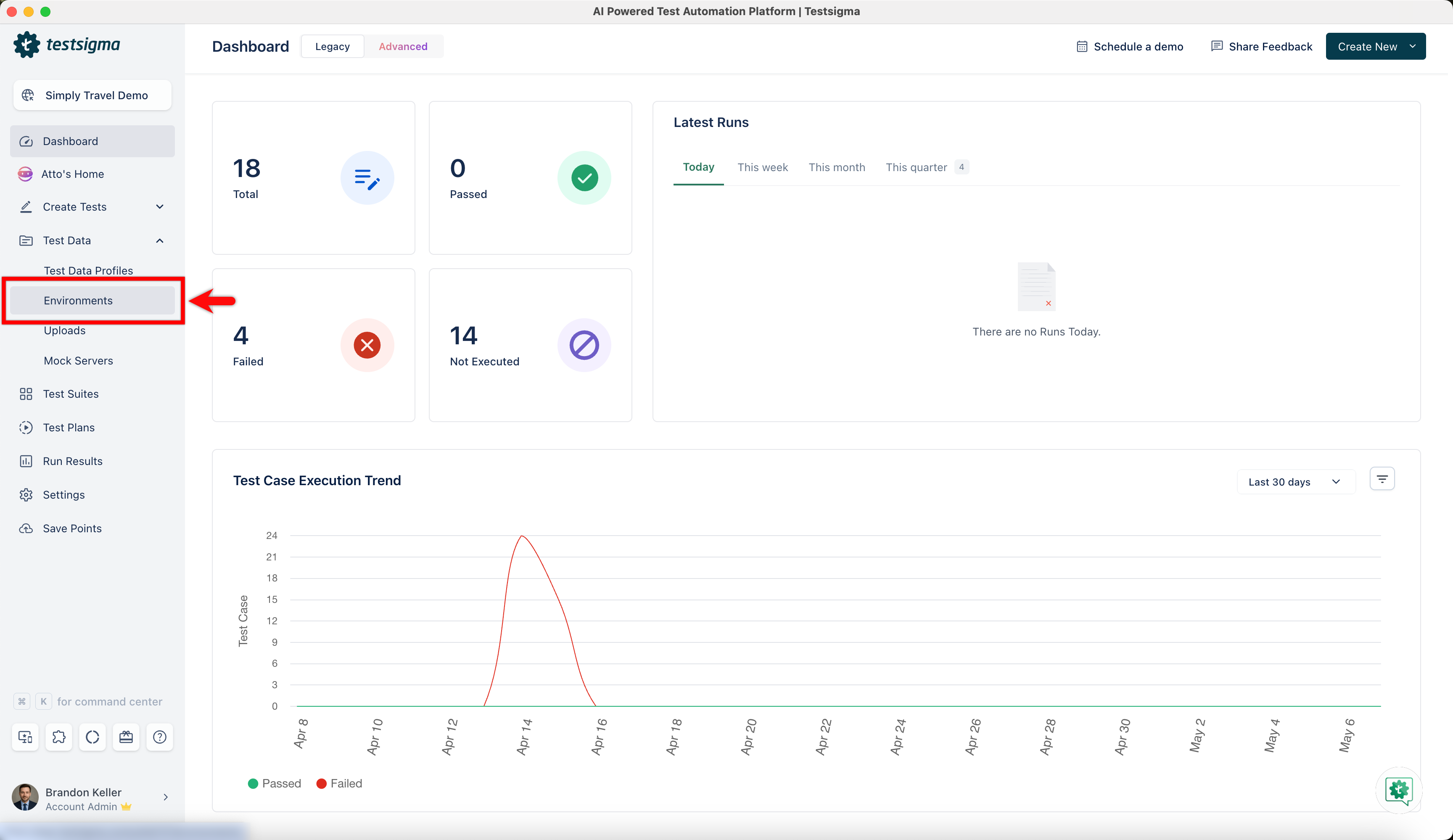
- From the left navigation bar, go to Test Data > Environment.
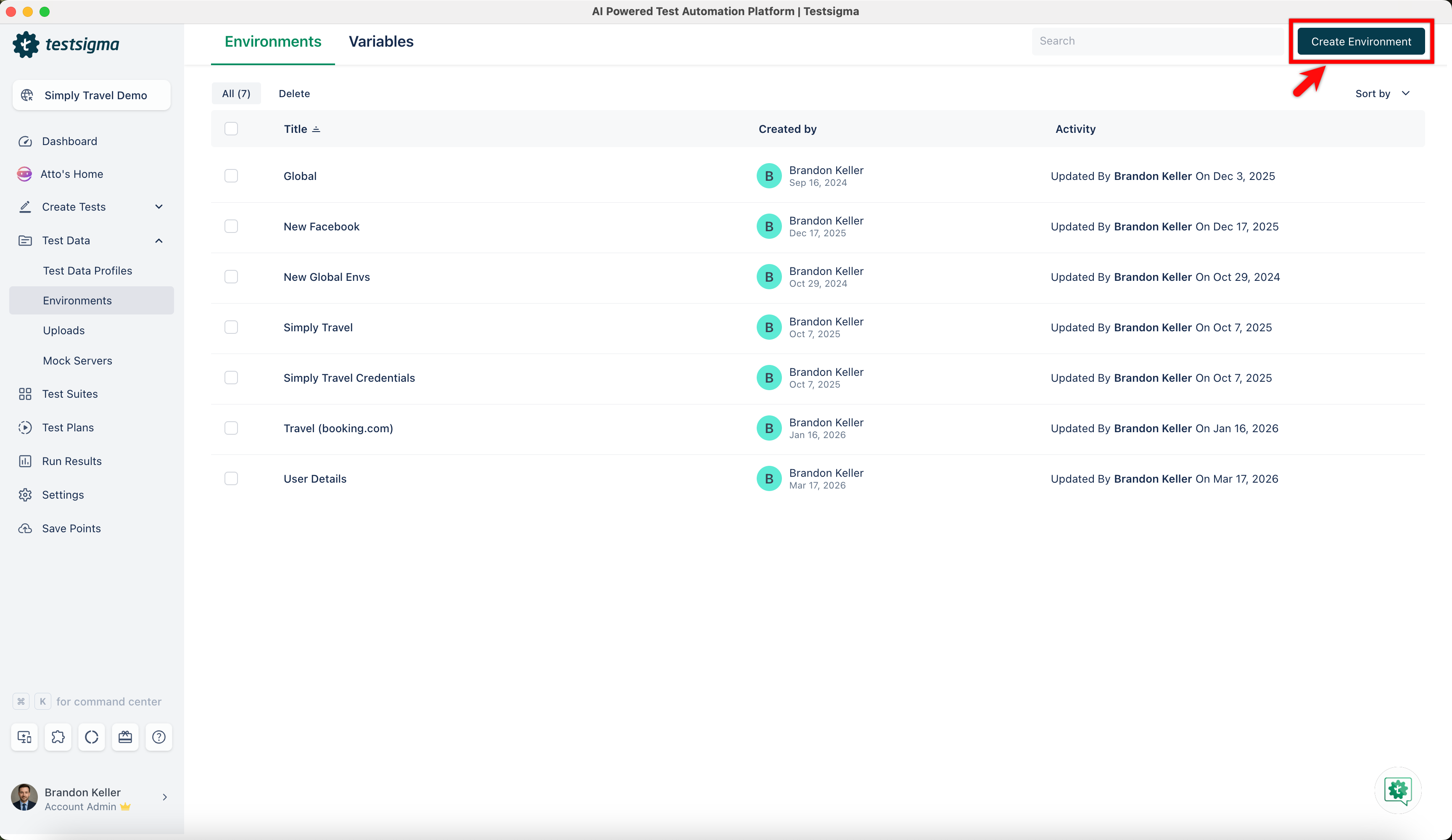
- In the Environment list page, click Create Environment.
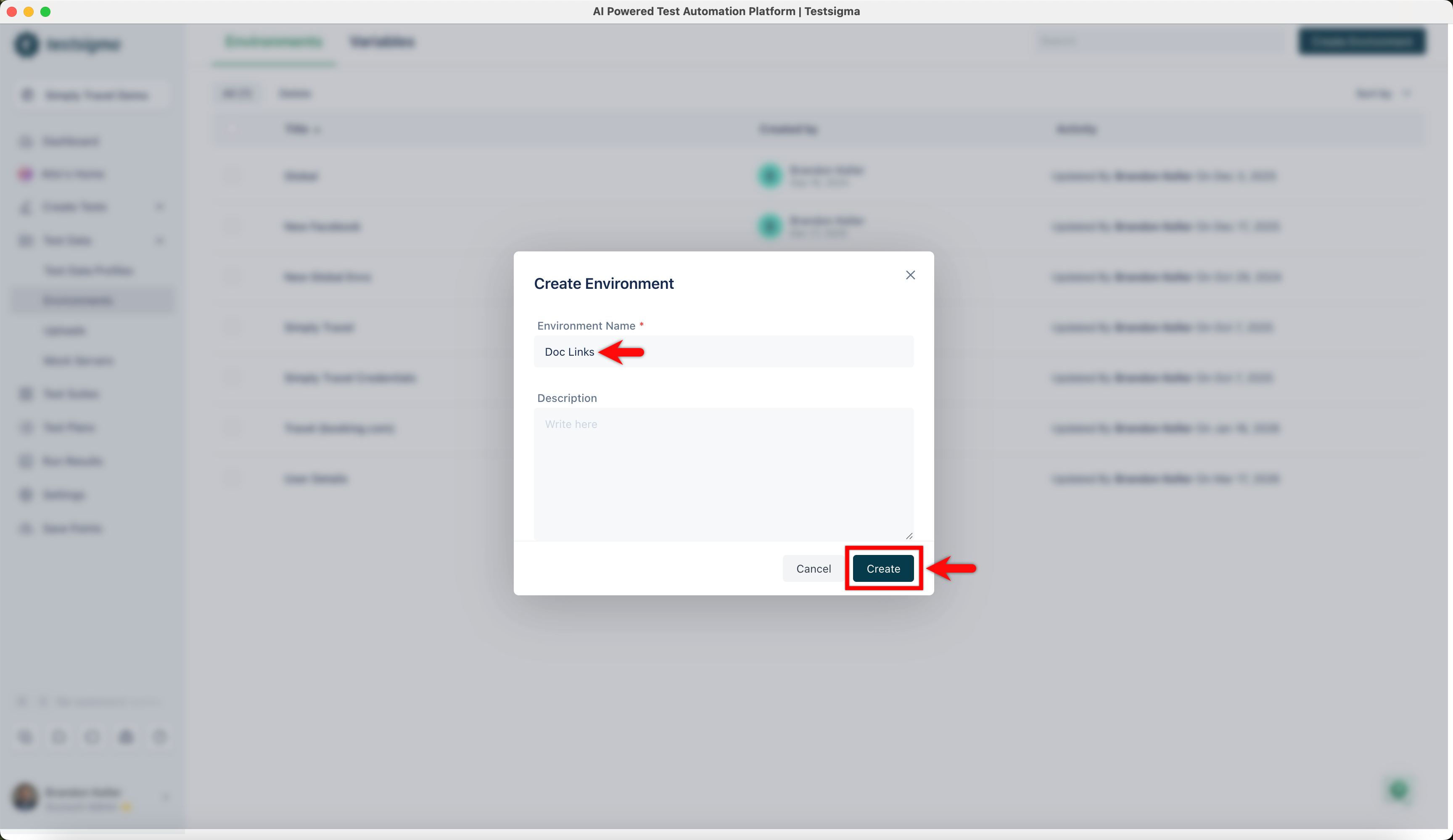
- In the Create Environment dialog, enter a name and click Create.
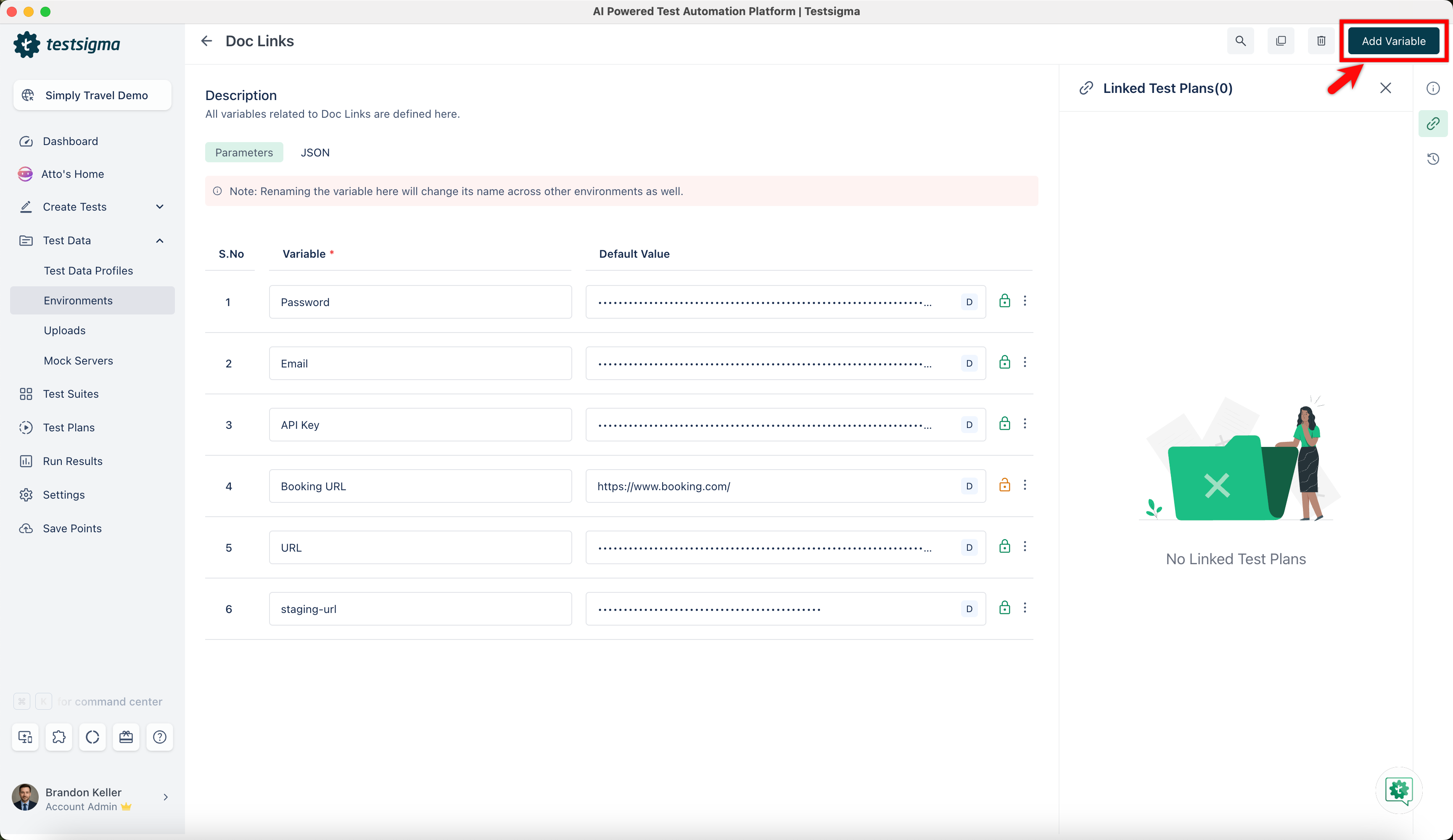
- Once you have created the environment, select it, and click Add Variable.
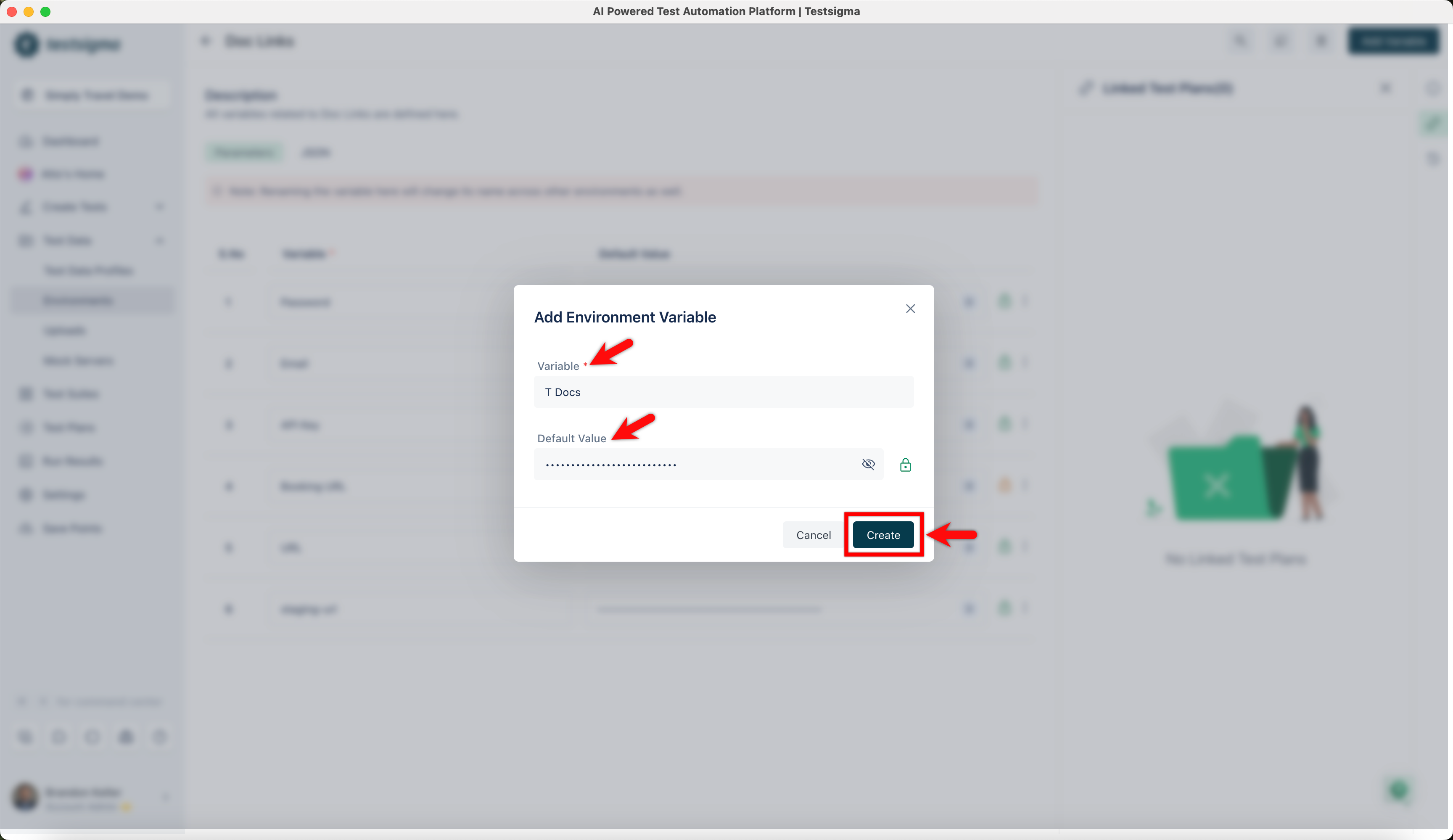
- In the Add Environment Variable dialog, enter the variable name and its value, and click Create.
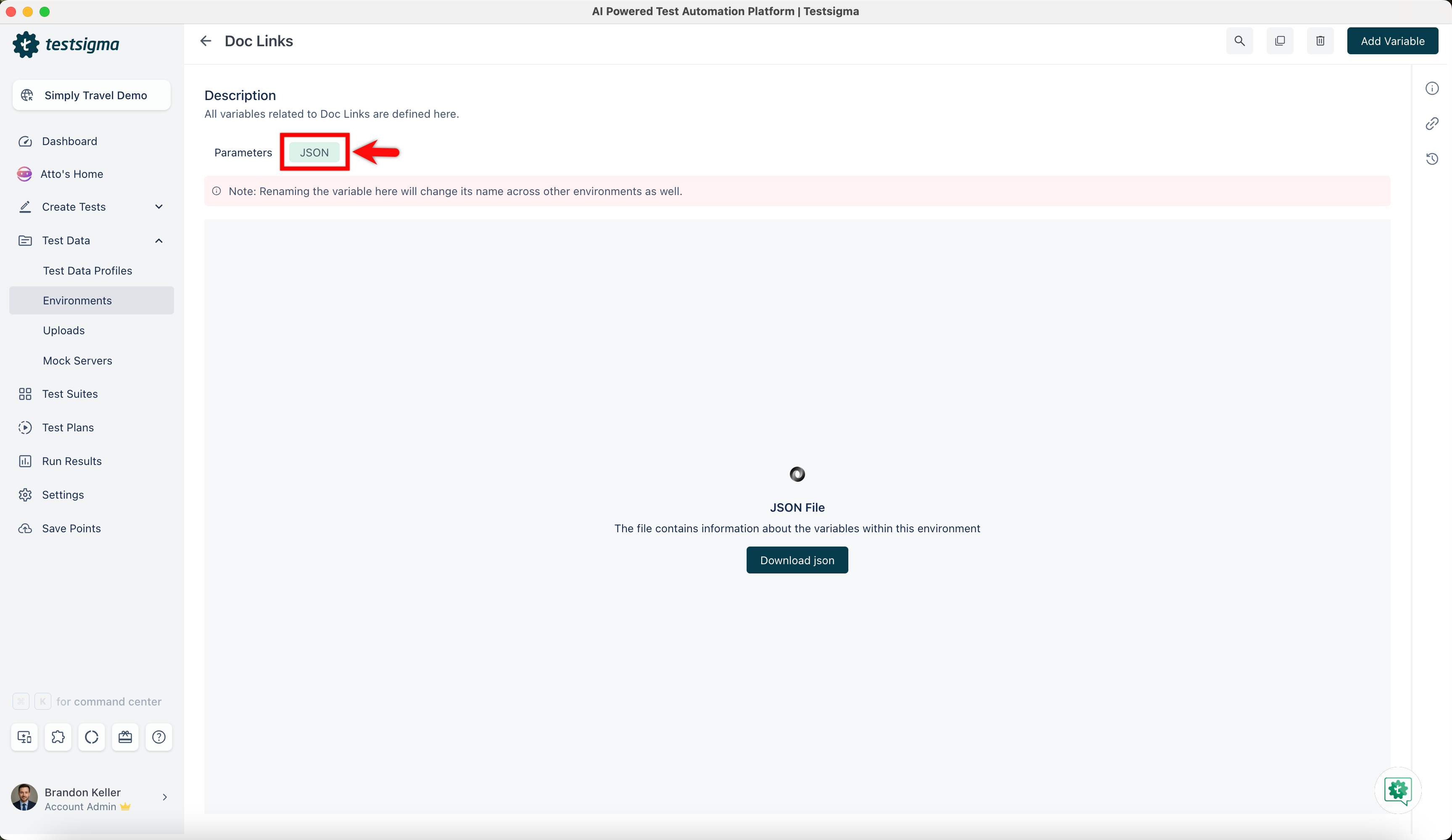
- Click the JSON tab to download a JSON file that contains information about the variables within this environment.
Click the lock icon in the Value field to encrypt the parameter value to hide its value during testing.
Manage Environment Test Data
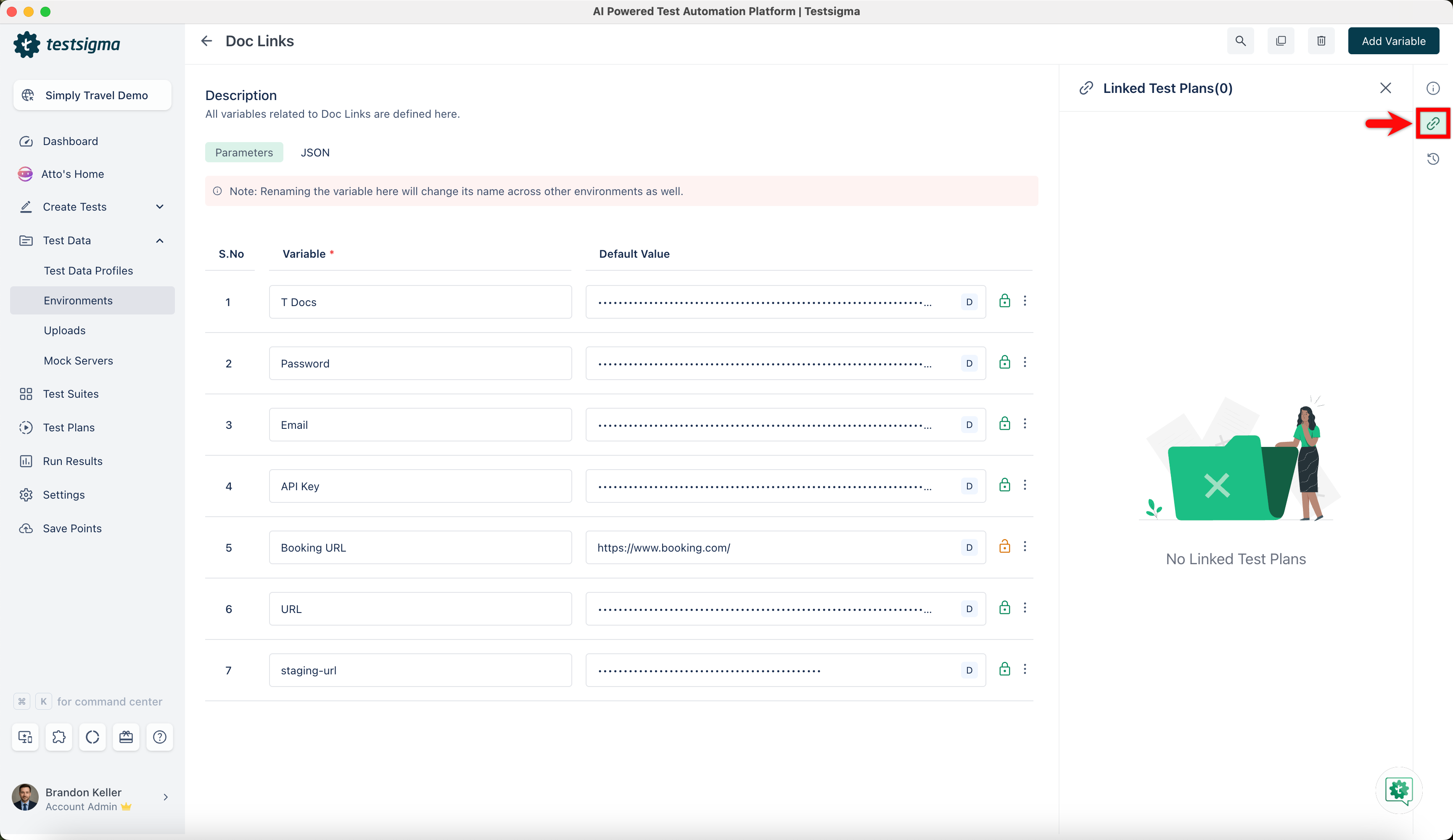
- Linked Test Plans: Click Linked Test Plans in the right-side navbar and view the environment linked to the test plans.
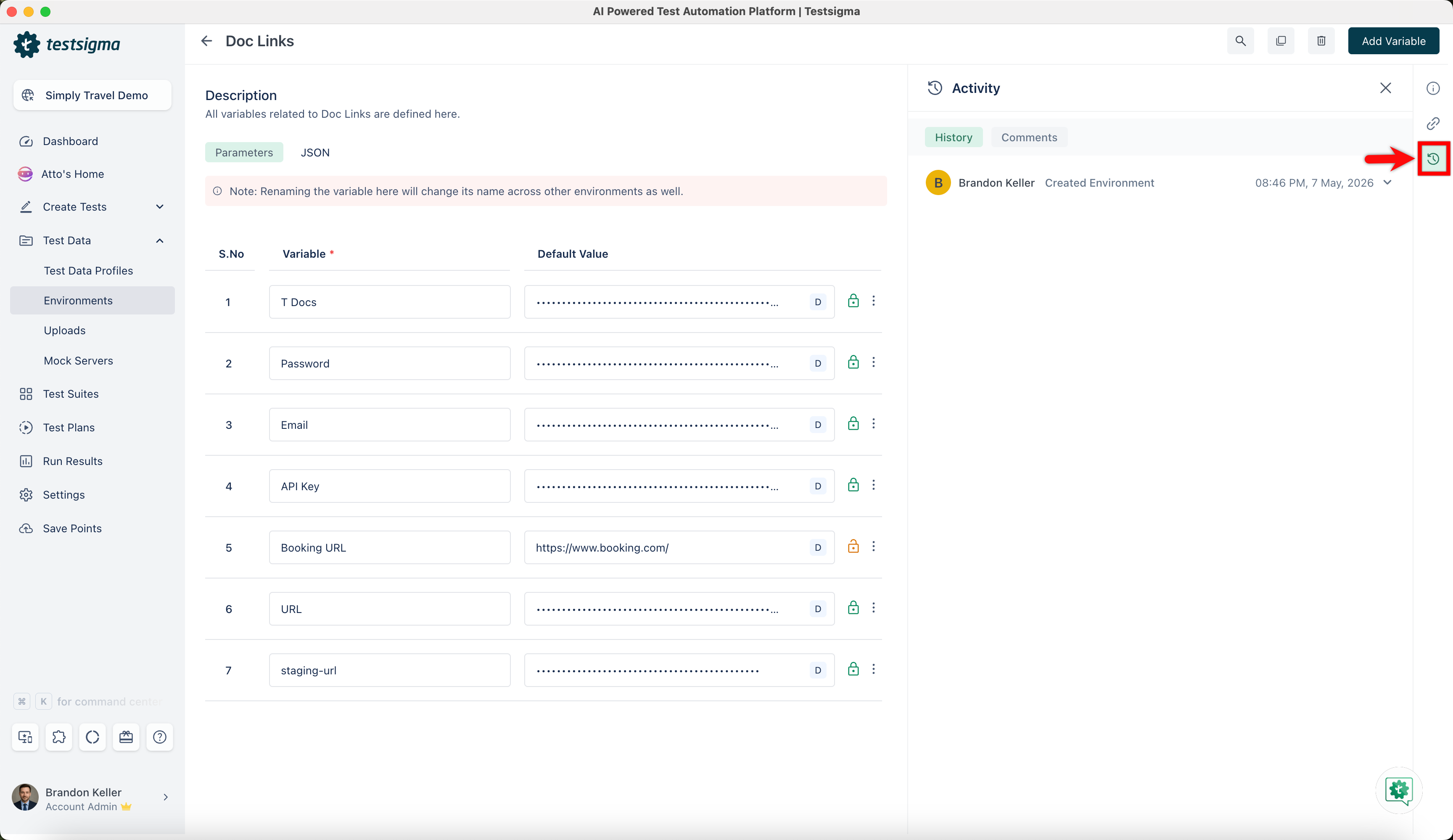
- Activity: Click Activity in the right-side navbar and view the history and comments of the environment.
- Click the Delete button in the top right corner of the Environment Details page to remove the environment from the project. A Delete Confirmation pop-up will appear. Click Delete.
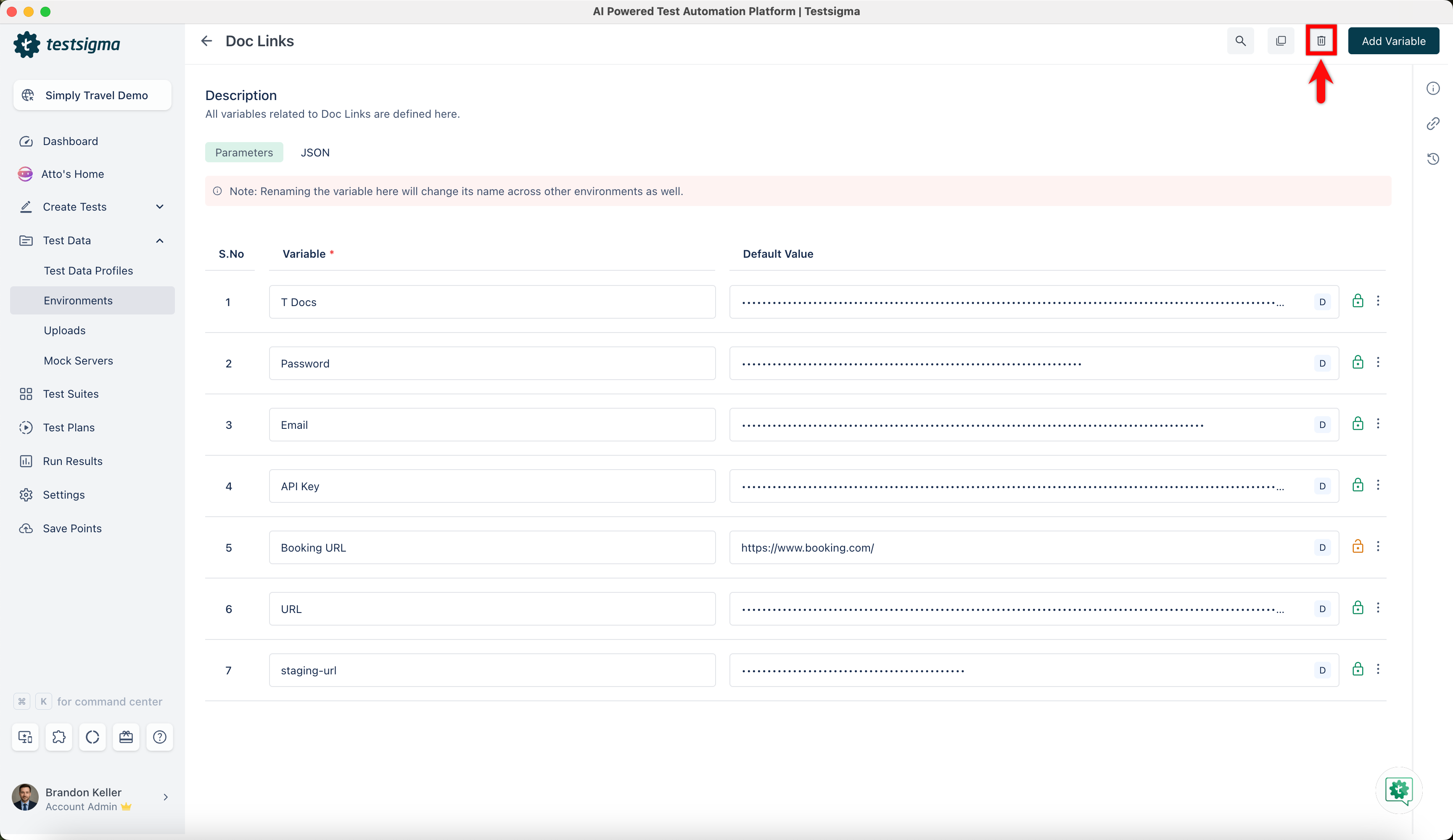
If you try to delete an Environment linked to a Test Plan, the application will warn and block the deletion. You must remove the Environment from the related Test Plans before trying the deletion again. Deleting the Environment will result in the loss of its associated configuration.

Want to contribute or report missing content?