- collaboration
 Invite Team Members
- Assign Projects
- Users & Role Management
- Review Management [Test Cases]
- Review Management [Elements]
- Execution Controls
Inviting Team Members to a Project
You can add unlimited team members to your project and assign them different roles and accesses. This article discusses how to add team members to your project in Testsigma.
Prerequisites
Before you begin, ensure that you have referred to:
Steps to Invite Team Members
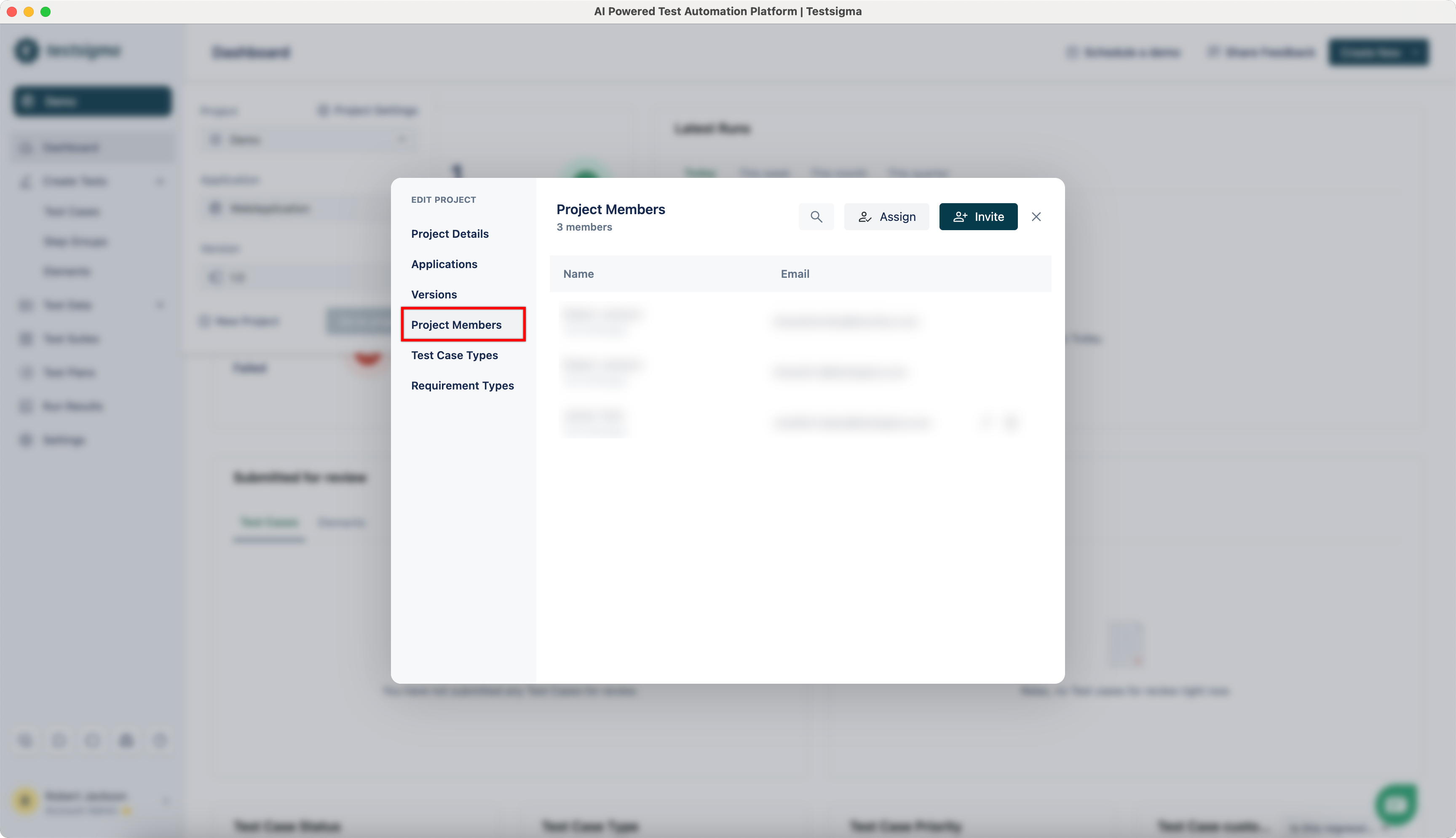
- Navigate to Project > Project Settings, click on Project Members.
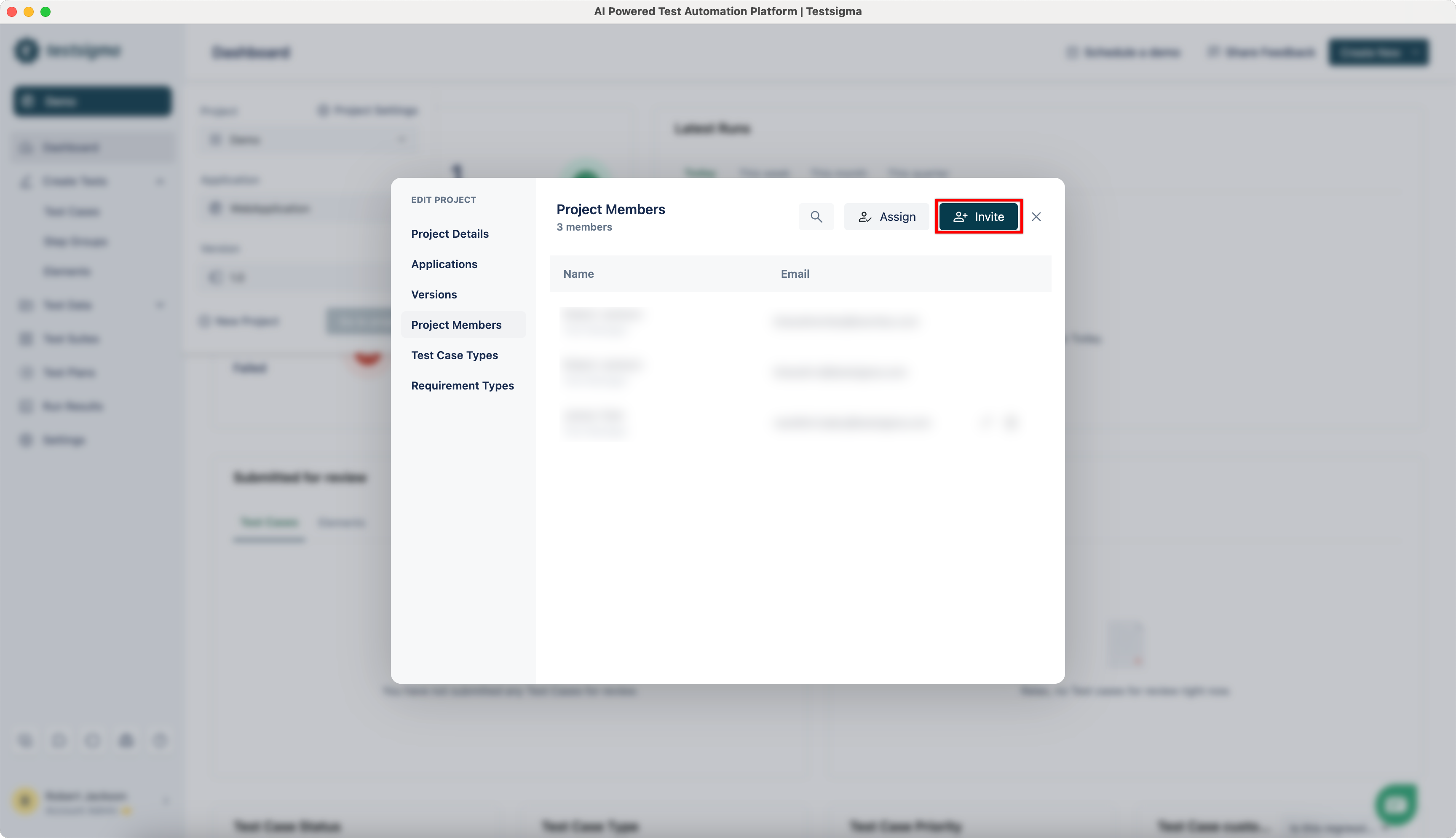
- Click on Invite.
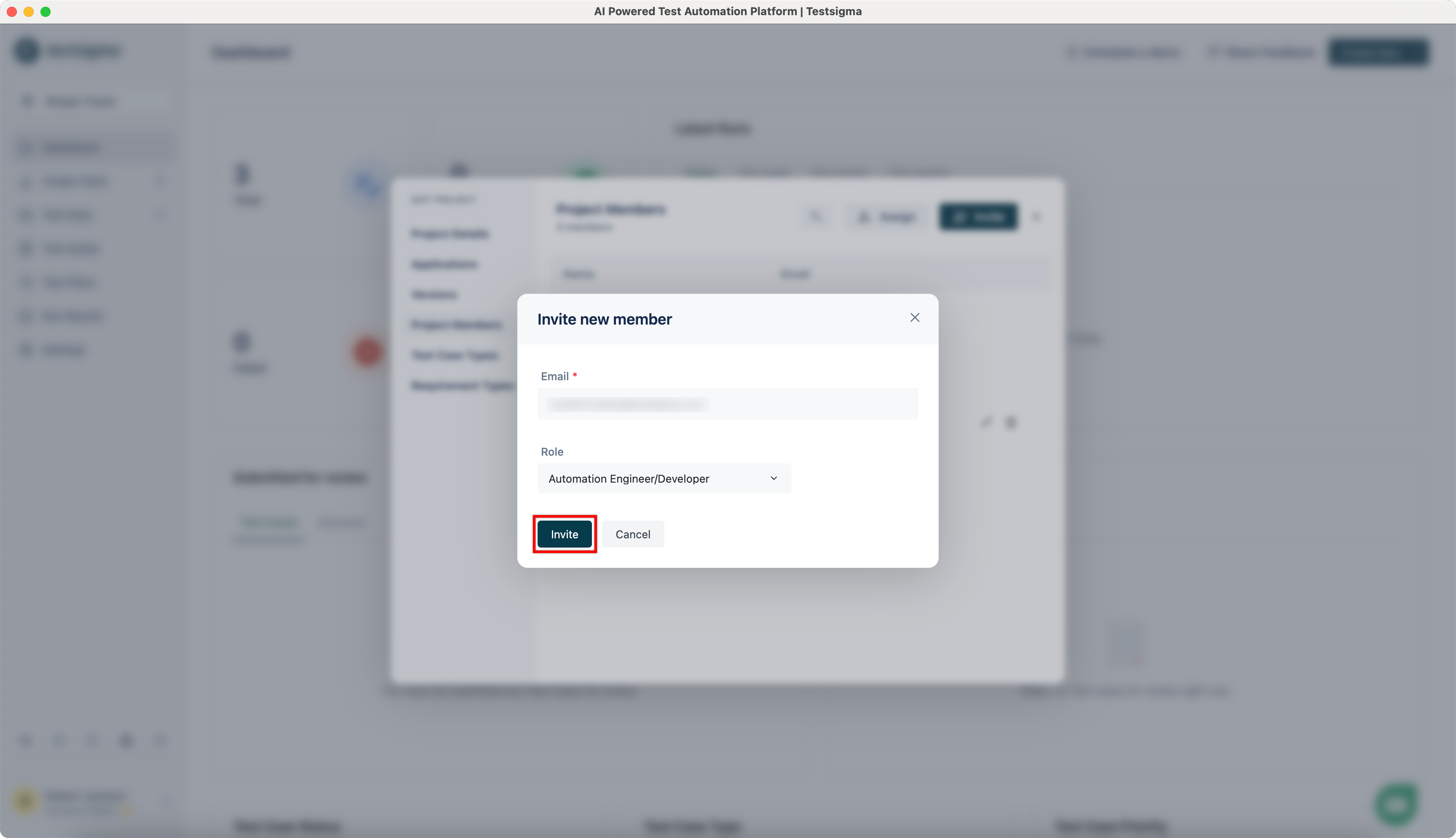
- On Invite new member dialog, enter Email and select the Role you want to assign.
- The invited user should receive an invitation email.
Alternatively, you can also add users from global Settings. Learn how to assign projects from here.

Want to contribute or report missing content?