- integrations

Azure DevOps Integration
The Testsigma Azure DevOps Integration allows you to create work items within your Azure project directly from the Testsigma. You can also effortlessly transfer various work items, including bugs, epics, tasks, and stories, to your Azure projects while executing tests on the Testsigma. This article discusses how to integrate Azure DevOps with Testsigma.
Prerequisites
Before you begin, ensure that you have:
- Azure DevOps Organization URL: Azure DevOps URL will be the domain name.
- Personal Access Token: In your Azure Application, you can find the Personal Access Token under Security > Personal Access Tokens.
NOTE:
Please check with your Azure Admin if you need help with finding the above details.
Steps to Integrate Azure DevOps with Testsigma
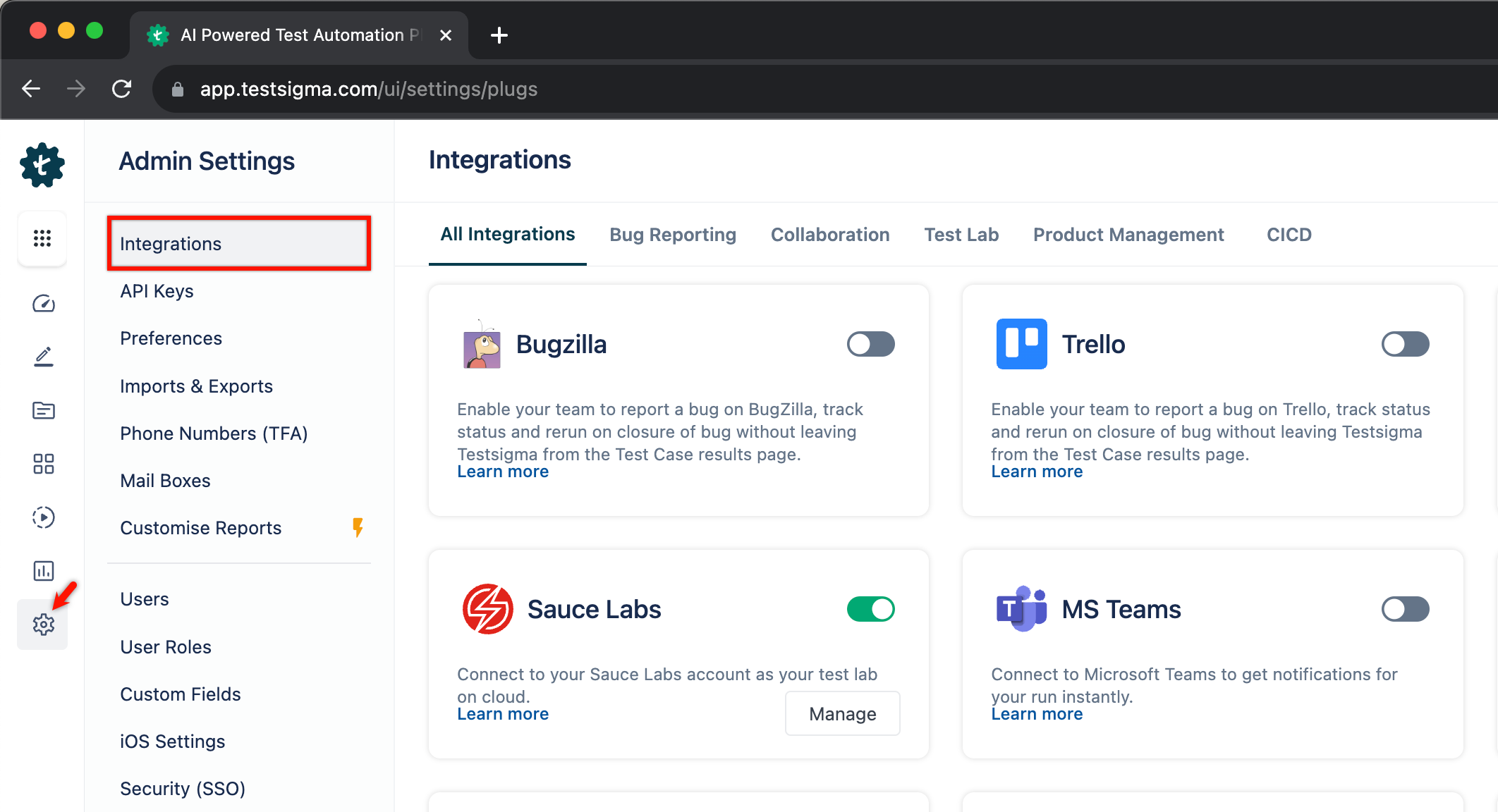
- Navigate to Settings > Integrations.
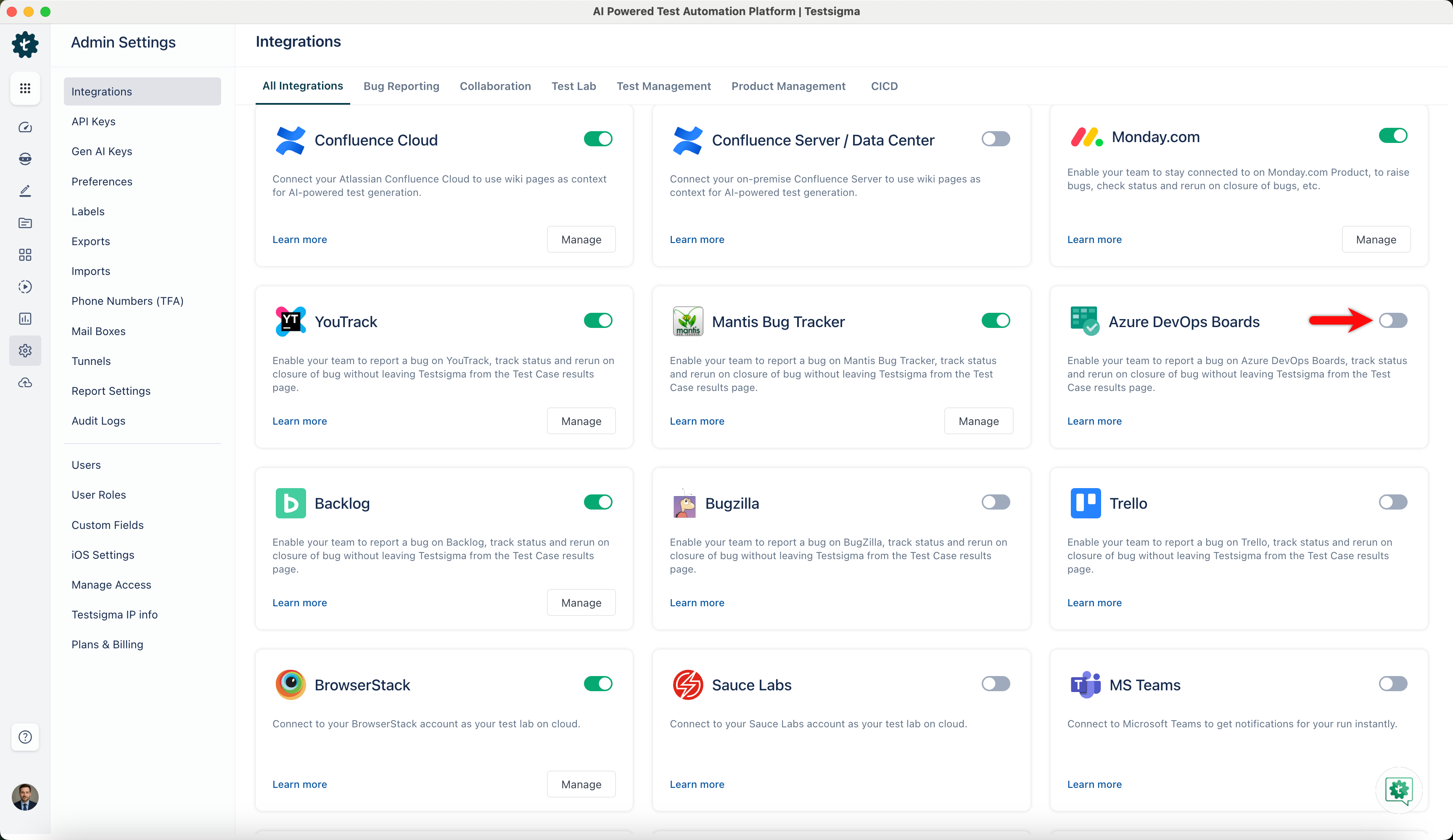
- Enable the toggle on the Azure DevOps Boards widget.
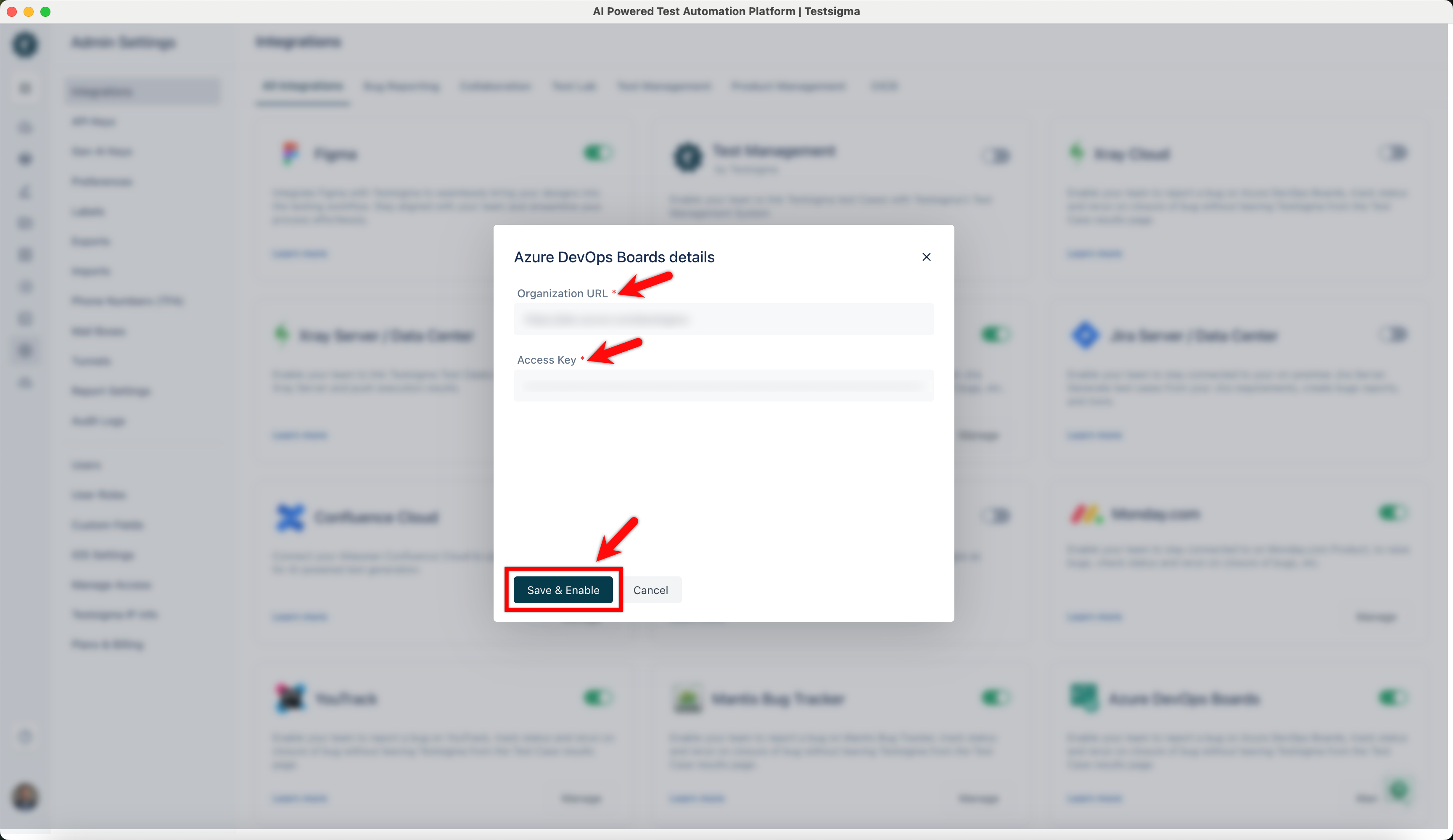
- On Azure DevOps Boards details prompt, enter Organization URL, Access Key, and click on Save & Enable.
Creating Work Item on Azure from Testsigma
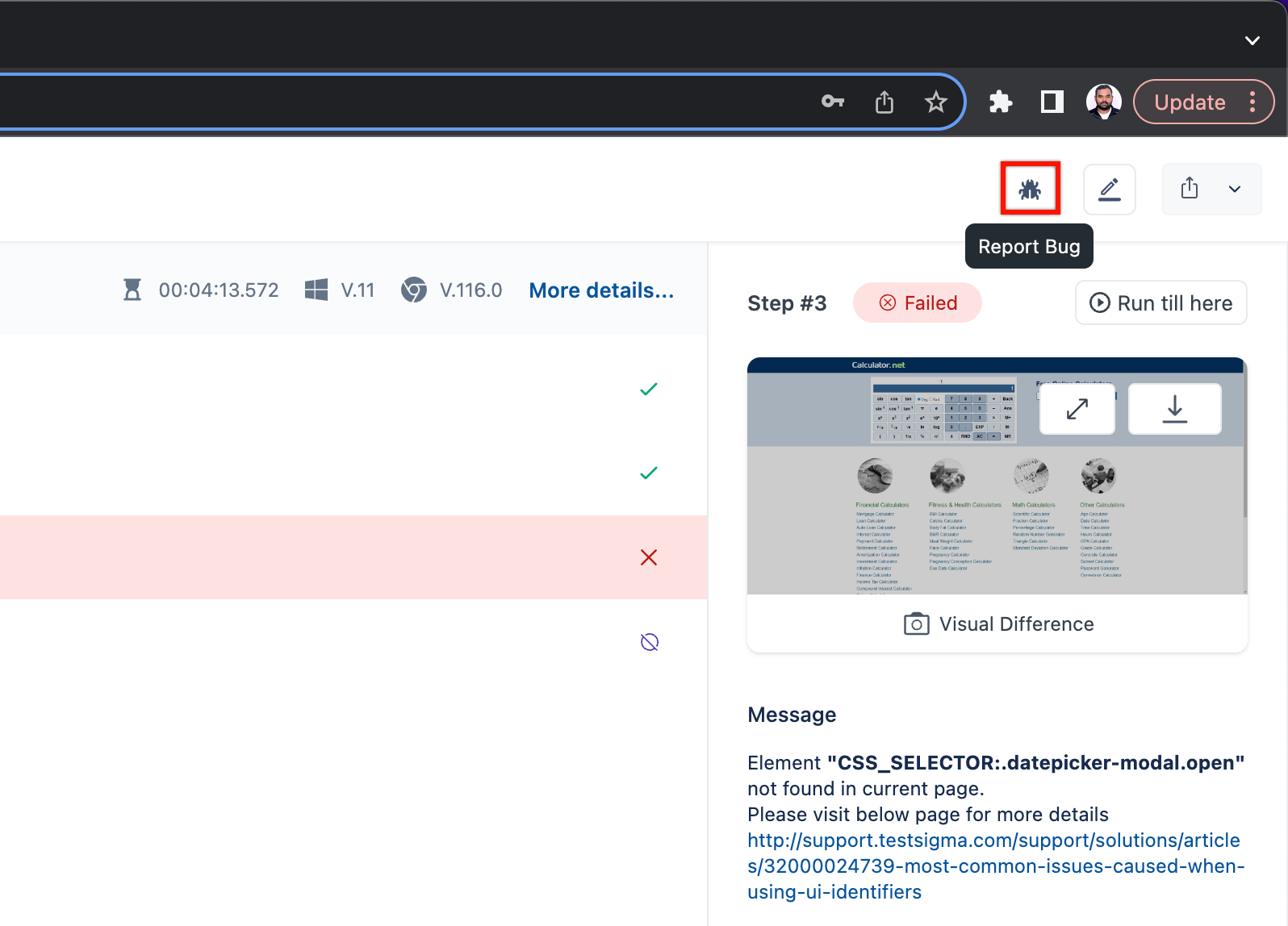
- Navigate to Run Results > Test Case Result, where you want to add a bug.
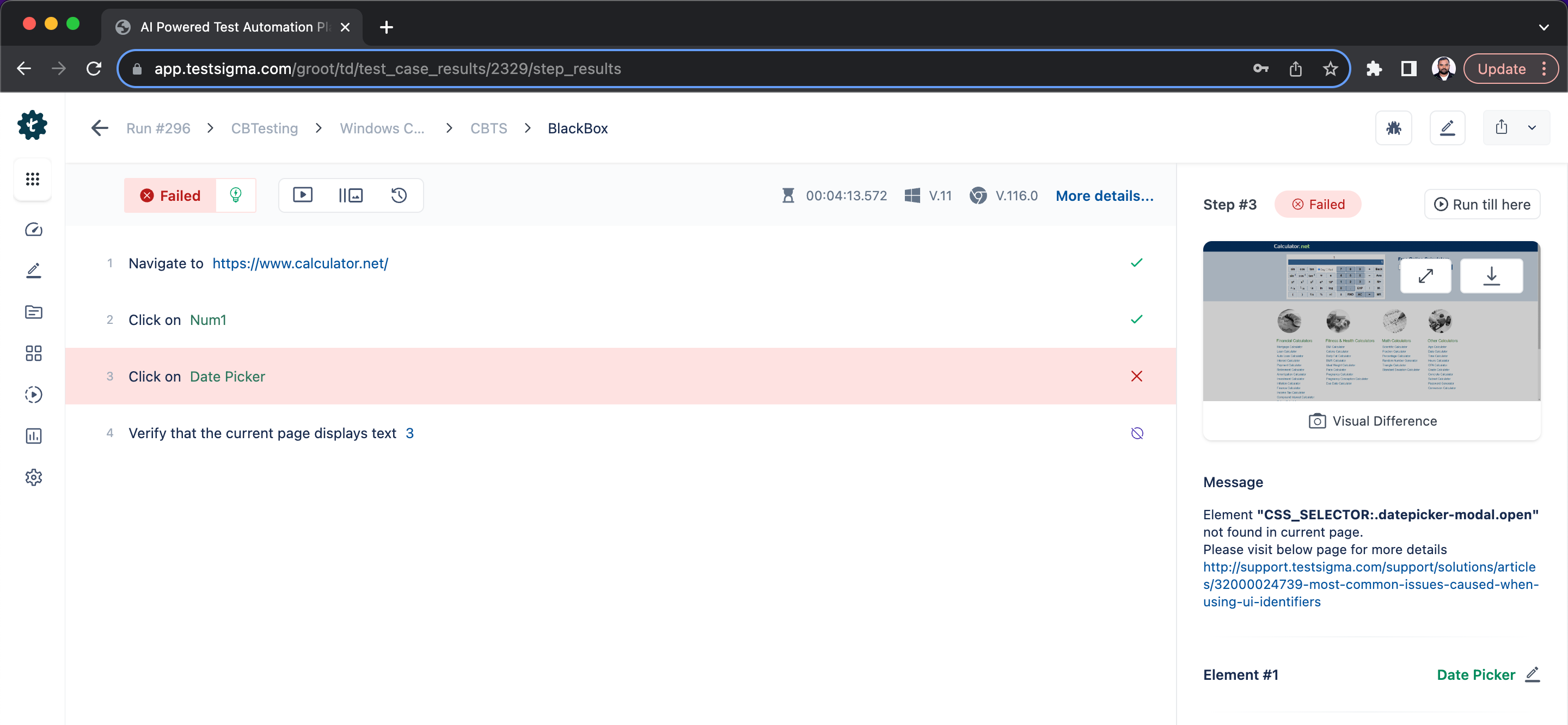
- Click on Report Bug.
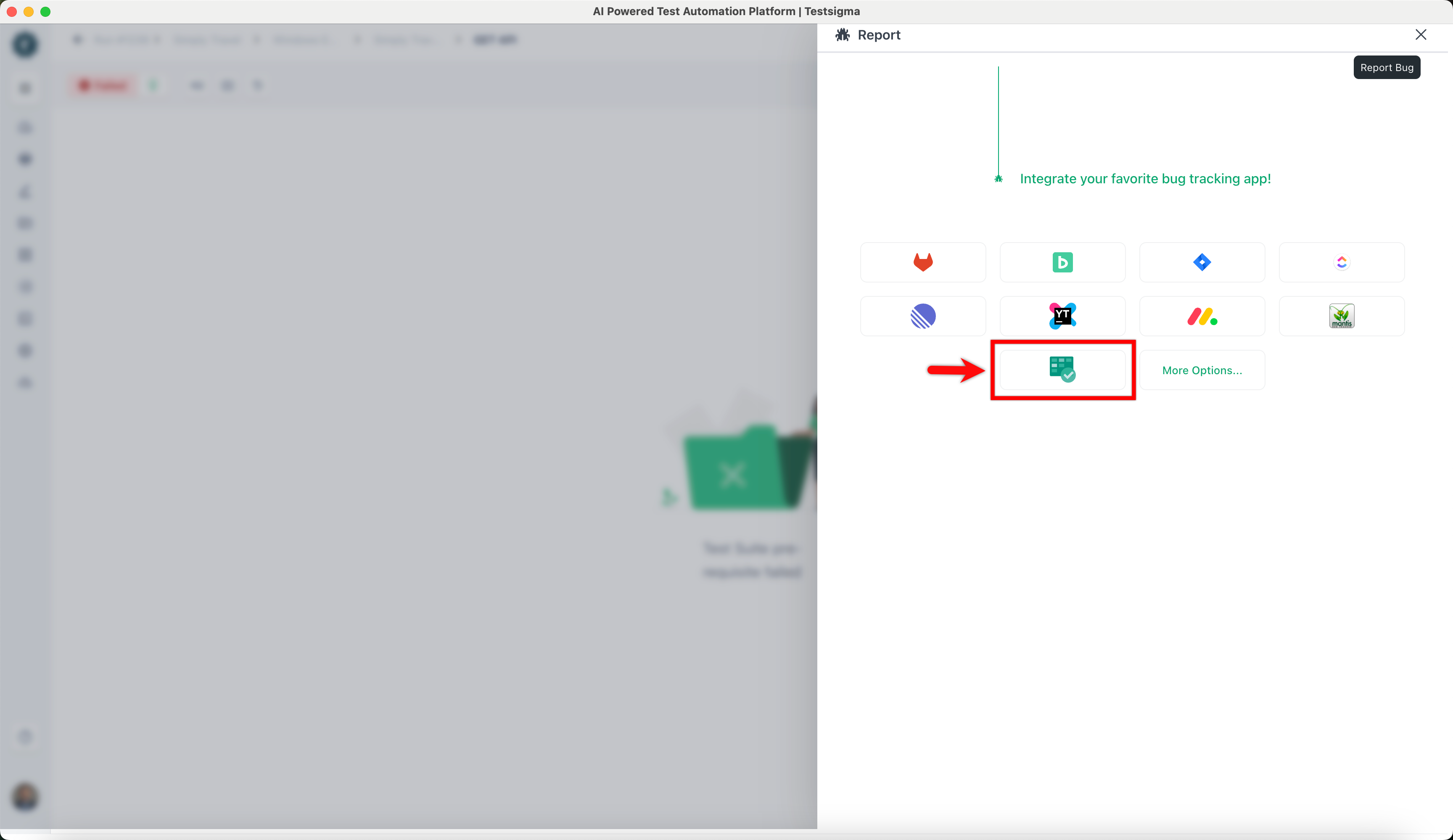
- On Report overlay, click on the Azure DevOps icon.
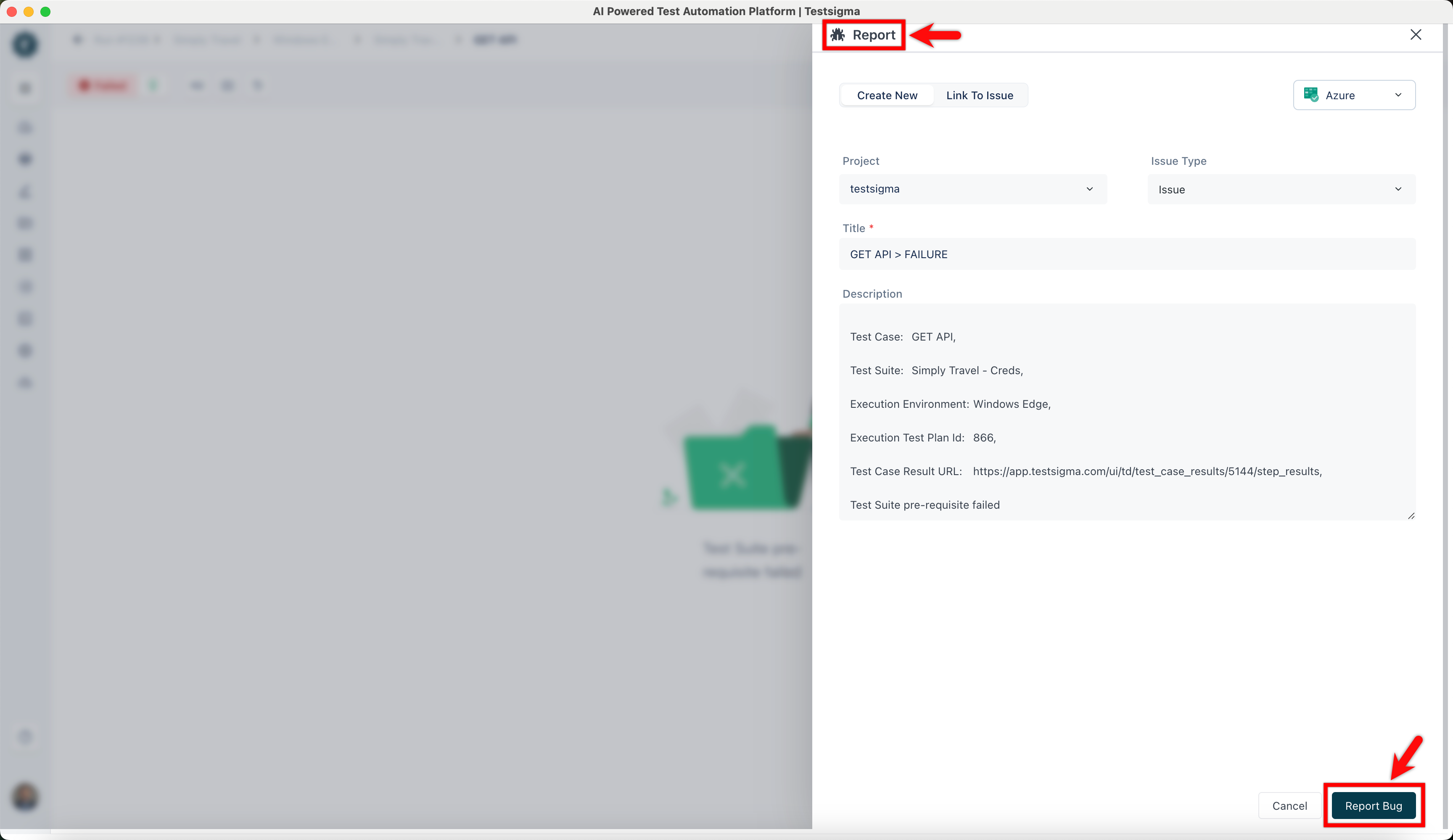
- On the Report overlay, click Report Bug.
NOTE:
- If you want to link to an existing issue on Azure DevOps, click on the Link to Issue button, search for an existing issue in the search field and click on Link Issue to add a link to an existing Issue.
- You can also link the Azure DevOps test case with Testsigma test case. Get the test case ID from Azure DevOps, navigate to Create Tests > Test Cases > Test Case, and enter the ID in the top right corner of the test case details page with the text box Enter Azure DevOps ID. The test case will be linked with the Azure DevOps test case.

Want to contribute or report missing content?