- integrations

Trello Bug Reporting Integration
With Testsigma and Trello integration, you can push bugs directly from Testsigma to your Trello project, capture screenshots, annotate bugs, and share them with your teammates and colleagues.
This document discusses establishing Integration with Trello from your Testsigma account and creating the first bug from Testsigma, which can flow into Trello.
Prerequisites
Before you begin, ensure that:
To integrate Trello with Testsigma, you need the following information from your Trello Account:
- User Token
- API Key
- You have referred to the documentation on executing test plan runs.
Integrate Trello with Testsigma
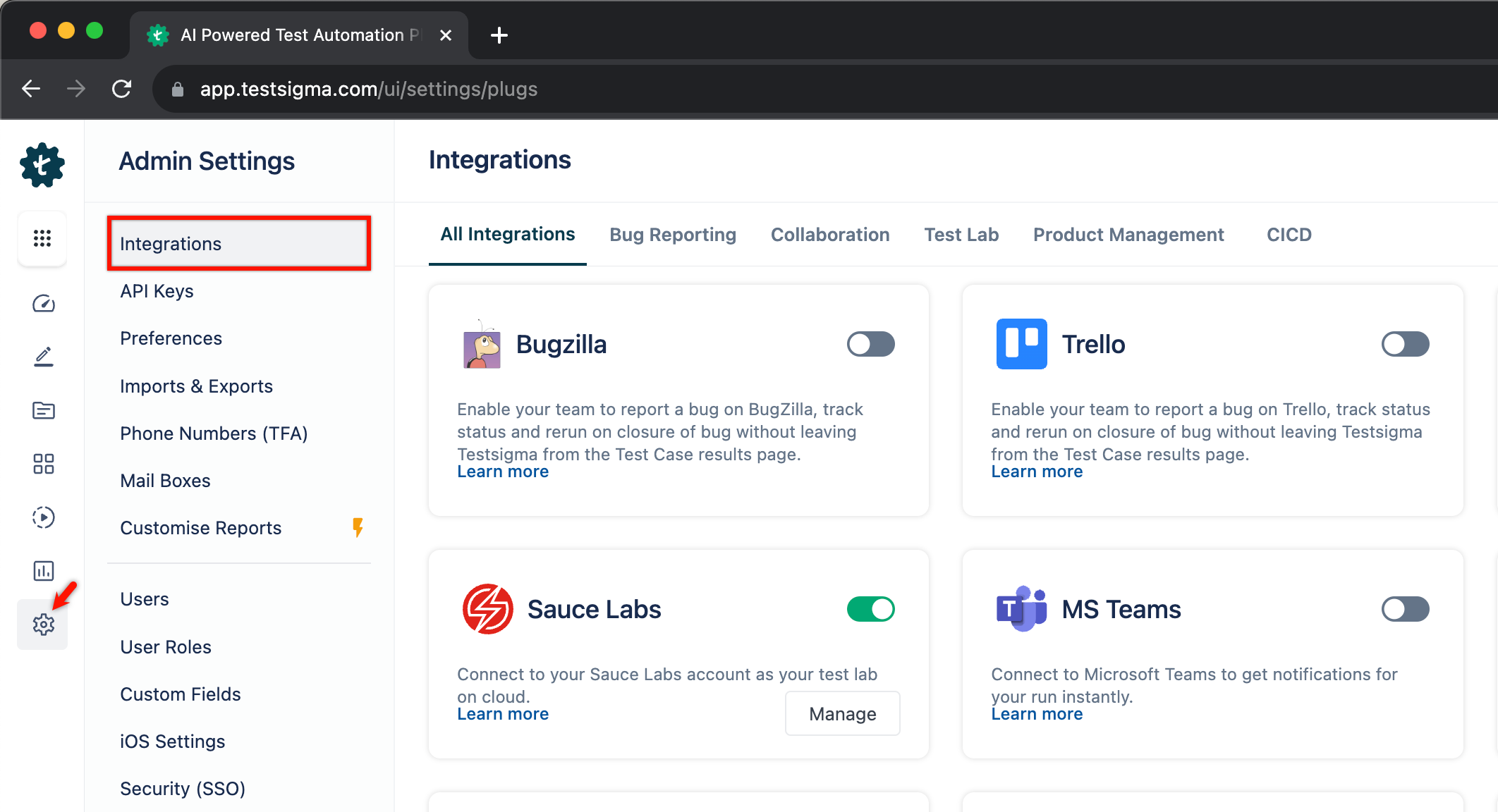
- Navigate to Settings > Integrations.
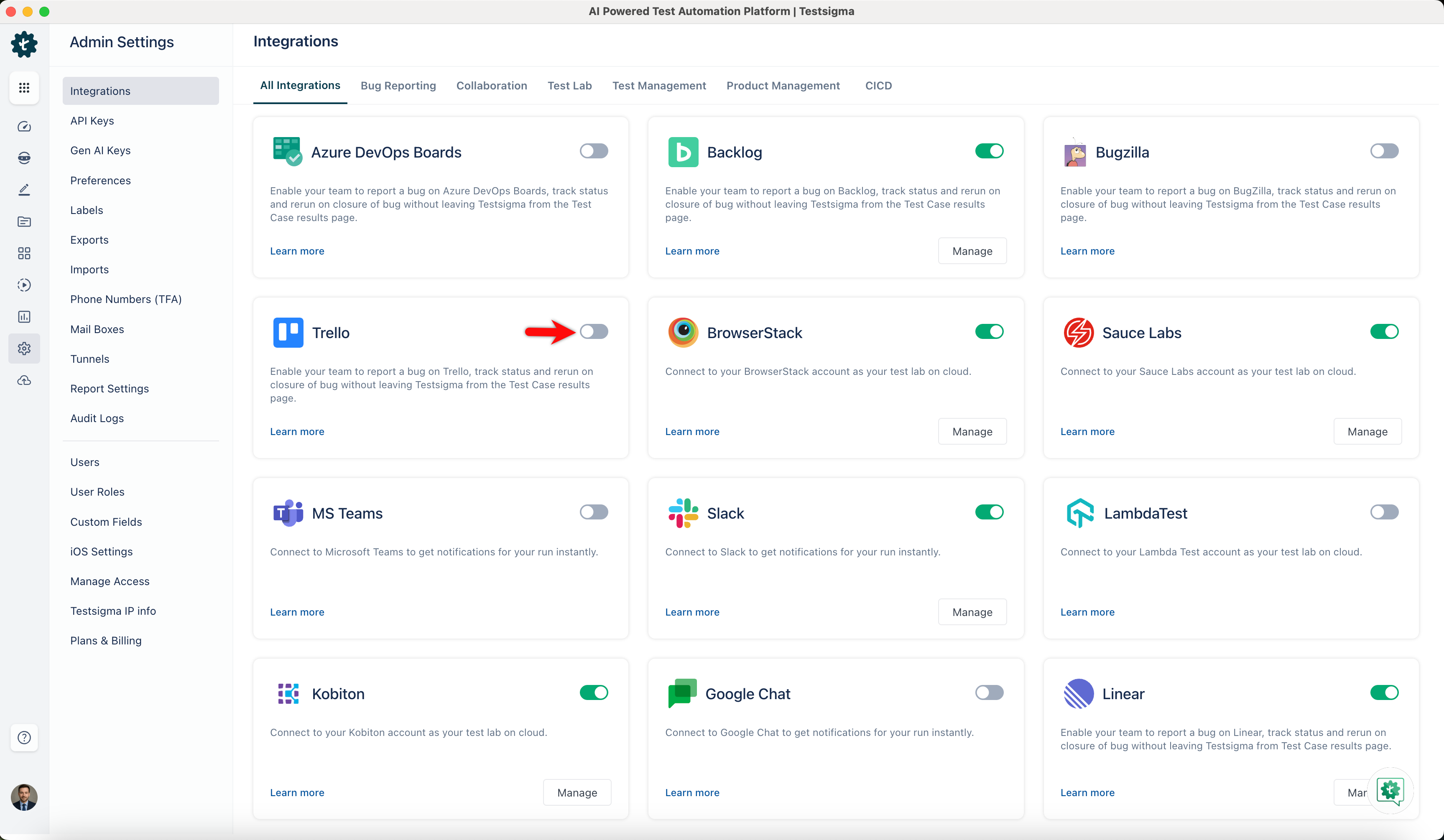
- Enable toggle on Trello widget.
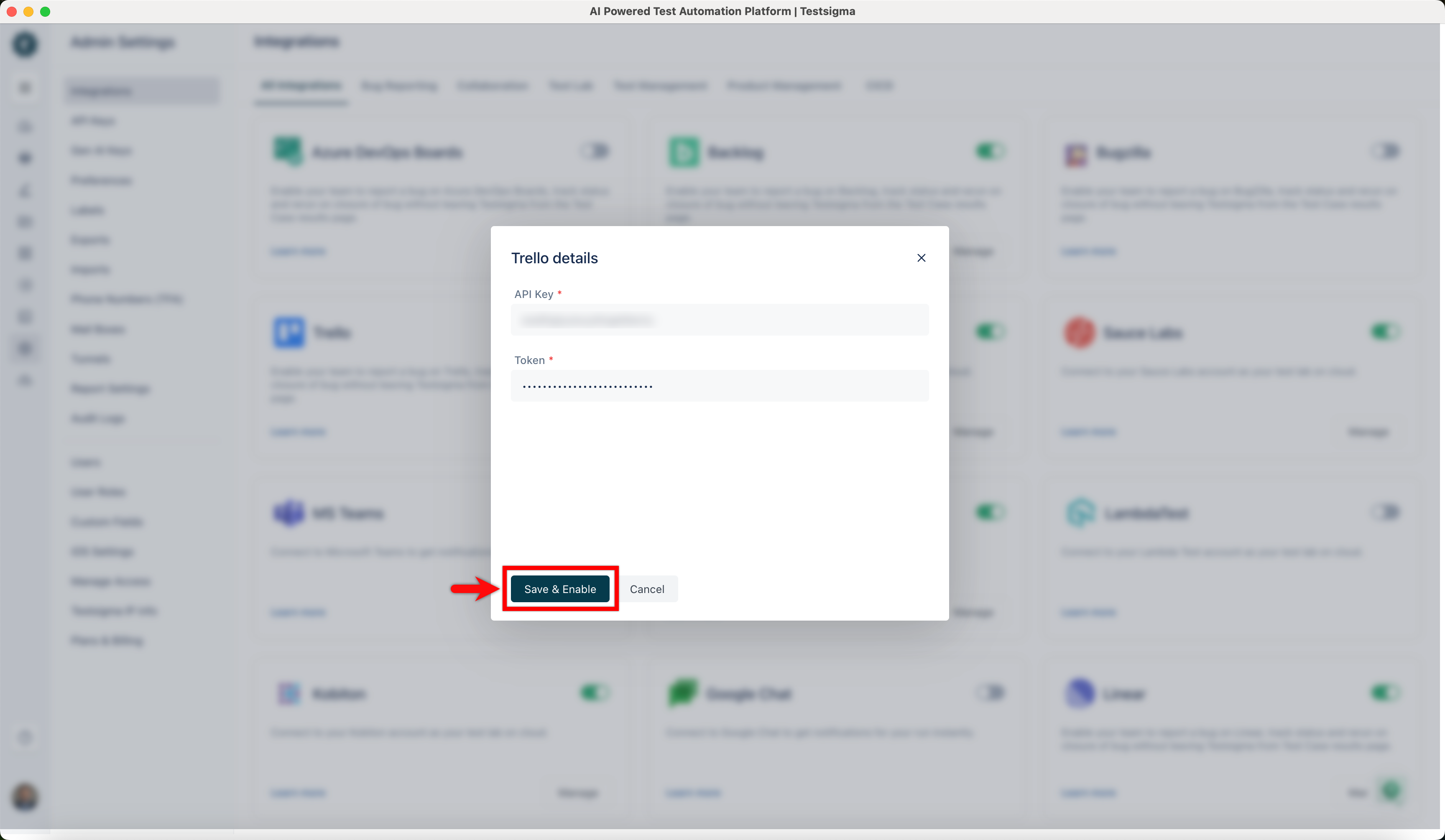
- On the Trello details prompt, enter API Key, Token and click on Save & Enable.
Creating a Bug
- Navigate to Run Results > Test Case Result, where you want to add a bug.
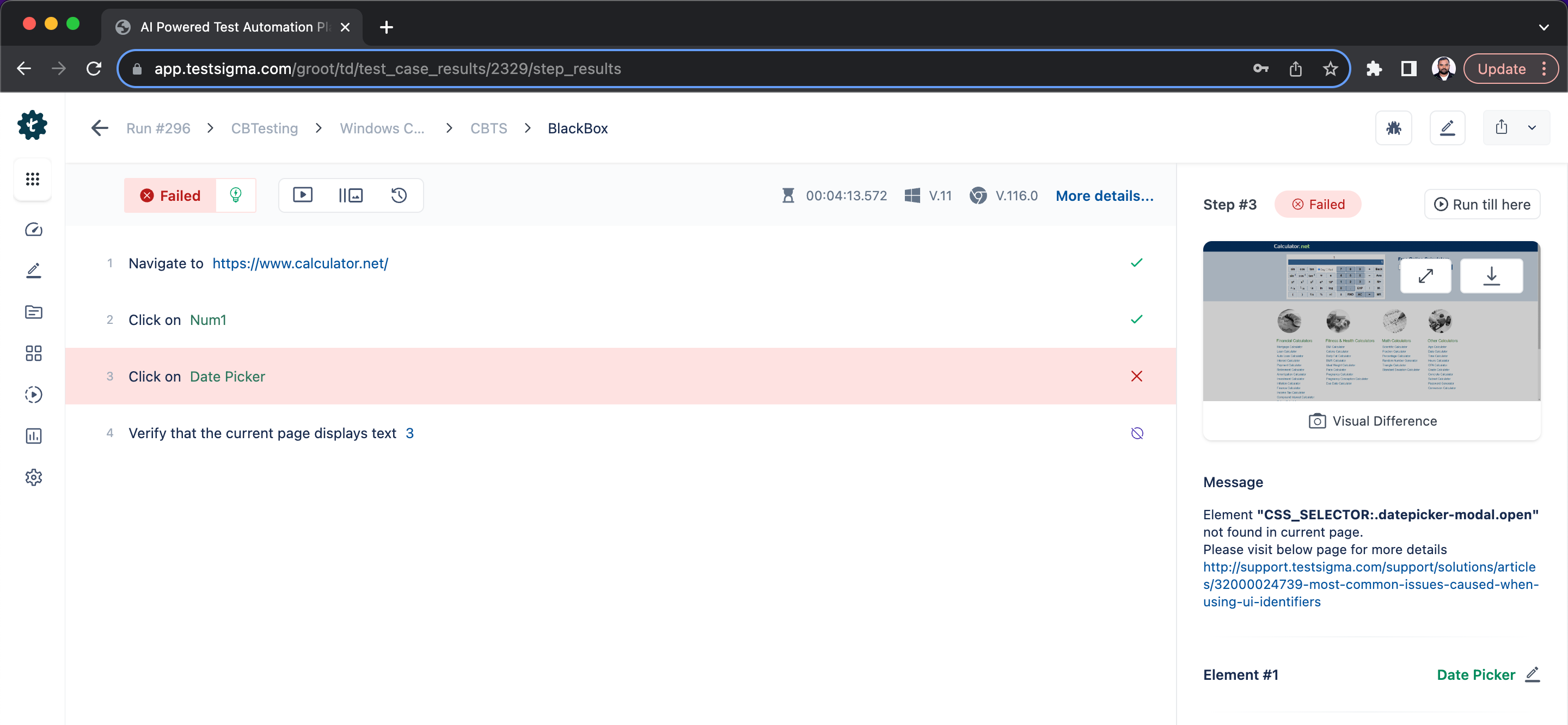
- Click on Report Bug.
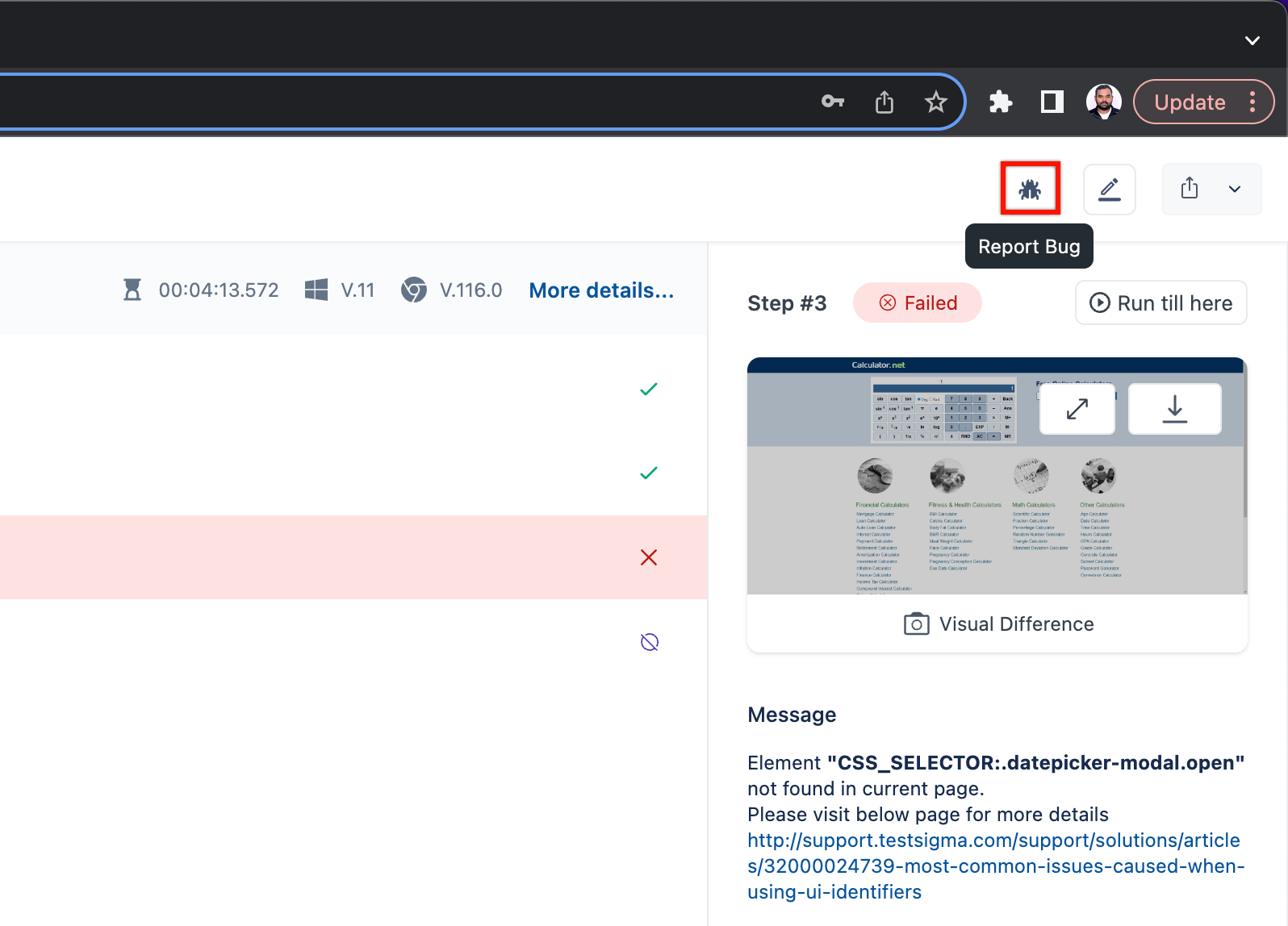
- Choose Trello and enter the detailed information of your bug.
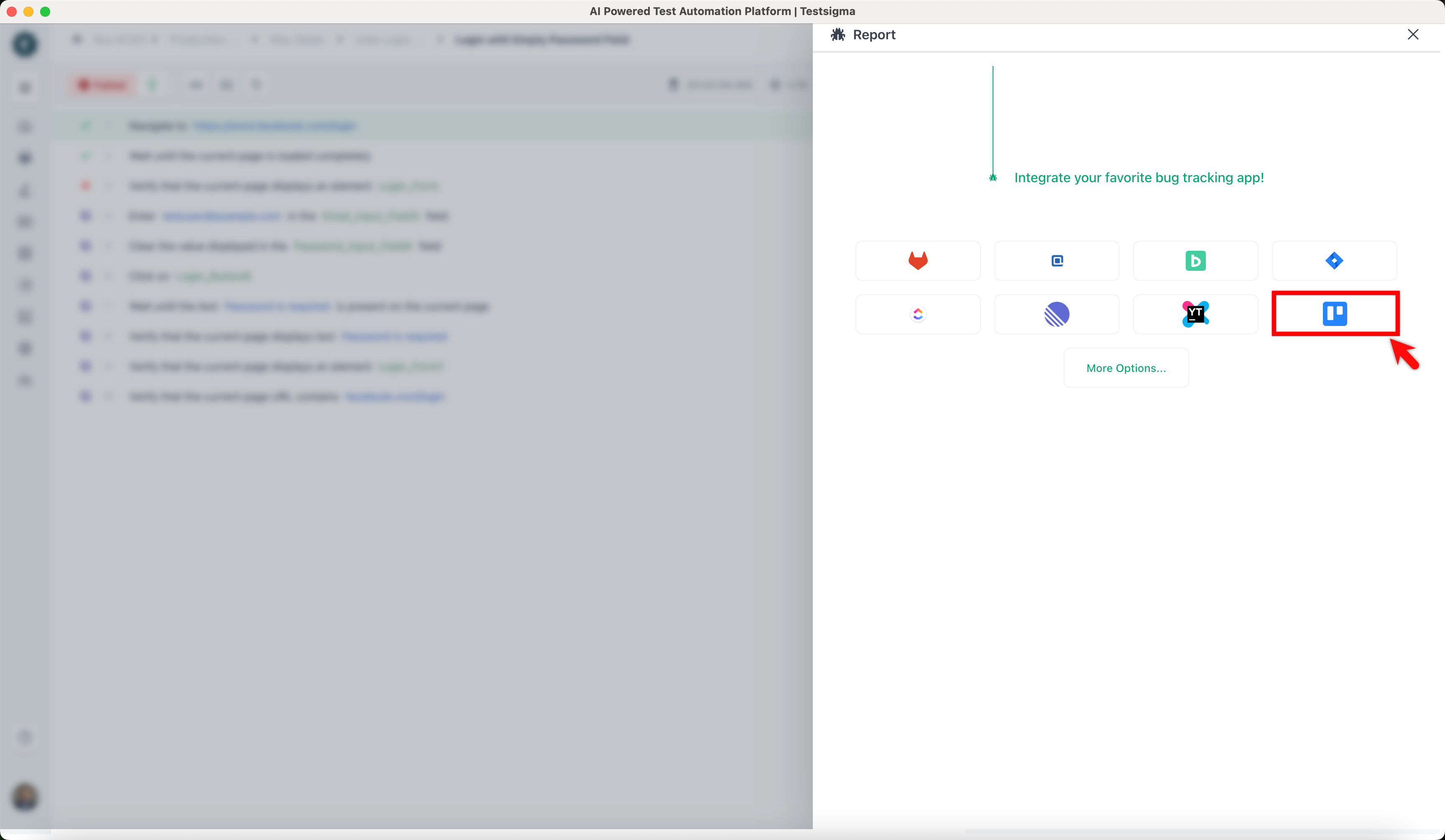
Only the bug reporting tools that have been enabled via the plugins page (add link) will be displayed here.
If you want to link to an existing issue on Trello, click on the Link to Issue button, search for an existing issue in the search field, and click on Link Issue to add a link to an existing Issue on Trello. Otherwise, enter the bug details in the form as required.
- Click on Create Ticket.
When the bug is created, some additional details regarding the test result, such as the test execution video and step screenshots, are automatically added to the issue on Trello by Testsigma. This helps the developer who checks the issue in Trello better understand the issue/bug with more context.

Want to contribute or report missing content?