- create test cases
 Organizing Test Cases in Folders
- Test Cases for Web Applications
- Test Cases for Mobile Applications
- Test Cases for Mobile Web Applications
- Manage Test Cases for Web Applications
- Manage Test Cases for Android & iOS Apps
- Manage Test Cases for Mobile Web Applications
- Test Case List Actions
- Importing Postman Collections and Environments
- Custom Fields for Test Cases
- Label Management
- Update Test Case Result in a Test Plan
- Test Case: Advanced Options Guide
- Test Step Types
- Type: Natural Language
- Type: REST API
- Type: Step Group
- Type: For Loop
- Type: While Loop
- Type: Block
- Type: If Condition
- Nested Step Groups
- Image Injection
- Cross-application testing
Testing API Responses with Custom Values
The goal of sending custom values while creating API steps is to ensure that all input sources are accurately parsed while testing API responses as you send the request. This allows you to experiment with the data and make necessary changes while designing API tests.
With Testsigma, you can choose default and custom values for various variables such as parameters, runtime, environment, random data generators, phone numbers, and mailboxes and verify responses. This article discusses providing custom test data inputs while creating API steps.
Prerequisites
Before you begin, ensure that you have referred to:
Steps to Send Custom Variables in API Steps
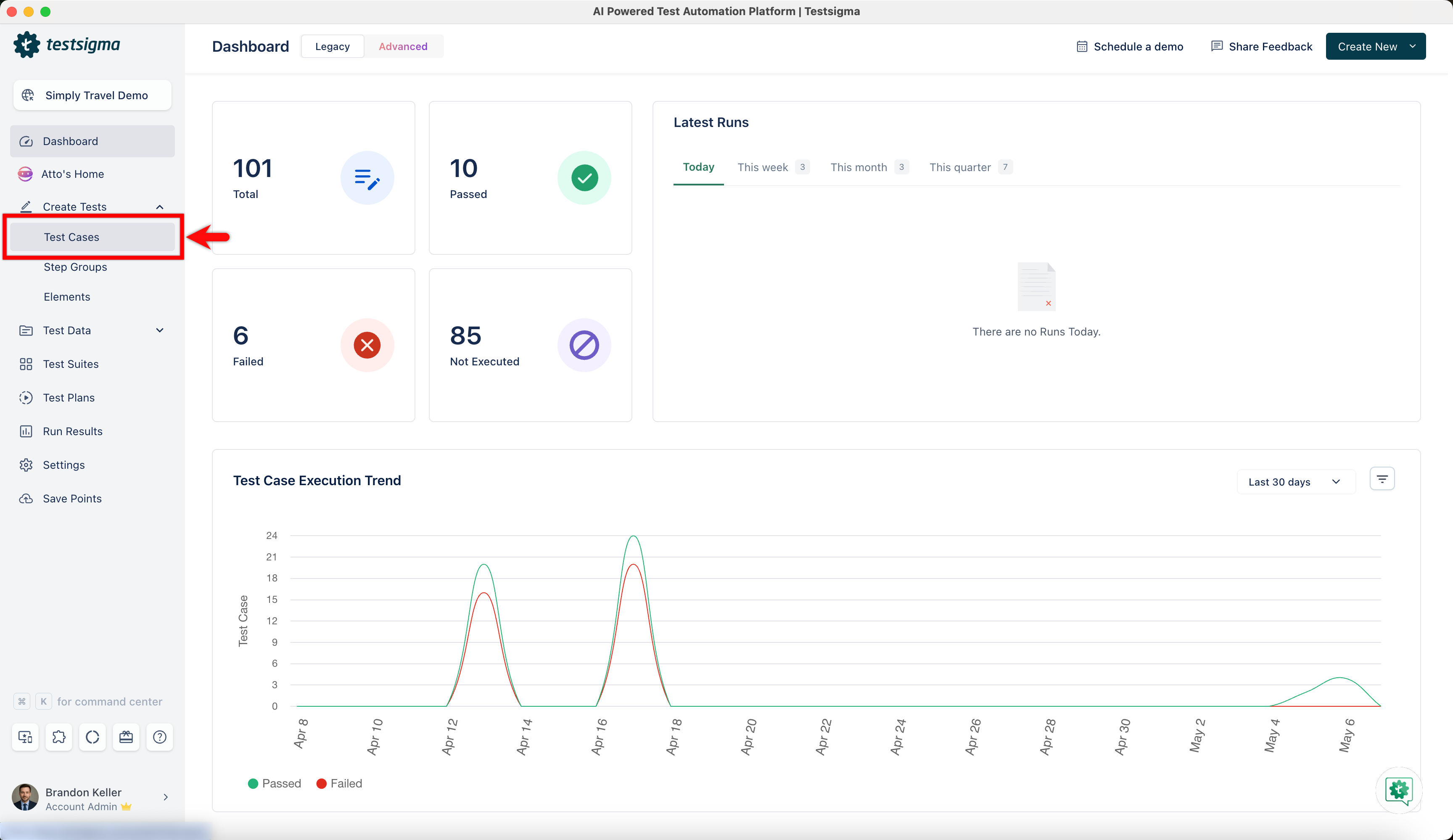
- From the left-side navbar, select Create Tests > Test Cases and then create a test case.
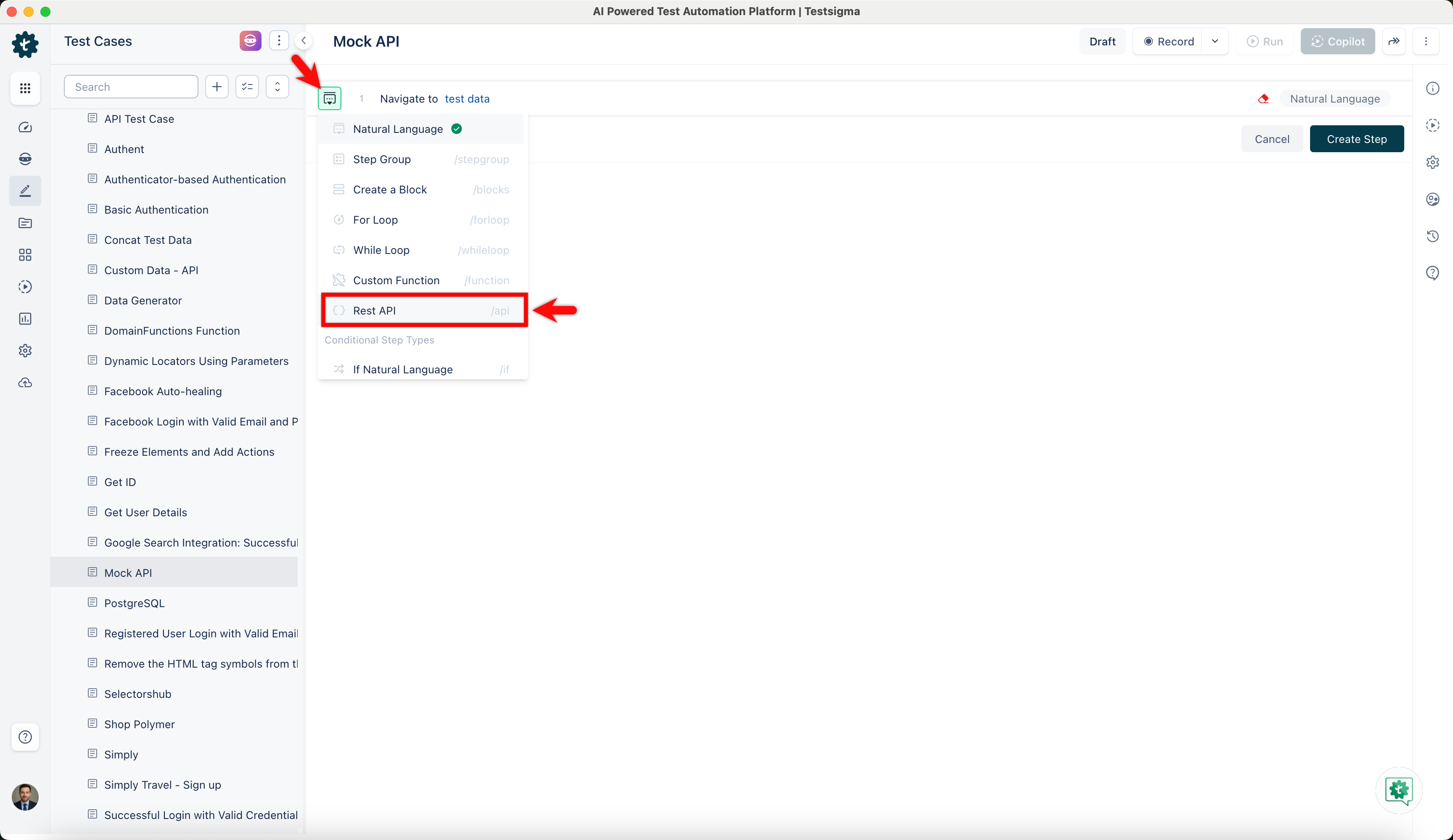
- On the Test Case Details page, click the option next to the test step and select Rest API.
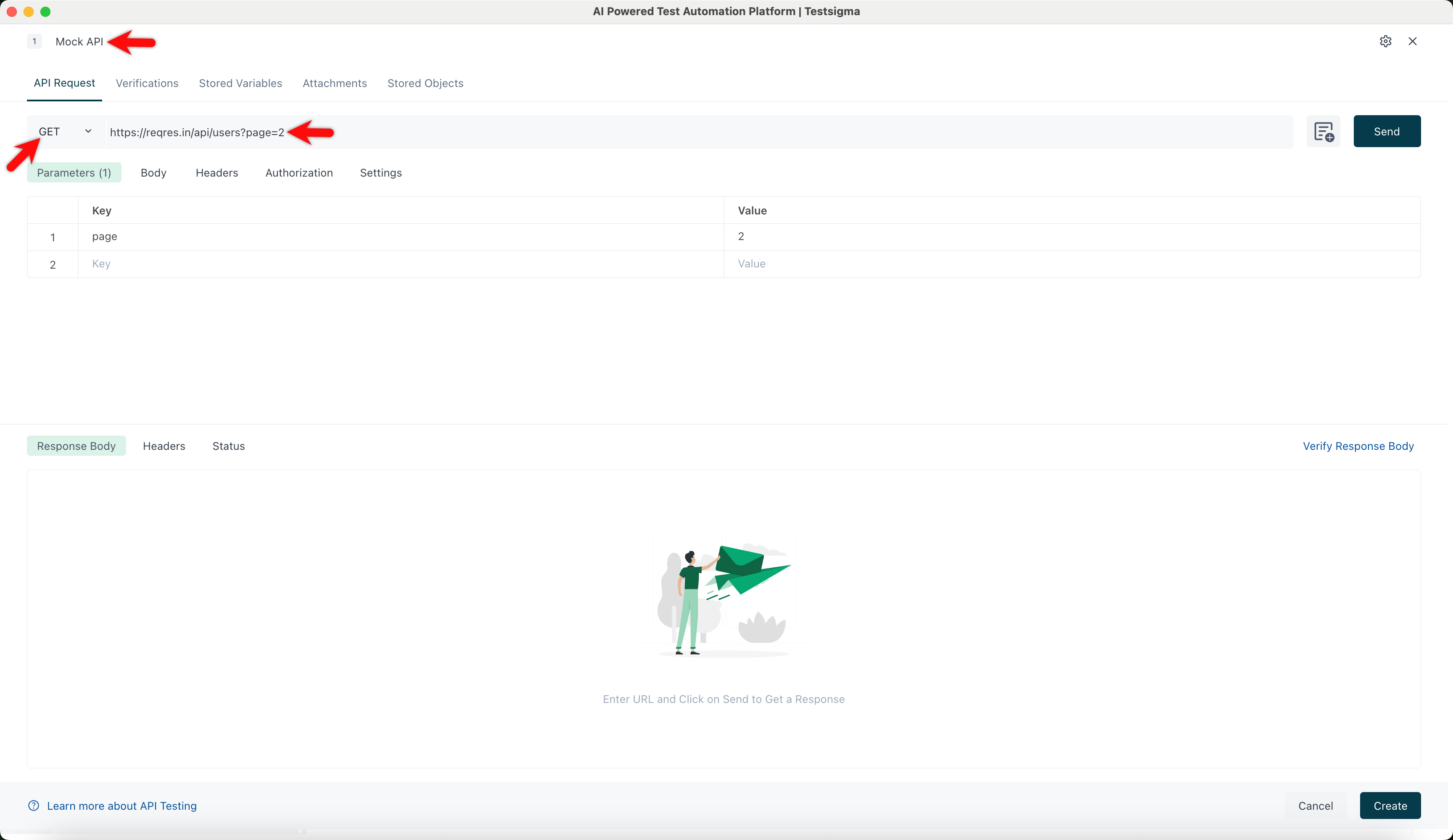
- Click on the test step to open the Rest API window.
- Enter the Title, choose the Method, and enter the Endpoint.
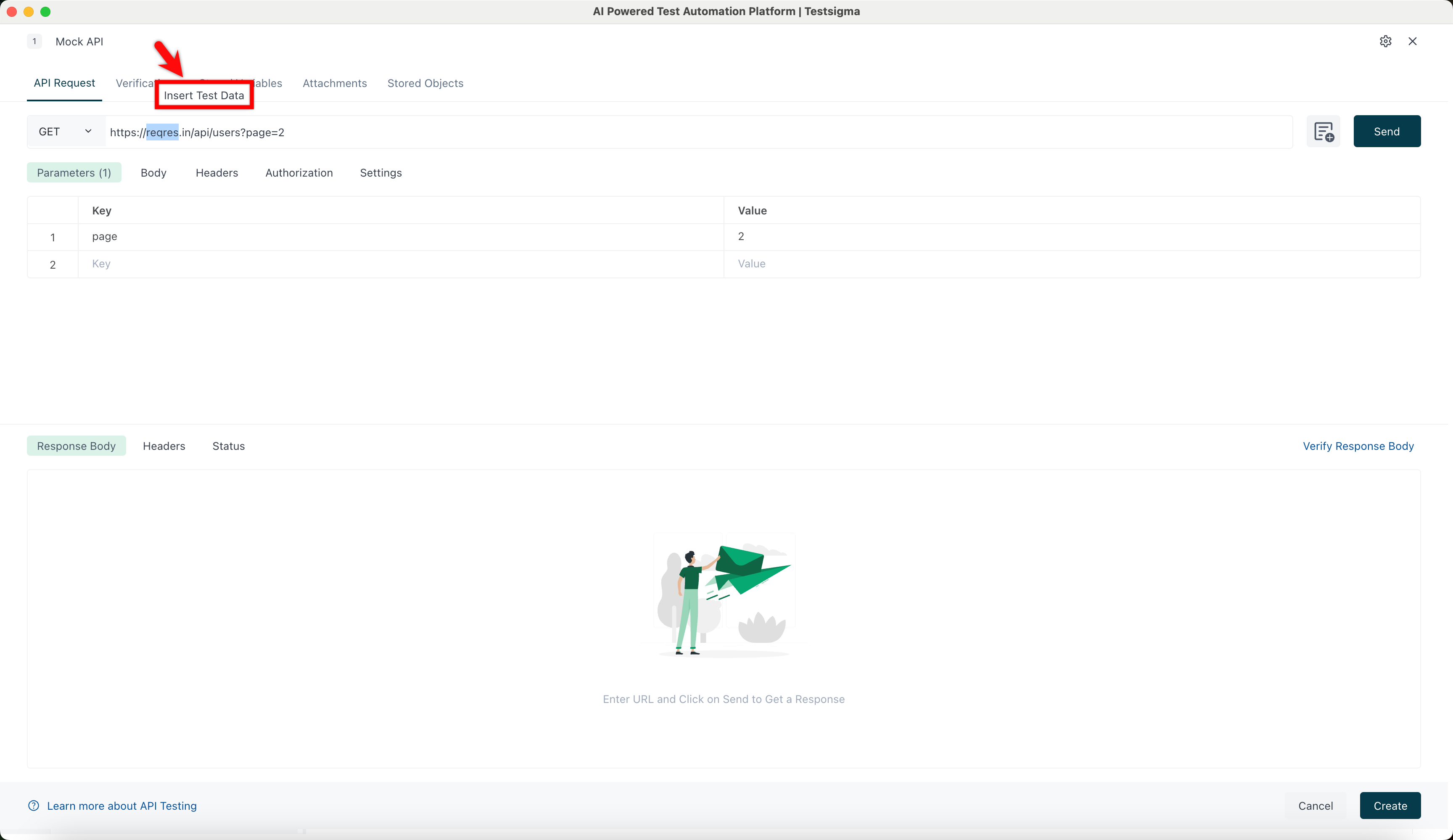
- Select the data you want to parametrize and click Insert Test Data.
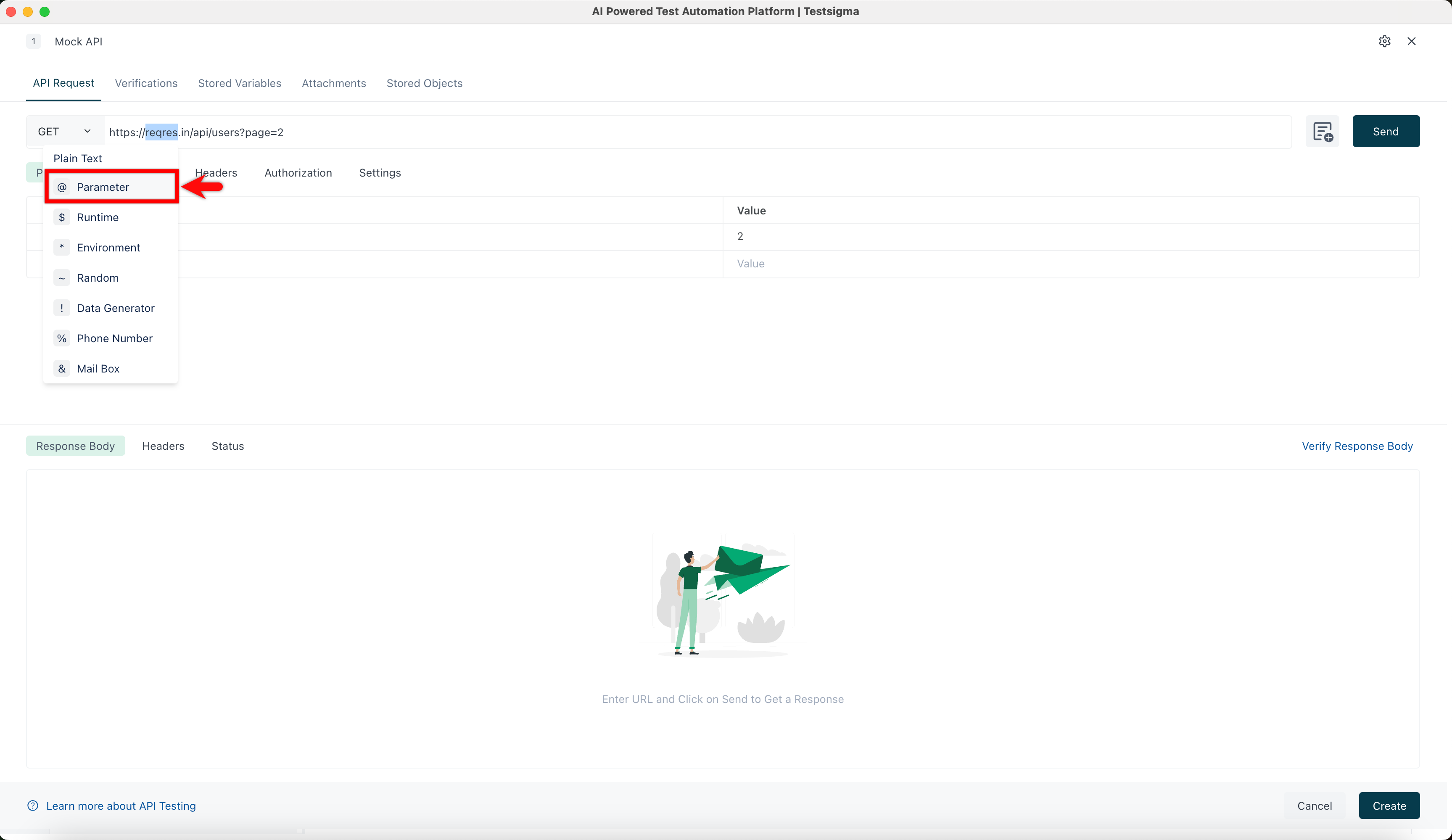
- Choose the test data type you want to add (e.g., @Parameter).
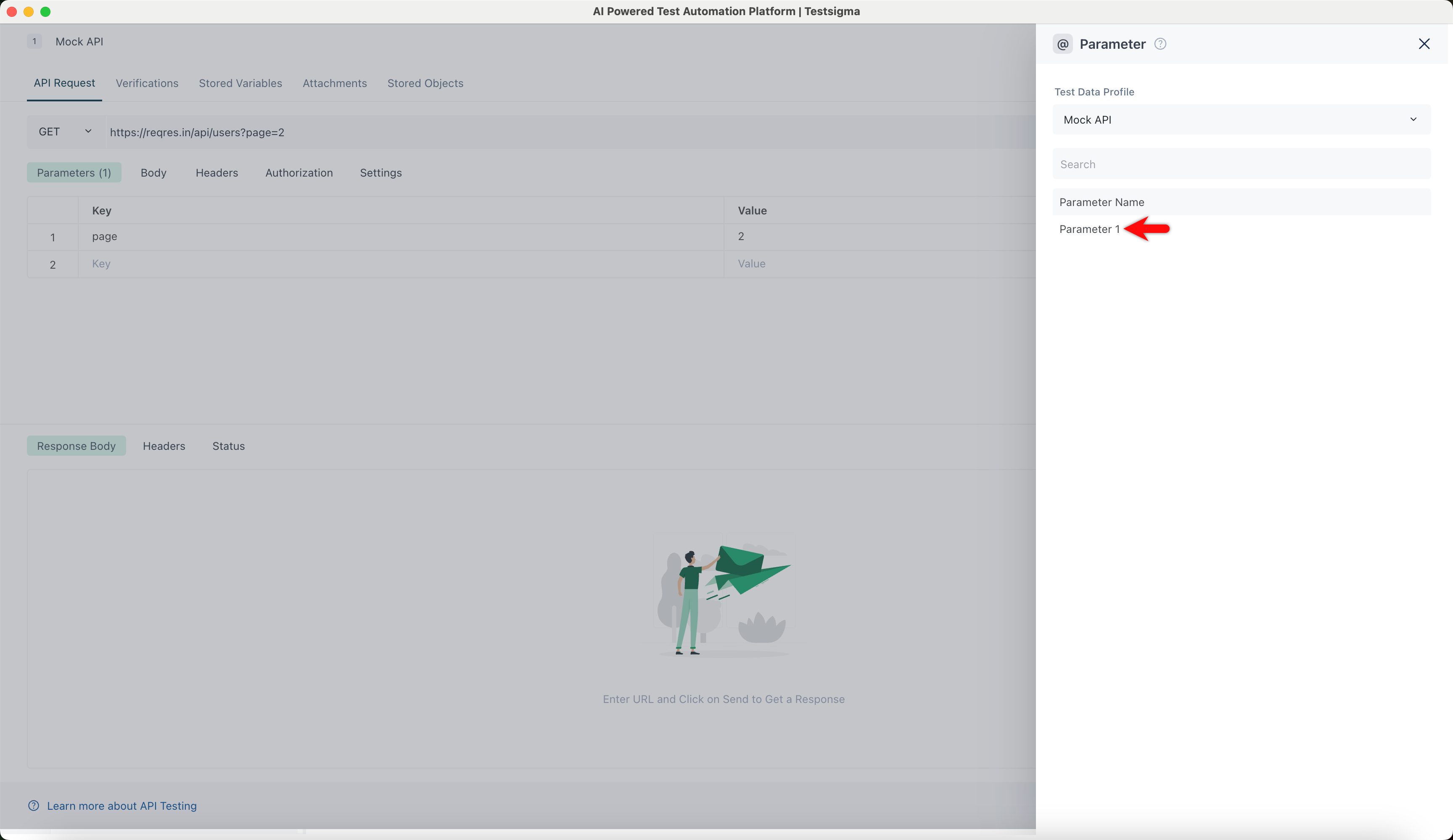
- In the @Parameter overlay, select the required parameter name.
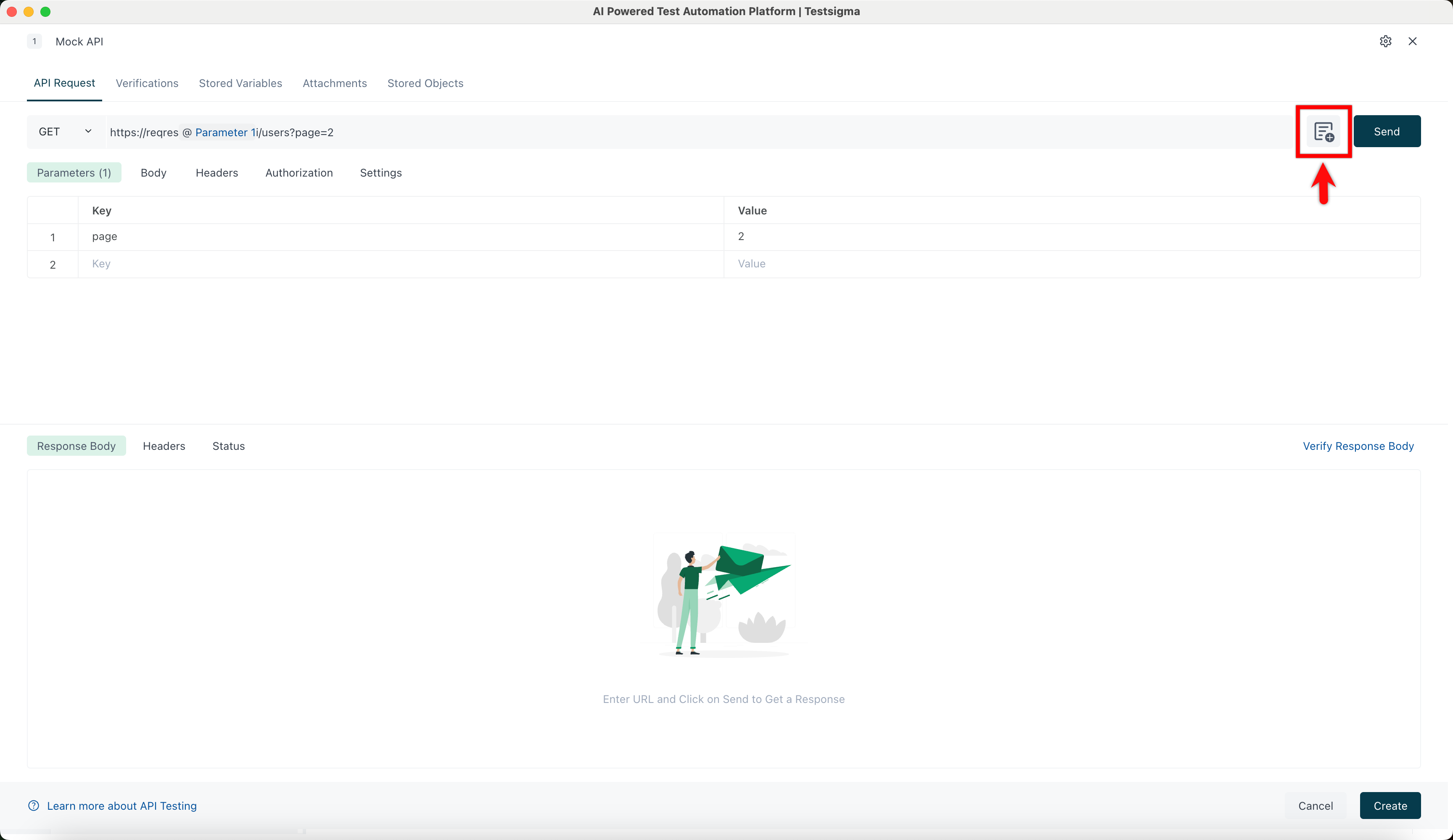
- Click Add Request Values. The Request values overlay will open.
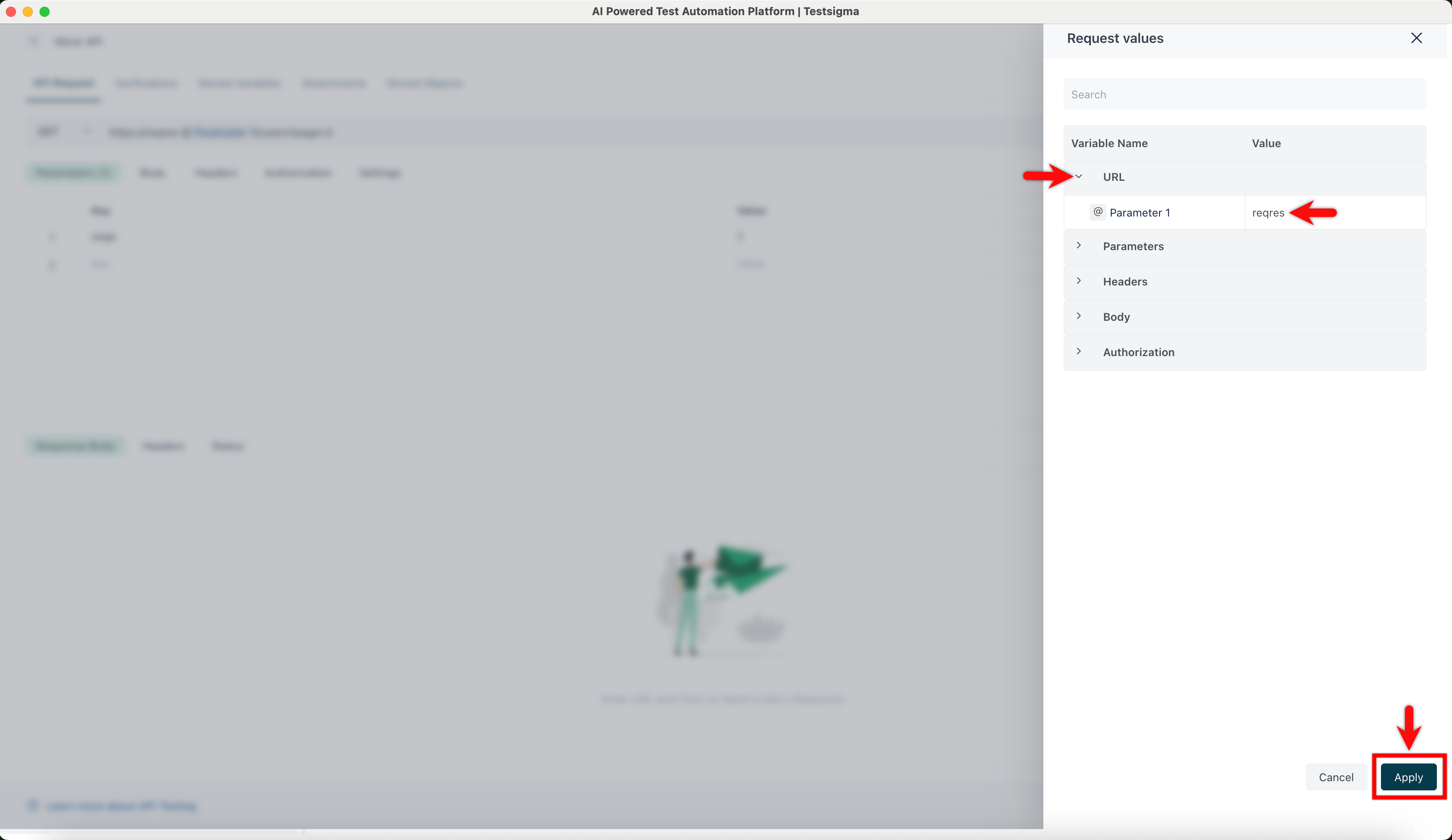
- In the Request Values overlay, click URL, add the value to the parameter in the URL, and click Apply.
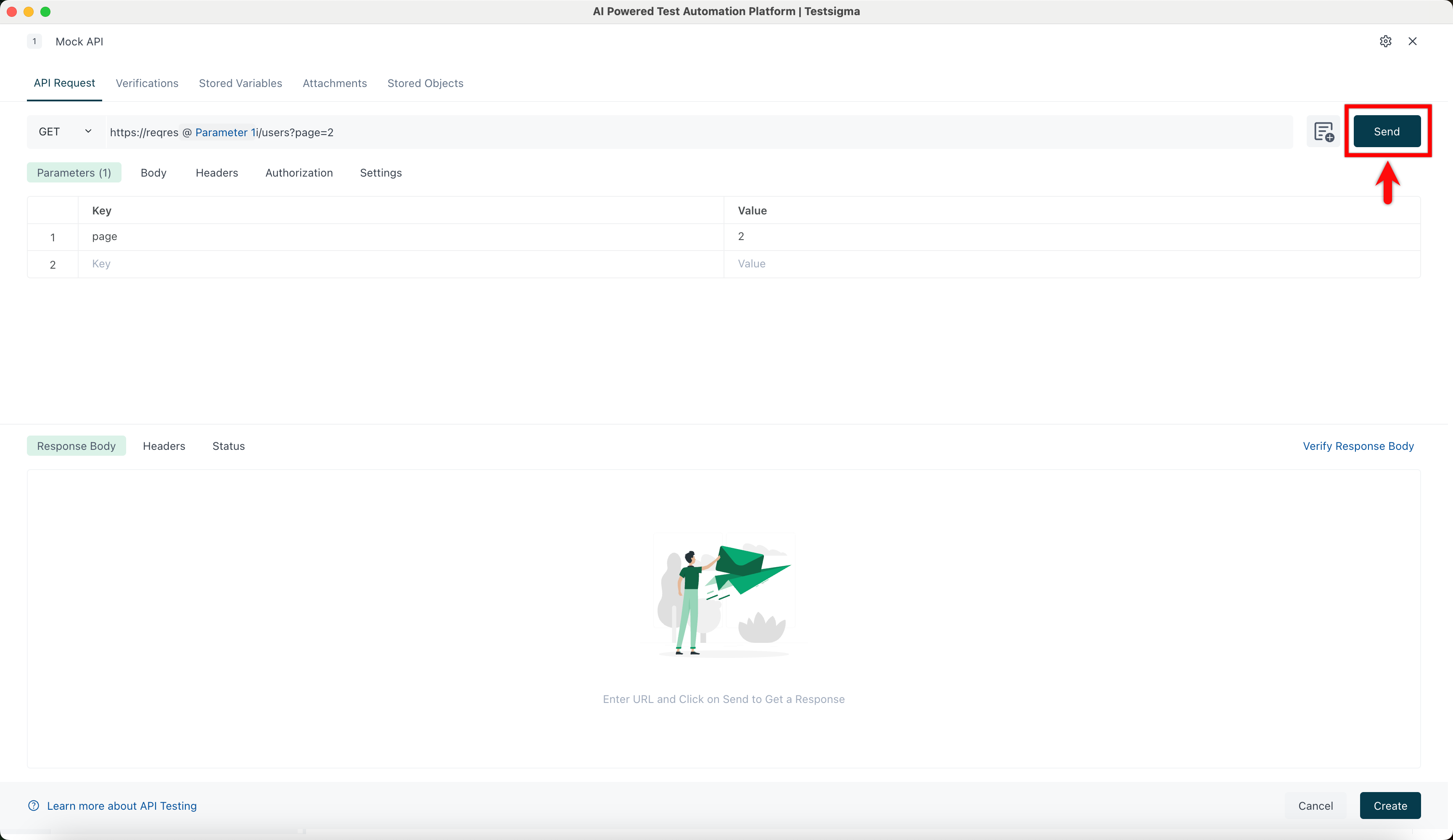
- Click Send and verify the response received from the API.

Want to contribute or report missing content?