
Generate Test Cases for SOAP and REST APIs Using Atto
In Testsigma, Atto simplifies API testing by automatically generating test cases for both SOAP and REST APIs directly from your API schema. This helps streamline test creation by automatically converting .wsdl, .xml, or .json API schema files into structured test cases. This article discusses generating test cases for SOAP and REST APIs using Atto.
Prerequisites
Before you begin, ensure that
- You have enabled the Generate test cases from Swagger schema option under Settings > Preferences > Generative AI features.
- You must have the API schema file in the following supported formats - .json for REST APIs and .wsdl or .xml for SOAP APIs.
📥 Click here to download a sample Swagger JSON file.
📥 Click here to download a sample XML file.
NOTE:
- The XML sample provided here opens in the browser by default. To download it, right-click on the page and select Save As.
Steps to Generate Test Cases for REST API Using Atto
- From the left navigation bar, go to Create Tests > Test Cases.
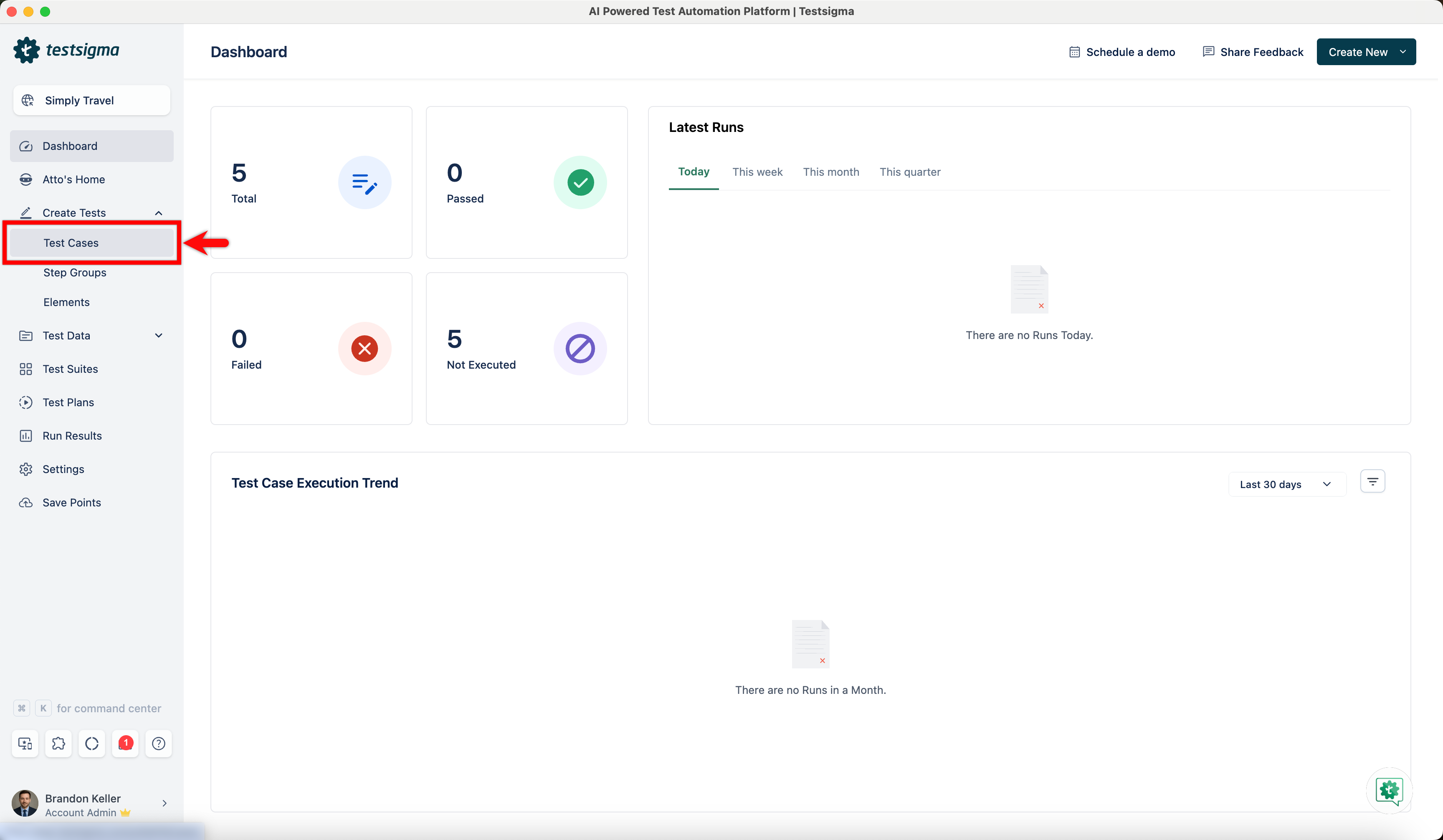
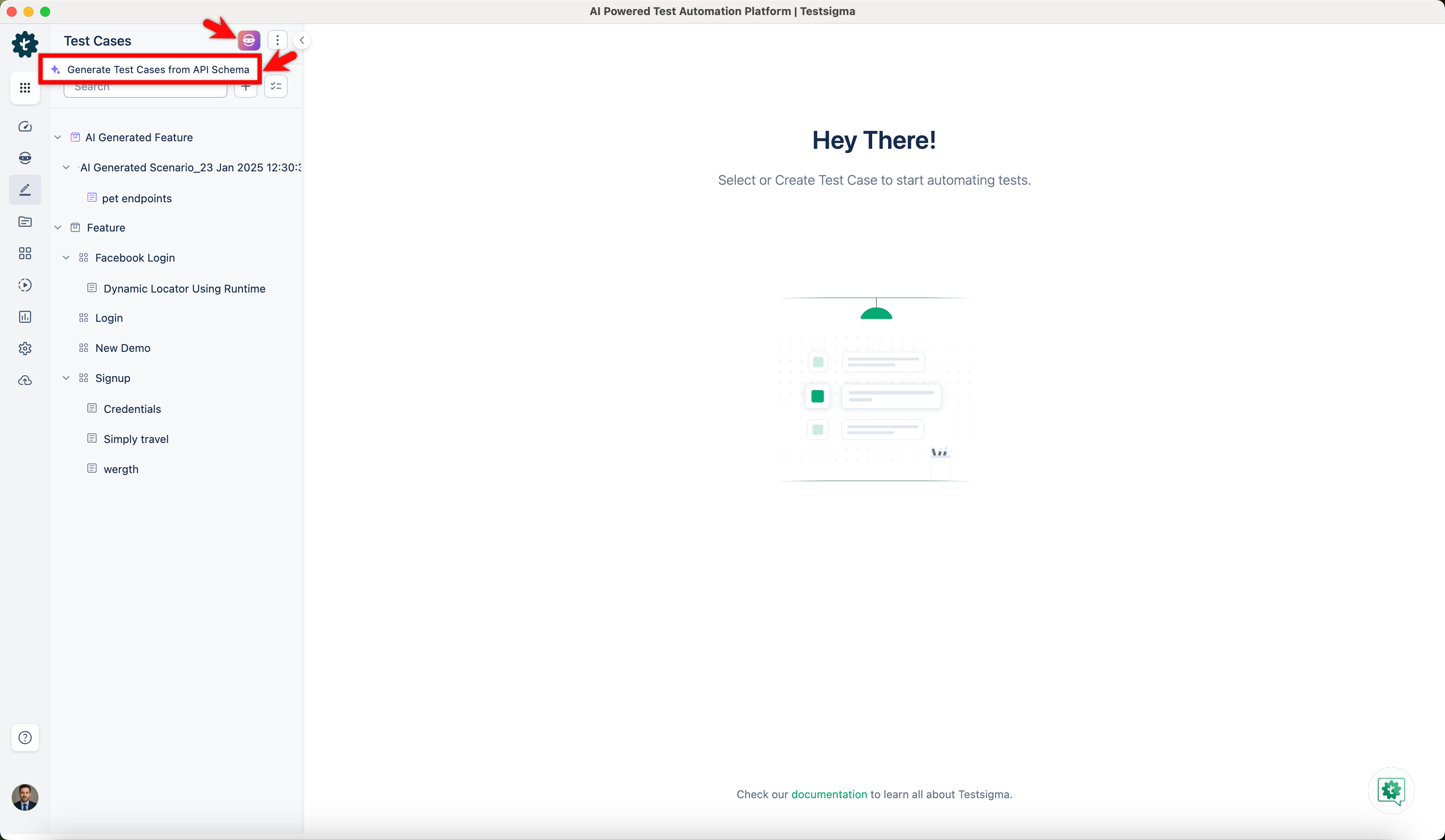
- In the Test Case Explorer section, click Atto and select Generate Test Cases from API Schema.
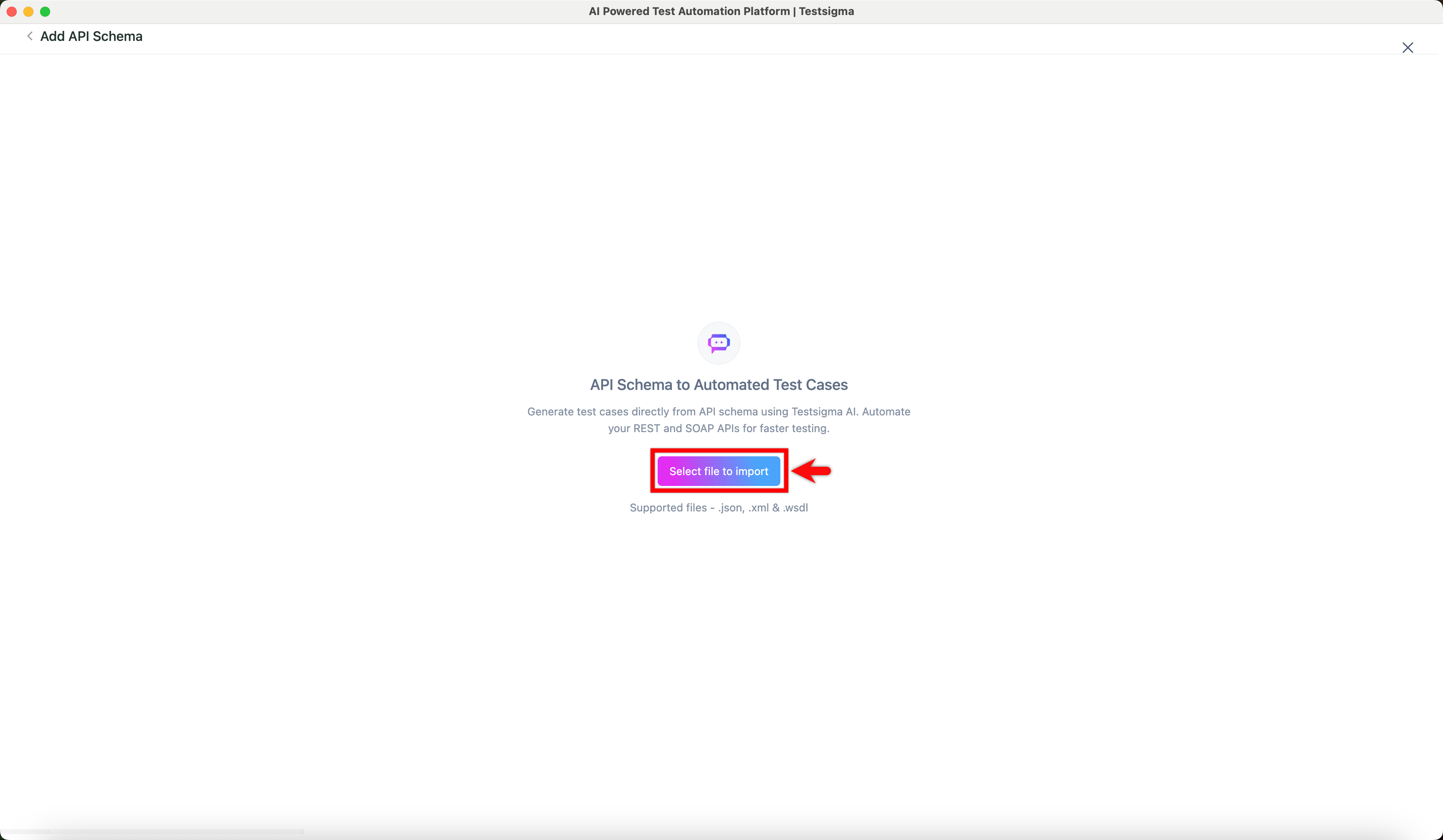
- In the Add API Schema screen, click Select file to import and import your .json API schema file from your local system.
NOTE:
- Testsigma Atto uses tags in the Swagger Schema file to arrange endpoints into test cases. Ensure each endpoint is associated with one or more tags before importing the file.
- In the Available Test Cases section, select the test cases you want to generate and click Generate.
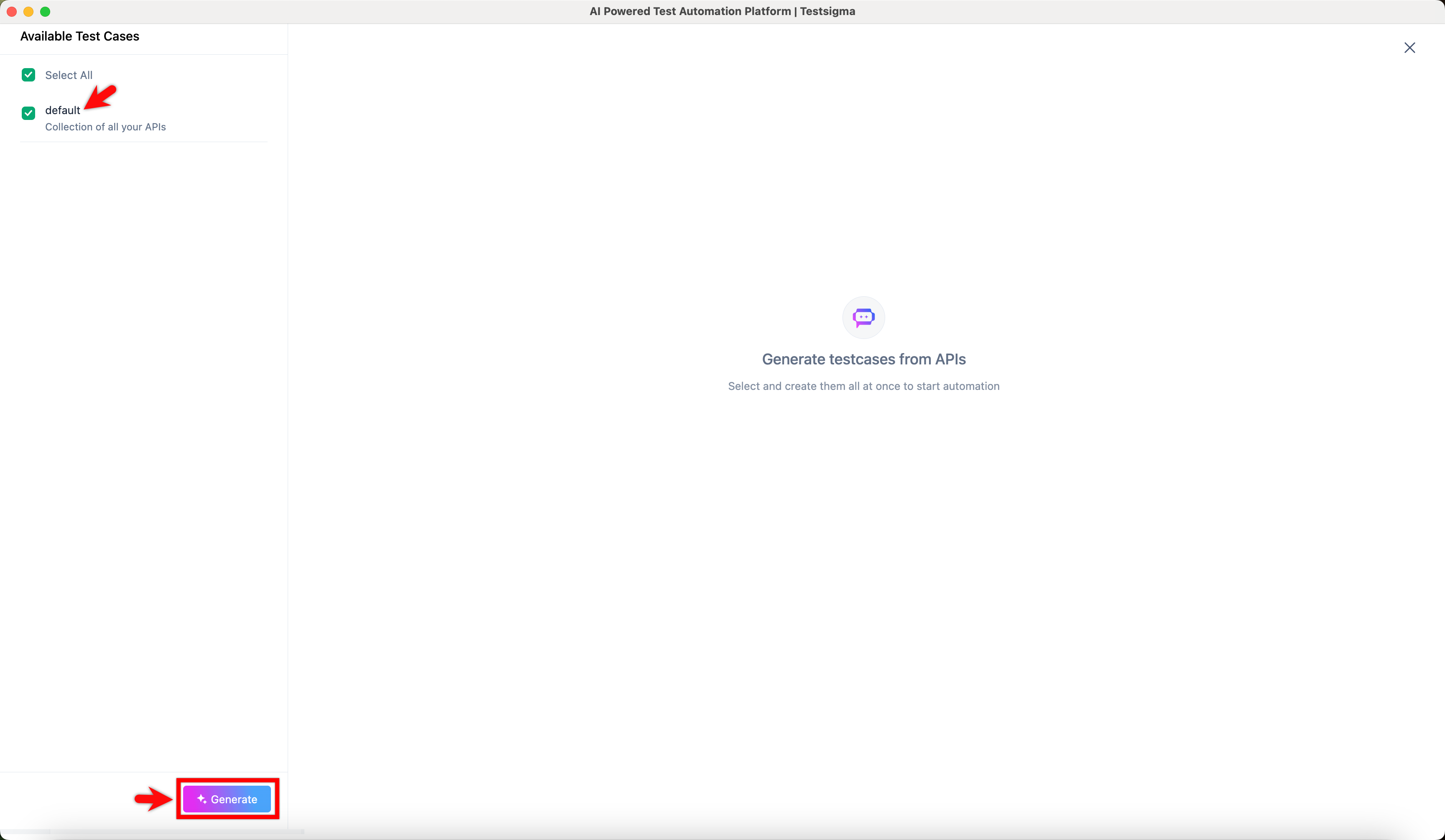
- Wait for Atto to analyze the schema and generate test cases.
- In the Test Steps panel, review the generated API test steps.
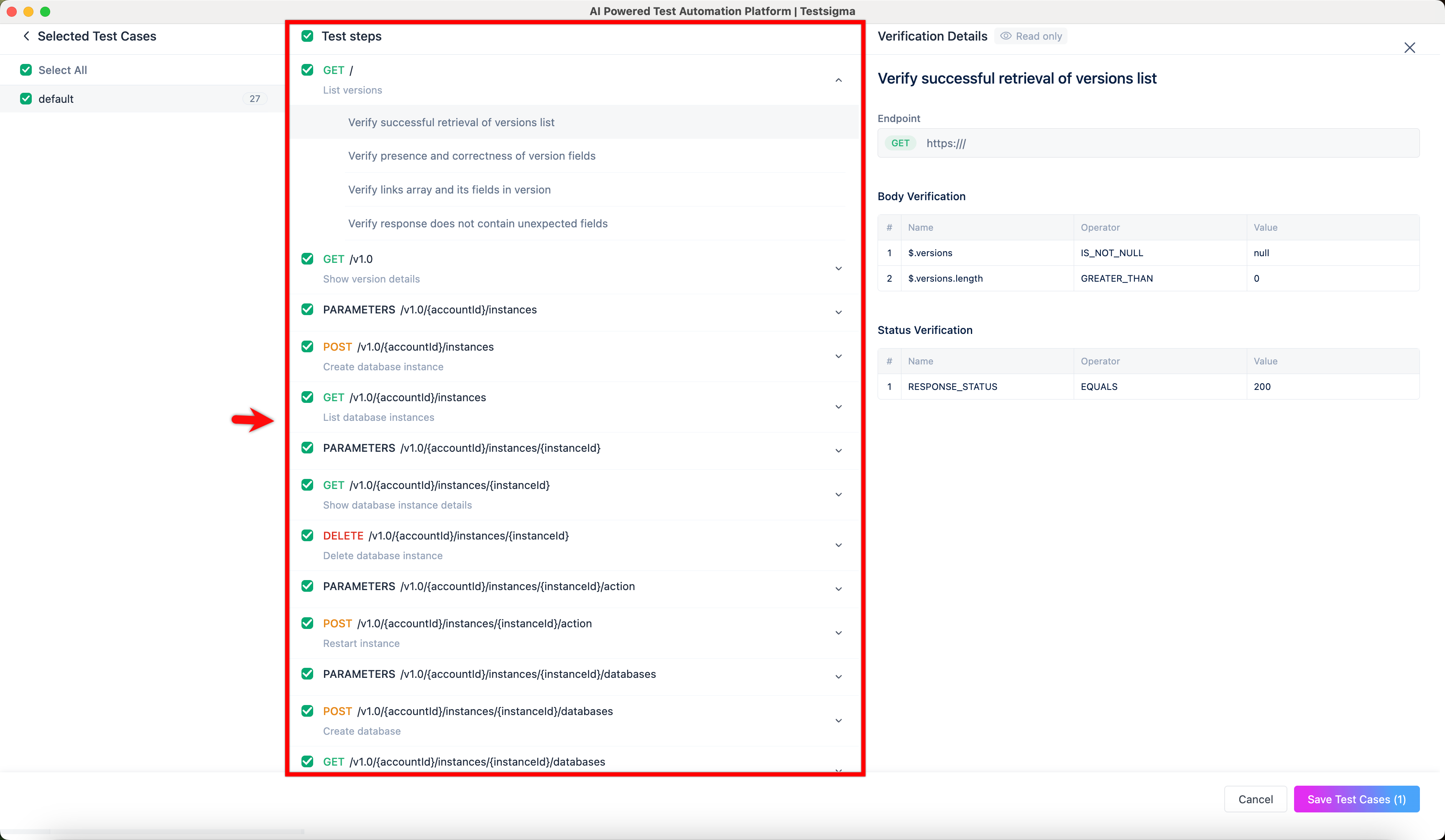
- In the Verification Details panel, validate the endpoint, body verification, and status verification, and click Save Test Cases.
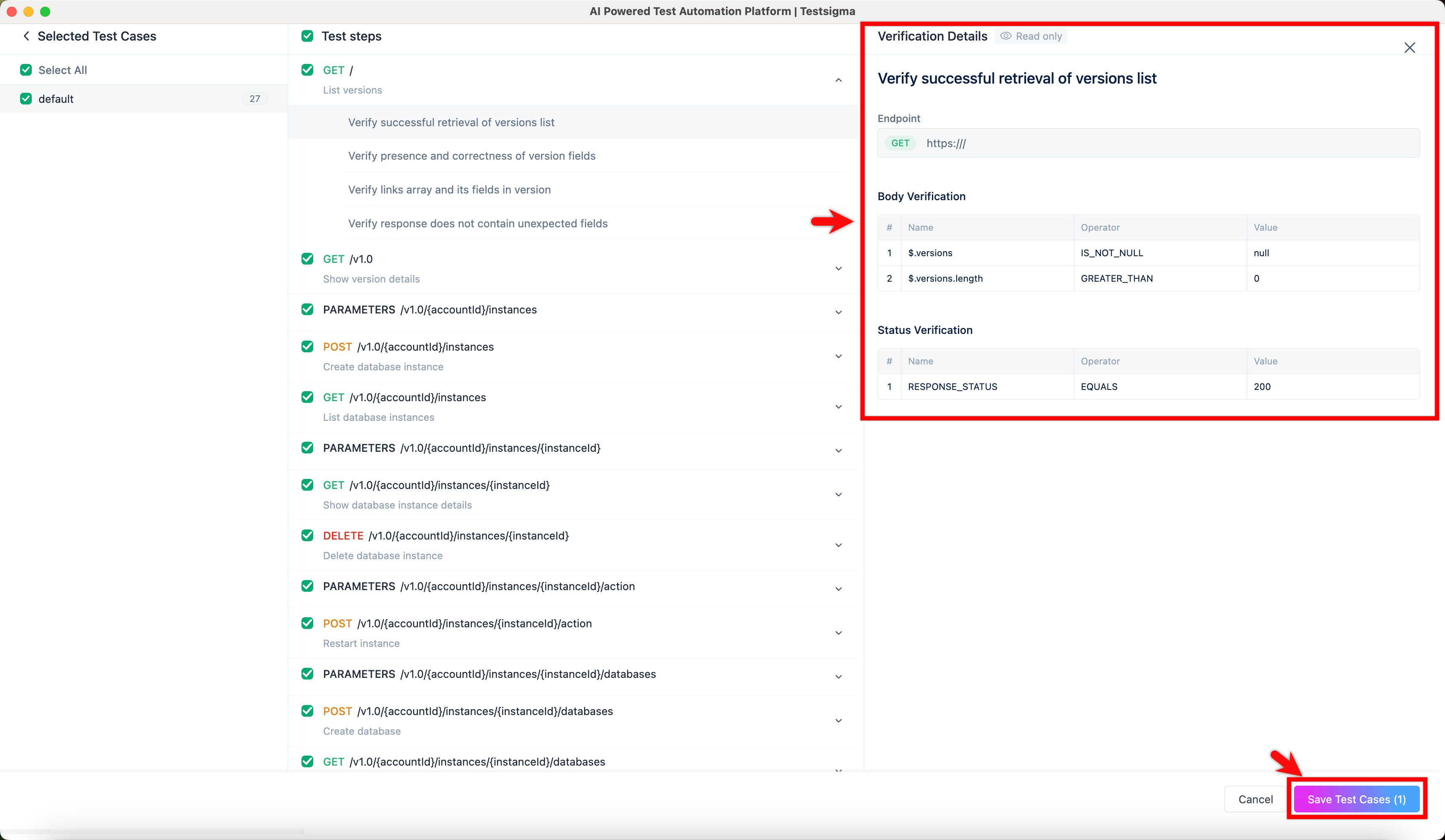
- You’ll be redirected to the Test Cases page, where the generated test cases appear under AI Generated Feature & Scenario.
Steps to Generate Test Cases for SOAP API Using Atto
- From the left navigation bar, go to Create Tests > Test Cases.
- In the Test Case Explorer section, click Atto and select Generate Test Cases from API Schema.
- In the Add API Schema screen, click Select file to import and import your .xml or .wsdl API schema file from your local system.
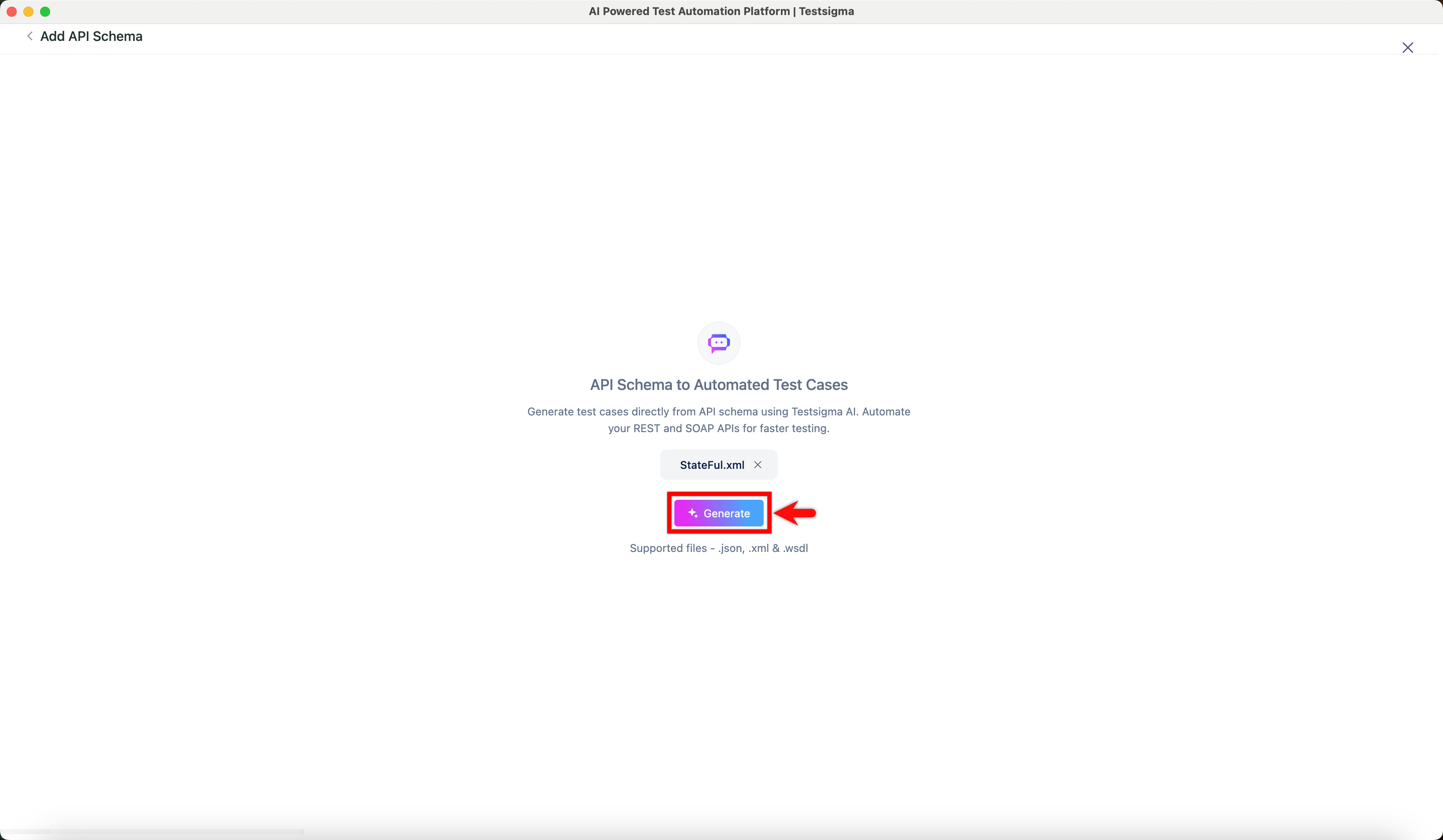
- Click Generate and wait for Atto to analyze the schema and generate test cases.
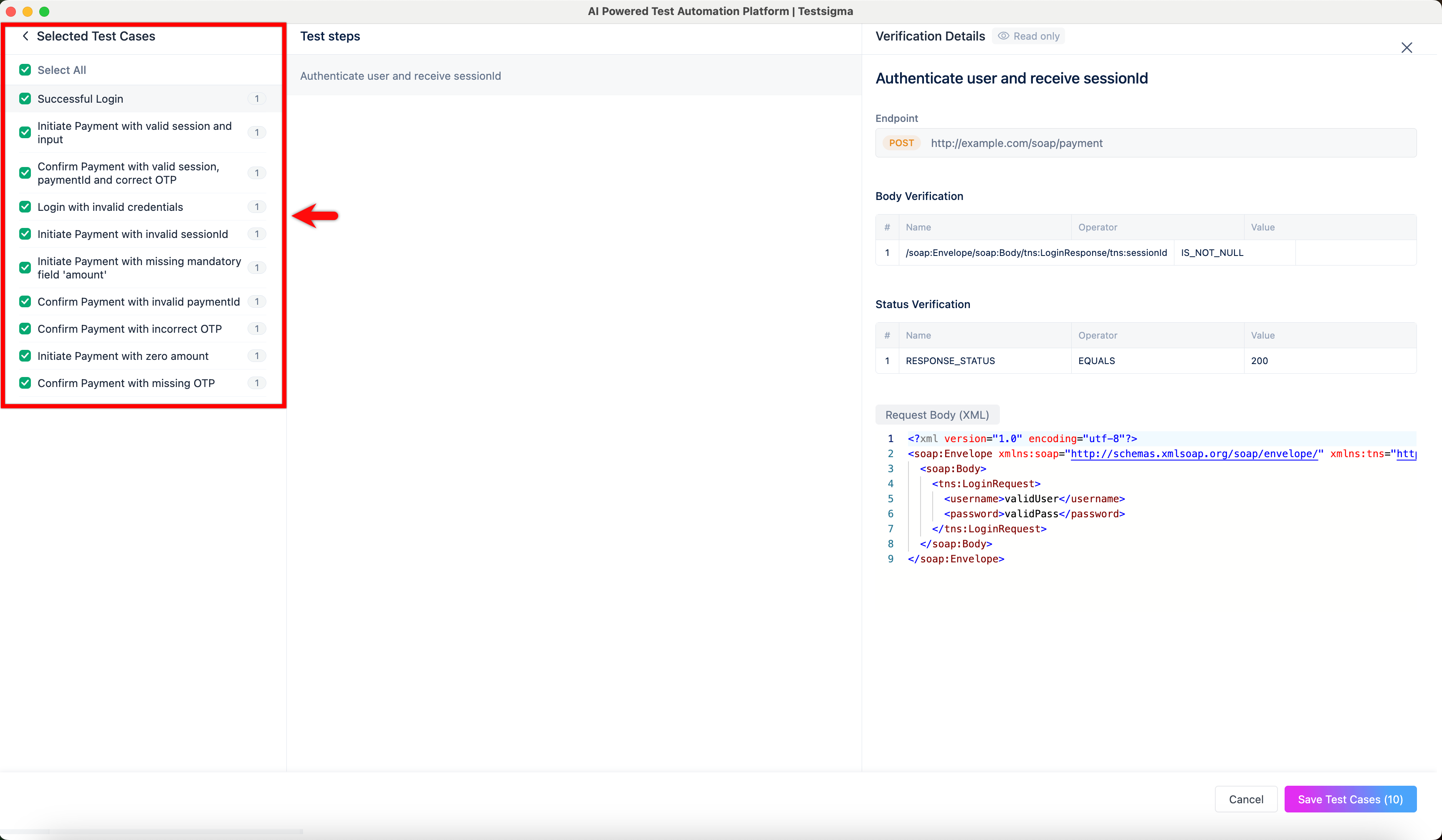
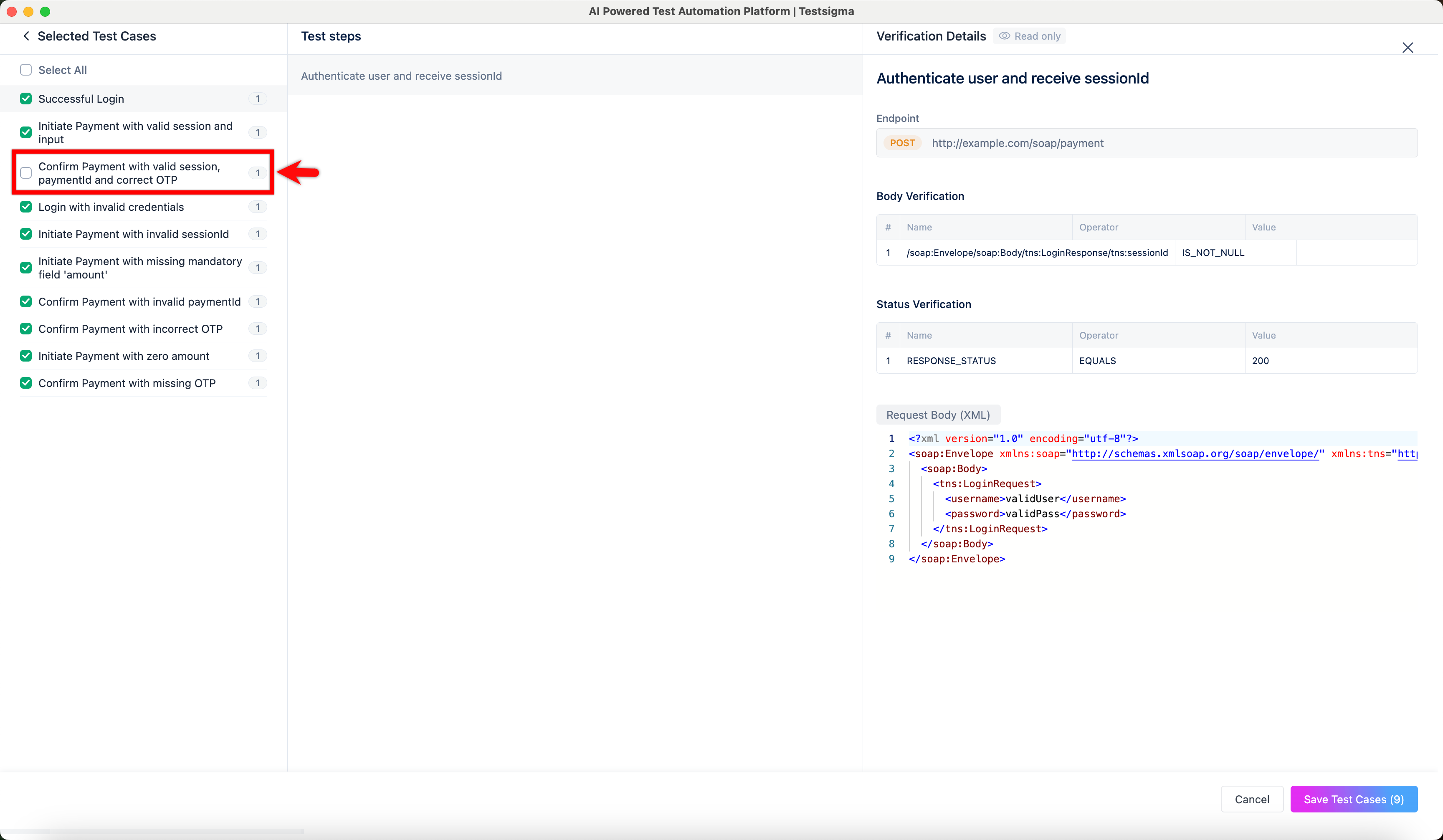
- In the Selected Test Cases panel, view all the test cases generated from the API schema.
NOTE:
- All generated test cases are selected by default. To exclude specific test cases, clear the checkbox next to the required test cases.
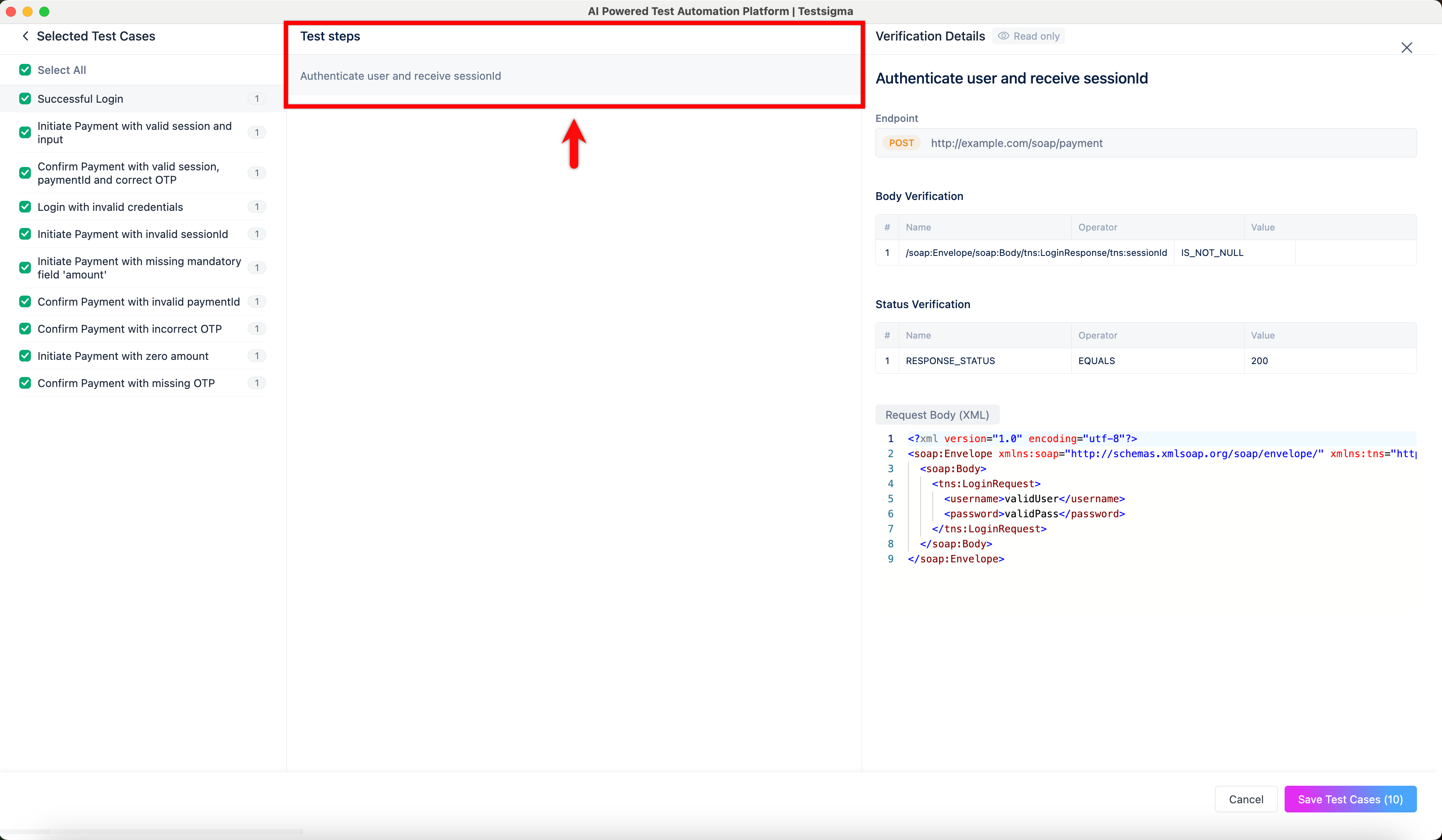
- Click a required test case to view its test steps in the Test Steps panel.
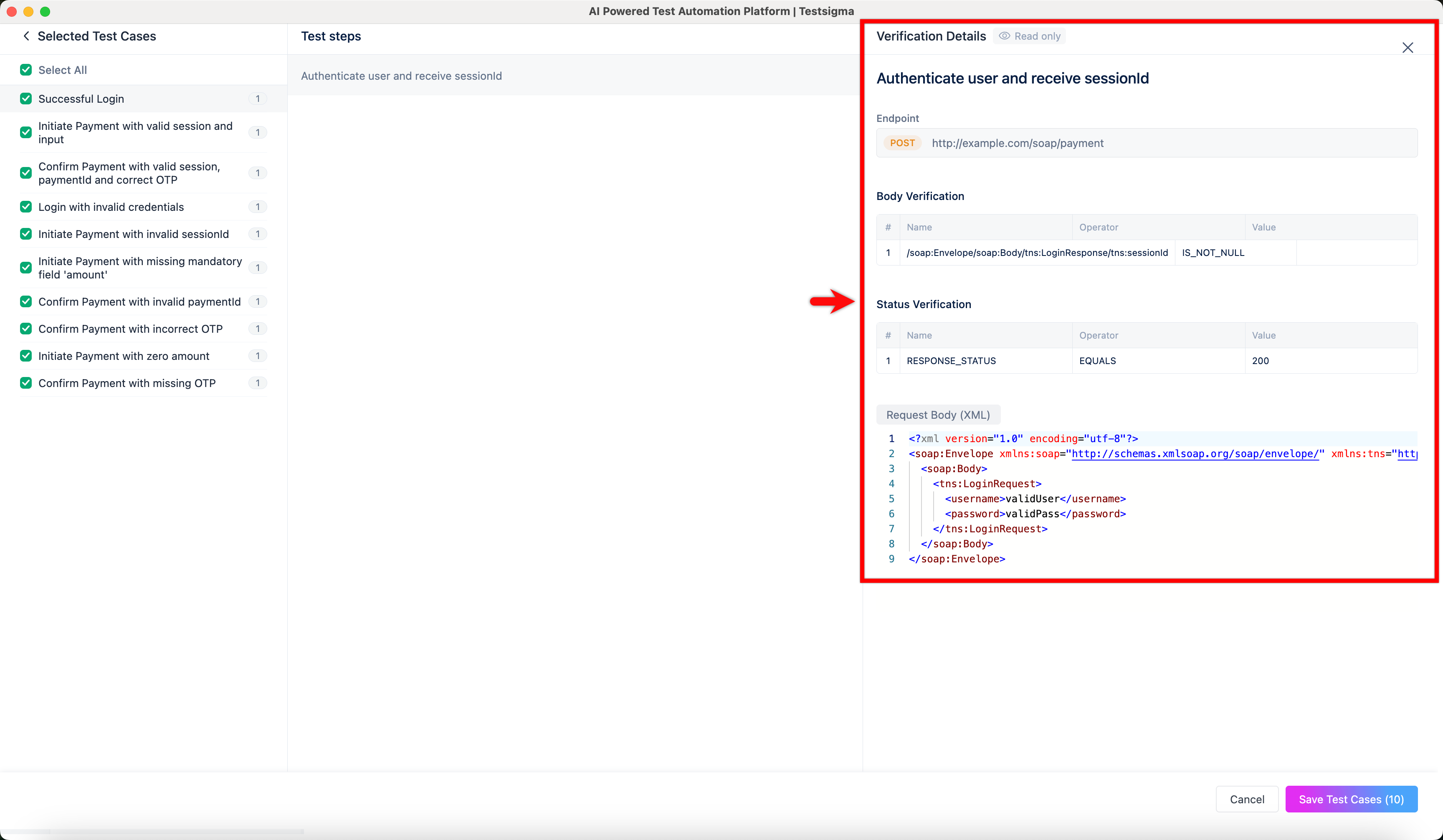
- In the Verification Details panel, validate the endpoint, body verification, status verification, and request body.
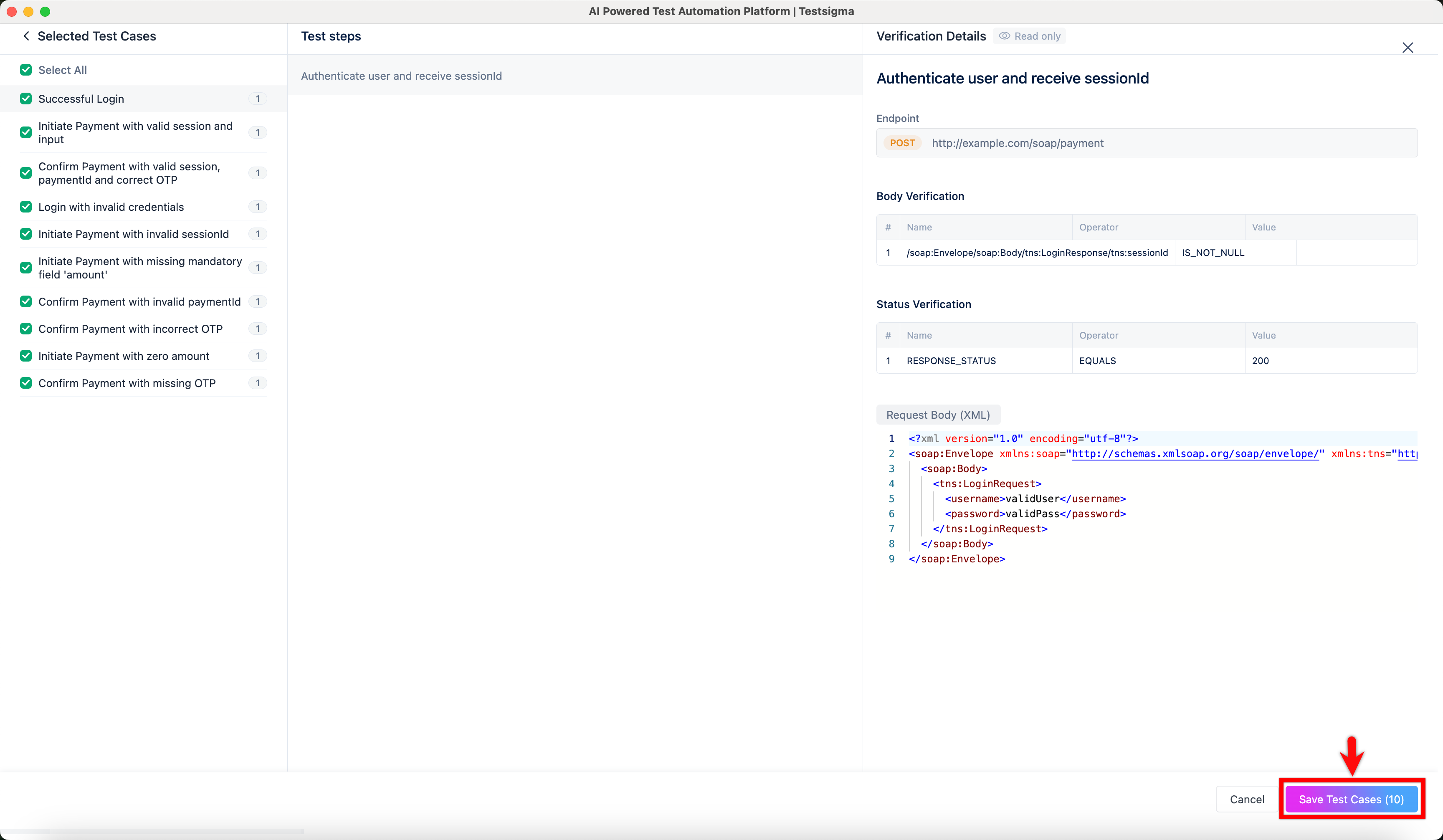
- Click Save Test Cases to add the selected test cases to your project.
- You’ll be redirected to the Test Cases page, where the generated test cases appear under AI Generated Feature & Scenario.

Want to contribute or report missing content?