
Integrating qTest with Testsigma
With qTest integrated into Testsigma, you can generate test cases by selecting structured test modules and cases from qTest. Testsigma’s Generative AI creates executable tests, ensuring faster automation.
Prerequisites
Before you begin, ensure you have a valid Host URL and Bearer Token from qTest.
Steps to Integrate Testsigma with qTest
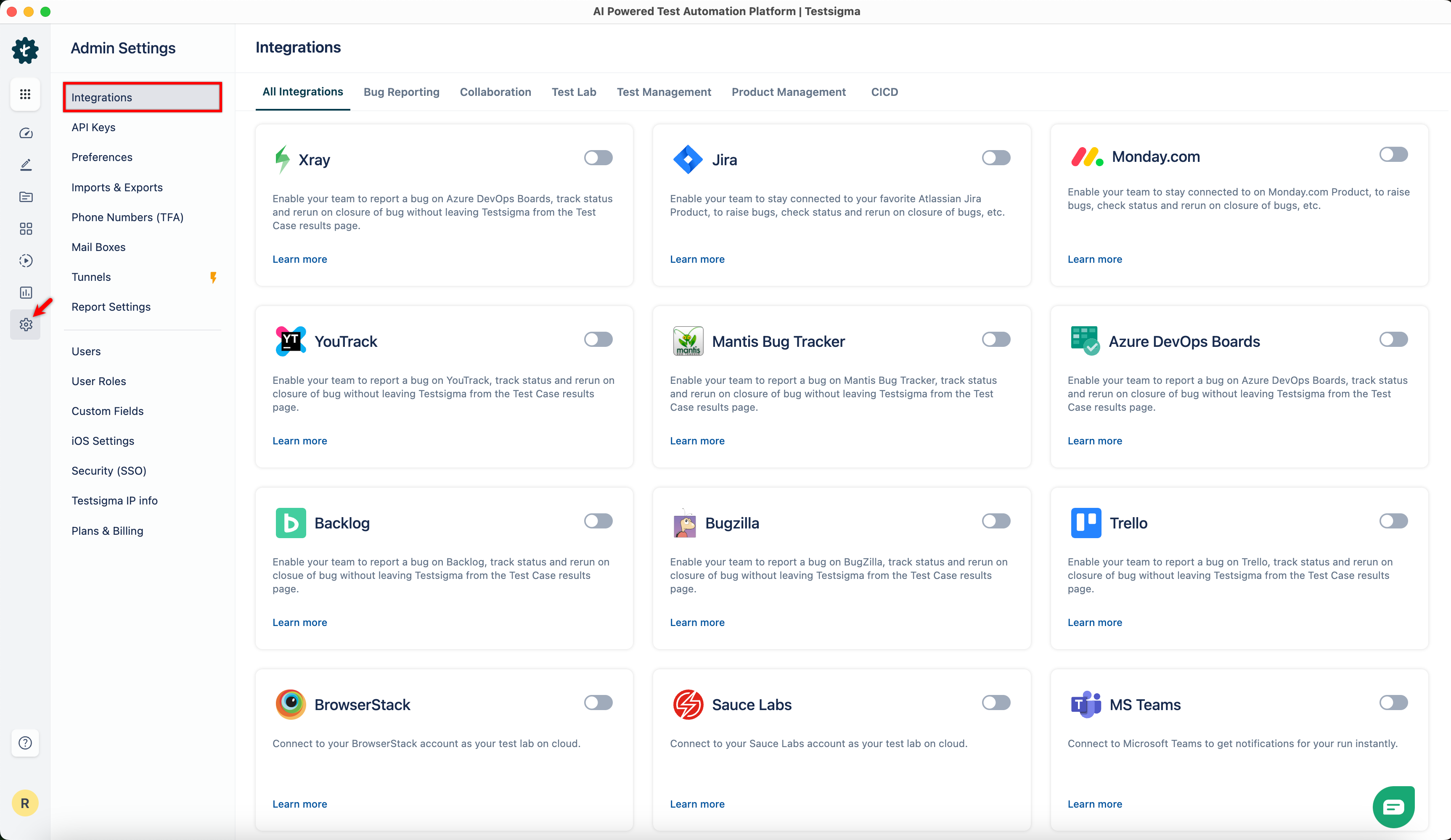
- From the left navigation bar, go to Settings > Integrations.
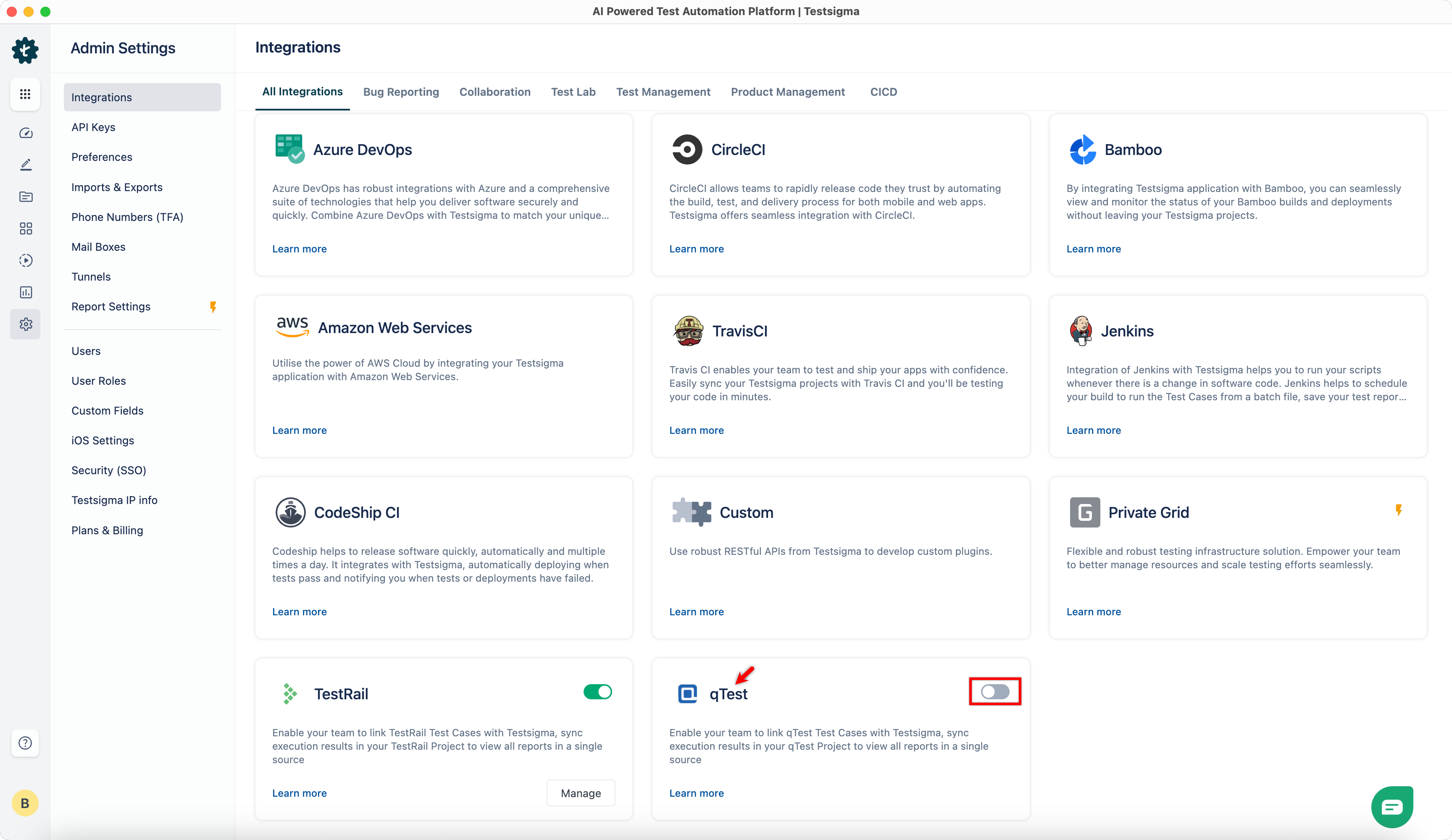
- Enable toggle on qTest widget.
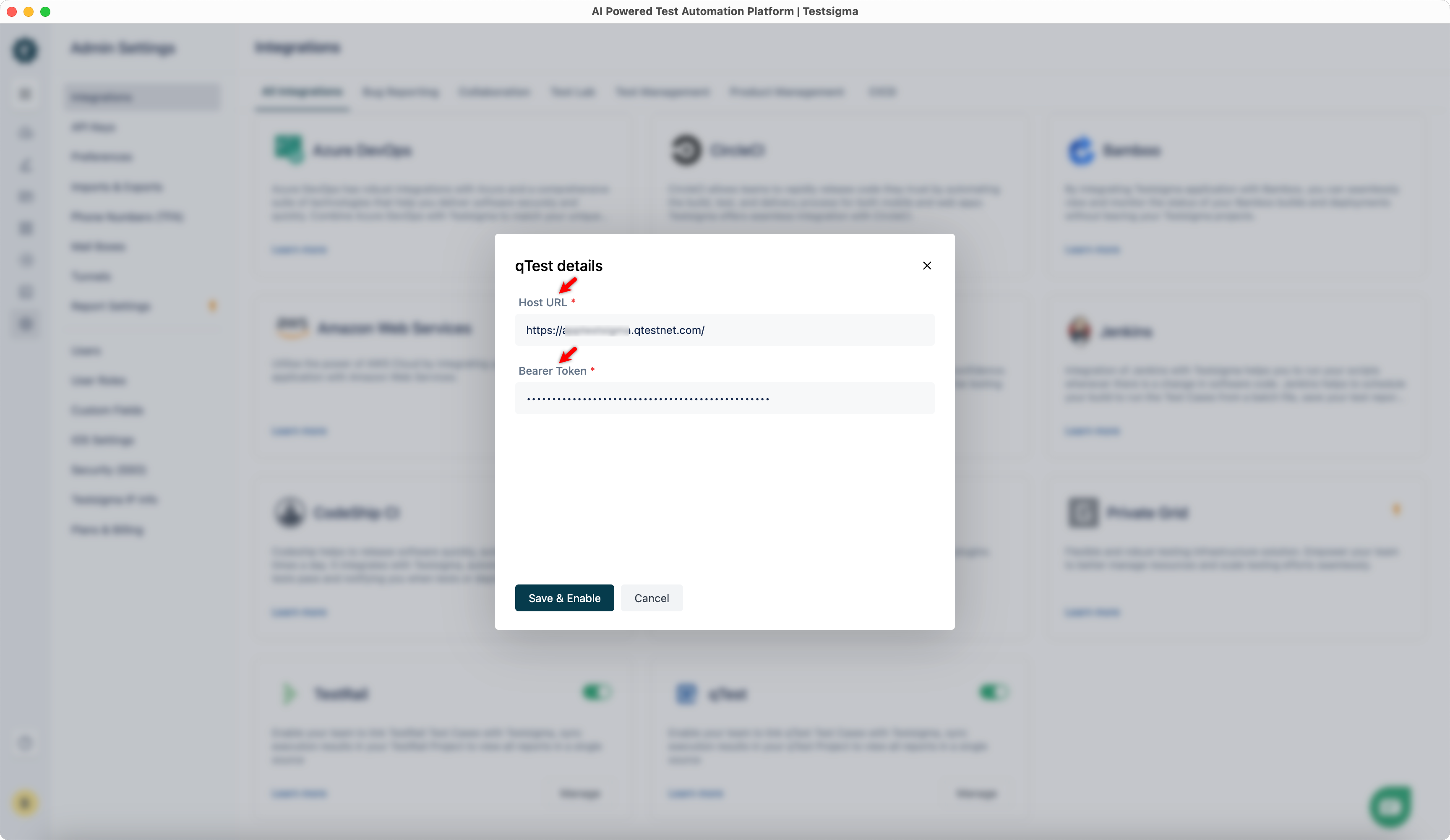
- On the qTest Details dialog, enter Host URL and Bearer Token.
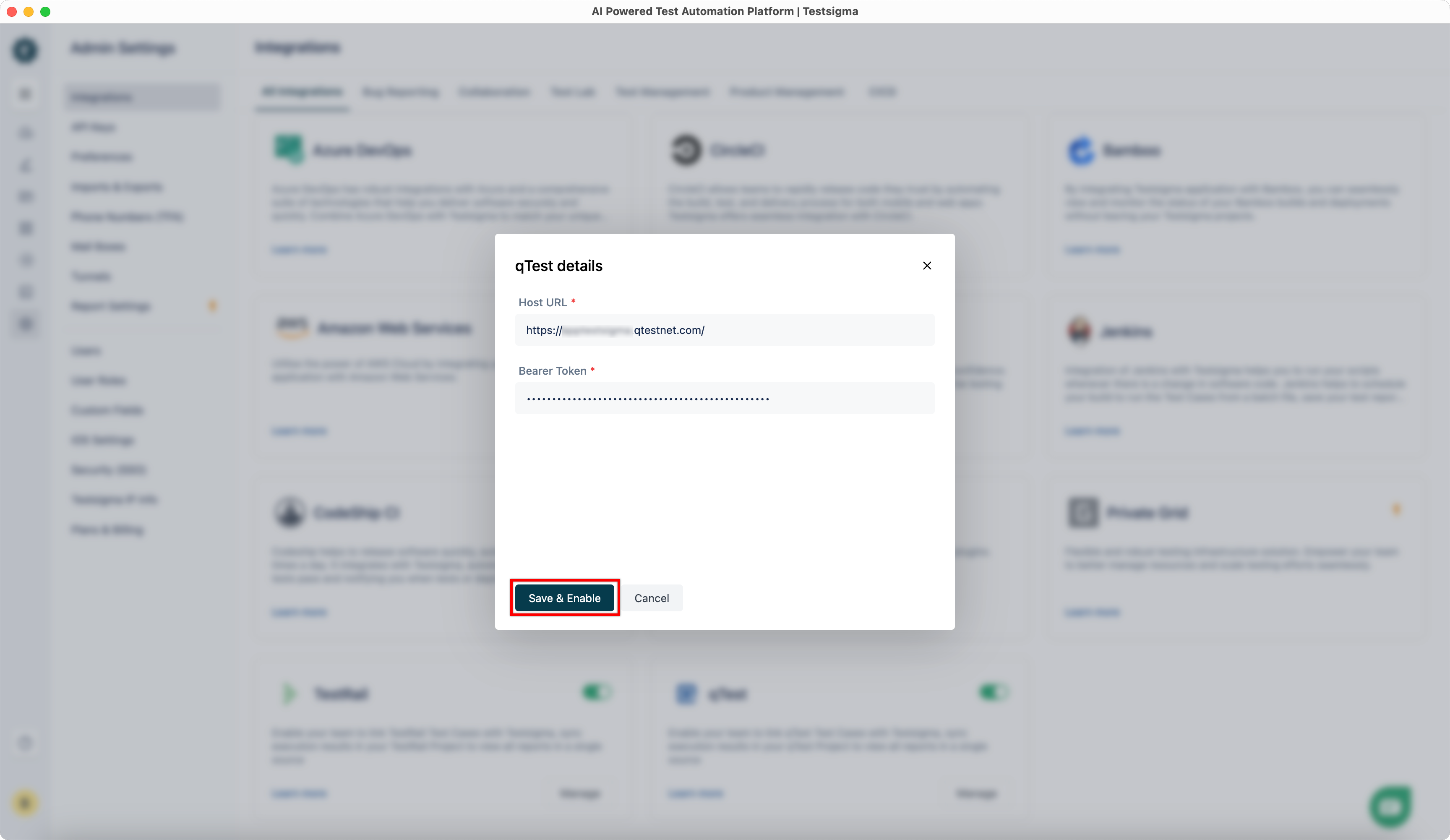
- Click Save & Enable.
NOTE:
- You must obtain the Bearer Token from the Download qTest Resources page. For more information on downloading the qTest resources, refer to the documentation on donwloading the qTest resources.
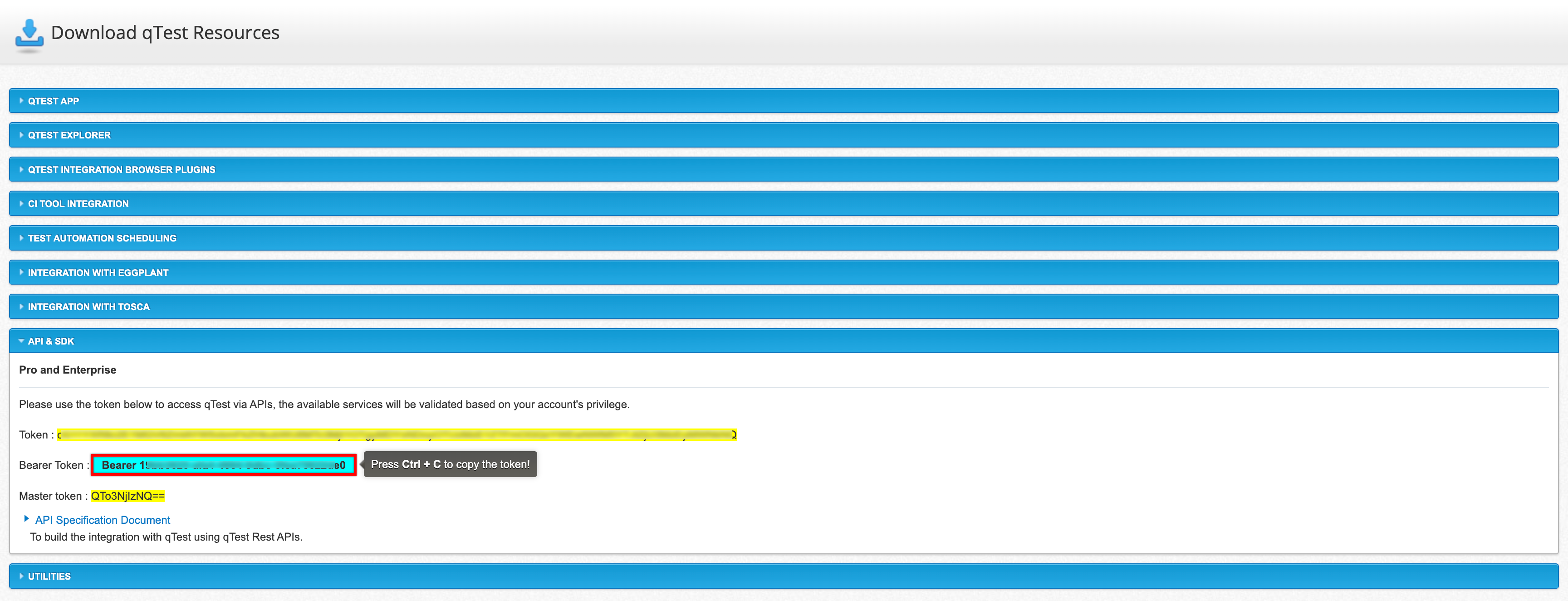
- Please copy the token except Bearer.

Want to contribute or report missing content?