- salesforce testing
 Intro: Testsigma for Salesforce Testing
- Creating an External Client App
- Creating a Salesforce Project
- Test Salesforce Connection
- Creating Metadata Connections
- Adding User Connections
- Build Test Cases: Manual+Live
- Salesforce Element Repositories
- Intro: Testsigma Special NLPs
- SOQL as Test Step
- Query Builder for Salesforce Testing
- Automating Listview Table NLPs
- Error Handling On Metadata Refresh
Test Salesforce Connection Before Authorization
Testsigma provides a convenient way to check your Salesforce connection using either OAuth 2.0 or Username and Password authentication. You can validate your credentials without completing the full authorization flow or saving the connection.
Steps to Test the Salesforce Connection
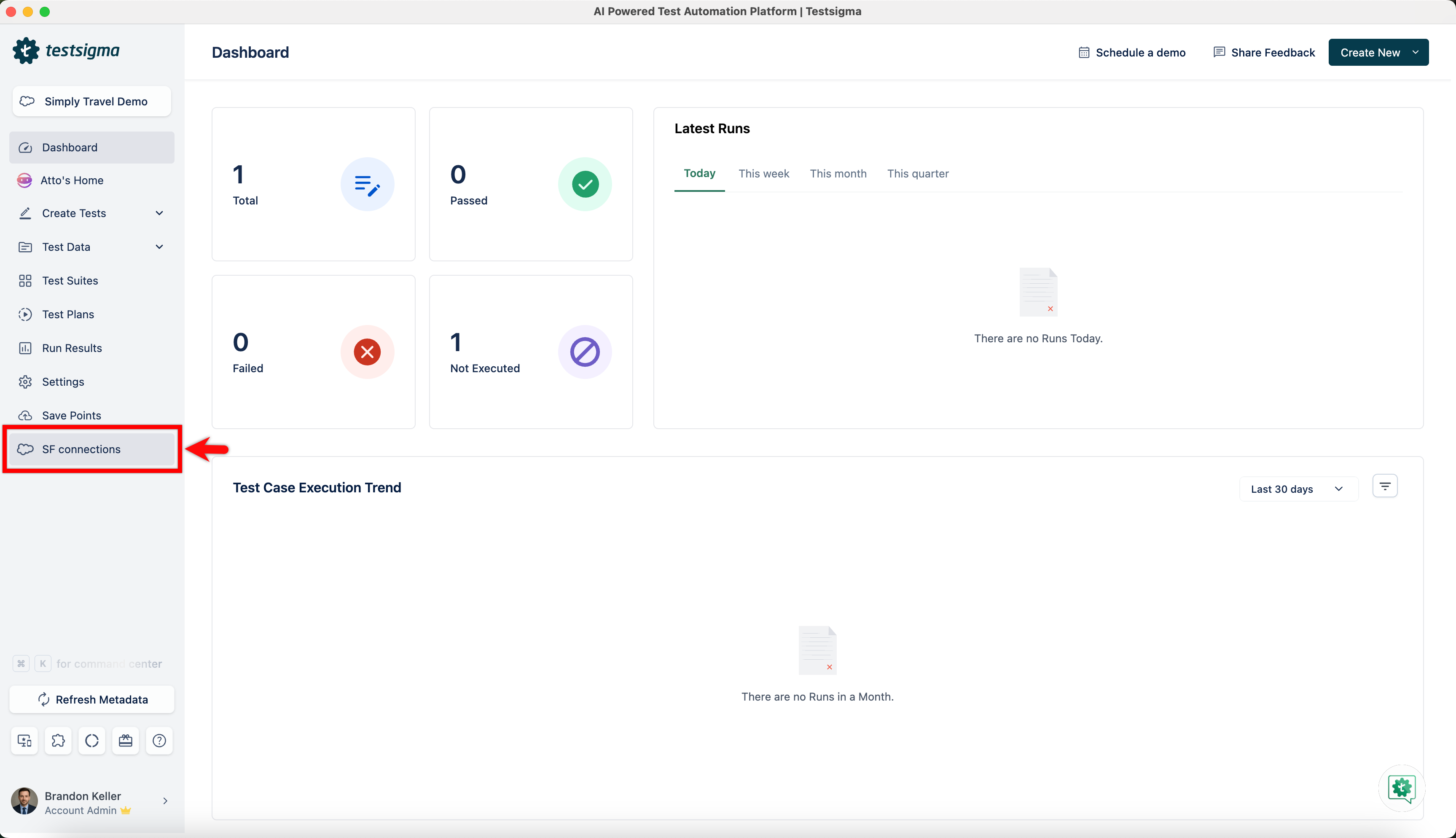
- From the left navigation bar, click on SF Connections, or access the Metadata Connection dialog via Settings > SF Metadata.
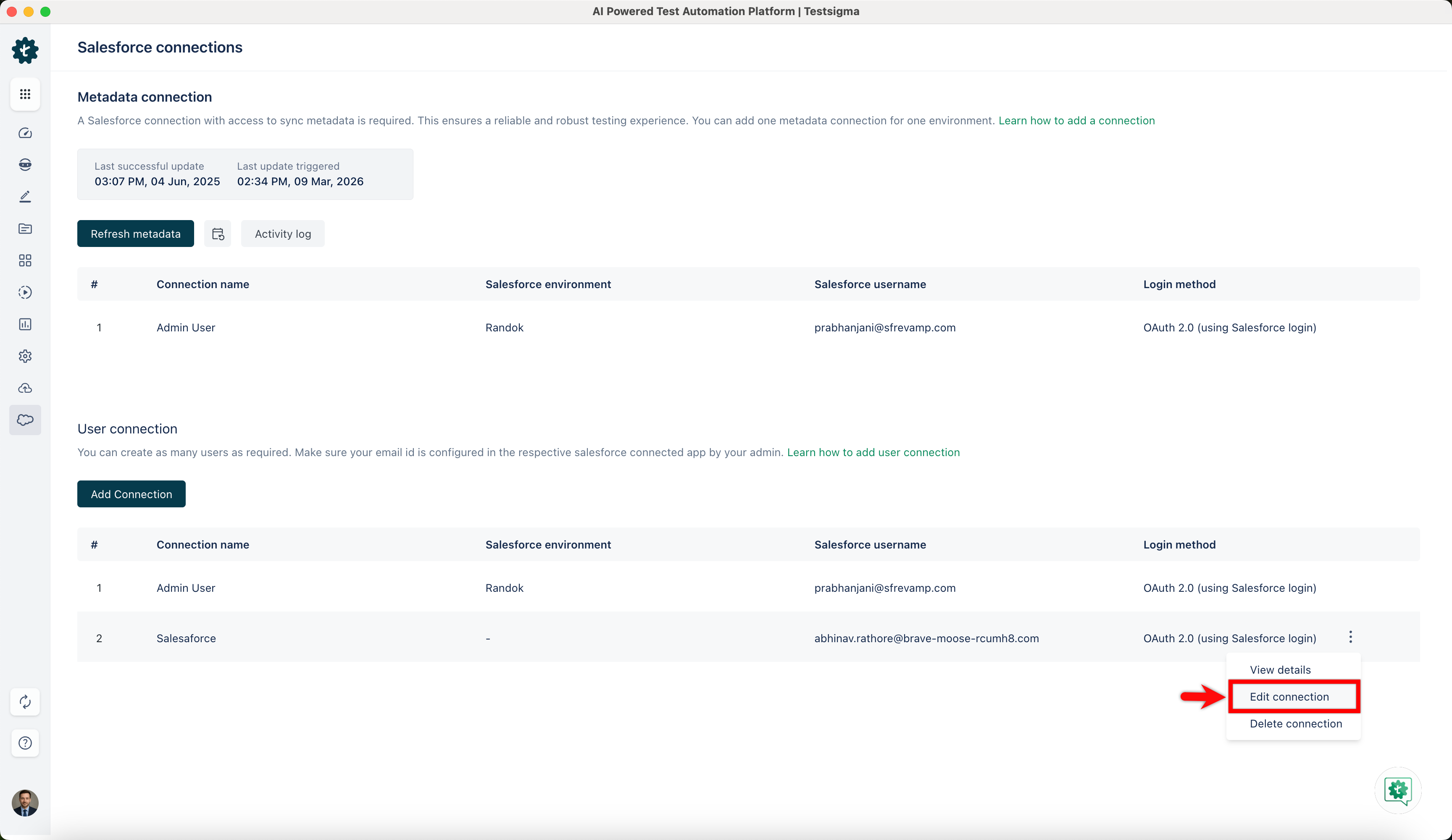
- In the Salesforce connections page, under the Metadata connection or User connection section, click the ellipsis icon next to the desired connection and click Edit Connection.
NOTE:
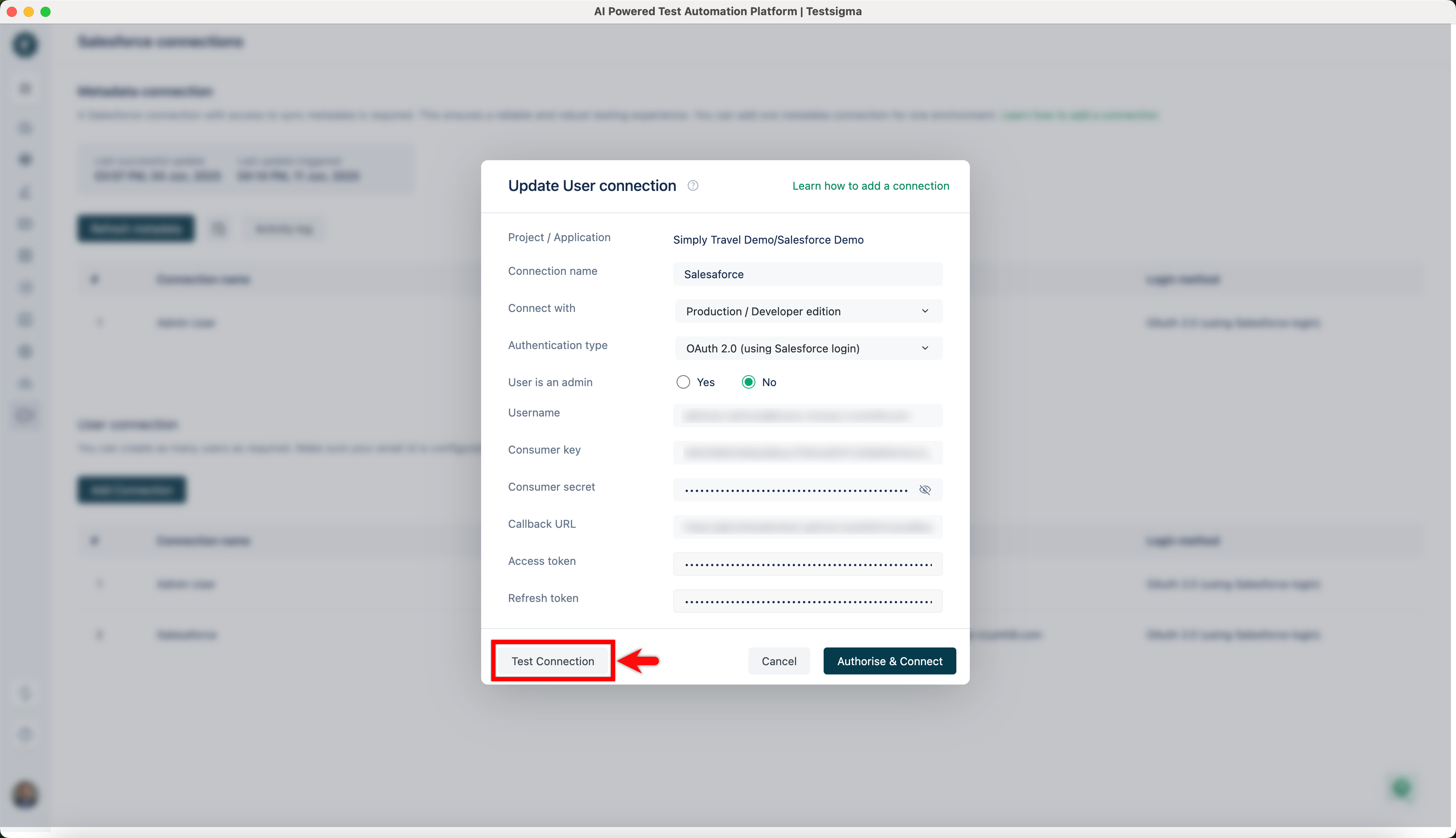
- If the connection details are already filled in, the User/Metadata connection dialog will open with the existing information.
- If you are setting up a new connection, you'll need to enter the required details before you can test it.
- In the User/Metadata Connection dialog, click Test Connection.
NOTE:
- If you'd like to test the connection with different credentials, edit the existing connection, update the necessary fields, and then click Test Connection.
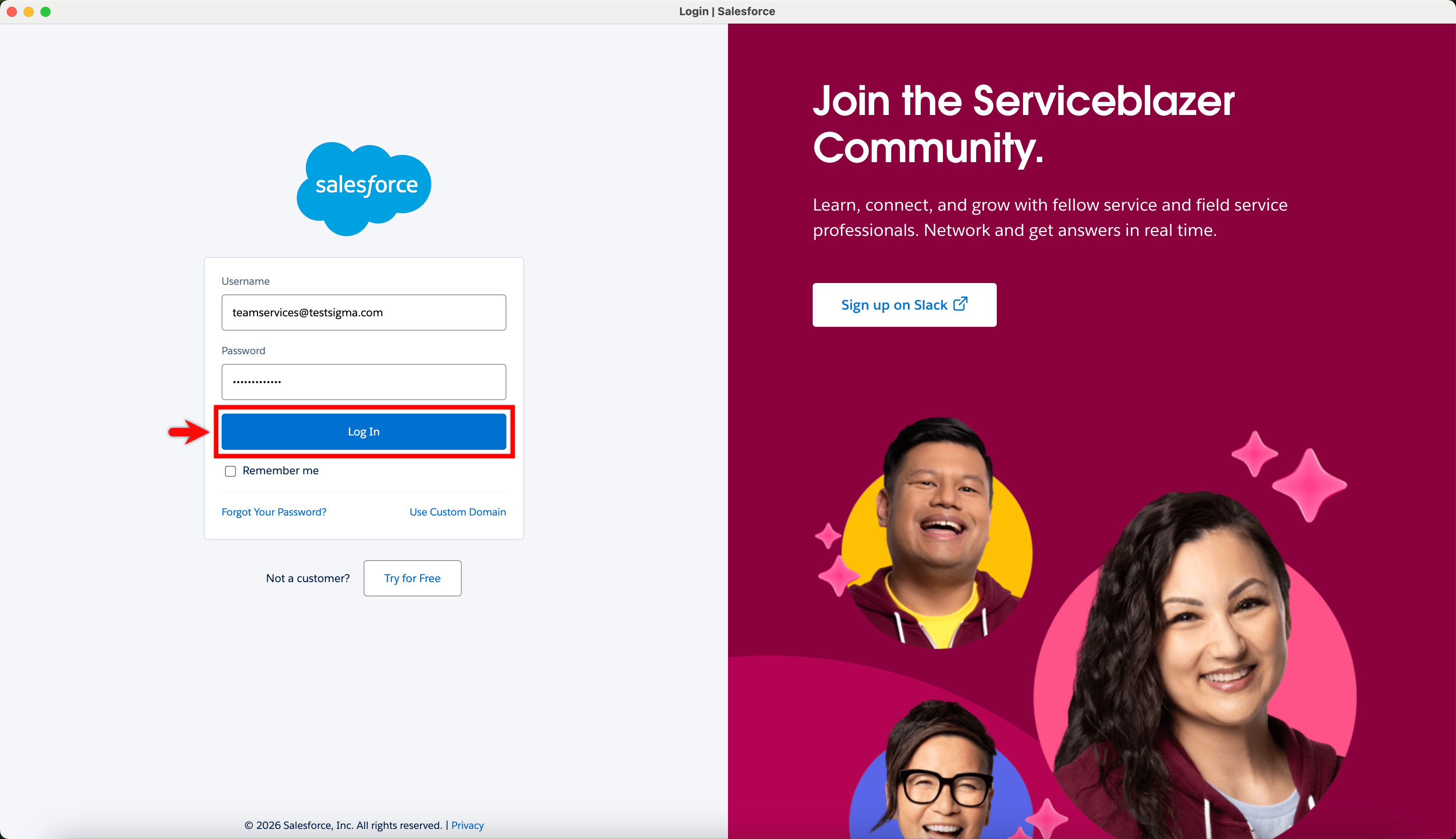
- On the Salesforce login page, enter your username and password, then click Log In.
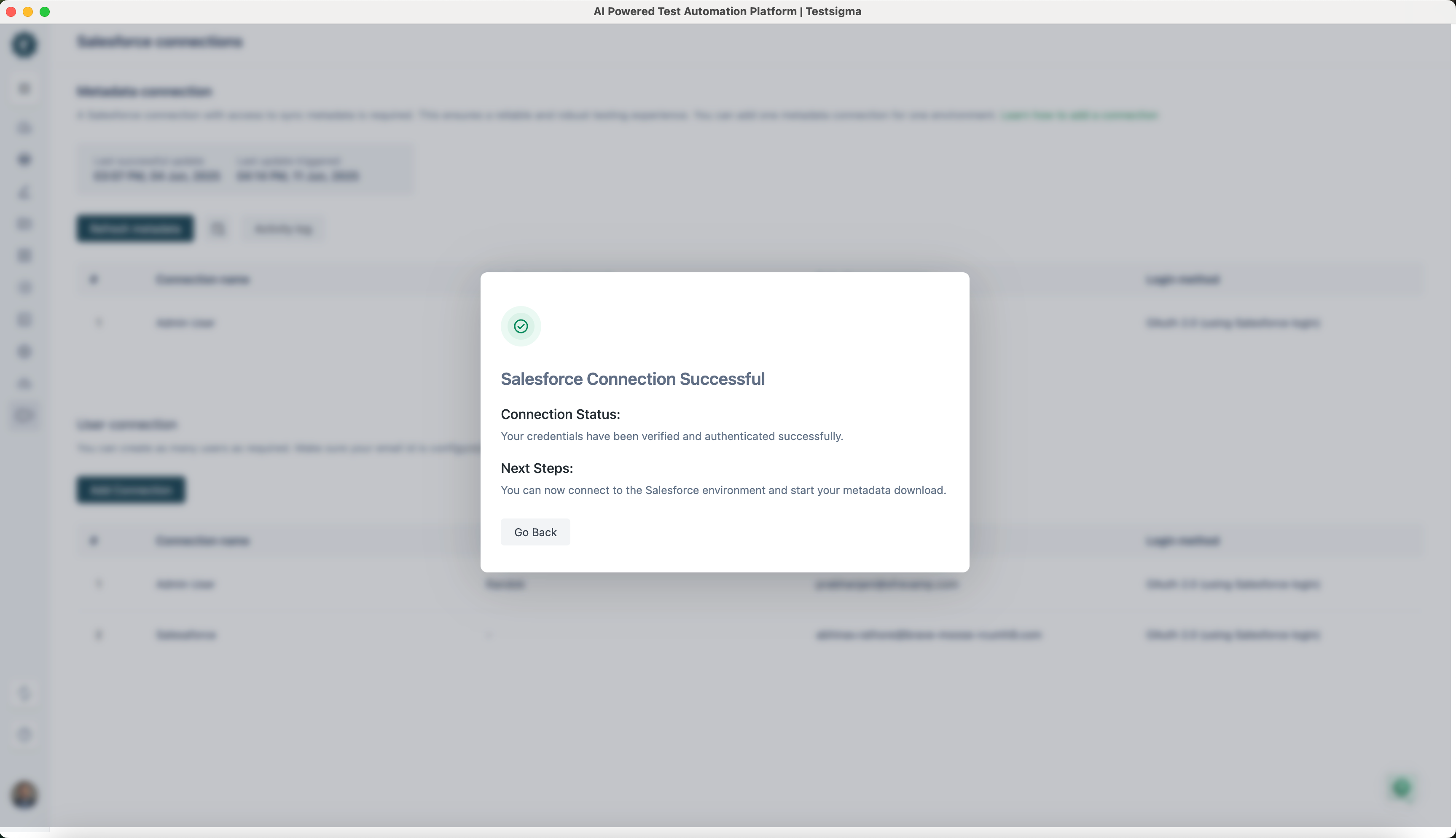
- Once your credentials are verified, you will get the Salesforce Connection Successful dialog.

Want to contribute or report missing content?