

ClickUp
ClickUp integration pushes bugs from a Testsigma run result into your ClickUp project. Screenshots, annotations, and team sharing travel with each bug. Connecting takes one API token.
Prerequisites
- A ClickUp API token. ClickUp’s personal API key guide covers generating one.
Connect ClickUp
Section titled “Connect ClickUp”-
Open integrations: Go to Settings > Integrations.
-
Enable the widget: Turn on the toggle on the ClickUp widget.
-
Enter the token: In the ClickUp details prompt, enter the Personal Token and click Save & Enable.
Report a bug
Section titled “Report a bug”-
Open the result: Go to Run Results and open the Test Case Result where you want to add a bug.
-
Start the report: Click Report Bug.
-
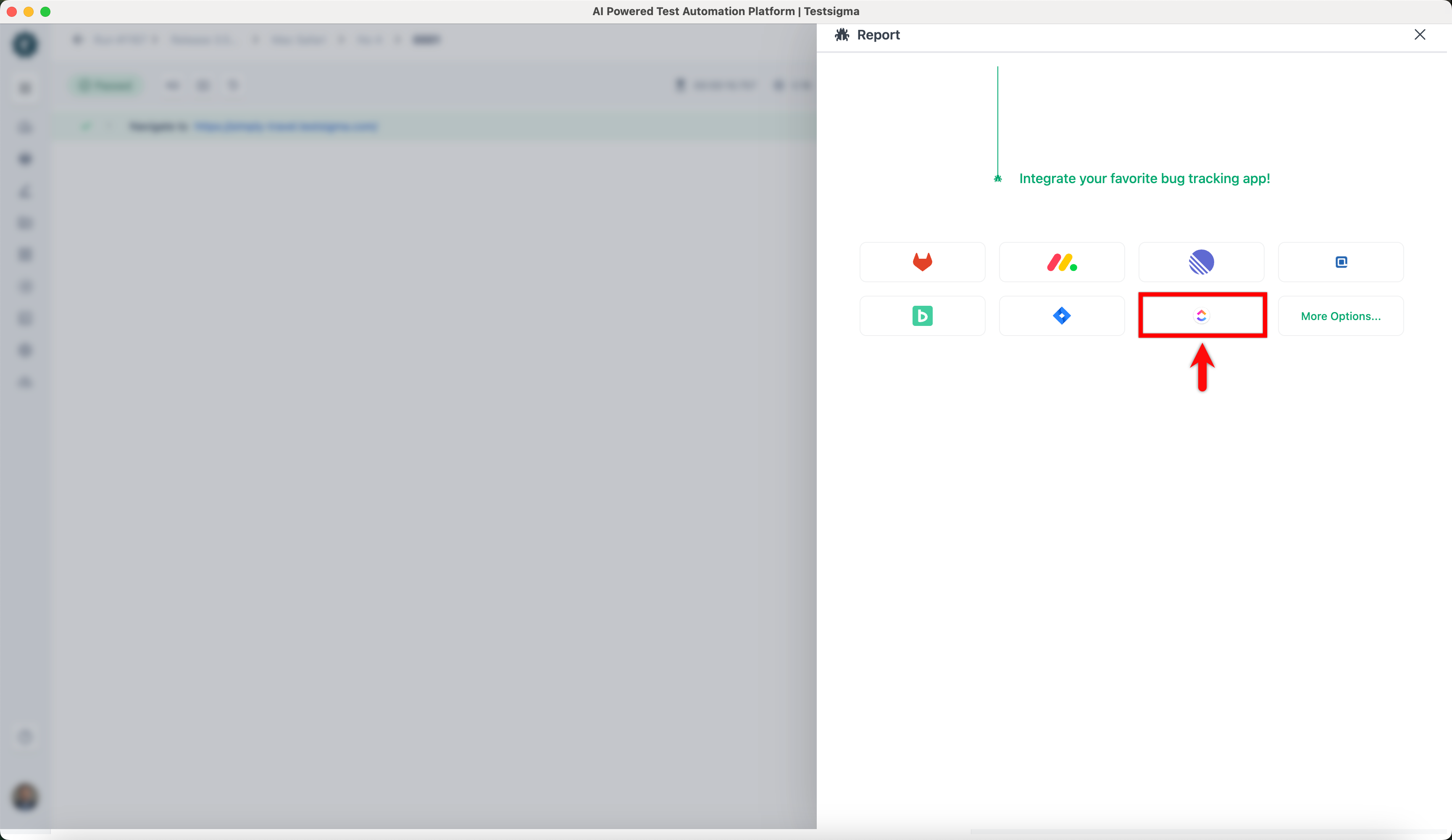
Pick ClickUp: In the Report overlay, click the ClickUp icon.
-
Send it: Review the details and click Report Bug.
Testsigma attaches the execution video and step screenshots to the created issue automatically.
Was this page helpful?
Thanks for the feedback.