

Integrations
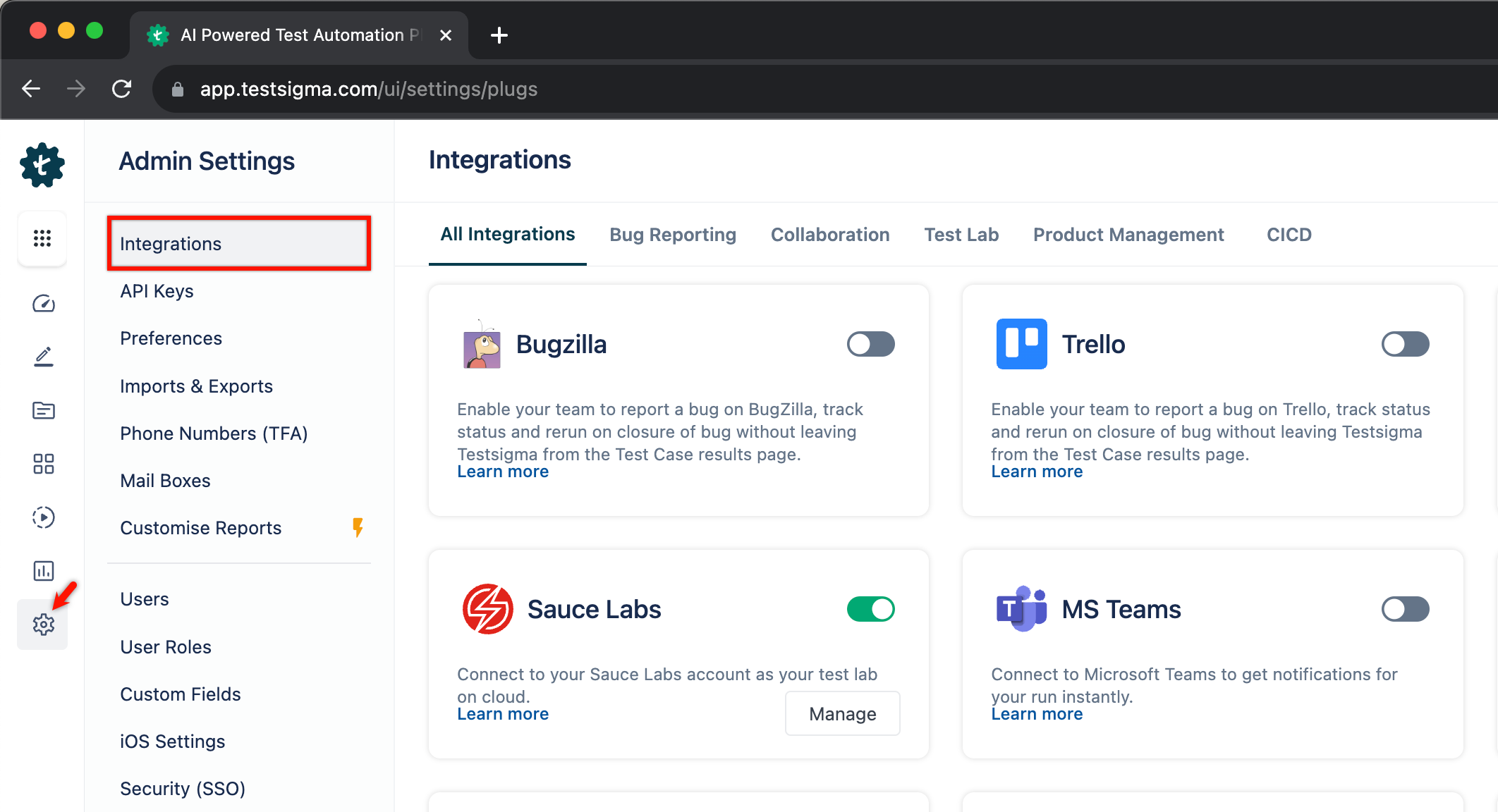
Testsigma plugs into the tools around it rather than replacing them. Each family below connects at a different point: the pipeline that triggers a run, the tracker that receives a failure, the lab the run executes on, and the channel that hears the result.
Trigger a test plan from your build pipeline, and fail the build when the run fails.
| Tool | Page |
|---|---|
| Shell script | Shell script |
| Jenkins | Jenkins |
| GitHub Actions | GitHub Actions |
| GitLab CI | GitLab CI |
| CircleCI | CircleCI |
| Travis CI | Travis CI |
| Bitbucket | Bitbucket |
| Bamboo | Bamboo |
| Azure DevOps | Azure DevOps |
| AWS DevOps | AWS DevOps |
| AWS Lambda | AWS Lambda |
| Codemagic | Codemagic |
| CodeShip | CodeShip |
| Bitrise | Bitrise |
| Copado | Copado |
| Gearset | Gearset |
Test management
Section titled “Test management”Sync test cases and push run results back to the tool your team plans and reports from.
| Tool | Page |
|---|---|
| Xray | Xray |
| Zephyr | Zephyr |
| qTest | qTest |
| TestRail | TestRail |
| Azure DevOps Boards | Azure DevOps Boards |
| Trello | Trello |
| ClickUp | ClickUp |
| Linear | Linear |
Bug reporting
Section titled “Bug reporting”File a failed step as a ticket, with the run’s evidence attached.
| Tool | Page |
|---|---|
| Jira | Jira |
| Bugzilla | Bugzilla |
| Mantis | Mantis |
| Backlog | Backlog |
| monday.com | monday.com |
| YouTrack | YouTrack |
Test labs
Section titled “Test labs”Run on someone else’s browsers and devices instead of the Testsigma lab or your own machines.
| Tool | Page |
|---|---|
| BrowserStack | BrowserStack |
| Sauce Labs | Sauce Labs |
| Kobiton | Kobiton |
| TestMU | TestMU |
| LambdaTest | LambdaTest |
Collaboration
Section titled “Collaboration”Post run outcomes to the channel your team already watches.
| Tool | Page |
|---|---|
| Slack | Slack |
| Microsoft Teams | Microsoft Teams |
| Google Chat | Google Chat |
Was this page helpful?
Thanks for the feedback.