

monday.com
monday.com integration lets you file a bug in monday.com from a run result. The ticket carries the test’s evidence: annotations, step screenshots, and the execution video. Setup needs two monday.com values.
Prerequisites
- Your organization’s monday.com Account URL and a monday.com API Key (token).
Connect monday.com
Section titled “Connect monday.com”-
Enable the widget: go to Settings > Integrations and turn on the toggle on the monday.com widget.
-
Enter the details: in the Monday.com details dialog, enter the Account URL, API Key, and Confirm API Key, then click Save & Enable.
Report a bug
Section titled “Report a bug”-
Open the result: go to Run Results and open the Test Case Result where you want to add a bug.
-
Start the report: click Report Bug.
-
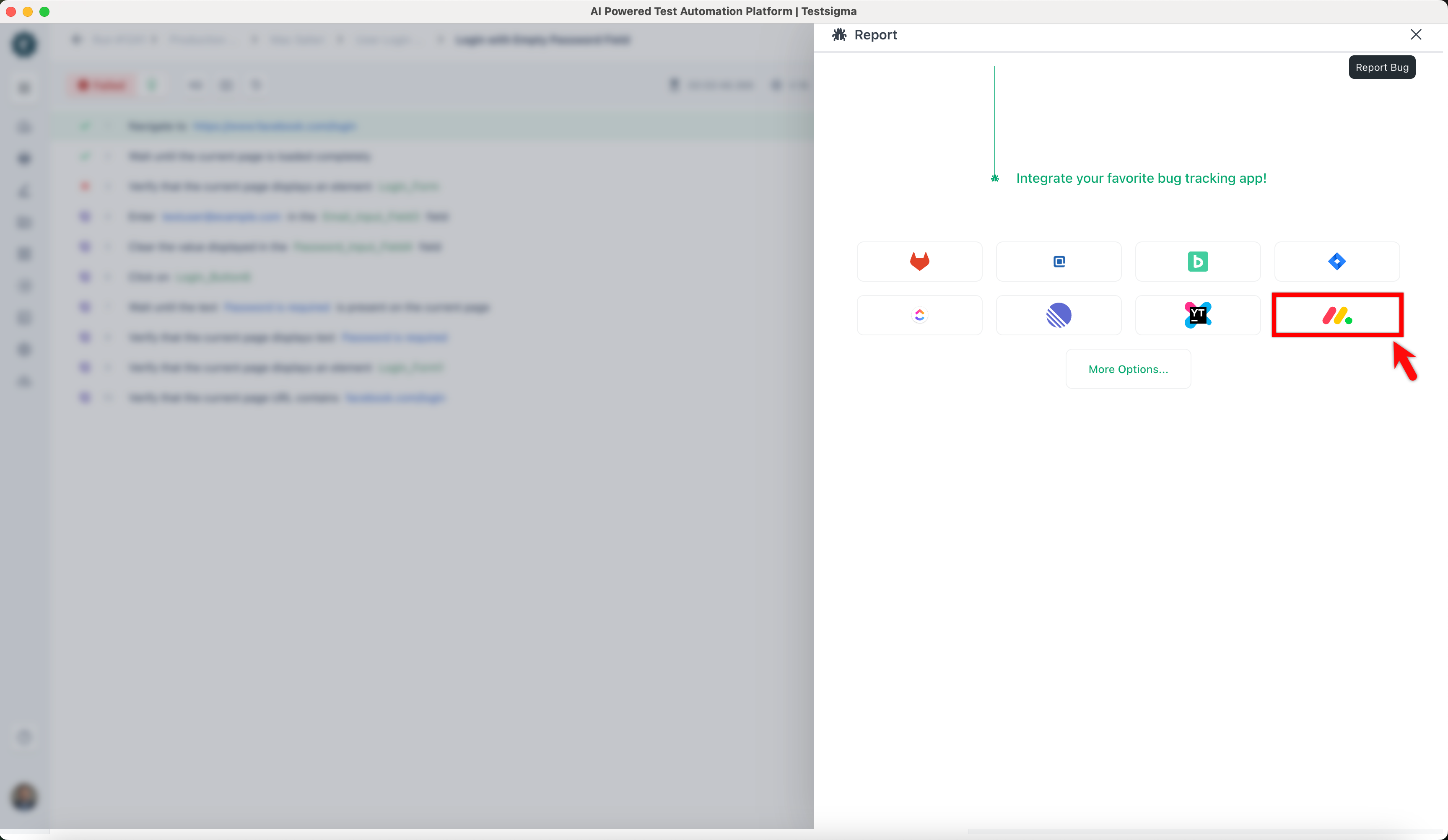
Pick monday.com: in the Report overlay, click the Monday.com icon.
-
File it: enter the bug details in the form and click Report Bug.
When the bug is created, Testsigma automatically adds test result context to the monday.com issue, including the test execution video and step screenshots.
Was this page helpful?
Thanks for the feedback.