

Notifications
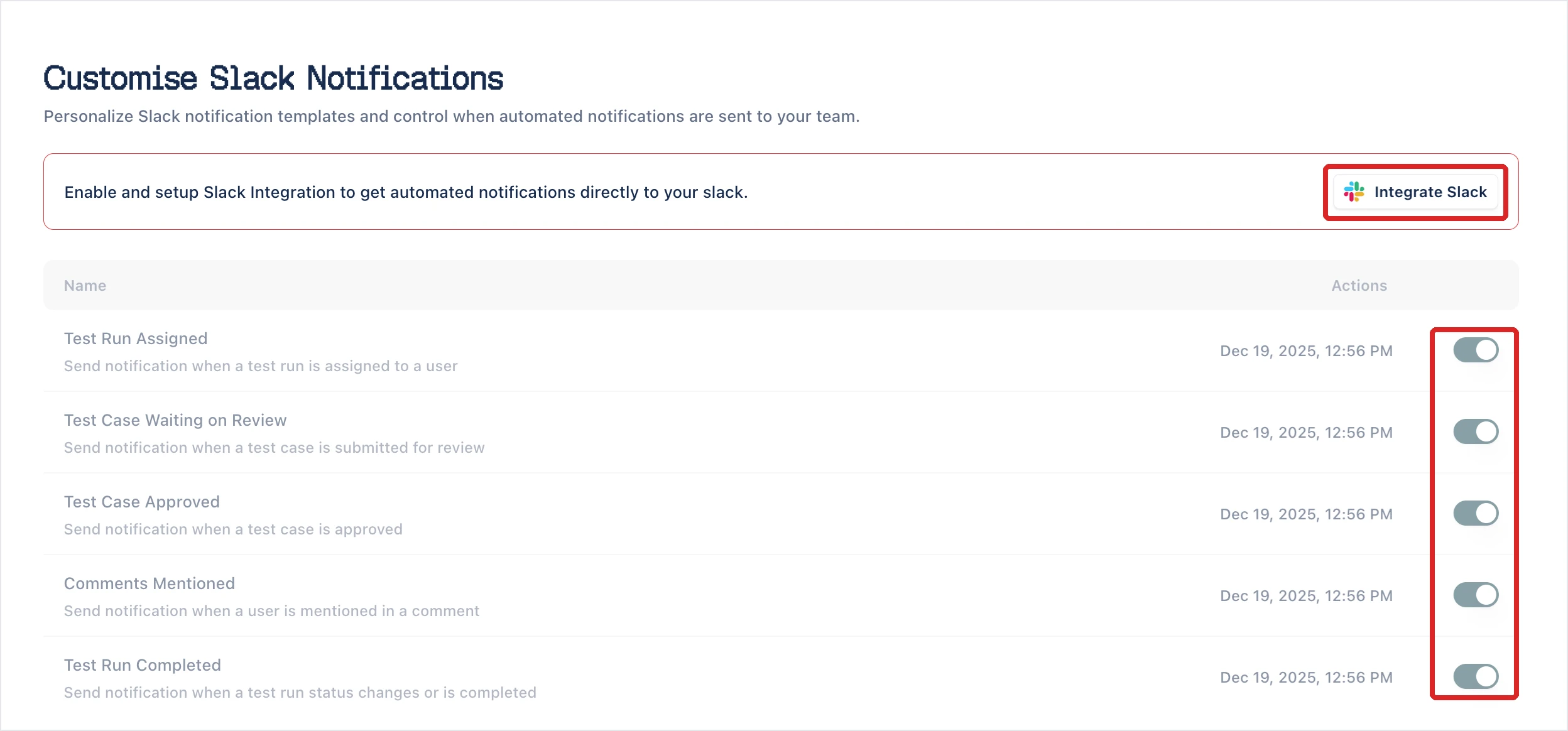
Arcus notifies your team about test activity by email, in Slack, and in Microsoft Teams. In the Settings sidebar, Notifications expands to one page per channel, where you turn each event on or off and edit its template.
Channels
Section titled “Channels”Each channel needs one thing set up before it sends anything.
- Email (SMTP): SMTP Configuration turned on. Until it is, the email page shows Configure SMTP.
- Slack: the Slack integration connected. Until it is, the page shows Integrate Slack.
- Microsoft Teams: the Microsoft Teams integration connected.
Events by channel
Section titled “Events by channel”Each channel page describes its events. This table shows which channel covers which.
| Event | Slack and Microsoft Teams | |
|---|---|---|
| Test Run Assigned | Yes | Yes |
| Test Case Waiting on Review | Yes | Yes |
| Test Case Approved | Yes | Yes |
| Comments Mentioned | Yes | Yes |
| Test Run Completed | Yes | Yes |
| Test Case Assigned | Yes | Yes |
| Test Case Rework Requested | Yes | Yes |
| Test Run Added to Test Plan | Yes | Yes |
| Test Plan Completed | Yes | Yes |
| Test Plan Daily Summary | Yes | Yes |
| Export Completed | Always sent | Yes |
| Import Completed | Always sent | Yes |
| Requirement Changed | No | Yes |
The Email page lists the 10 events marked Yes. Export Completed and Import Completed emails aren’t on that page and can’t be turned off: once SMTP is set up, Arcus always emails the person who started the export or import. Requirement Changed has no email.
Test plans can also email a list of addresses when a cycle starts, completes, or fails. You set the addresses per plan, under Notifications in the plan’s properties. See Test plans.
Was this page helpful?
Thanks for the feedback.