

Where tests run
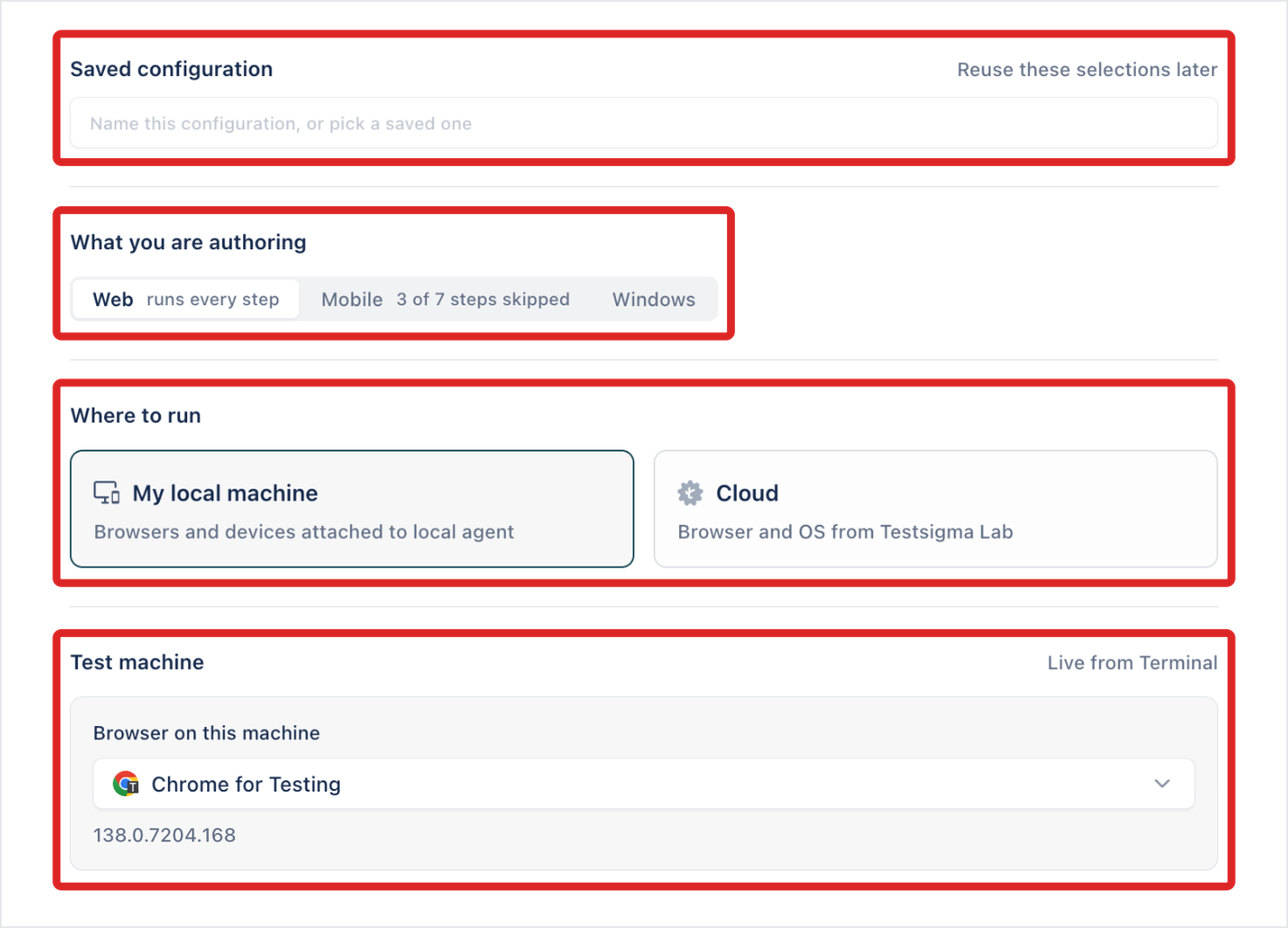
Arcus runs automated tests in one of two places: Cloud, on browsers, operating systems, and real devices from Testsigma Lab, or Local Agent, on a machine running the Arcus Agent, such as your own computer. A run configuration sets which one a test run uses. In a Copilot session, you choose it under Where to run, where the option is called My local machine.
| Cloud | Local Agent | |
|---|---|---|
| Setup | Nothing to install | The Arcus Agent installed, running, and signed in |
| Web | Browsers and operating systems from Testsigma Lab | The browsers installed on the machine |
| Mobile | Real devices from Testsigma Lab | Phones and emulators connected to the machine |
| Windows desktop apps | Not available | A Windows computer |
| Apps that aren’t public, such as a local build | Not reachable | Reachable from the machine |
Which machines run test plans
Section titled “Which machines run test plans”A machine runs test runs and test plans only when its agent profile is used for execution:
- Authoring: Copilot sessions only. My Local Device says “This device is for authoring, so it doesn’t run test plans.”
- Authoring + Execution: a person’s own machine that also runs test plans.
- Execution only: a machine set aside for runs, such as a CI runner or a shared lab machine.
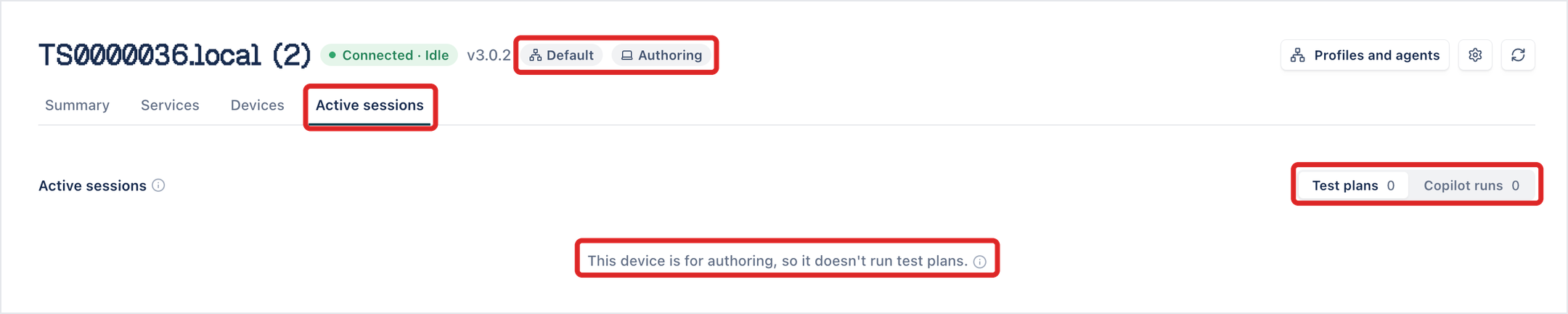
Every machine starts on the Default profile, which is used for authoring. An admin changes what a machine is used for in Settings > Profiles and agents. See Agent profiles.
A profile used for execution is Global, shared with the account, or Local, kept to the person who set up the machine.
Sessions and queues
Section titled “Sessions and queues”Cloud and Local Agent each have their own number of parallel sessions and minutes, and both share one queue. When every parallel on a side is busy, a test run waits in the queue and starts when a slot frees. See Session limits and queues. To run a test run’s cases at once across your parallels, see Parallel settings.
Was this page helpful?
Thanks for the feedback.