- runs
 Ad-hoc Run
- Test Plan Executions
- Dry Runs on Local Devices
- Run Tests on Private Grid
- Run Tests on Vendor Platforms
- Run Test Plans on Local Devices
- Test Locally Hosted Applications
- Flutter Integration Driver Testing on Testsigma
- Debug Test Case Failures
- Parallel and Allowed queues
Create Mock Servers in Testsigma
Use Mock Servers in Testsigma to simulate backend API responses during test execution without depending on actual backend services. This article discusses creating a mock server and configuring mock rules in Testsigma.
Prerequisites
Before you begin, ensure that:
- Testsigma Support has enabled Mock Servers for your account
- You know how to execute tests
Create a Mock Server
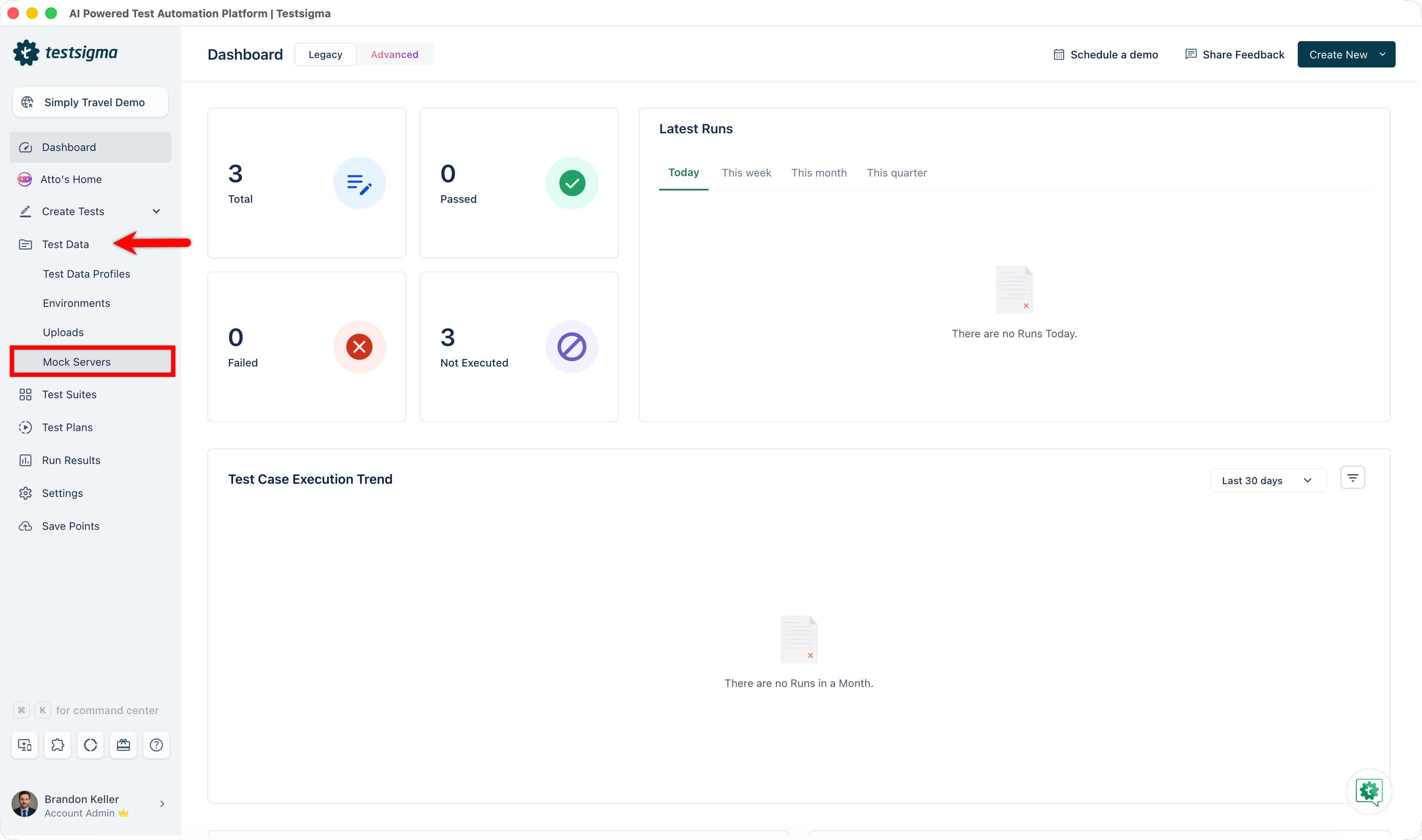
- From the left navigation bar, expand Test Data and select Mock Servers.
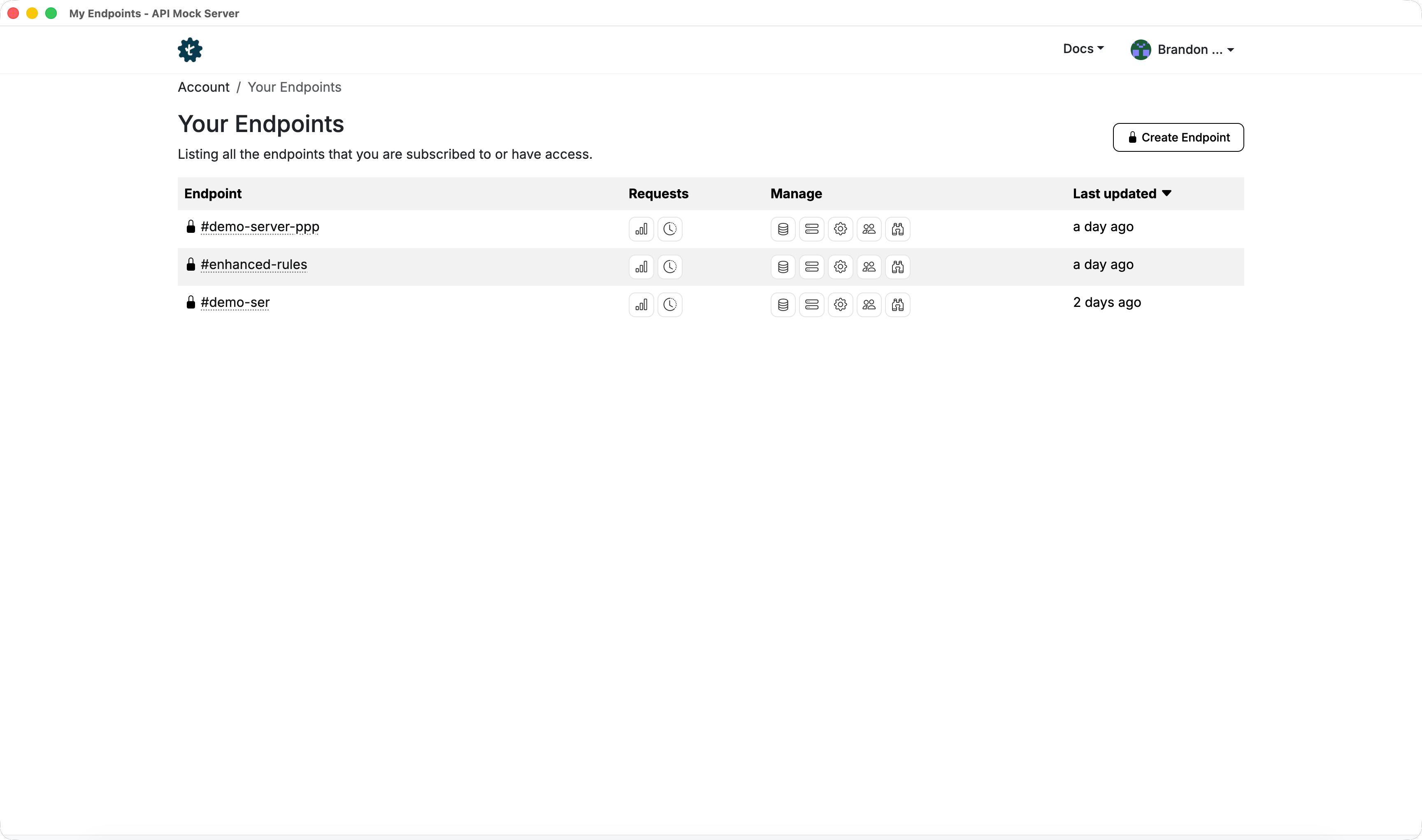
- You'll be redirected to the Endpoints page of Mock Server Application.
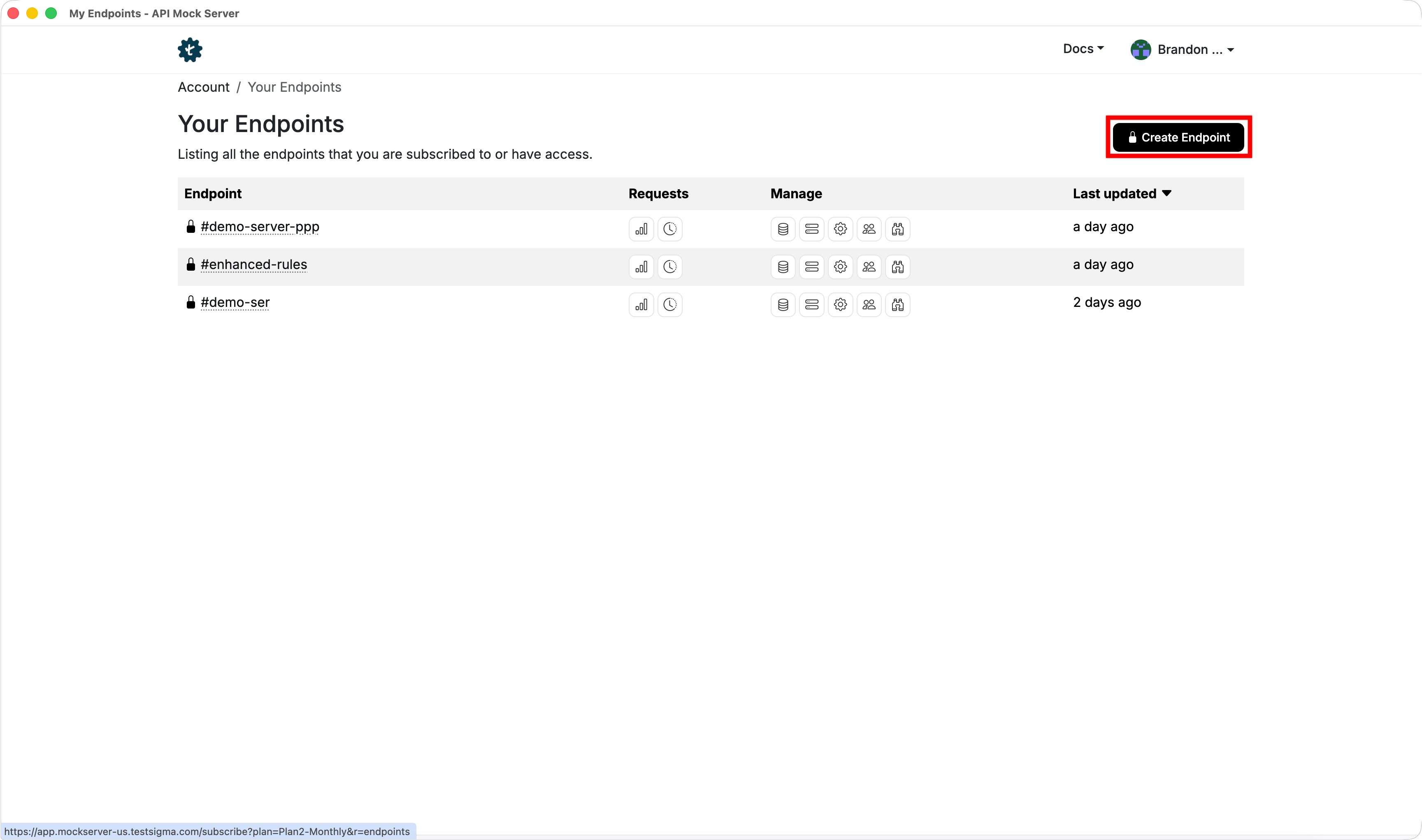
- Click Create Endpoint.
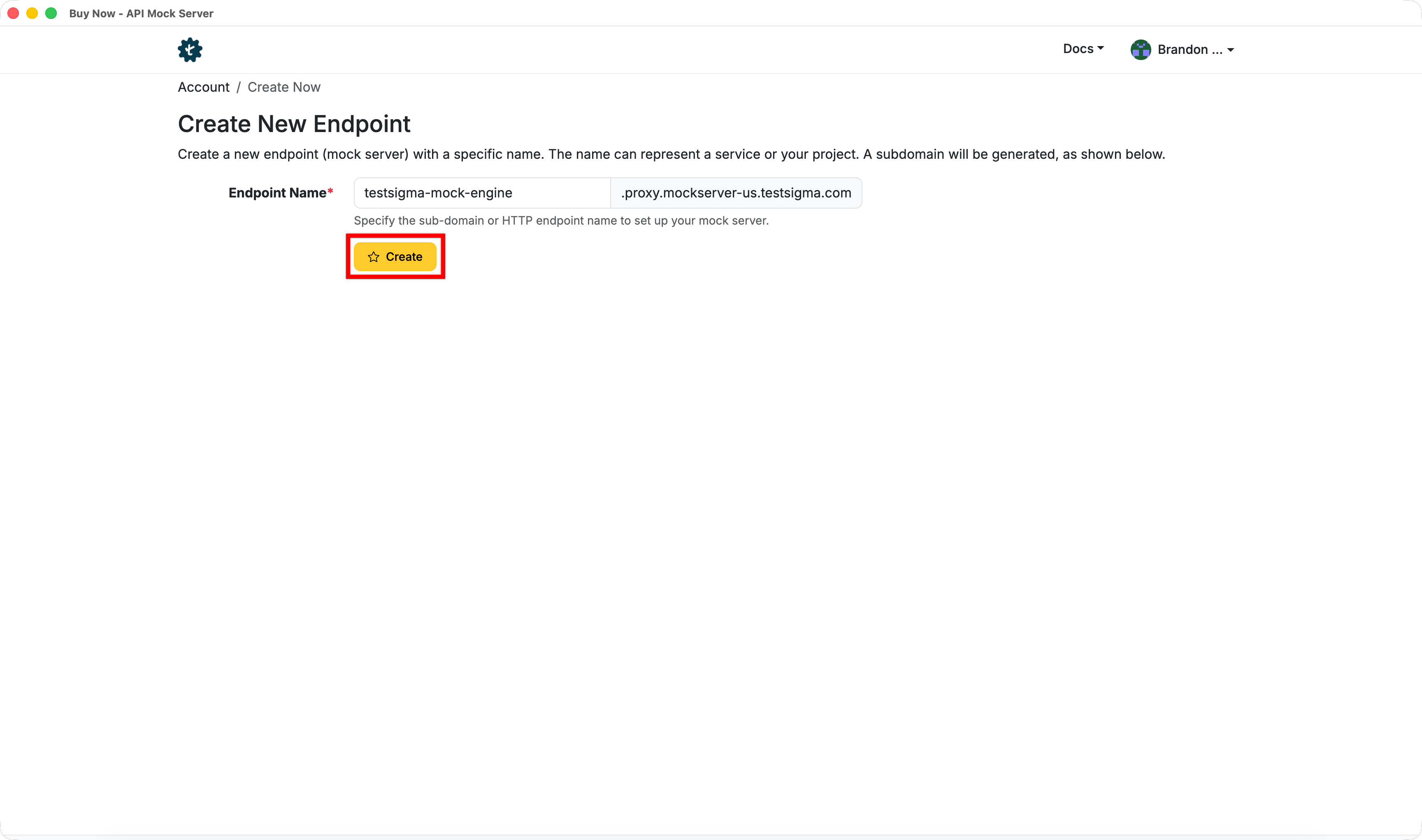
- In the Create New Endpoint page, enter a subdomain for the endpoint.
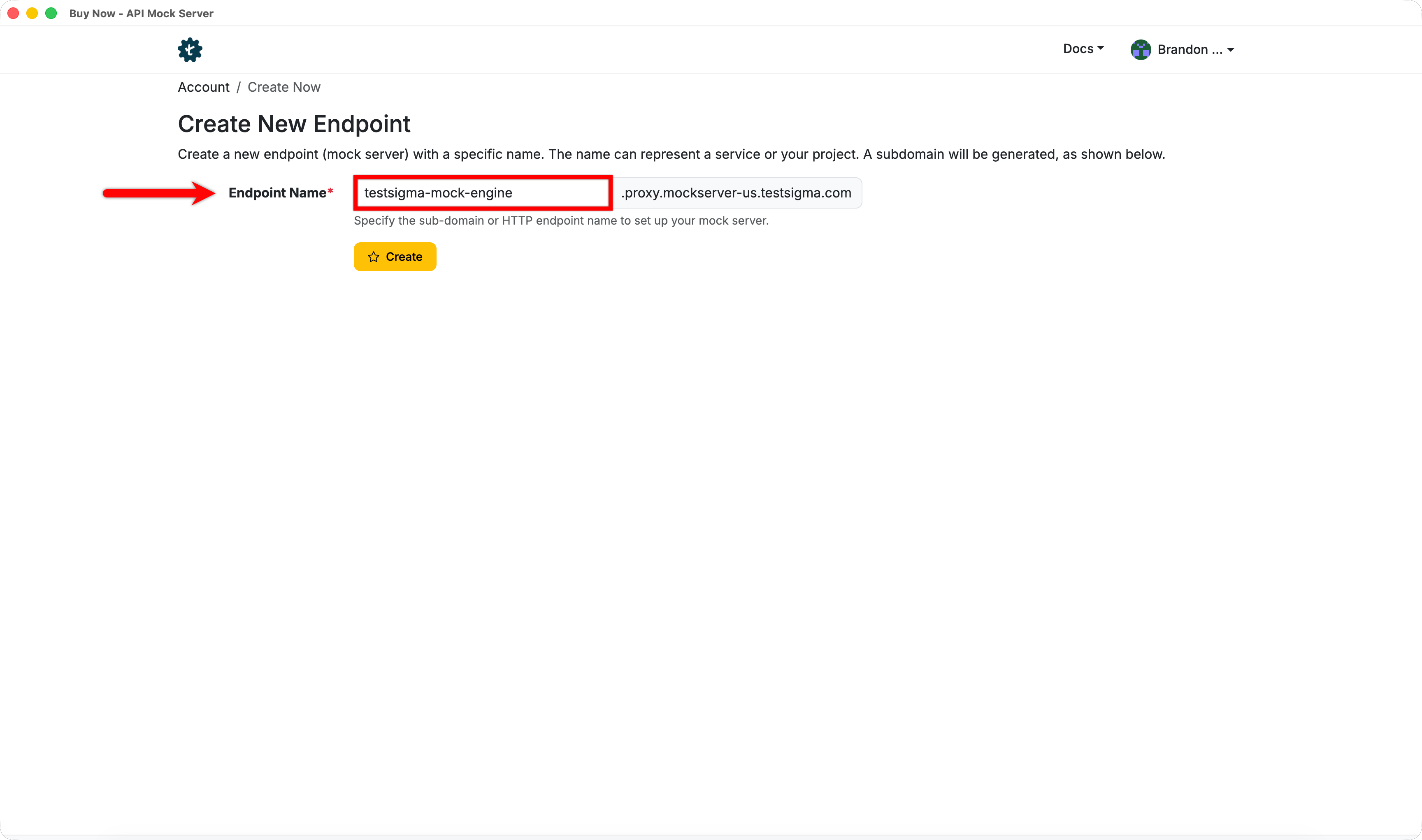
- Click Create.

Want to contribute or report missing content?