
Topics
A Beginner′s Guide To Website Testing
Automate tests in plain English, no coding requiredpo
Detect functional, UI, and performance issues with advanced AI agents
Test on 3000+ real browser–OS combinations
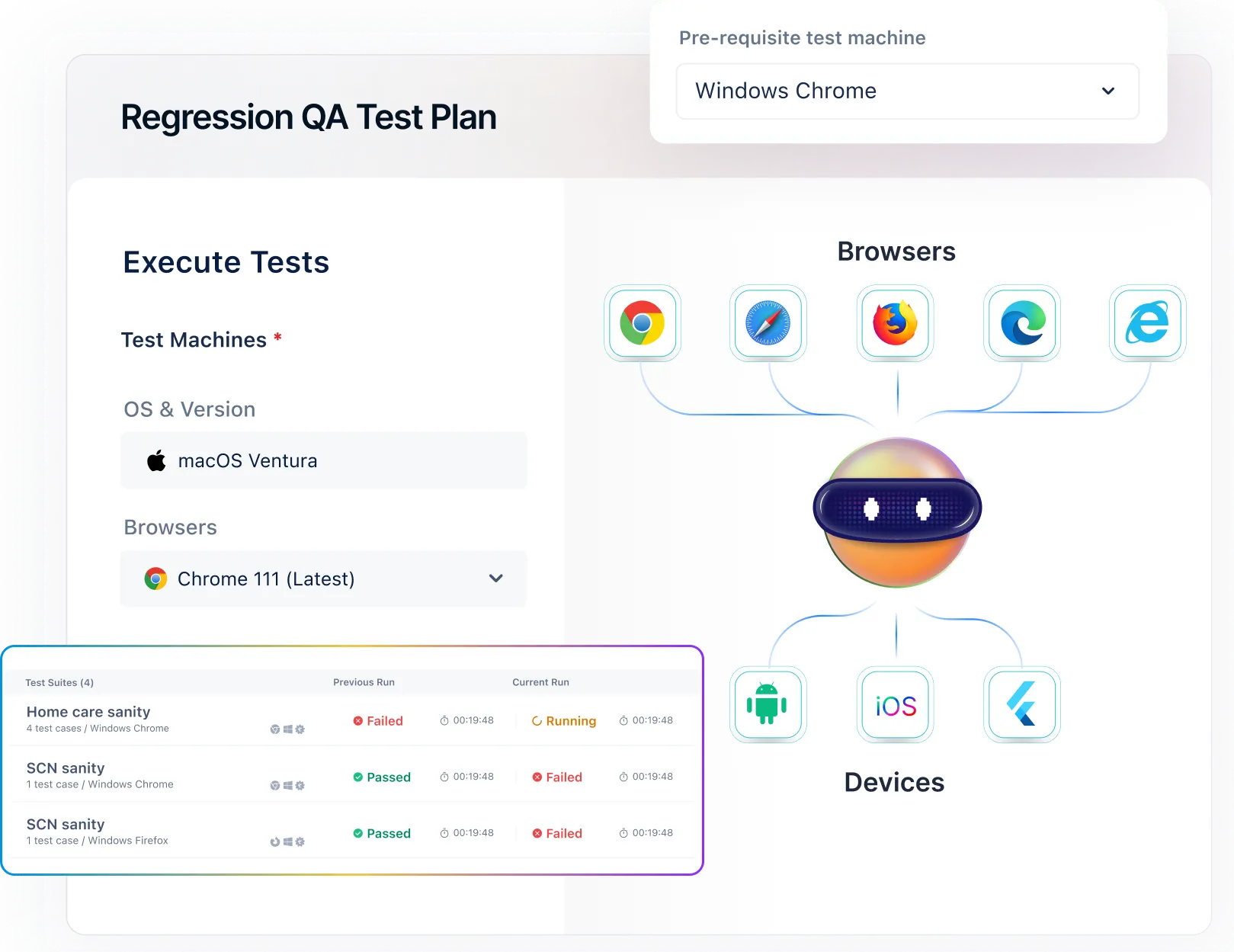
Why Choose Testsigma for Website Testing?
AI-Powered Agentic Platform
Achieve 100% Test Coverage
Self-Healing Tests
Cross-Browser Coverage
Accelerated Release Cycles
Parallel Execution
Integrations
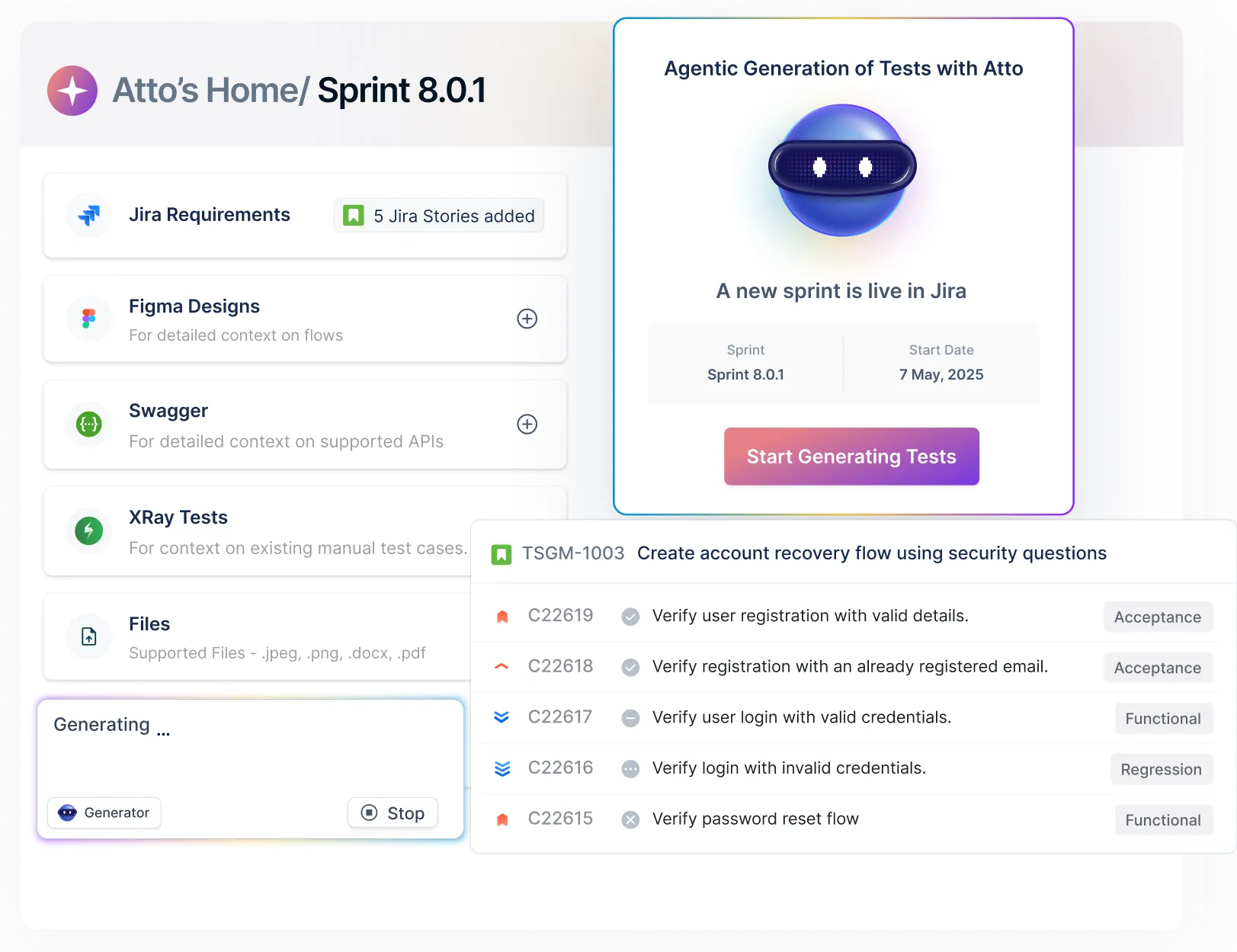
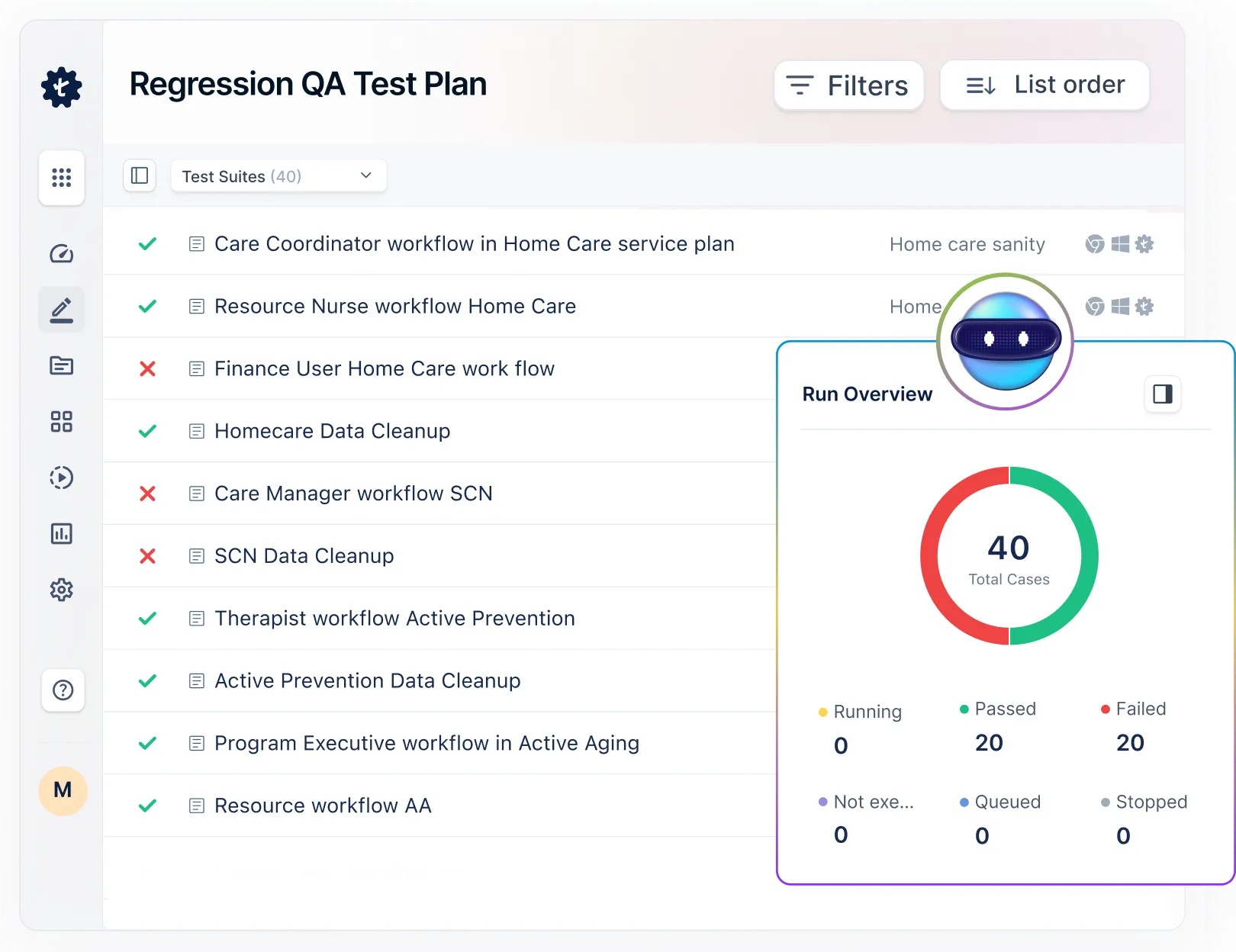
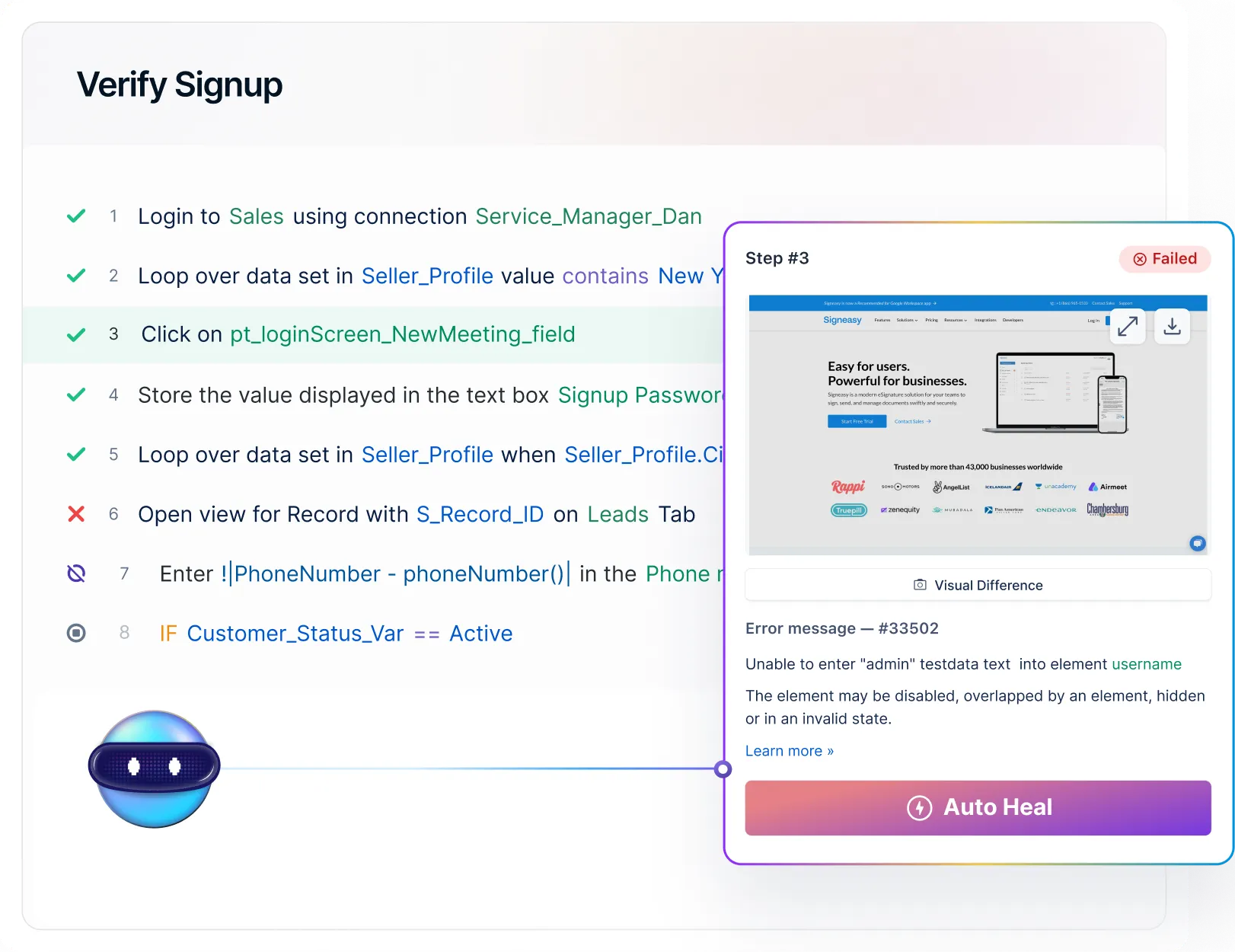
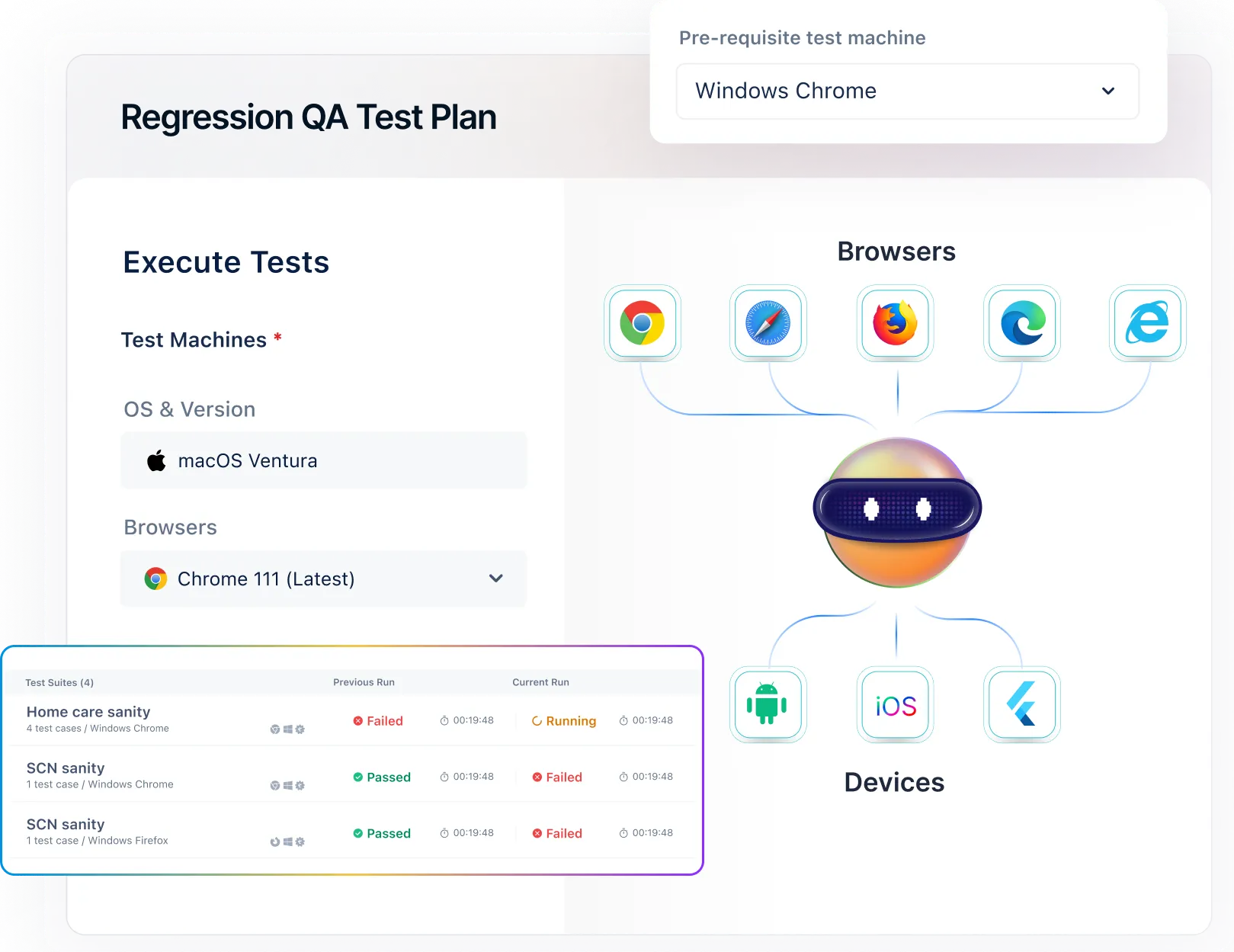
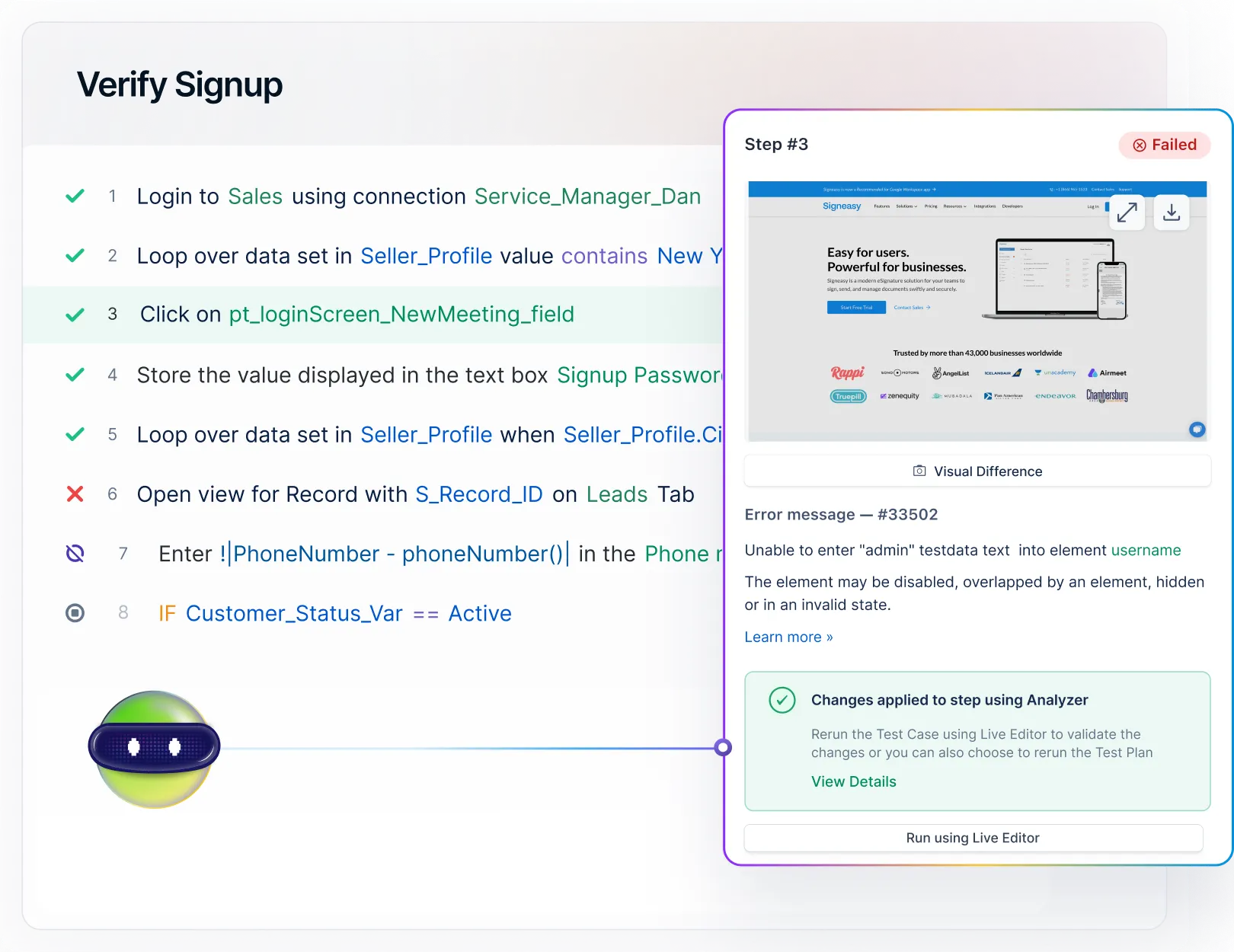
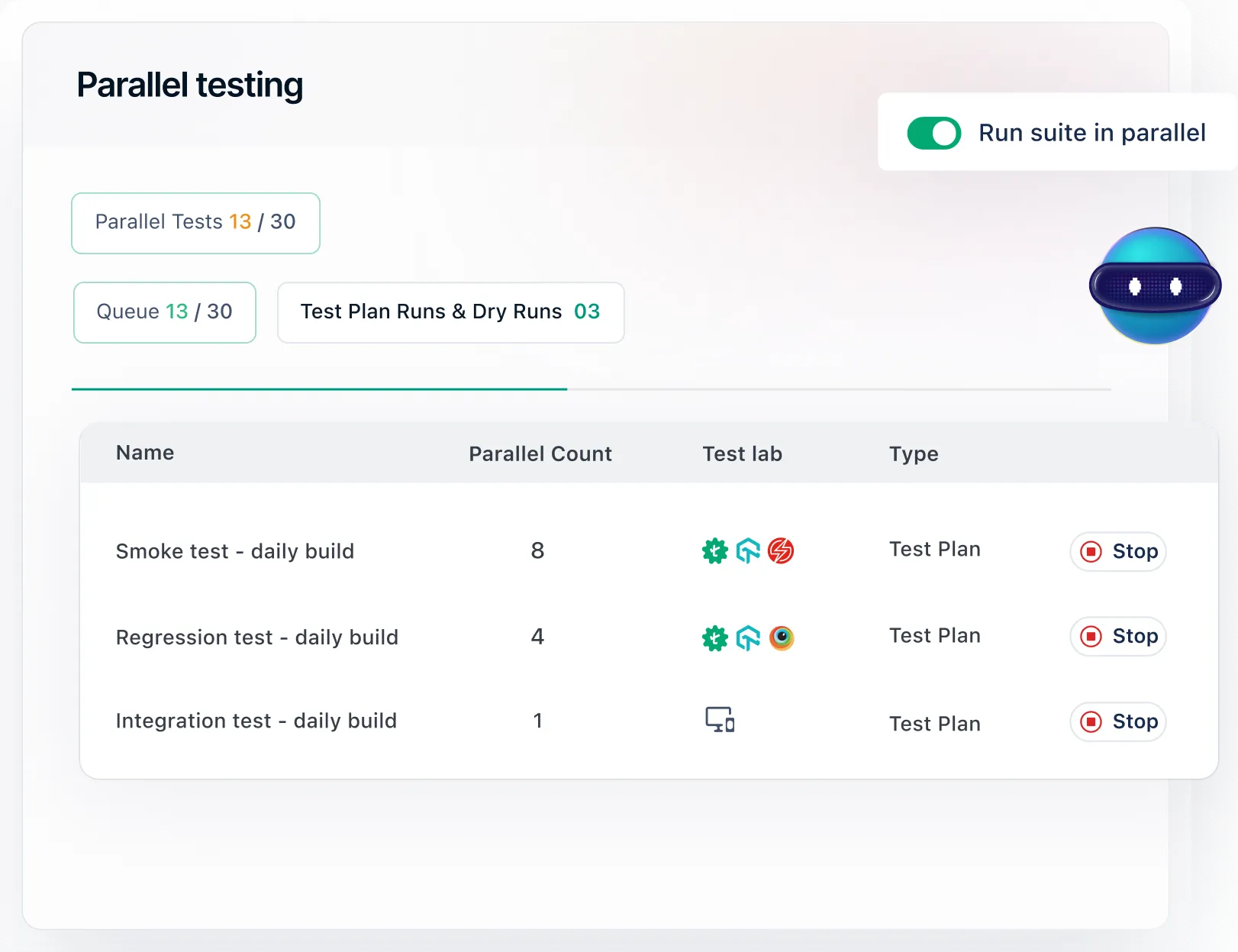
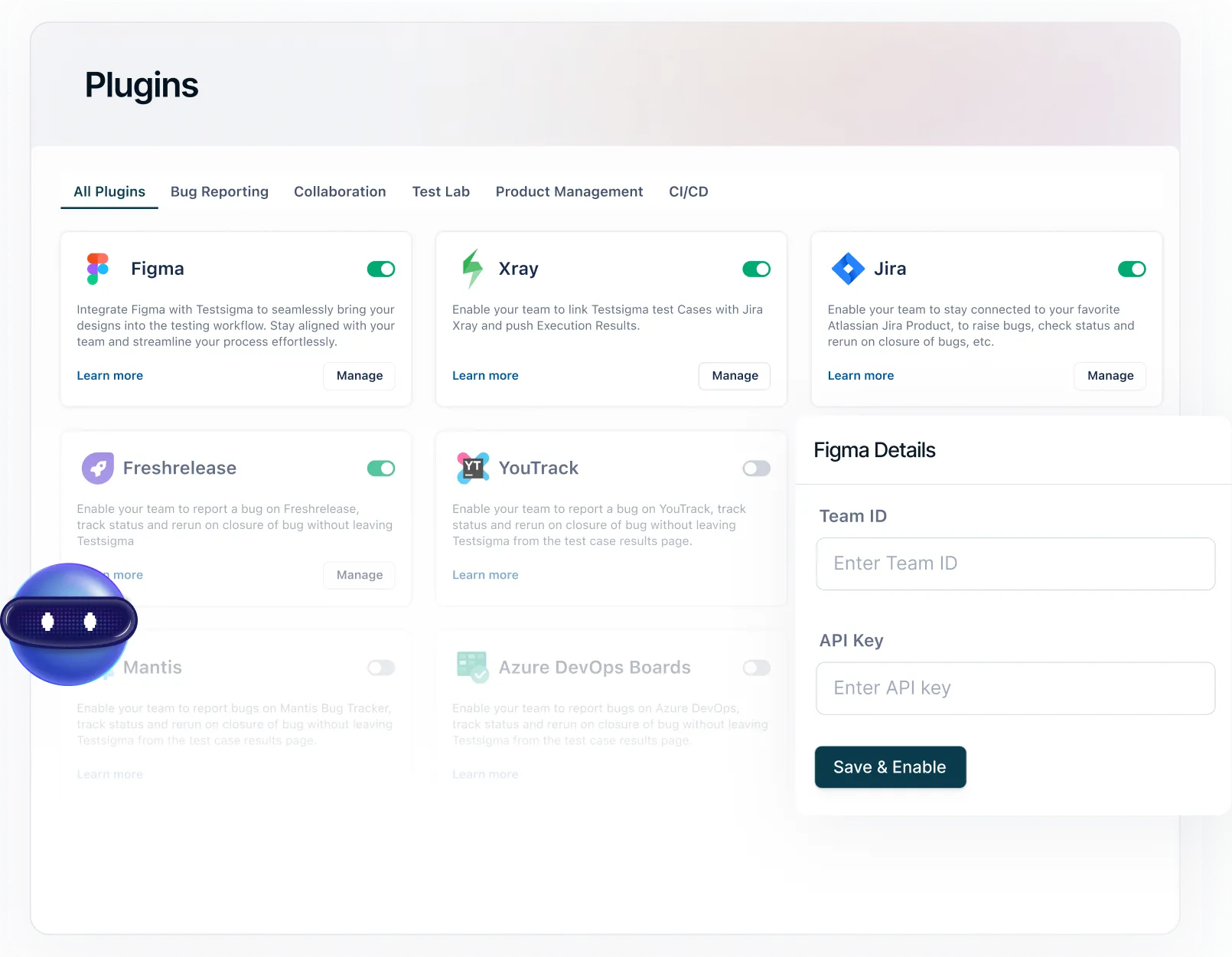
Website testing is necessary to deliver high-quality, efficient software to the customer. An informative, user-friendly, and bug-free web application will attract a larger audience in this competitive market. Let us see what is web testing, how to test a website, web testing techniques, and what is the best approach to testing a website in this blog in detail
What Is Website Testing?
Website testing is the end-to-end testing of websites or web applications before moving them to production. The QA team performs web application testing to identify and fix potential bugs in the application.
Why Is Website Testing Important?
Website testing is essential as it helps ensure your website works correctly, loads fast, appears well on all devices, and provides a smooth, bug-free user experience.
- Helps to identify defects before they are released and fix them immediately.
- If you are not testing the web application end-to-end, you might lose your best customers and eventually the business as well.
- Any bug-free software will attract new customers.
Every customer will be happy if you deliver a secure, user-friendly, informative, accessible, and faster web application. Your application should be well-tested to have these qualities!
What Are the Different Types Of Website Testing?
- Functional Testing: Verifies that all website features work correctly, including navigation, forms, buttons, and links. It ensures that users can interact with the website as intended without encountering errors.
- Usability Testing: Assesses the website′s user interface and overall user experience to ensure it is simple, easy to navigate, and meets user expectations. It identifies areas for improvement to enhance user satisfaction and engagement.Performance Testing: Evaluates the website′s speed, load time, and performance under varying traffic conditions. It helps ensure that the website works optimally and can handle a high volume of concurrent users without slowdowns or crashes.
- Compatibility Testing: Checks how the website performs across different web browsers, devices, and operating systems. It ensures a consistent and reliable user experience across various platforms and configurations.
- Security Testing: Identifies vulnerabilities and weaknesses in the website′s security measures, such as authentication, authorization, data encryption, and protection against common security threats. It helps prevent data breaches, unauthorized access, and other security risks
- Cross-Browser Testing: Checks the website′s compatibility and functionality across different web browsers such as Chrome, Firefox, Safari, and Internet Explorer. It ensures a consistent user experience across various browser environments.
- Regression Testing: Verifies that recent changes or updates to the website do not negatively impact existing features or functionalities. It ensures that the website maintains its integrity and performance after modifications, enhancements, or bug fixes.
- Accessibility Testing: Ensures that the website is accessible to users with disabilities, including those with visual, auditory, motor, or cognitive impairments. It evaluates adherence to web accessibility standards (e.g., WCAG) to ensure equal access and usability to users.
- User Acceptance Testing (UAT): Involves end-users testing the website to validate if it meets their requirements, expectations, and business needs. It ensures that the website satisfies stakeholder criteria and is ready for deployment.
Benefits of Website Testing
- Website testing ensures bug-free websites and high-quality applications.
- It helps to ship an efficient product in the market, achieving a high CSI (Customer Satisfaction Index).
- Website testing ensures the complete functioning of the software.
- Adopting web testing techniques in the early stages helps identify bugs before they become expensive. This eventually speeds up the release cycles and improves quality.
- As the web application is tested rigorously after every iteration and sprint, there are fewer chances of failure and risks in the future.
- Website testing via an automated web app testing tool saves time and guarantees a good ROI (Return on Investment) in the long run.
How To Perform Website Testing?
- Define Test requirements - Identify the core functionalities, user journeys, devices, and browsers to be tested. Align testing goals with business and user expectations.
- Test Planning - Create a test plan outlining scope, objectives, types of testing, timelines, and responsibilities. Prepare test cases and data based on requirements.
- Types of Website Testing - Perform different types of testing based on priority. Ensure proper security testing is also performed, as websites are susceptible to vulnerabilities and threats.
- Automation Testing - Select the tests that can be automated like regression testing and other repetitive tests to improve test coverage.
- Set Up Test Environment - Prepare a staging environment that replicates production. Ensure all integrations, databases, and configurations are ready for testing.
- Final Review - Conduct User Acceptance Testing (UAT) to validate from an end-user perspective. Review, fix any bugs, and ensure readiness before launch.
Points To Consider While Testing A Website
Website UI & Layout
Pay special attention to verifying the UI, layout, and content on the website application.
- Test the UI specifications as per the UI deck requirement document.
- The size of buttons, menus, and text fields should be properly aligned with other controls as per the height and width of the page.
General Validations
General validations are performed considering the overall architecture of the software.
- Module-wise, ensure to test all the functionalities of a web application. Test the web forms at all the steps, right from filling the form to verifying until the confirmation page.
- Verify that the fonts and images used in the application are uniform across all browsers.
- Verify that the fields that are by default to be kept disabled are not clickable.
- On the login page, verify that the cursor points to the username text field as an indicator to input details in this field.
- Test the working of scroll bars and popups on the web page.
- Test if there′s any broken links on the web page application.
- Focus on properly testing the fields like dropdowns, check boxes, list boxes, text boxes, etc.
- Verify if the values in the dropdown list are present in alphabetical order.
- In the case of a text box, test that the fields are marked with a (*) mandatory indicator, which will help users understand this better.
Database Validations
Databases form the backbone of web applications. Hence, they are essentially important as an application′s front-end requests are processed by fetching results from the database.
- The database should be validated to check the password encryptions.
- Verify that a column does not allow a “NULL” value until any such condition is specified.
- Test if the data is stored in the correct format in the database.
- Test the time taken for a stored procedure to execute a command.
Security Validations
Security validations are done to identify security loopholes in software and the key areas that are prone to security breaches.
- Validate sensitive data does not appear in the URL
- Test all web application data transmitted over the web using ′′shttps′′, for example, payment information, passwords, etc.
- After the session timeout of an application, the same user should be prompted to log in again.
- Monitor denial of service attacks.
What Are the Challenges Faced During Website Testing?
- Browser Compatibility - It is important to ensure that your website is compatible with different browsers like Chrome, Mozilla, Edge, etc.
- Responsiveness - The website should be responsive in different devices, adhering to the devices screen sizes, resolutions, etc. Testing in different types of devices either physically or virtually via a simulator/emulator can be challenging.
- Dynamic and Asynchronous content - Modern websites often use AJAX or dynamic content loading (e.g., infinite scroll), making it harder to validate elements that don′t load immediately.
- Security - Testing webpages should include testing for critical vulnerabilities like SQL injection, CSRF, XSS, and other exploits.
- Scalability - One of the biggest challenges in maintaining a website is scalability. With heavy traffic, the website becomes less stable. It is mandatory to ensure that load and performance testing are performed by simulating such conditions.
Web Testing Best Practices
Below are some timeless tips for performing smooth and effective QA web testing :
- Choose the right set of testing tools based on your application requirements.
- Define entry criteria for testing
- Have clear communication between developers and testers to understand the features of the web application.
- Keep Sanity test cases ready
- Approach to automation testing
- Perform cross-browser testing for web applications.
- Define exit criteria and understand when to stop testing.
The Future Of End-To-End Testing for Web Applications
Organizations and technologies are scaling up at the same pace to shape the future of website testing. Software testing industries are adjusting to the developments in the industry. The rapid technological advancements in testing a web page encourage testers to enhance their automation testing skills.
Let’s discuss the emerging software testing trends that will rule the industry.
- Codeless test automation: Test automation of a web application promotes software releases at the highest quality. Codeless testing increases the scalability of test automation. Codeless automation tools available in the market facilitate testers to automate test cases without having coding skills. It is the best choice as it decreases the time consumed to understand the code and deliver faster results.
- Agentic Testing: Agentic Testing is the latest trend in modern test automation. Here, AI agents help QA coworkers deliver tasks much faster. They help plan, organize, and execute tests independently. They continuously monitor the application to track changes, identify anomalies, and maintain efficiency.
- Artificial intelligence: In software testing, a web application can be scrutinized under certain conditions to identify the risks involved in its implementation. Artificial intelligence helps make the application reliable. With artificial intelligence, we are eventually moving towards a situation where machines will gradually assume control.
- Robotic process automation (RPA): Enhancements in artificial intelligence and automation testing have paved the way for robotic process automation. Organizations are getting transformed due to the latest and emerging technologies such as the Internet of Things (IoT), AI/ML, and NLP.
- Blend of Agile and DevOps: Software is delivered at DevOps speed with absolutely no compromise on quality. In DevOps, there is no “single role”; a DevOps team has all kinds of diversified roles. In a team, we have a developer, a business analyst, a tester, a database administrator (DBA), and an ops person. Everything related to DevOps is associated with the term “Continuous testing.”
- IoT (Internet of Things): Most of the firms these days are embracing the Internet of Things (IoT). IoT apps and devices are tested for performance, security, and usability. All IoT devices need Internet connectivity and hence are exposed to security flaws and risks. This ensures the need for IoT Testing. The technological improvements in the website testing industry push the testers to enhance their skills, expertise, and quality frequently.
Conclusion
Web Application Testing is crucial for delivering a high-quality, high-performing website. Looking at the time and resources needed, it may sound like an uphill battle. But adopting automation can be a real game-changer. Tools like Testsigma can help you amp up your website testing and general testing.
Frequently Asked Questions