- Projects
- Test Cases
- Data Sets
- Imports and Exports
- Step Groups
- Test Runs
- Test Plans
- Integrations
- Testsigma Two-way Integration
- Settings
- Manage Users
- Reports & Analytics
- CI/CD Integrations
Overview: Set Up Notifications
Stay updated on the testing activities in your organization with customizable Email, Slack & Microsoft Teams notifications.
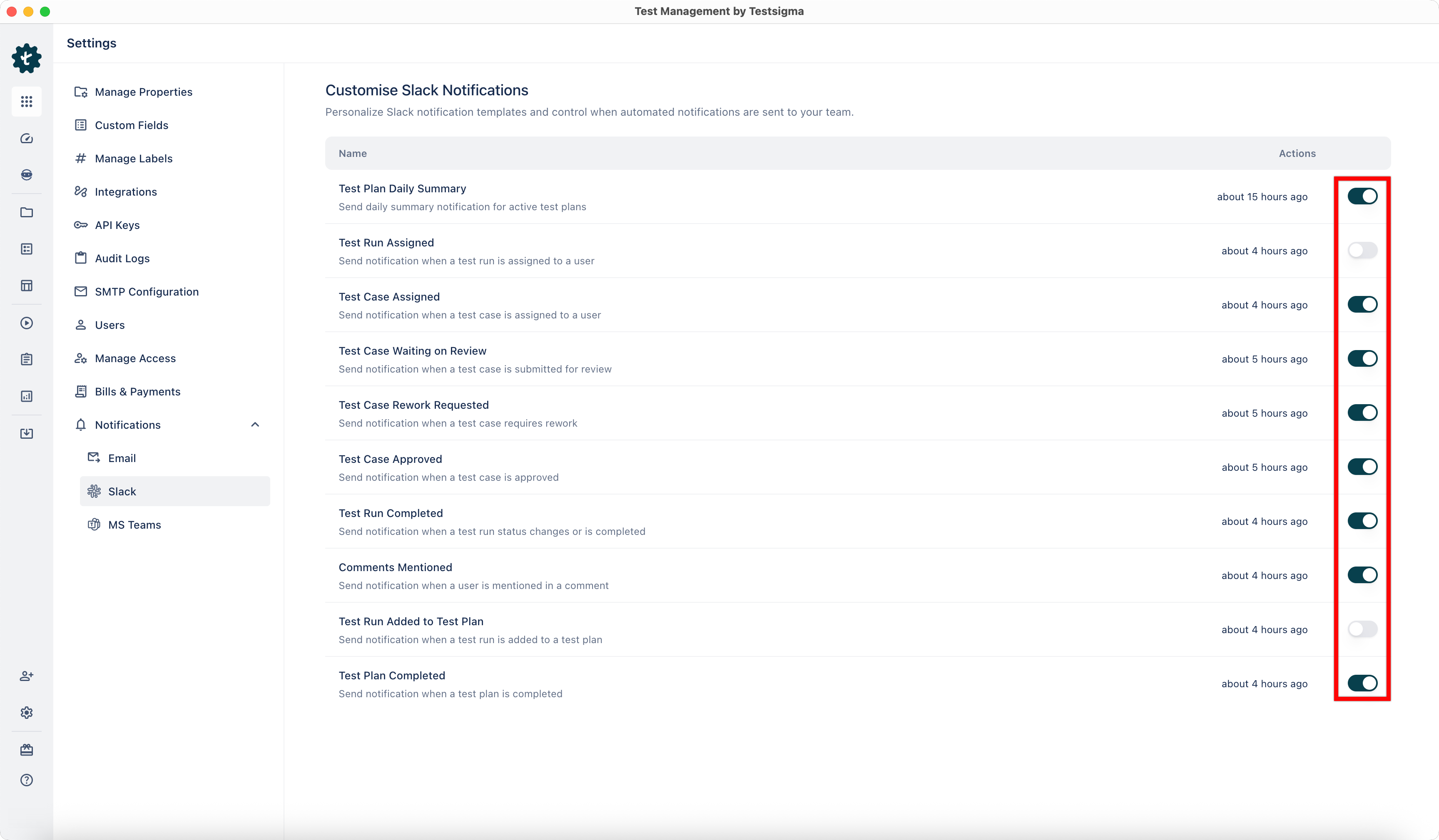
Arcus by Testsigma allows you to integrate with Slack and Microsoft Teams and configure custom notifications for various test entities. Notifications help teams stay aligned with ongoing testing activities by alerting users about key events such as assignments, status changes, and review updates. This article discusses setting up notifications in Arcus by Testsigma.
Prerequisites
Before you begin, ensure that you have an active account in the tools where you want to receive notifications.
Tools Available for Notification Integration
Entities Available for Notifications
1. Test Run Assigned
Send notification when a test run is assigned to a user
2. Test Case Waiting on Review
Send notification when a test case is submitted for review
3. Test Case Approved
Send notification when a test case is approved
4. Comments Mentioned
Send notification when a user is mentioned in a comment
5. Test Run Completed
Send notification when a test run status changes or is completed
6. Test Case Assigned
Send notification when a test case is assigned to a user
7. Test Case Rework Requested
Send notification when a test case requires rework
8. Test Run Added to Test Plan
Send notification when a test run is added to a test plan
9. Test Plan Completed
Send notification when a test plan is completed
10. Test Plan Daily Summary
Send daily summary notification for active test plans
Arcus by Testsigma allows you to configure notifications for each entity and enable or disable them based on your preferences.

Want to contribute or report missing content?