
Visual
Automation Testing
Uncover visual defects that functional tests may miss
Perform UI and functional tests in parallel, in one click
Check every page across 3000+ web and mobile devices
Get started now for FREE
By signing up, you agree to our Privacy Policy.





















Trusted by high-performing
Quality Engineering teams
10X
Faster Test Development
90%
Lesser Test Maintenance
30%
Shorter Development Cycle
Why Testsigma for
Visual Automation Testing
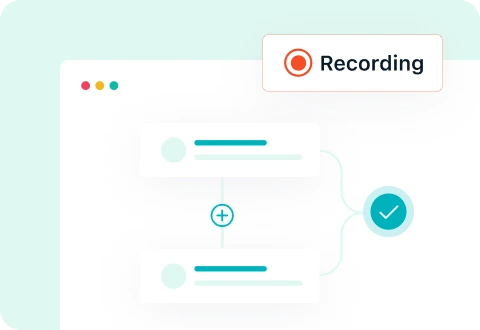
No-Code Visual
Test
Create tests by capturing screenshots automatically for each step and comparing the snapshots to detect any significant change

Visual and Functional
Testing
Run visual and functional tests in parallel in one-go to maximize coverage and save time covering both the tests

Cross-Platform
Compatibility
Perform visual automation testing for both web and mobile applications on 3000+ real mobile devices and OS/browser combinations.

Accelerate Automated Visual Automation
Testing Without Writing Any Code
Add visual verifications to existing tests with a single click
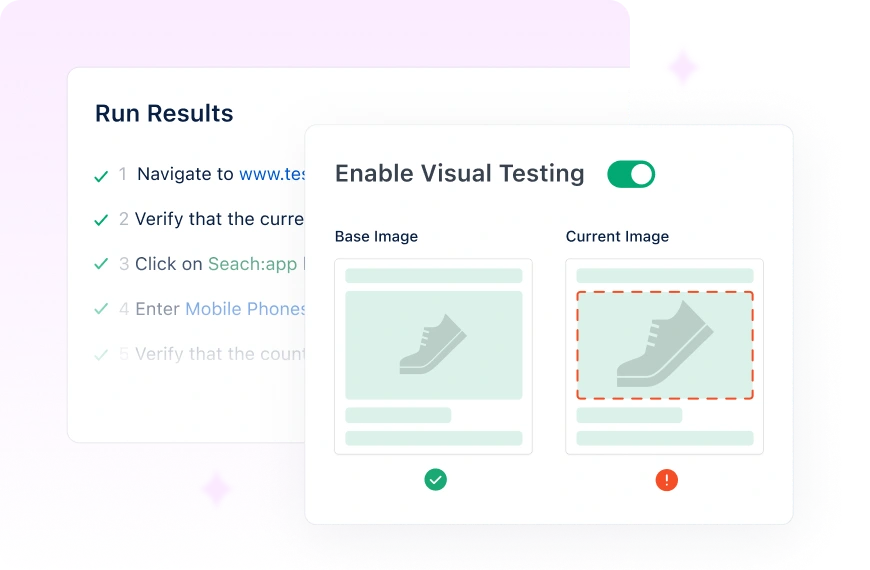
No need to create separate visual tests if already testing with Testsigma. Seamlessly integrate visual verifications into existing functional tests for comprehensive testing coverage
Get Started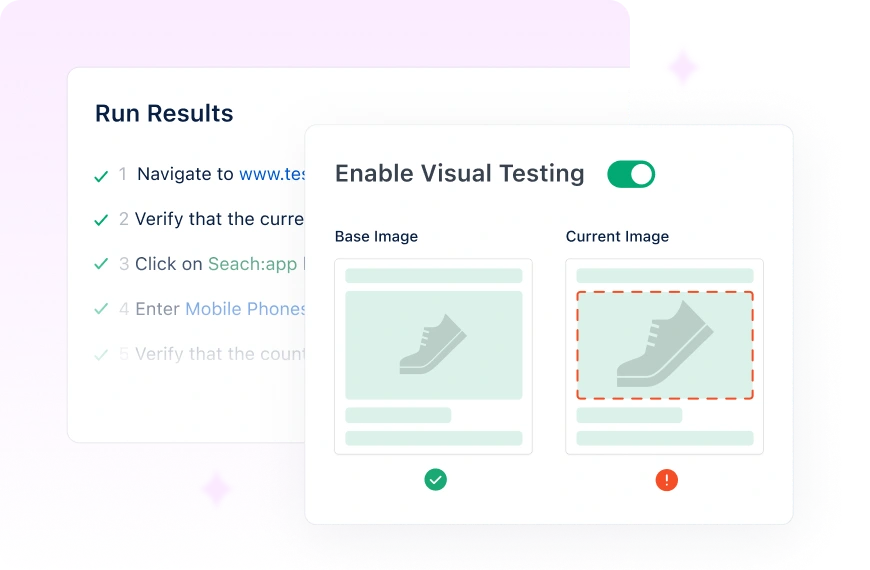
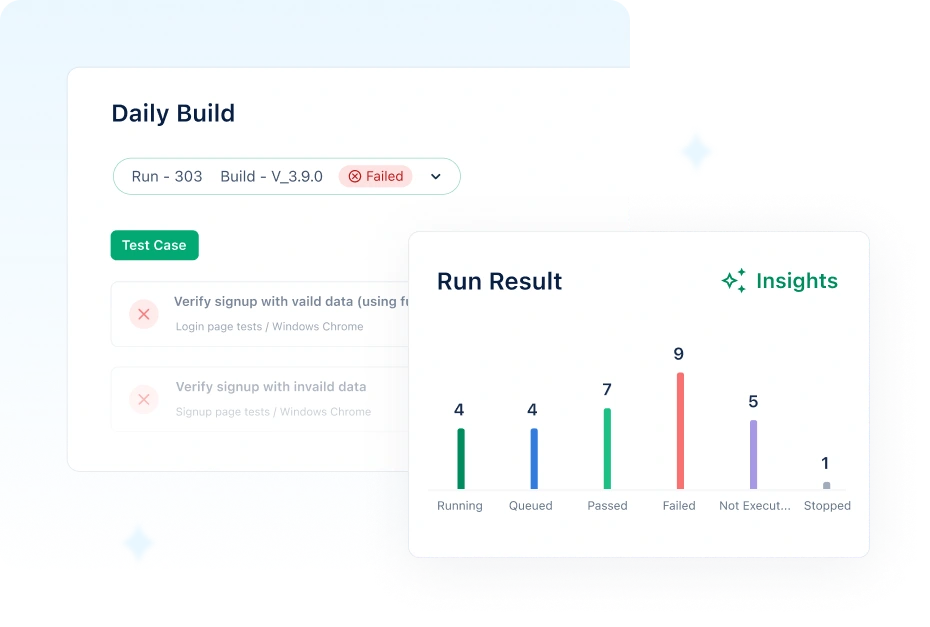
Built-in reporting and dashboard
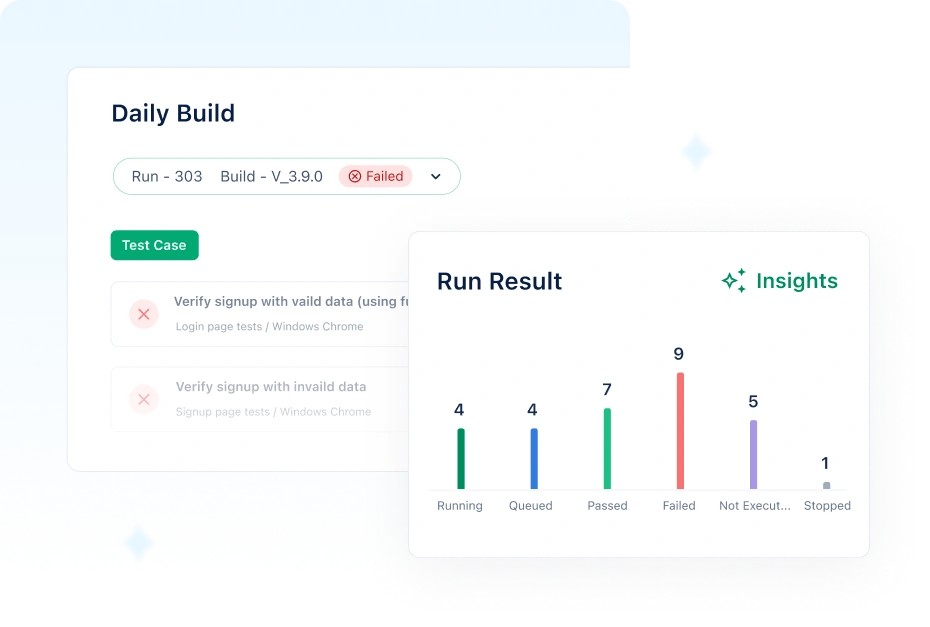
Review functional and visual test reports in a dashboard view. Get detailed reports via email, Slack, or your preferred tool, and instantly log issues into any bug-tracking tool
Select specific areas to test for visual differences
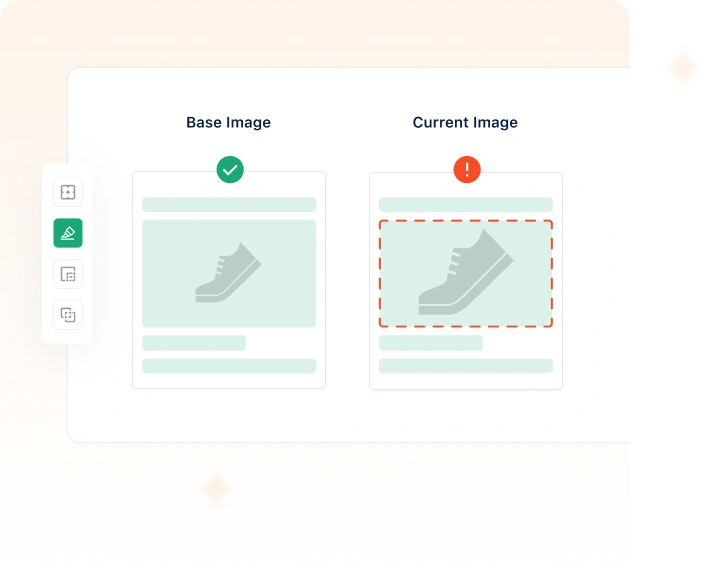
Choose exactly what areas to compare to test at ease, identify visual differences for specific elements of your application, and deliver the best possible user experience
Get Started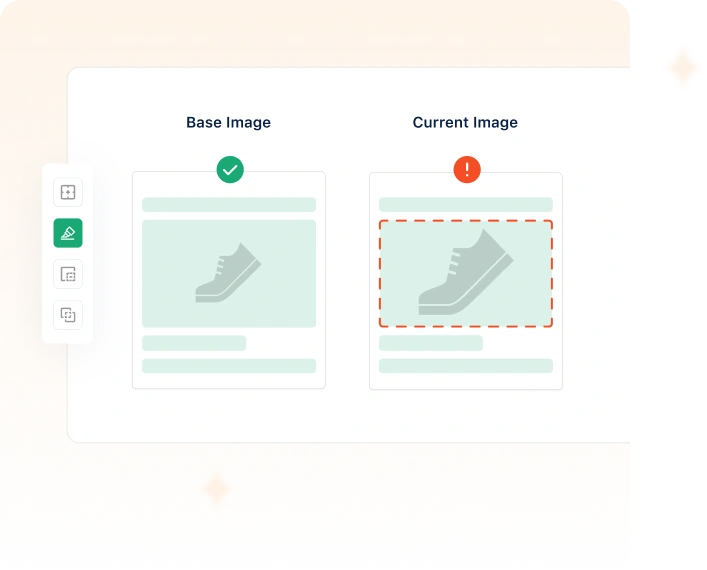
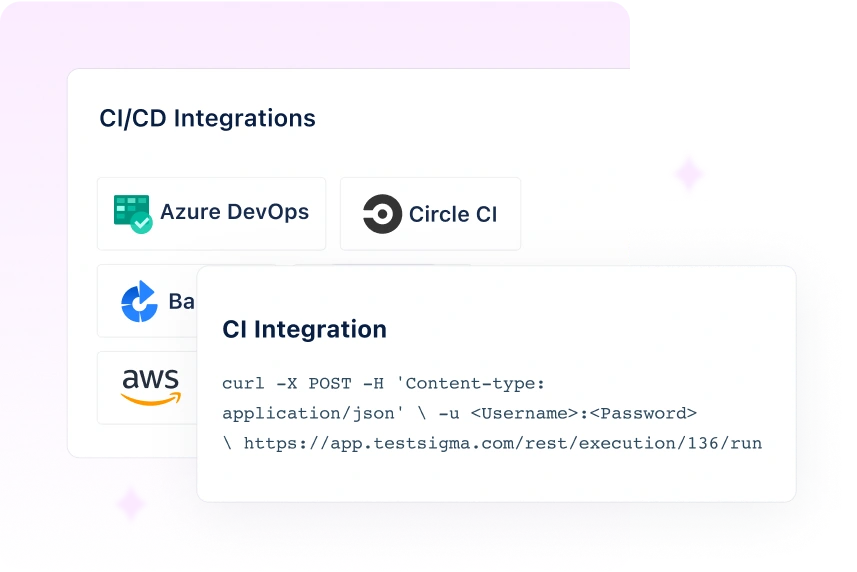
Run Visual Tests on Every Commit
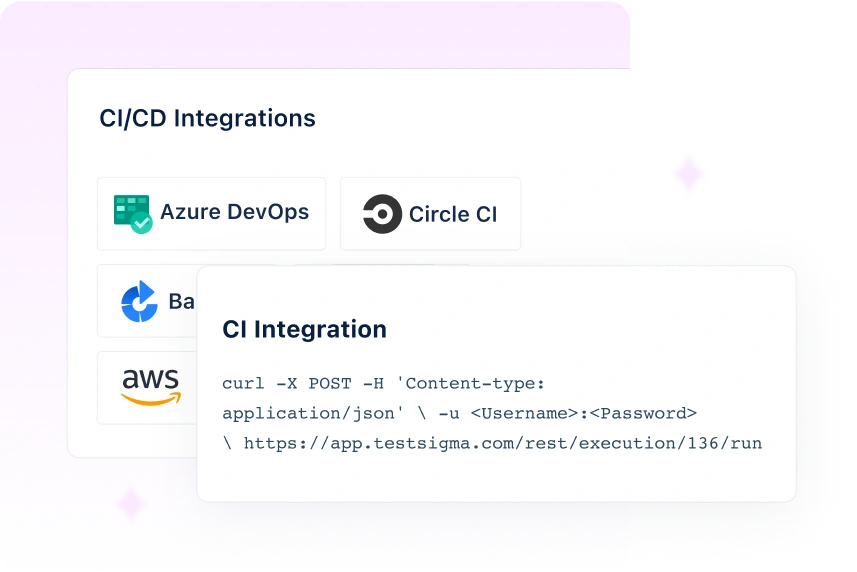
Integrate seamlessly with CI/CD platforms to perform automated visual tests on every commit. Gain valuable feedback in the early stages of the development cycle, accelerating progress and ensuring swift and frequent testing

Cloud-Based Platform for
End-to-End testing
One platform to test web, mobile, desktop apps, and APIs
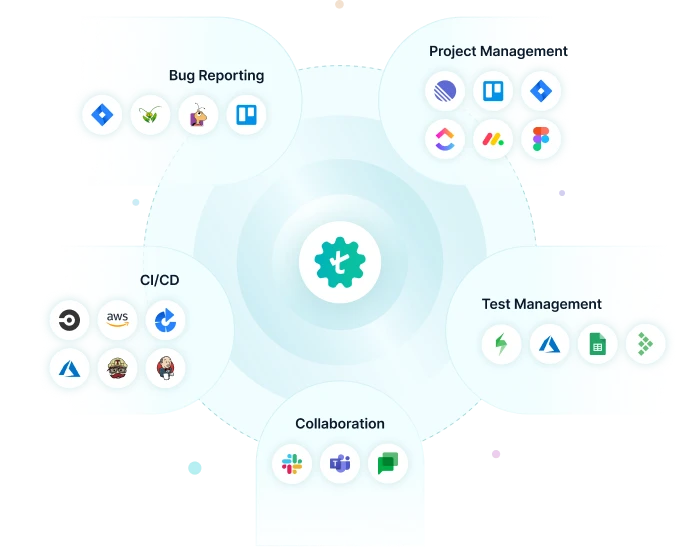
Seamlessly Fits Into Your Testing Workflow
Testsigma integrates with all your favourite tools, including JIRA, Jenkins, Azure DevOps, GitHub, and Bamboo to achieve continuous testing and feedback at DevOps speed. Ultimately, accelerate your release cycles and reduce time-to-market.
Testament of the Value Delivered


We chose Testsigma for its ease of use and flexibility. 80% of our test coverage is automated now, improving our software quality.


Automated Test Coverage

We run 5000+ test cases overnight, wake up to the results, and fix issues swiftly. The productivity boost and resource optimization achieved with Testsigma are truly commendable.

Automated Test Coverage


Testsigma has been a game-changer for our QA process. By automating 60–70% of our regression testing, we’ve significantly improved test coverage and reduced manual effort.

Regression Suite Automated


With Testsigma, we′ve reduced our test execution time from 8 weeks to just 5 weeks per sprint.

Regression Suite Automated


Testsigma changed the game for us - strategically, emotionally, and operationally. We’re not just building test scripts anymore. We’re building credibility.

Lower QA Effort


The clean UI and intuitive workflows make automation effortless. Instead of writing test cases from scratch, I can generate accurate AI-driven cases in minutes for any type of testing.

Reduced Test Creation Time


Testsigma has been a great addition to our QA workflow. We now catch bugs faster and run full regressions with ease.

Faster regression cycles
We run 5000+ test cases overnight, wake up to the results, and fix issues swiftly. The productivity boost and resource optimization achieved with Testsigma are truly commendable.
Automated Test Coverage
Testsigma has been a game-changer for our QA process. By automating 60–70% of our regression testing, we’ve significantly improved test coverage and reduced manual effort.
Regression Suite Automated
With Testsigma, we′ve reduced our test execution time from 8 weeks to just 5 weeks per sprint.
Regression Suite Automated
Testsigma changed the game for us - strategically, emotionally, and operationally. We’re not just building test scripts anymore. We’re building credibility.
Lower QA Effort
The clean UI and intuitive workflows make automation effortless. Instead of writing test cases from scratch, I can generate accurate AI-driven cases in minutes for any type of testing.
Reduced Test Creation Time
Testsigma has been a great addition to our QA workflow. We now catch bugs faster and run full regressions with ease.
Faster regression cycles
Frequently Asked Questions
Yes, Testsigma caters to both web and mobile app visual testing. It offers device emulation, mobile-specific interactions, and validation across multiple platforms to ensure consistent visual quality.

Start visual automation testing with Testsigma