
The Azure DevOps Test Management Tool Built for Release Readiness
Two-way integration ensures updates in ADO reflect in Test Management by Testsigma instantly, and vice versa
Live test status inside every ADO work item - no tab-switching, no need to check with QA
AI generates test cases from your user stories, linked from day one
Full traceability from requirement to execution result, inside Azure DevOps
No credit card required · 5-minute setup
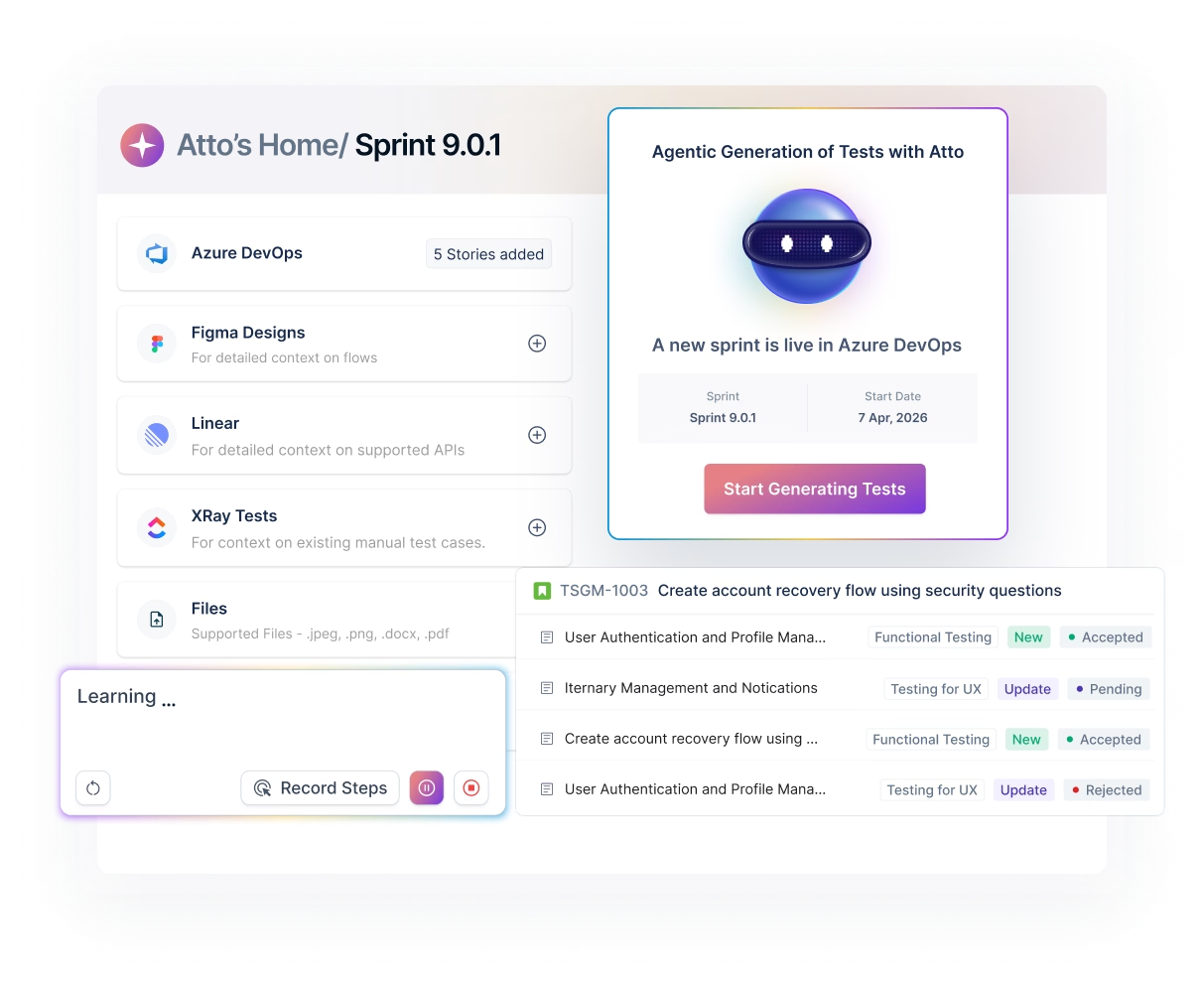



















You’re shipping from ADO. You’re deciding from somewhere else.
The Problem :
Tests live outside ADO. Releases run on guesswork.
- Test status lives in a spreadsheet or a separate TMS. QA knows but nobody else does until they ask.
- No way to confirm a story was tested before it ships. Gaps surface in production.
- Someone on QA manually compiles coverage numbers each sprint. It takes time nobody has.
The Solution :
Test Management by Testsigma x Azure DevOps
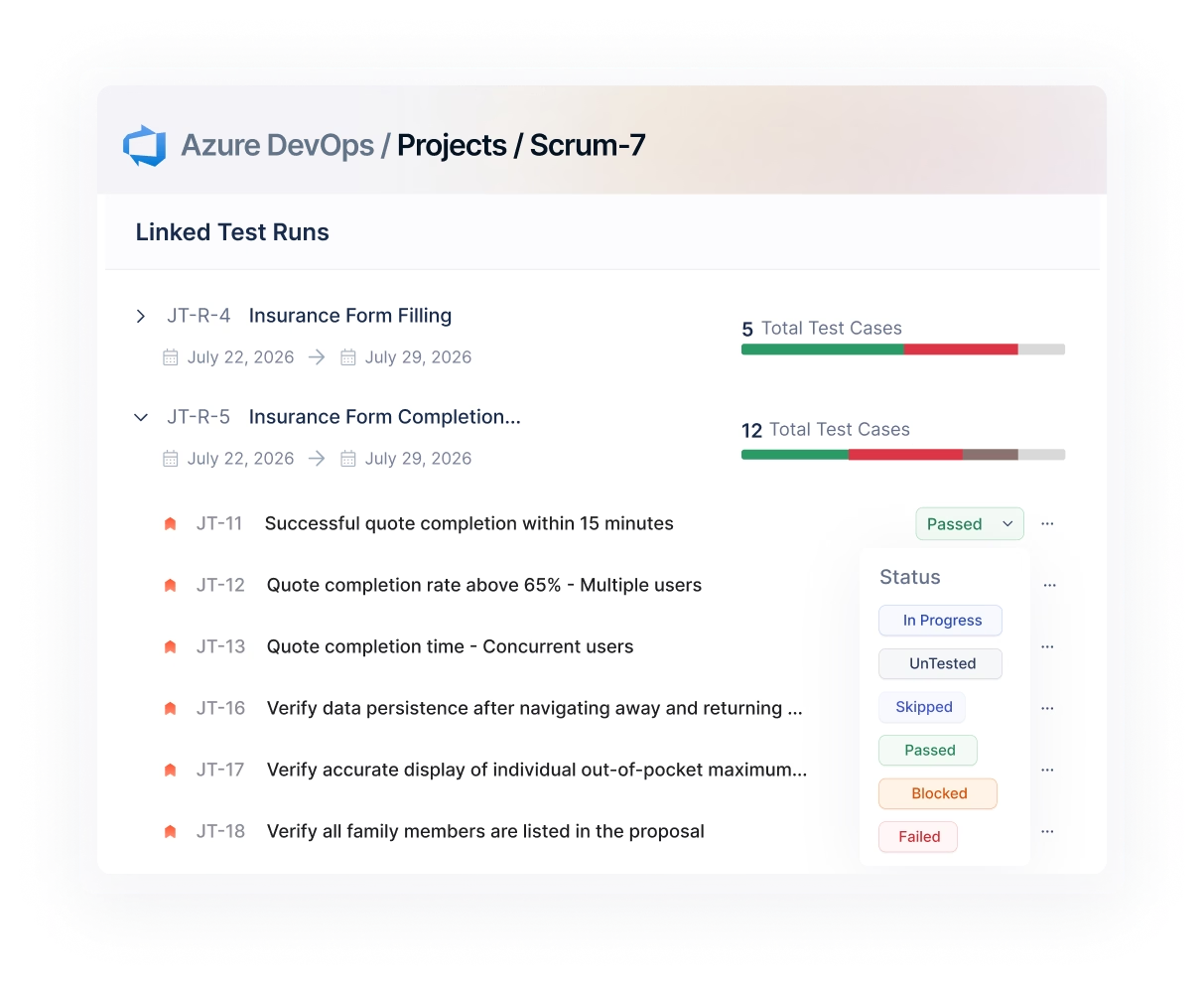
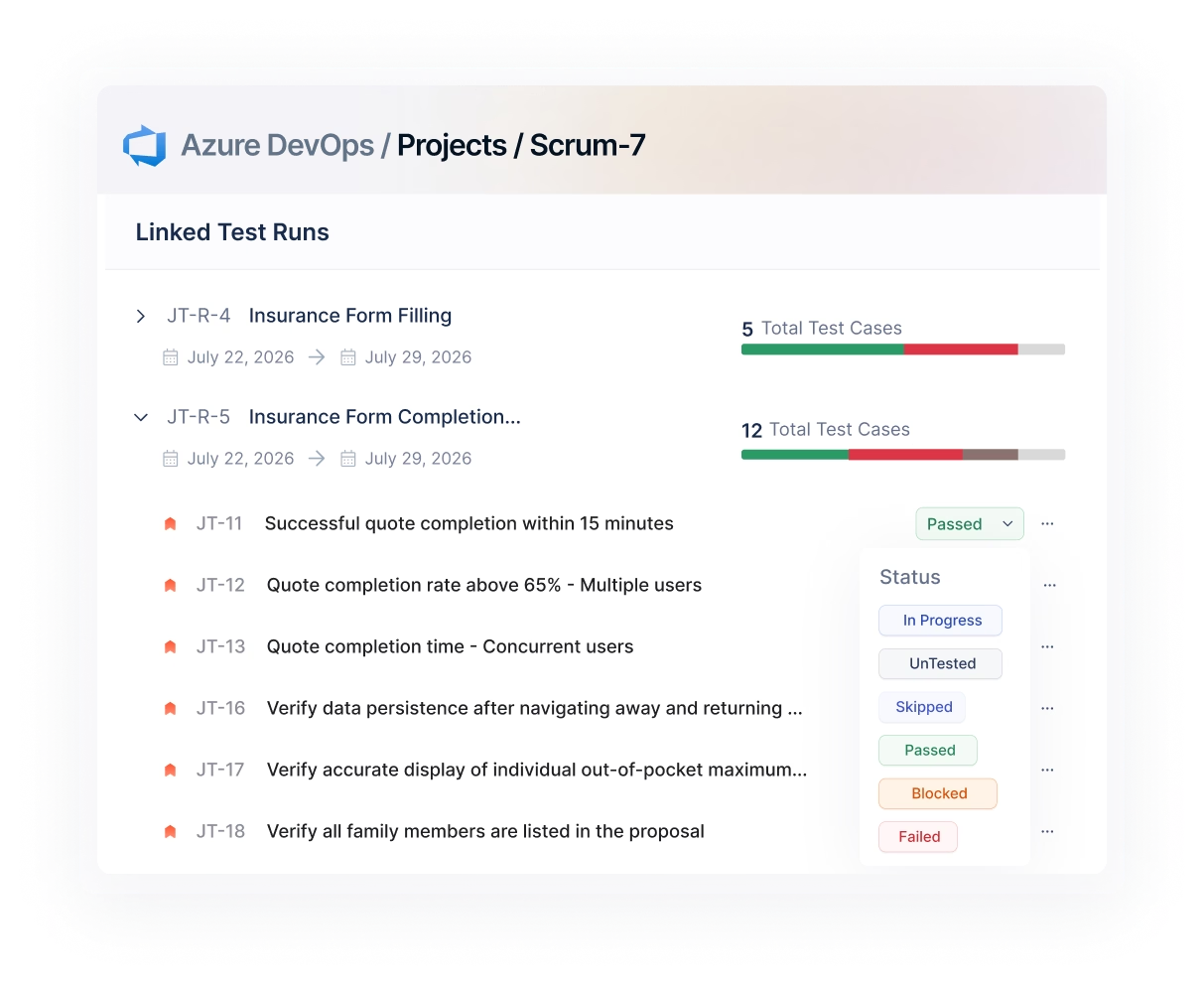
- Pass/fail status is in the work item itself – visible to QA, dev, and PM without a status meeting.
- Every work item shows which tests ran against it and what they returned – before the sprint review.
- Coverage trends, run history, and pass rates update automatically as tests execute.

Every work item becomes a quality checkpoint
Shift-left with ease: Start testing the minute Jira sprint starts
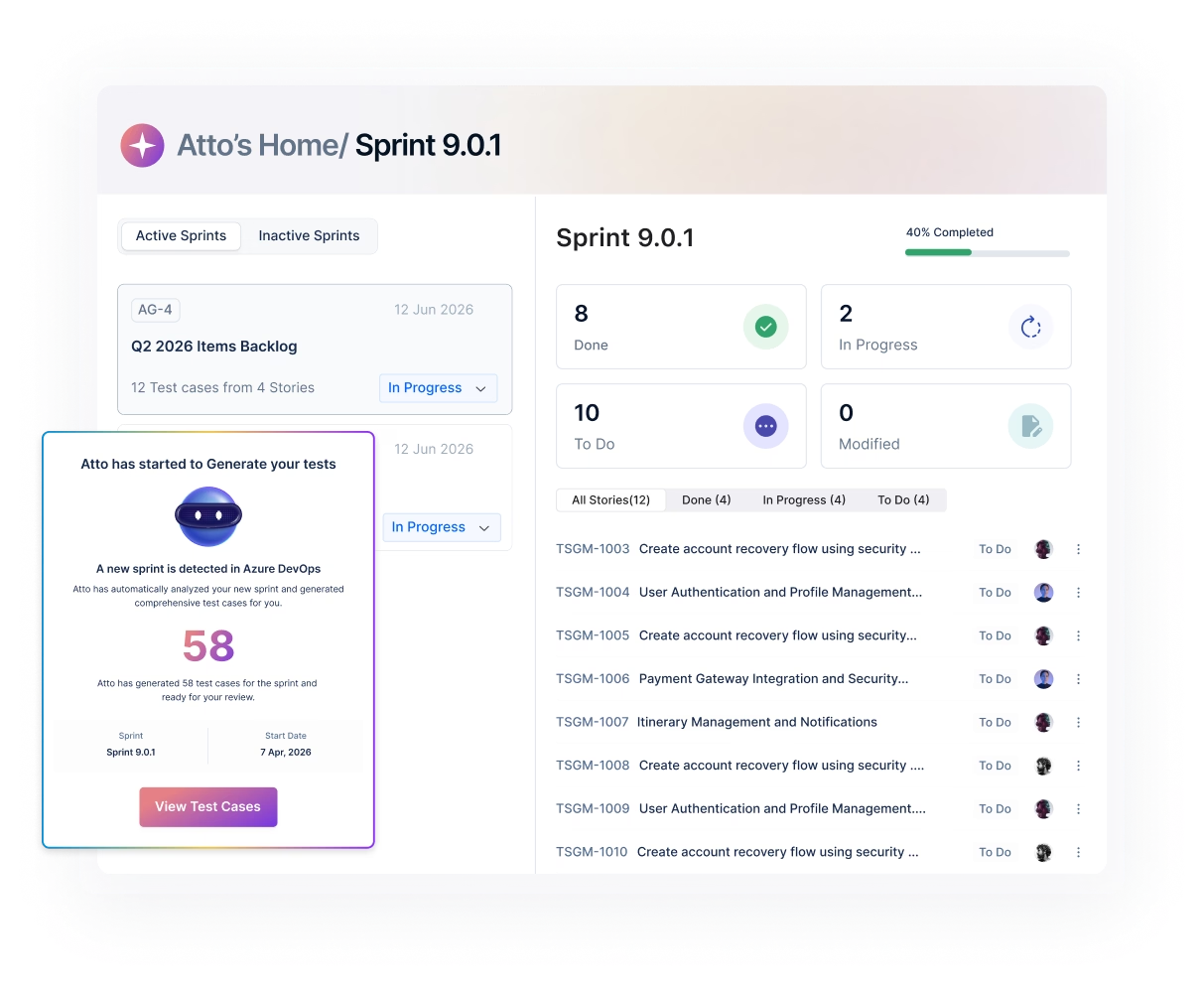
Open any ADO work item and see which tests are linked, what the last run returned, and whether coverage is slipping - no tab-switching, no asking QA for a status update.
Live pass/fail status in a test panel built into every work item
Mark tests passed or failed from ADO - results sync to TMS instantly
Changes in TMS reflect back in ADO automatically, with no manual reconciliation
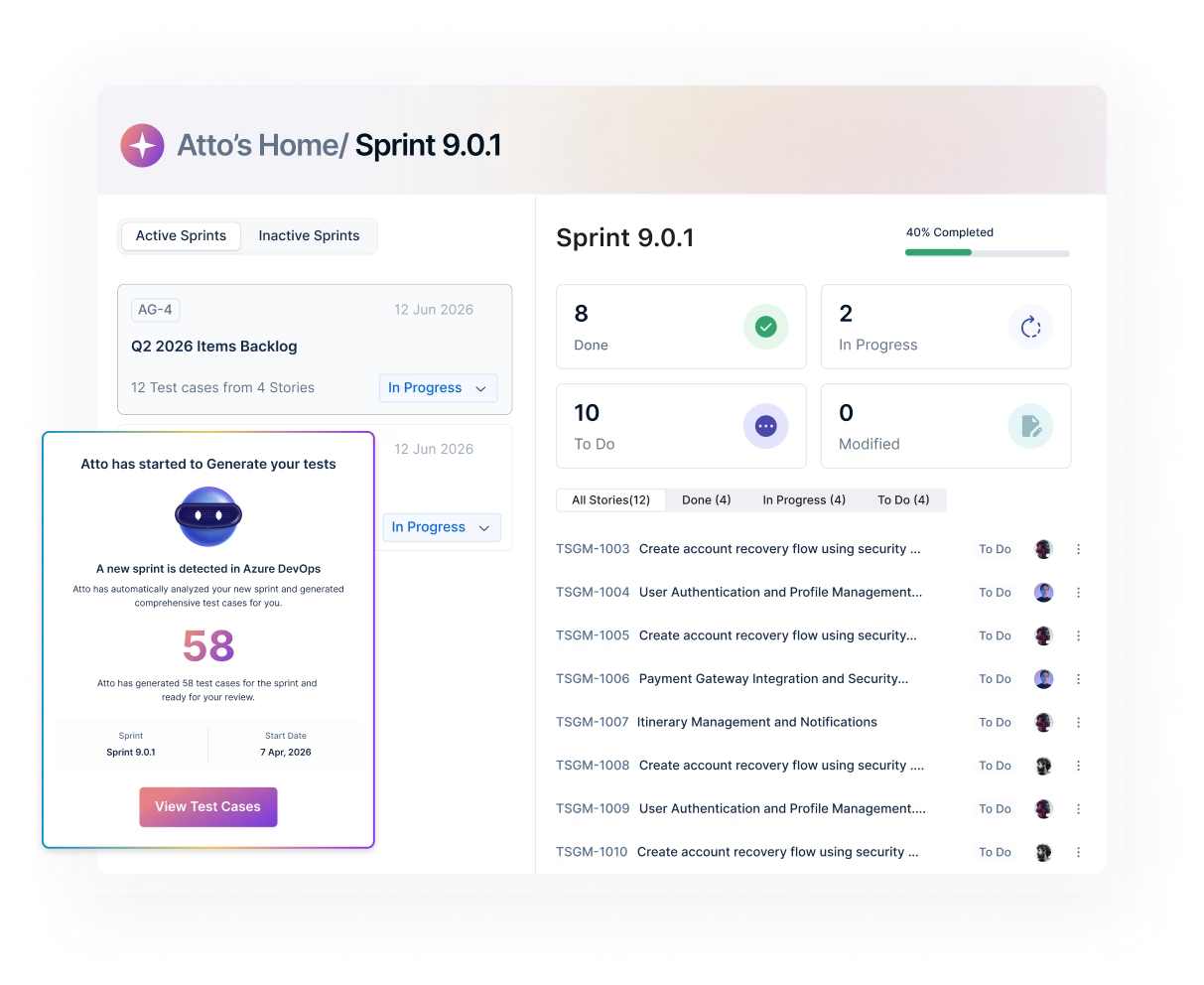
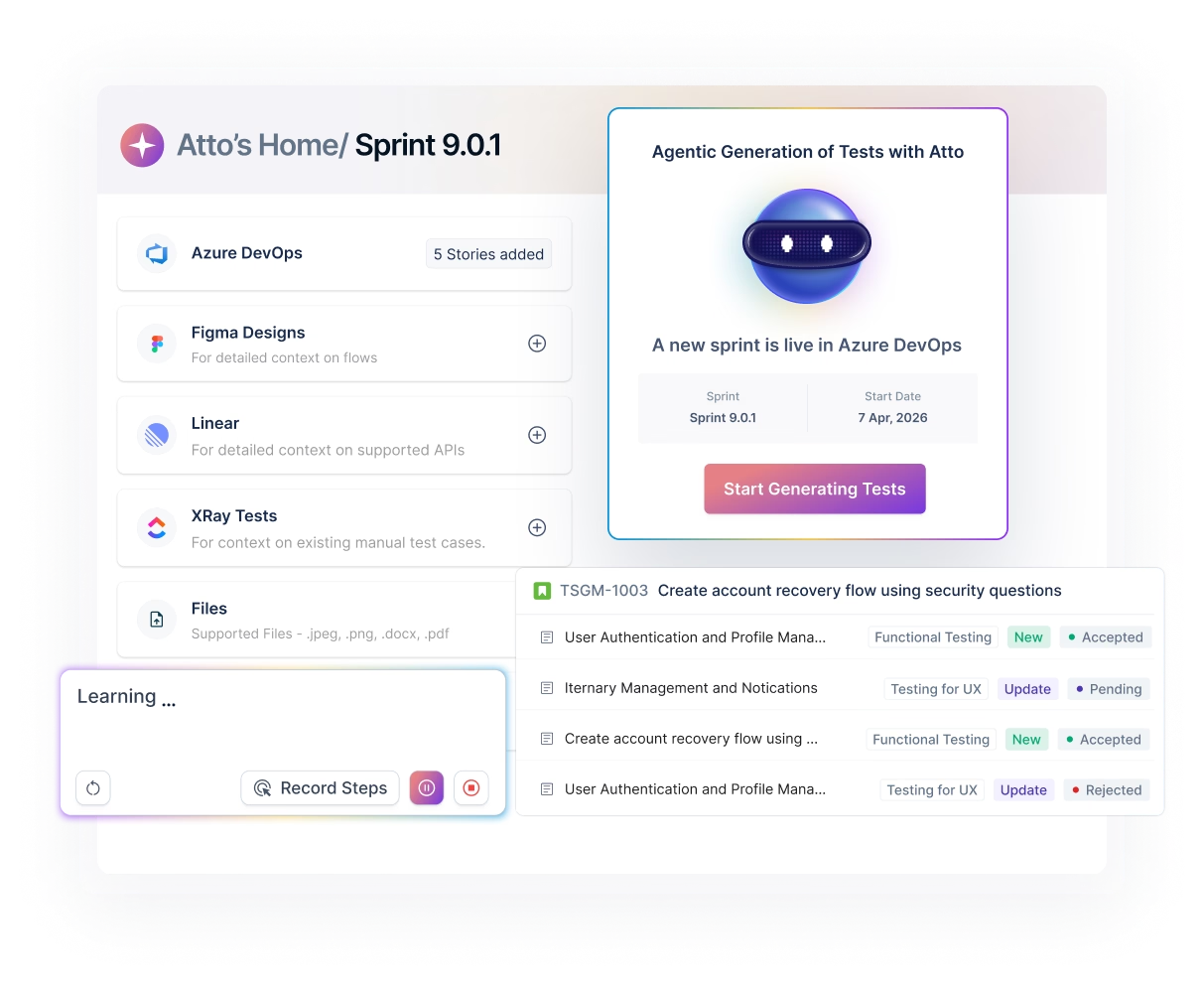
Test cases generated from your user stories, updated when they change
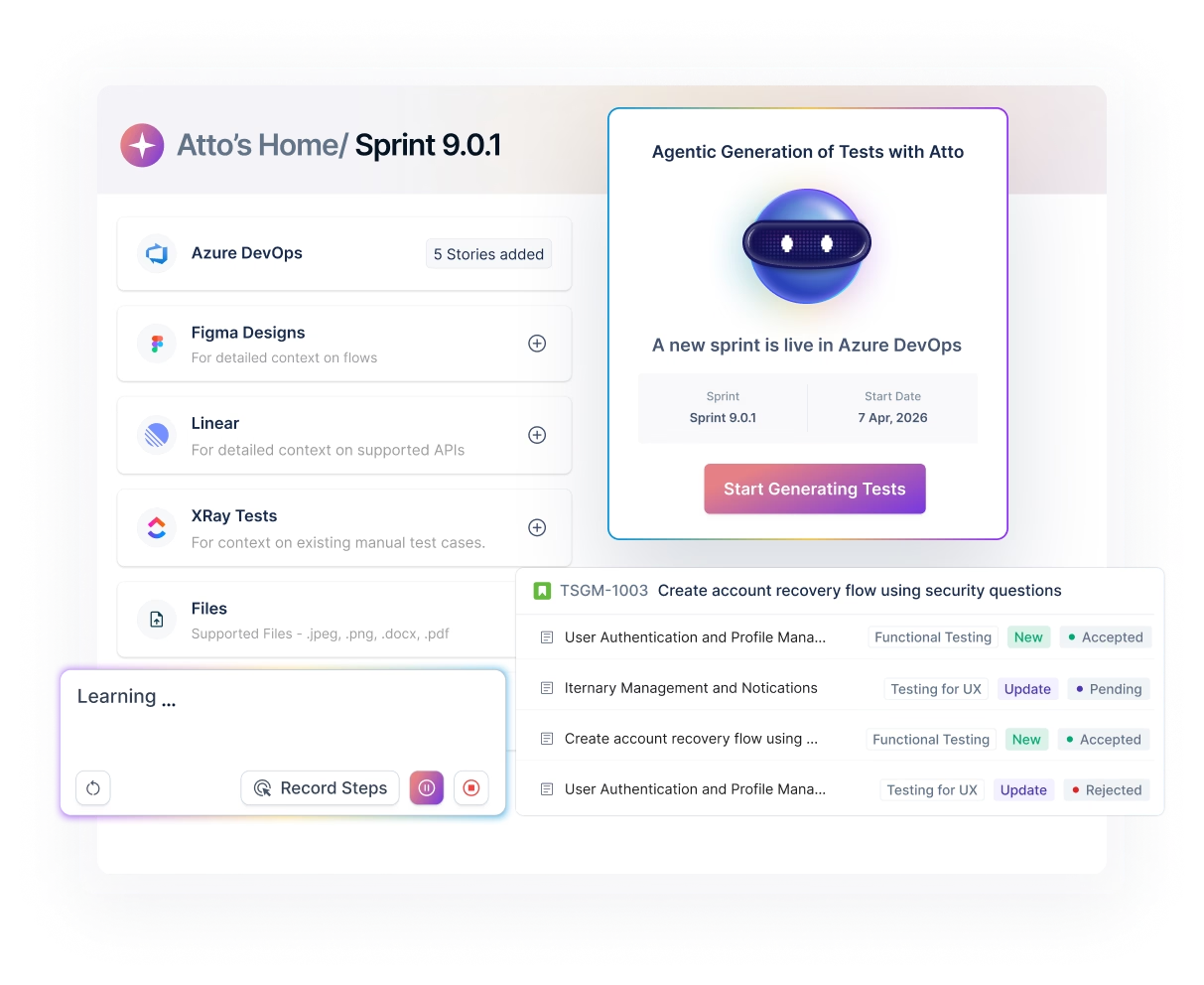
Open any ADO work item and see which tests are linked, what the last run returned, and whether coverage is slipping - no tab-switching, no asking QA for a status update.
Generate linked test cases from any issue type in one click
Modified stories get a "changed" tag so the team knows what needs fresh coverage
Every generated test case is auto-linked to its source work item from day one
From failed test to filed defect to triggered pipeline - in one workflow
When a test fails, Atto pre-fills the bug report from the run so the defect is ready to submit. When a build deploys, your YAML pipeline triggers the next test plan without any reconfiguration.
Pre-filled fields include steps to reproduce, expected vs. actual results, Priority, and Area Path
Two values in your YAML script - Plan ID and API Key - trigger a test plan run from any build
Select dev, staging, or production at run time - no separate test case branches needed
Coverage reporting already in ADO when someone asks
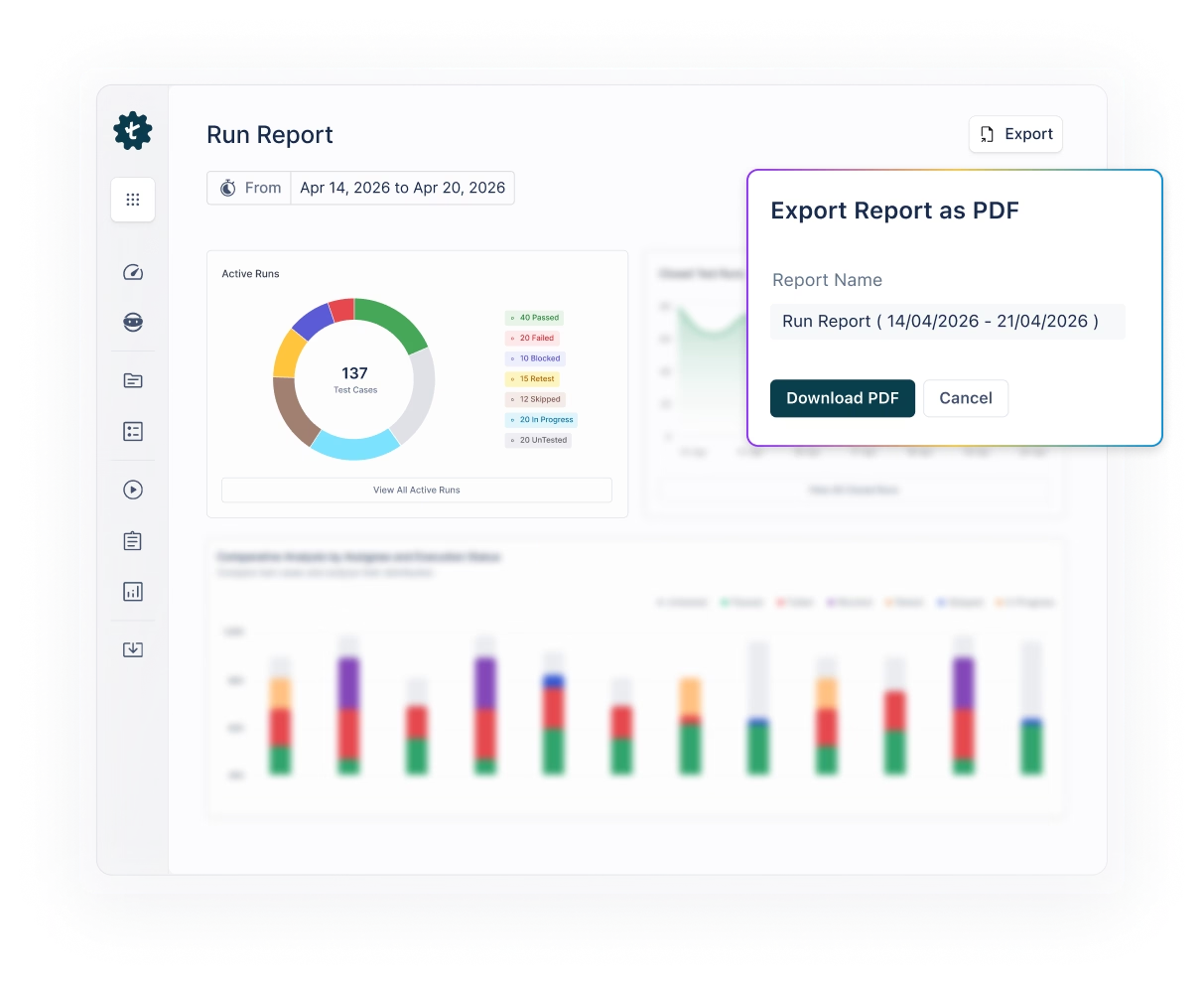
Pass/fail rates, sprint trends, and run history live inside ADO - not in a file that needs downloading before the answer is usable.
Automated email or Slack summaries fire when a plan completes
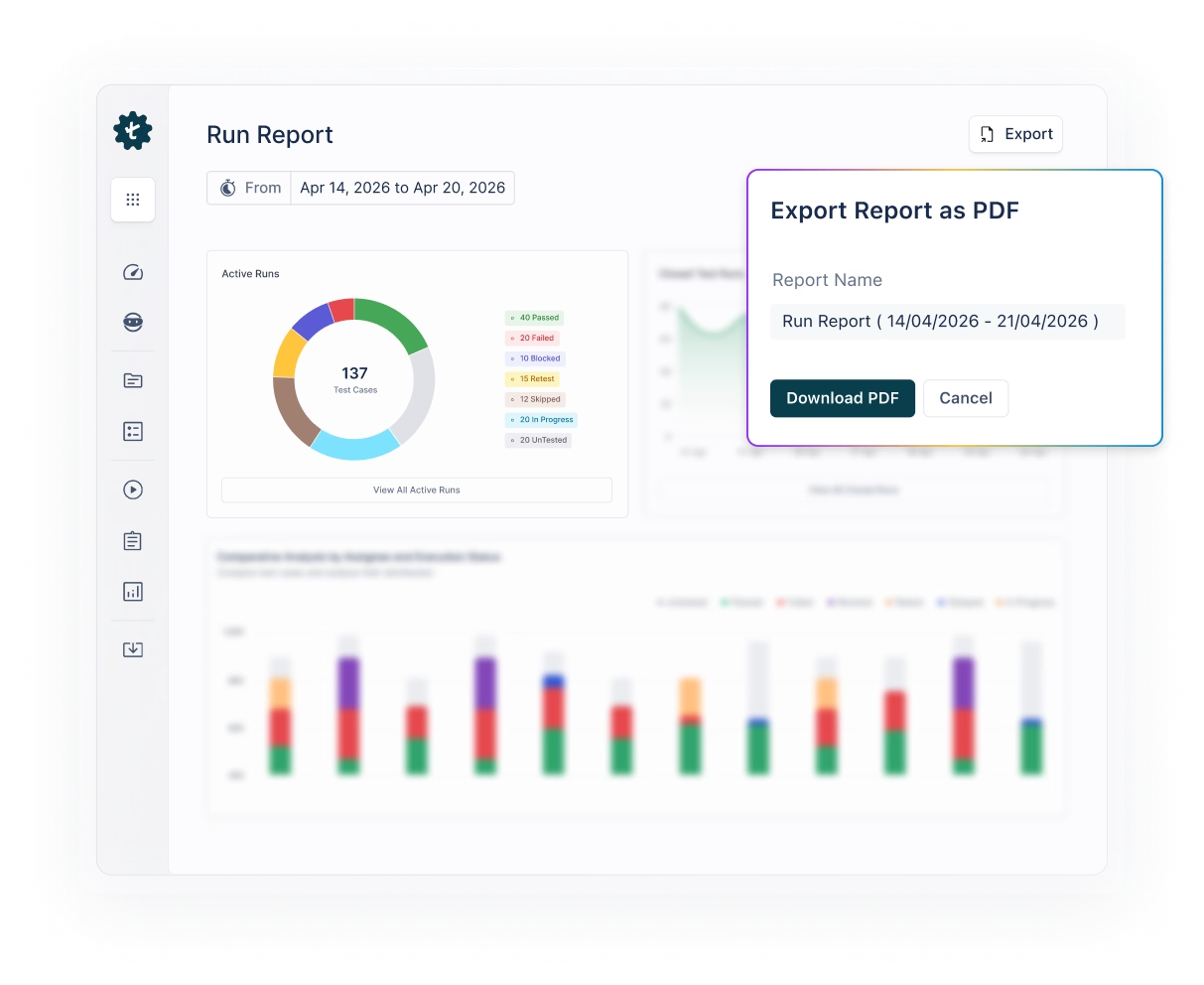
Export reports as PDF, Excel, or JUnit for audits and governance reviews
Coverage across sprints and releases visible to anyone with ADO access
Built for teams where QA and Dev share a board
QA teams use the work item test panel as a day-to-day execution hub - linking test cases to stories as they’re written, running tests as the sprint progresses, and catching regressions before they reach the sprint review.
Engineering Managers use the coverage view to confirm that ’done’ means tested, not just built - surfacing gaps early instead of at the release gate.
Release and governance teams use the requirement-to-execution traceability for audit-ready reporting: every work item connects to test cases, every test case connects to run outcomes.
Product Managers get an at-a-glance quality signal inside ADO without needing a seat in TMS or a status update from QA.
How does Jira test management work
with Testsigma?
Install the Test Management by Testsigma extension from the Azure DevOps Marketplace.
Authorize the connection via OAuth - no API keys to generate or manage at this stage.
Open any work item in your project and the test management panel is already there.
Requirements:
- Azure DevOps Services or Azure DevOps Server 2019+.
- Project Administrator permissions for the one-time setup.
- An active Test Management by Testsigma account.
Frequently Asked Questions